



 Shopping Cart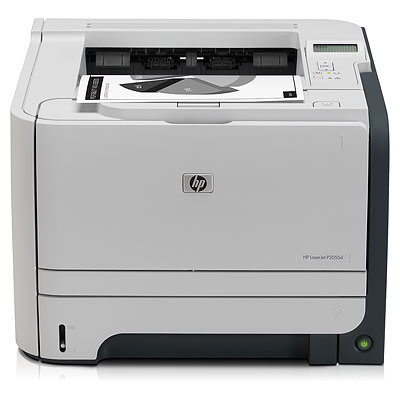



*** ALL TONERS AND SUPPLIES ARE IN STOCK AT DISCOUNTED PRICING , CALL +18882983095.
All reconditioned printers do not include supplies - toners , drums (Imaging Units) (where applicable) , printer cables , manuals , consumables, trays (where applicable). Power cables are included. Drivers can be downloaded from the manufacturers website. Please verify that drivers available are compatible with your software on the manufacturers site.
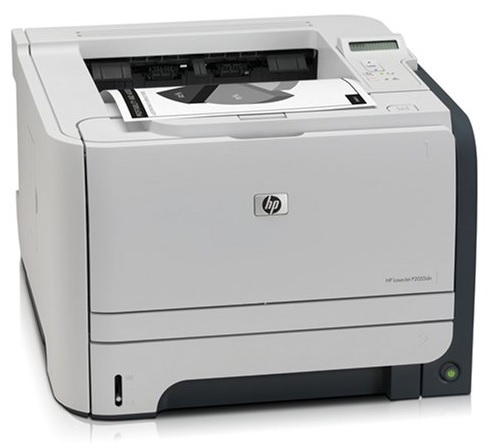
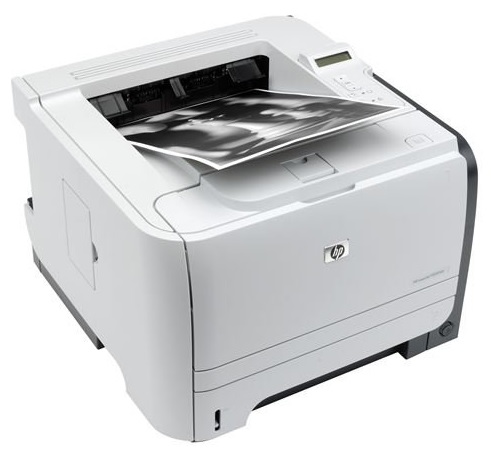
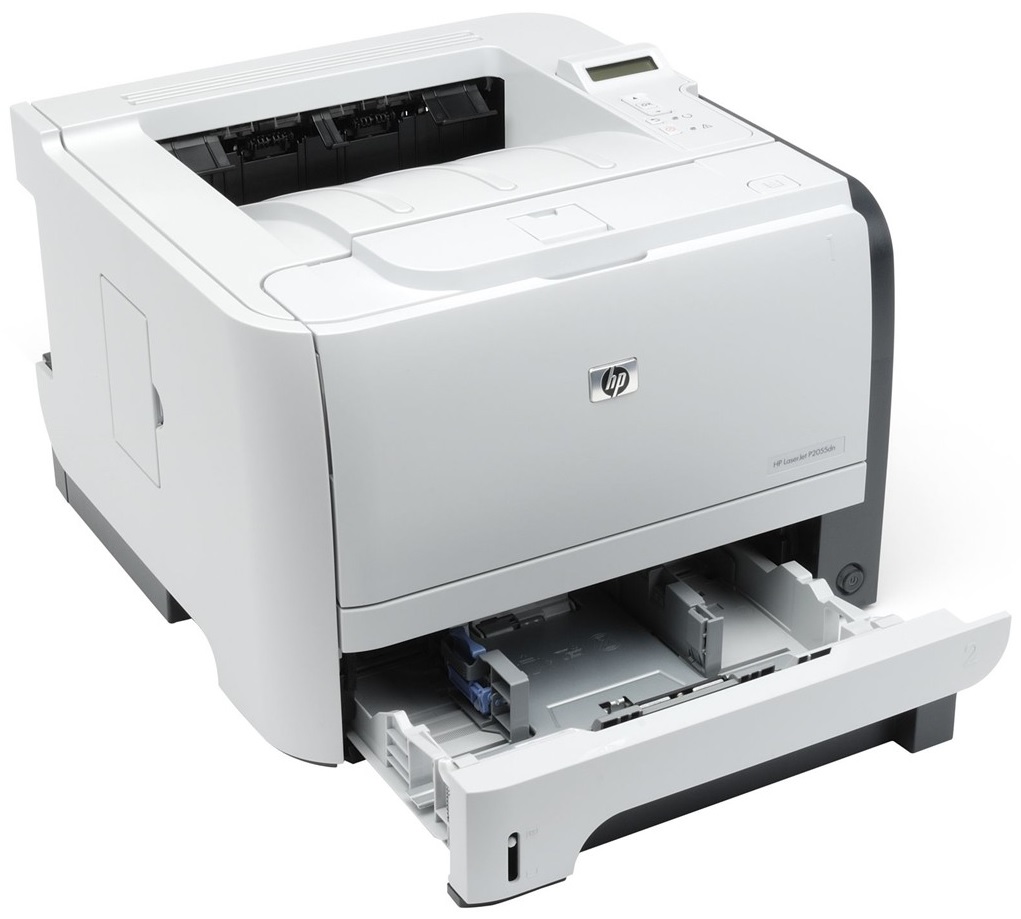
Images are for illustration purposes only and do not necessarily reflect the actual product.Product Details
Specifications
Accessories
Reviews
Product Details
Main Features
- Print speed: 35 pages per minute
- First page out: 8 seconds
- Resolution: 1200 dpi
- Processor: 600 MHz
Specifications
General Specifications
|
Print speed |
Up to 35 ppm, letter |
|
Document delivery speed |
First page out as fast as 8 seconds from Ready mode, letter |
|
Print resolution |
Up to 1200 by 1200 dpi; HP ProRes 1200; Resolution Enhancement technology (REt) |
|
Processor |
600 MHz |
|
Memory |
128 MB (expandable up to 384 MB via 1 open 144-pin DIMM slot) |
|
Durability ratings |
Recommended monthly volume 750 to 3,000 pages |
|
Duty cycle |
50,000 pages |
|
Paper Input |
50-sheet multipurpose tray 1, 250-sheet tray 2 |
|
Paper Output |
150-sheet output bin |
|
Two-sided printing |
Automatic |
|
Sizes |
|
|
Multipurpose tray 1 |
letter, legal, statement, executive, index cards, envelopes [No. 10 (Com), No. 7 ¾ (Monarch)]; custom 3 by 5 in to 8.5 by 14 in |
|
Trays 2 and 3 |
letter, legal, executive; custom 4.1 by 5.8 in to 8.5 by 14 in |
|
Automatic two-sided printing unit |
letter, legal |
|
Weights |
|
|
Multipurpose tray 1 (straight-through paper path for special media) |
16 to 43 lb |
|
Trays 2 and 3 |
16 to 32 lb |
|
Automatic two-sided printing unit |
16 to 28 lb |
|
Types Paper |
(bond, light, heavy, plain, recycled, rough), envelopes, labels, cardstock, transparencies, heavy media |
|
Dimensions (w by d by h) |
14.4 by 14.5 by 10.6 in 14.4 by 14.5 by 15.9 in |
 Download Manufacturer Specifications
Accessories

Reviews


Media settings on your printer determine how much ink will be used. Thinly coated glossy films require less ink, while plain paper soaks in more.
Most printers will beep once or twice during or after initialization. If it beeps more than that or beeps constantly, it is telling you that something is wrong. Most printers beep when out of paper or out of ink.
Flashing light on your printer? Each printer has a different reason for a blinking or orange light but in general it is due to a paper jam, an empty paper tray, a printer cartridge problem or a problem with the printer hardware.
MY ACCOUNT
INFO & POLICIES
SHOP EASY
PAYMENT OPTIONS



