



 Shopping Cart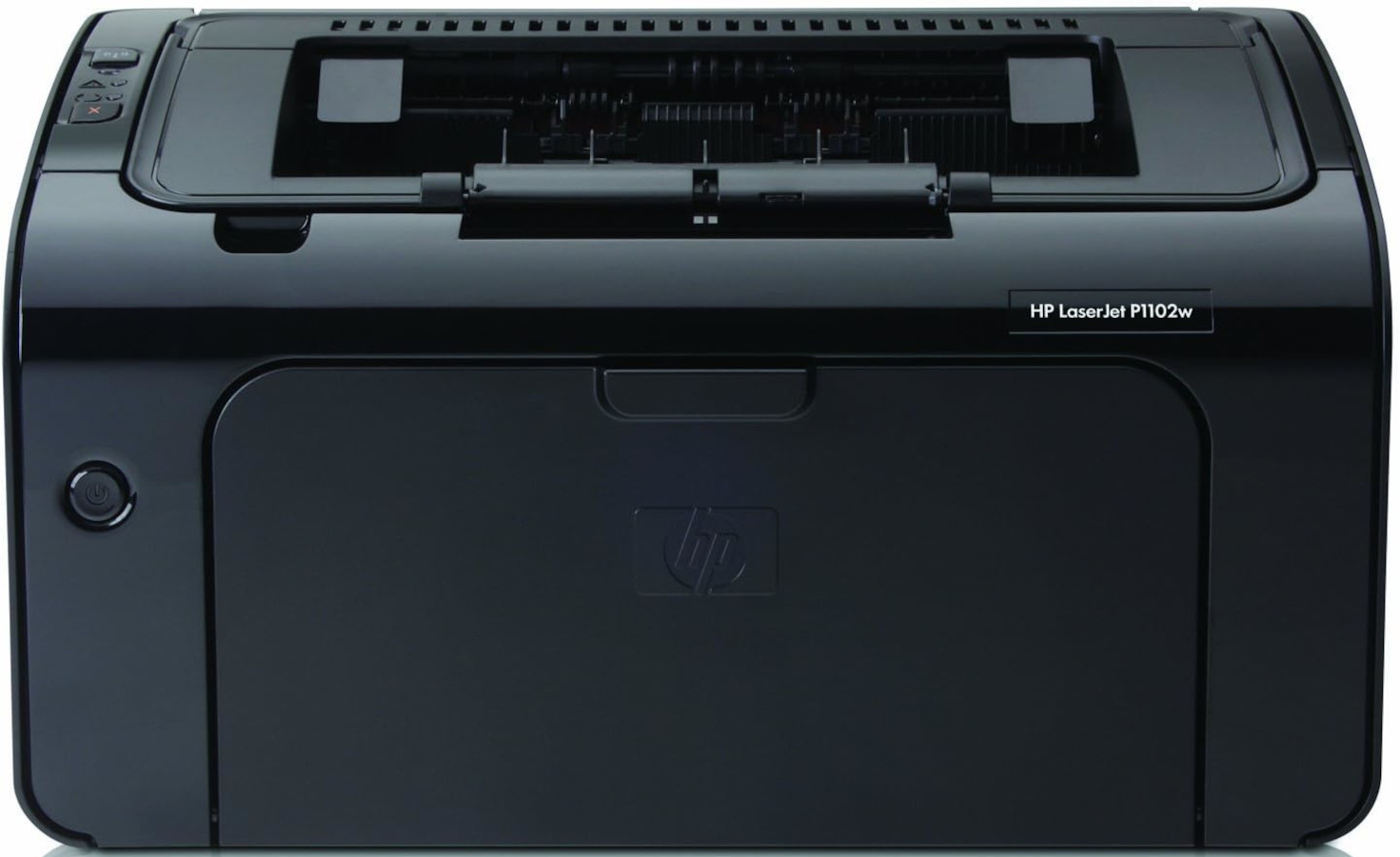


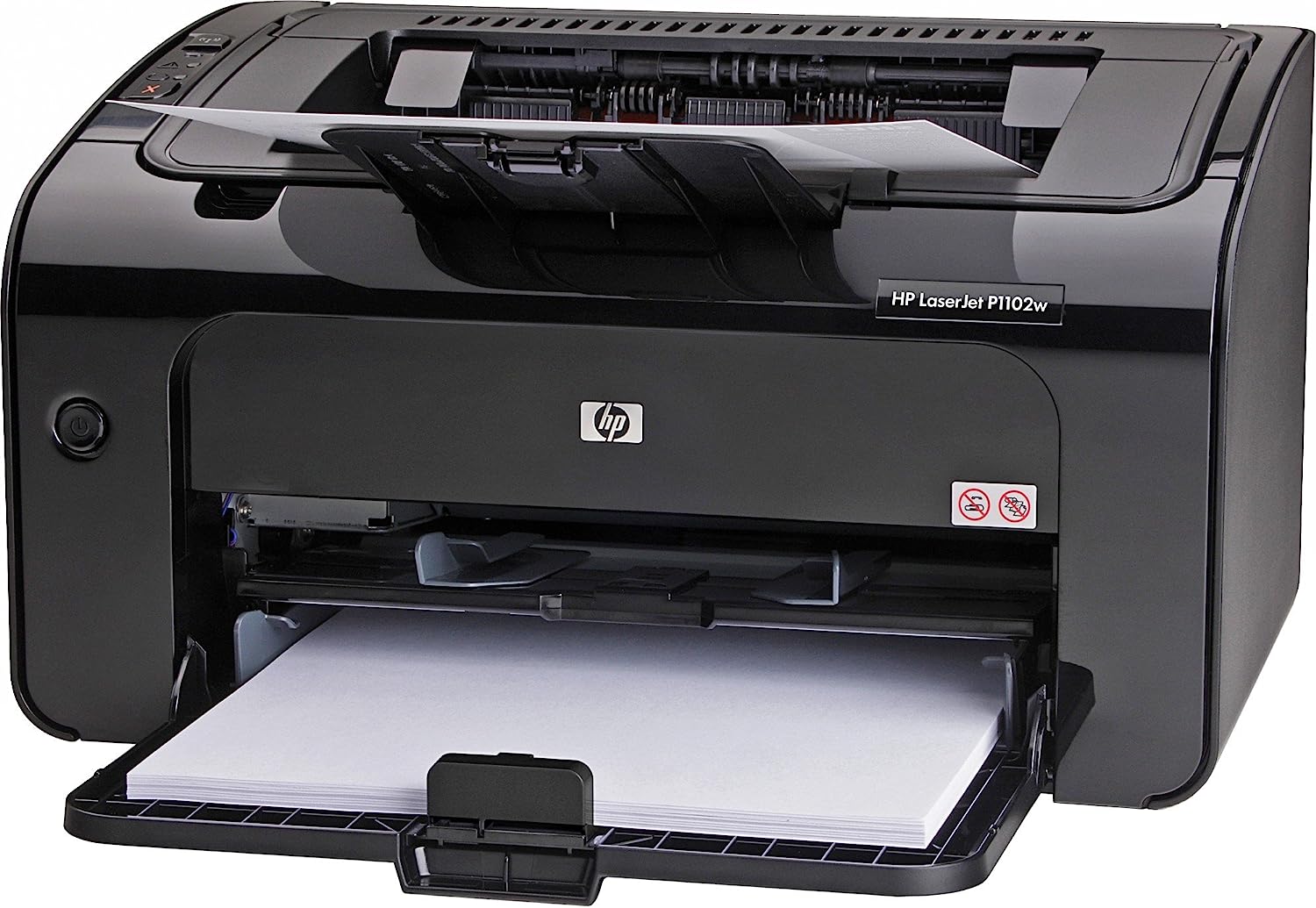
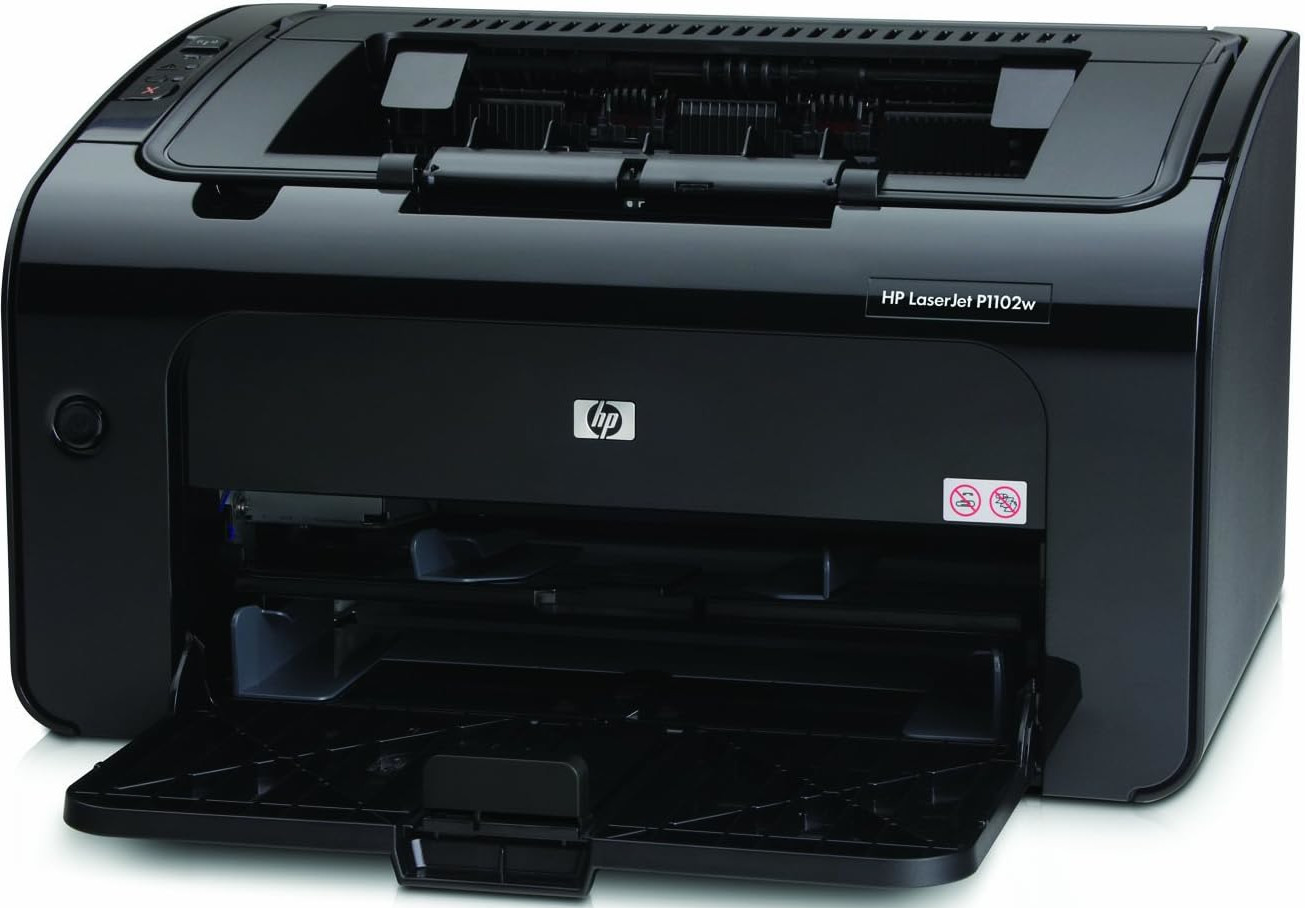

*** ALL TONERS AND SUPPLIES ARE IN STOCK AT DISCOUNTED PRICING , CALL +18882983095.
All reconditioned printers do not include supplies - toners , drums (Imaging Units) (where applicable) , printer cables , manuals , consumables, trays (where applicable). Power cables are included. Drivers can be downloaded from the manufacturers website. Please verify that drivers available are compatible with your software on the manufacturers site.
Product Details
Specifications
Accessories
Reviews
Product Details
Main Features
- Monochrome Laser Printer
- Print Speed: 19 ppm
- Print Quality: 600 x 600 x 2 dpi
- Monthly Duty Cycle: Up to 5000 Pages
- Easy-to-use, Intuitive Control Panel
- 266 MHz Processor Speed
- Energy Efficient
Specifications
General Specifications
|
Print Speed Black |
Up to 19 ppm |
|
First Page Out |
As fast as 8.5 Seconds |
|
Print Quality |
Up to 600 x 600 x 2 dpi |
|
Duty Cycle (monthly, A4) |
Up to 5000 Pages |
|
Print Technology |
Laser |
|
Processor Speed |
266 MHz |
|
HP ePrint Capability |
Yes |
|
Mobile Printing Capability |
HP ePrint, Apple AirPrint, Wireless Direct Printing |
|
Wireless Capability |
Yes, built in Wi-Fi 802.11 b/g |
|
Memory |
8 MB |
|
Paper Handling Input |
10-sheet priority feed slot 150-sheet input tray |
|
Paper Handling Output |
100-sheet output bin |
|
Output Capacity |
Up to 100 sheets |
|
Duplex Printing |
Manual (driver support provided) |
|
Minimum Dimensions (W x D x H) |
13.74 x 9.38 x 7.71 in. |
|
Maximum Dimensions (W x D x H) |
13.74 x 16.15 x 8.98 in. |
|
Weight |
11.6 lbs |
 Download Manufacturer Specifications
Accessories

Reviews


If debris is the primary cause of failures, toner is the primary cause of debris. All toner cartridges release a small amount of toner powder into the machine. This is why it's important to clean the machine when you change the cartridge.
If you are printing on photo paper, make sure you have set the printer to this setting and have not left it on the regular printer setting.
Most printers will beep once or twice during or after initialization. If it beeps more than that or beeps constantly, it is telling you that something is wrong. Most printers beep when out of paper or out of ink.
MY ACCOUNT
INFO & POLICIES
SHOP EASY
PAYMENT OPTIONS



