



 Shopping Cart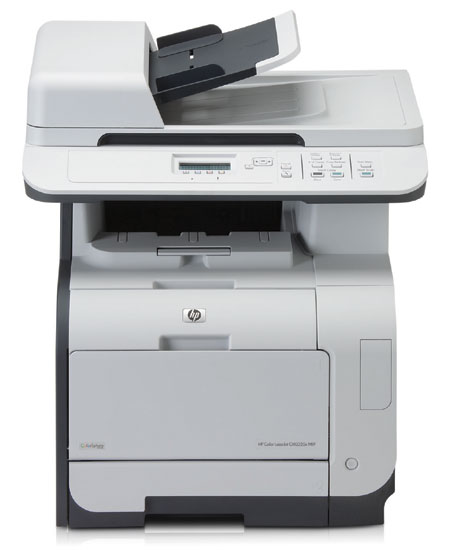




Product Details
Specifications
Accessories
Reviews
Product Details
Overview
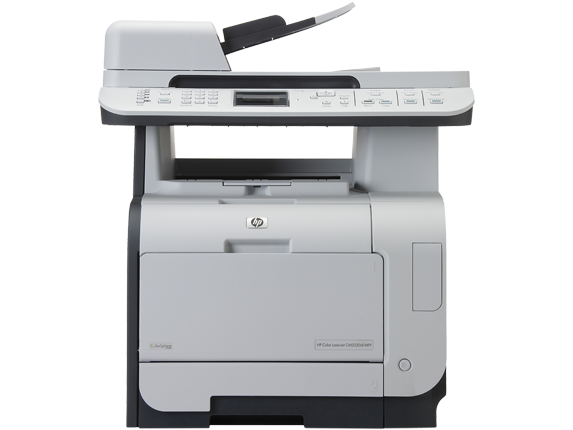
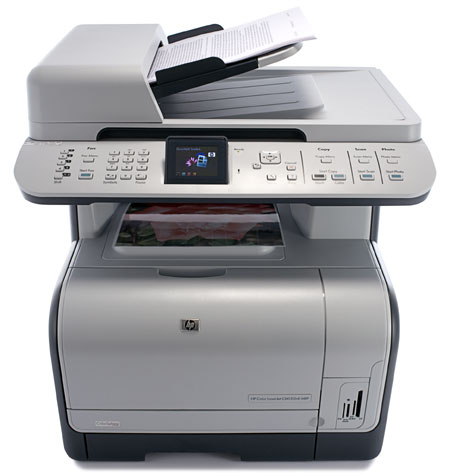
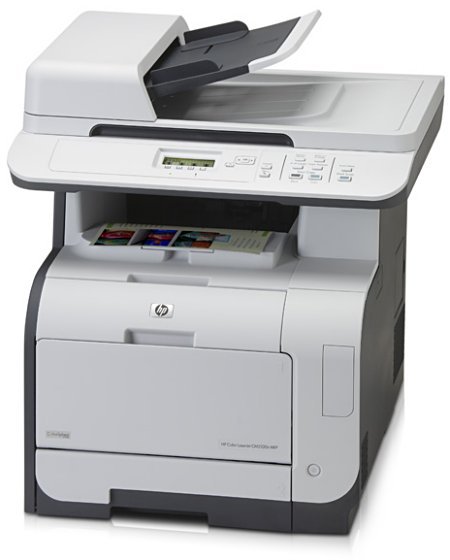
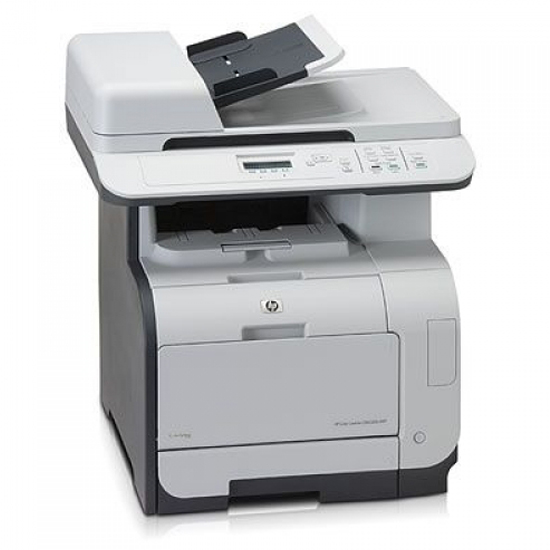
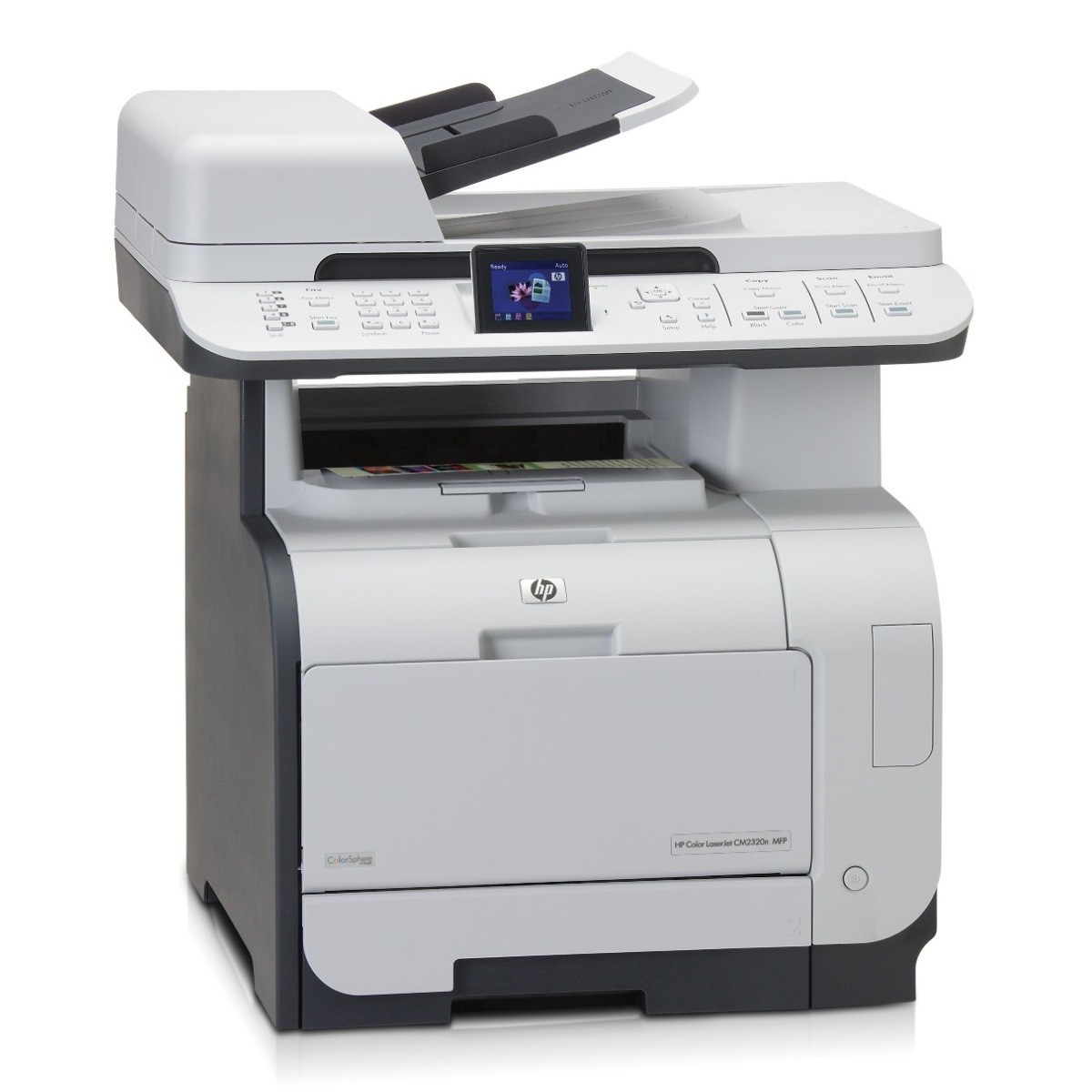
Print professional-quality brochures and more at your desk. With a total input capacity of up to 550 sheets, you can stay focused on your work. We designed this MFP so that it’s not just easy to use—it’s also easy to install, share, and maintain.
Main Features
- Color printing, scanning, and copying
- 50-sheet ADF, 50-sheet multipurpose tray 1, and 250-sheet input tray 2
- Built-in Ethernet/Fast Ethernet networking
- 300 Sheet
- 21/21 PPM
- 600 x 600 DPI
- 160MB USB
All our reconditioned printers are clean, tested and working.
Specifications
General Specifications
| General | |
| Device Type | printer / copier / scanner |
| Printing Technology | Laser-color |
| Monthly Duty Cycle (max) | 40000 impressions |
| Recommended Monthly Volume | 1000 - 2500 pages |
| PC Connection Availability | Yes |
| PC Connection |
LAN |
|
Memory |
|
| Standard Memory | 160 MB |
| Max Supported Memory | Copying |
|
Copying |
|
| Max Copying Speed | Up to 21 ppm (mono) / up to 21 ppm (color) |
| Max Copying Resolution | Up to 600 x 600 dpi (mono) / up to 600 x 600 dpi (color) |
| Max Document Enlargement | 400% |
| Max Document Reduction | 25% |
| Maximum Copies | 99 |
|
Printing |
|
| Max Printing Resolution | Up to 600 x 600 dpi (mono) / up to 600 x 600 dpi (color) |
| Max Printing Speed | Up to 21 ppm (mono) / up to 21 ppm (color) |
| Printer Drivers / Emulations | Postscript3 |
|
Scanning |
|
| Optical Resolution | 1200 x 1200 dpi |
| Interpolated Resolution | 19200 dpi |
| Gray Scale Depth | 8 bit |
|
Document & Media Handling |
|
| Max Original Size | Legal (8.5 in x 14 in) |
| Original Type | Sheets |
| Document Feeder Capacity | 50 sheets |
| Max Media Size | Legal |
| Supported Media Types | Labels |
| Standard Media Capacity | 300 sheets |
| Output Trays Capacity | 150 sheets |
| Document & Media Handling Details | ADF - 50 sheets Input tray - 250 sheets Input tray - 50 sheets, ADF - 50 sheets Input tray - 250 sheets Input tray - 50 sheets |
|
Finishing Equipment |
|
| Stacker | Optional |
| Stapler | Optional |
|
Connections |
|
| Interfaces | USB 2.0 LAN |
| Operating System Support | MS Windows XP Media Center Edition |
|
Environmental Standards |
|
| ENERGY STAR Qualified | Yes |
|
Dimensions & Weight |
|
| Width | 19.6 in |
| Depth | 19.4 in |
| Height | 21.7 in |
| Weight | 59.1 lbs |
|
Environmental Parameters |
|
| Humidity Range Operating | 20 - 70% |
 Download Manufacturer Specifications
Accessories

Reviews


Printer not working? The printer memory could be full and not getting prints or the prints may be stuck in the print queue. Turn-off the printer, wait a few seconds and turn it back on.
Most printers have a paper-out detector. On most dot matrix printers it is a photo diode. If form-fed paper is not aligned correctly (usually on the left side) the diode won't see it.
Save memory on your PC by choosing the Custom option when you install your printer, and picking just the software you want to install.
MY ACCOUNT
INFO & POLICIES
SHOP EASY
PAYMENT OPTIONS



