



 Shopping Cart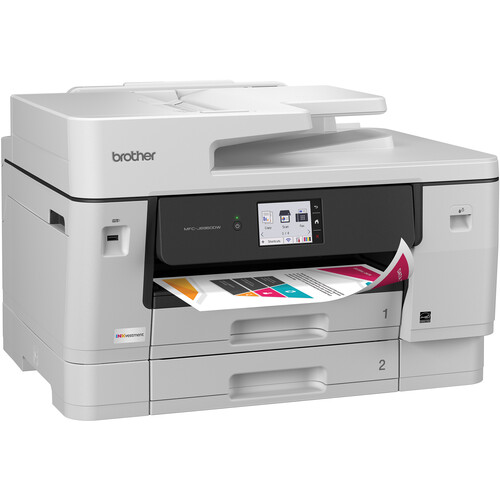



*** ALL TONERS AND SUPPLIES ARE IN STOCK AT DISCOUNTED PRICING , CALL +18882983095.
Printers do not include supplies - toners , drums (Imaging Units) (where applicable) , printer cables , manuals , consumables , trays (where applicable). Power cables are included. Drivers can be downloaded from the manufacturers website. Please verify that drivers available are compatible with your software on the manufacturers site.
Images are for illustration purposes only and do not necessarily reflect the actual product.Product Details
Specifications
Accessories
Reviews
Product Details
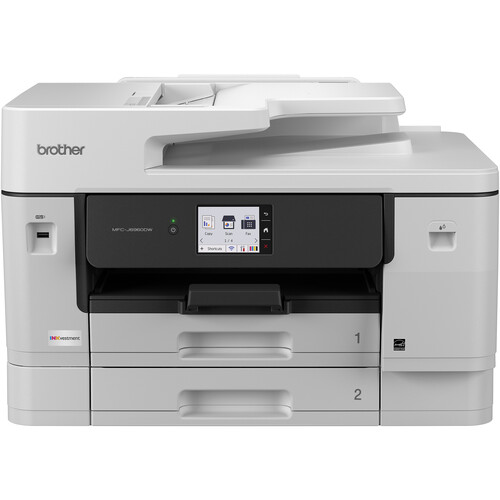
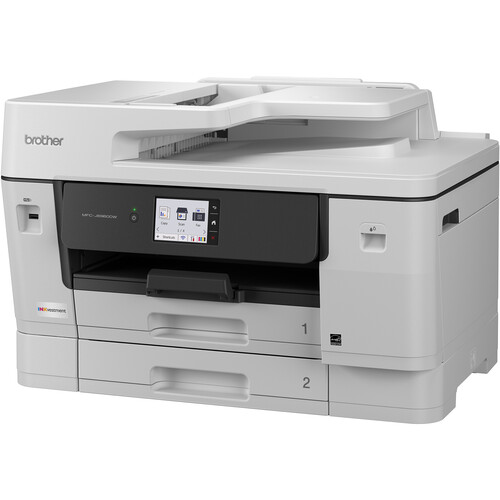
Main Features
- Print, scan, copy, fax
- Automatic two-sided printing
- Print Speed: up to 31 pages per minute
- Two 250 sheet trays
- 100 sheet multipurpose tray
- Ethernet, USB Connectivity
- 3.5 Inch Color Touchscreen
Specifications
General Specifications
| Printer type | Color inkjet multifunction |
| Functions | Print / Scan / Copy / Fax |
| Maximum paper size | A3 |
| Print resolution | Up to 1,200 × 4,800 dpi |
| A4 print speed | 31 ipm black / 30 ipm color |
| A3 print speed | Up to 7 ipm black / 6 ipm color |
| Duplex printing | Automatic 2-sided |
| Duplex scanning | Yes |
| ADF capacity | 50 sheets |
| Paper trays | 2 × 250 sheets |
| Multipurpose tray | 100 sheets |
| Maximum paper capacity | 600 sheets |
| Scanner glass | Up to 1,200 × 2,400 dpi |
| Interpolated scan resolution | Up to 19,200 × 19,200 dpi |
| Copy resolution | Up to 4,800 × 1,200 dpi |
| Fax speed | 33.6 kbps |
| Display | 3.5" (8.8 cm) color touchscreen |
| Memory | 512 MB |
| Connectivity | USB 2.0 / Gigabit Ethernet / Wi-Fi 2.4 & 5 GHz |
| Mobile printing | AirPrint / Mopria / Brother Mobile Connect |
| Recommended monthly volume | Up to 2,500 pages |
| Print technology | MAXIDRIVE inkjet |
Accessories

Reviews



Save memory on your PC by choosing the Custom option when you install your printer, and picking just the software you want to install.
Flashing light on your printer? Each printer has a different reason for a blinking or orange light but in general it is due to a paper jam, an empty paper tray, a printer cartridge problem or a problem with the printer hardware.
Is your printer feeding in the whole paper stack rather than just one piece at a time? Fan the paper before putting it in the tray to help separate the sheets. Also, store your paper in a cool, dry place as humidity can contribute to this problem.
MY ACCOUNT
INFO & POLICIES
SHOP EASY
PAYMENT OPTIONS



