



 Shopping Cart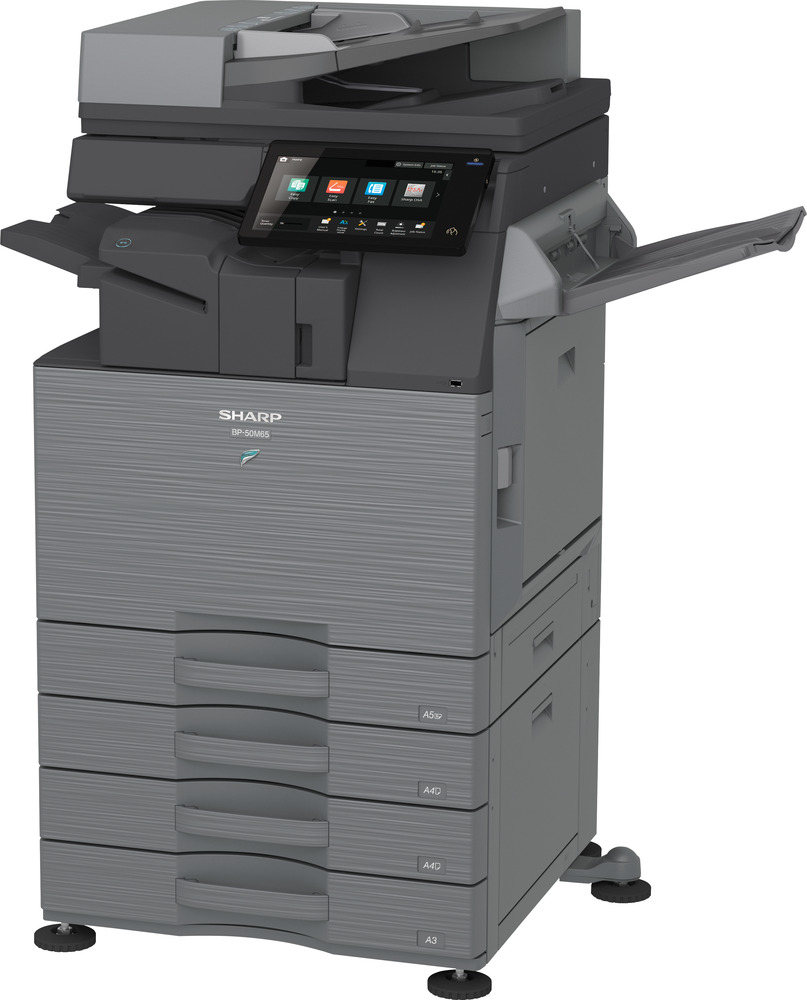




*** ALL TONERS AND SUPPLIES ARE IN STOCK AT DISCOUNTED PRICING , CALL +18882983095.
Printers do not include supplies - toners , drums (Imaging Units) (where applicable) , printer cables , manuals , consumables , trays (where applicable). Power cables are included. Drivers can be downloaded from the manufacturers website. Please verify that drivers available are compatible with your software on the manufacturers site.
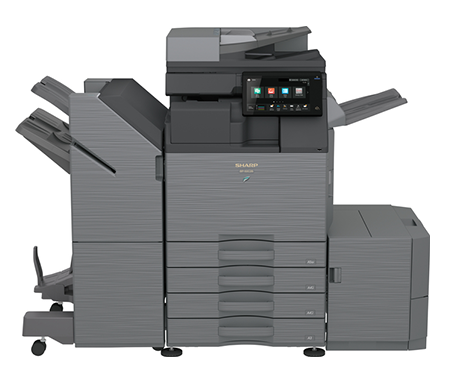
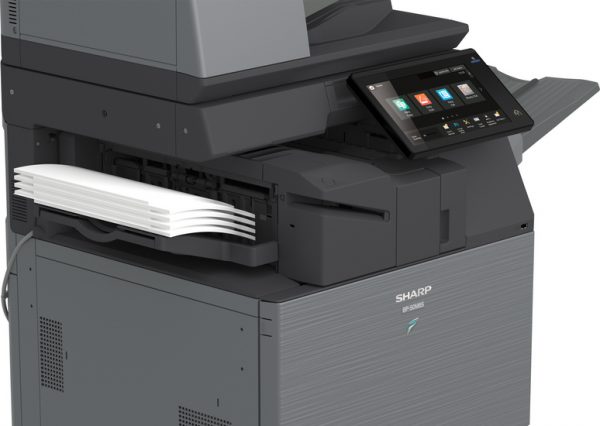
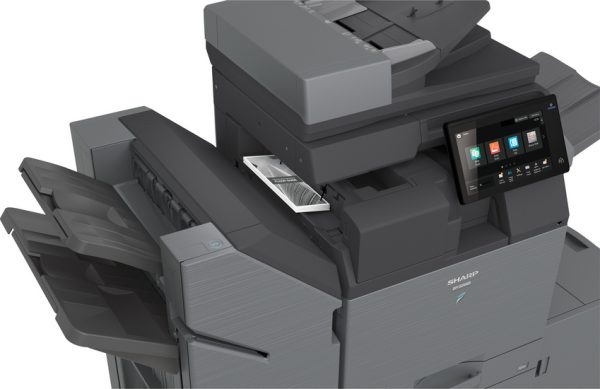
Images are for illustration purposes only and do not necessarily reflect the actual product.Product Details
Specifications
Accessories
Reviews
Product Details
Main Features
- Print, copy, scan, fax
- Print speed: up to 36 ppm
- Print Resolution: 600 x 600 dpi
- Paper Capacity: 650 Sheets
- Maximum Paper capacity: 6300 Sheets
- Duplex printing
- Mobile printing support
- Advanced security features
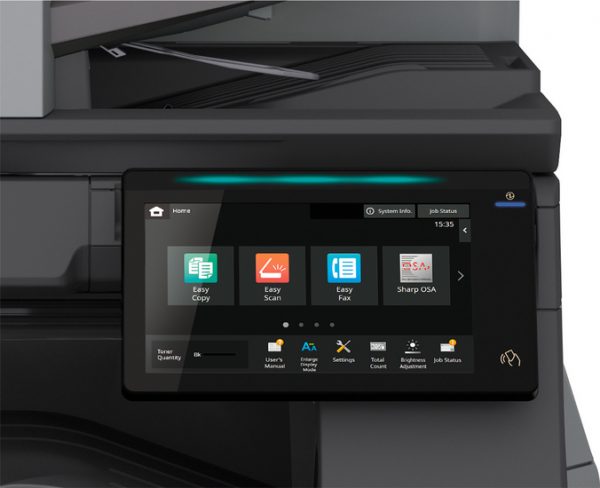
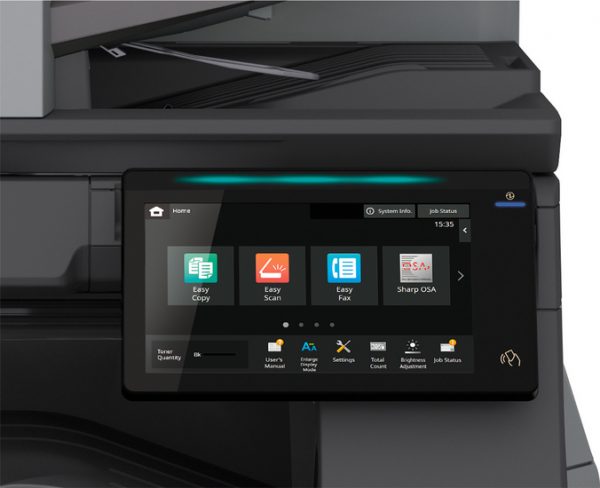
- 10.1 inch color touchscreen
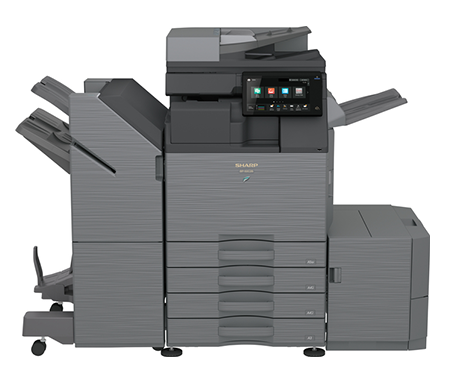
- Includes BPFN11 50-Sheet Stapler Inner Finisher
Specifications
General Specifications
|
Functions |
Print, Copy, Scan, Fax, File |
|
Type |
Monochrome A3 MFP |
|
Print Speed (A4) |
36 ppm |
|
Print Speed (A3) |
18 ppm |
|
Warm-up Time |
~14 seconds |
|
Print Resolution |
600 × 600 dpi (up to 9600 × 600 enhanced) |
|
Paper Size Range |
A6R to A3W |
|
Paper Weight |
60 – 300 g/m² |
|
Paper Capacity |
650 sheets (max 6300 sheets) |
|
Duplex Printing |
Standard |
|
Memory |
Up to 5 GB |
|
Storage |
128 GB SSD (upgradable to 512 GB) |
|
Scan Resolution |
Up to 600 × 600 dpi (standard) |
|
Scan Speed |
Up to 80 images per minute |
|
Connectivity |
USB 2.0/3.0, Ethernet (Gigabit), optional Wi-Fi |
|
Mobile Printing |
AirPrint, Bluetooth, NFC, QR code |
|
Operating Systems |
Windows, optional macOS support |
|
Power Consumption |
~1.84 kW |
|
BP-FN11 Finisher |
Included |
|
Weight |
~64 kg |
|
Dimensions (W×D×H) |
608 × 653 × 829 mm |
General Specifications
|
Functions |
Print, Copy, Scan, Fax, File |
|
|
|
Type |
Monochrome A3 MFP |
|
|
|
Print Speed (A4) |
36 ppm |
|
|
|
Print Speed (A3) |
18 ppm |
|
|
|
Warm-up Time |
~14 seconds |
|
|
|
Print Resolution |
600 × 600 dpi (up to 9600 × 600 enhanced) |
|
|
|
Paper Size Range |
A6R to A3W |
|
|
|
Paper Weight |
60 – 300 g/m² |
|
|
|
Paper Capacity |
650 sheets (max 6300 sheets) |
|
|
|
Duplex Printing |
Standard |
|
|
|
Memory |
Up to 5 GB |
|
|
|
Storage |
128 GB SSD (upgradable to 512 GB) |
|
|
|
Scan Resolution |
Up to 600 × 600 dpi (standard) |
|
|
|
Scan Speed |
Up to 80 images per minute |
|
|
|
Connectivity |
USB 2.0/3.0, Ethernet (Gigabit), optional Wi-Fi |
|
|
|
Mobile Printing |
AirPrint, Bluetooth, NFC, QR code |
|
|
|
Operating Systems |
Windows, optional macOS support |
|
|
|
Power Consumption |
~1.84 kW |
|
|
|
BP-FN11 Finisher |
Included |
|
|
|
Dimensions (W×D×H) |
608 × 653 × 829 mm |
|
|
|
Weight |
~64 kg |
|
|
 Download Manufacturer Specifications
Accessories

Reviews



When power is applied, you should hear the print mechanism initialize and most printers have at least one light which will be illuminated when it is on.
Handle inkjet papers like photographic papers - hold them by the edges to avoid oil deposits and fingerprints.
Flashing light on your printer? Each printer has a different reason for a blinking or orange light but in general it is due to a paper jam, an empty paper tray, a printer cartridge problem or a problem with the printer hardware.
MY ACCOUNT
INFO & POLICIES
SHOP EASY
PAYMENT OPTIONS



