



 Shopping Cart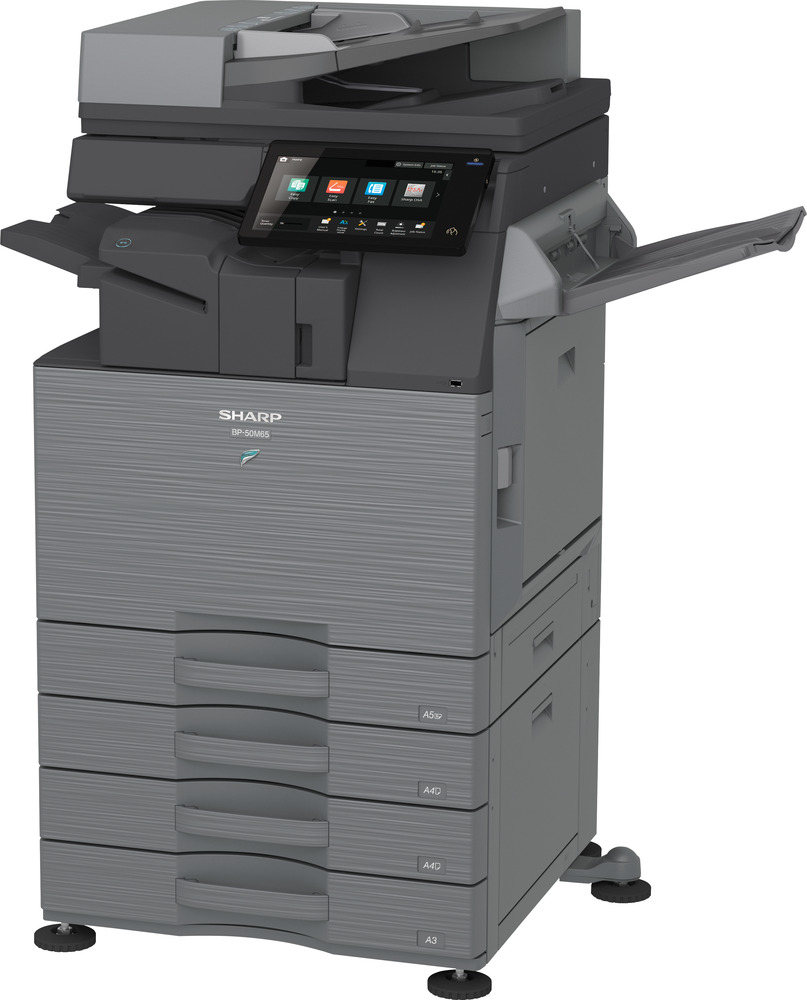



*** ALL TONERS AND SUPPLIES ARE IN STOCK AT DISCOUNTED PRICING , CALL +18882983095.
Printers do not include supplies - toners , drums (Imaging Units) (where applicable) , printer cables , manuals , consumables , trays (where applicable). Power cables are included. Drivers can be downloaded from the manufacturers website. Please verify that drivers available are compatible with your software on the manufacturers site.
Images are for illustration purposes only and do not necessarily reflect the actual product.Product Details
Specifications
Accessories
Reviews
Product Details
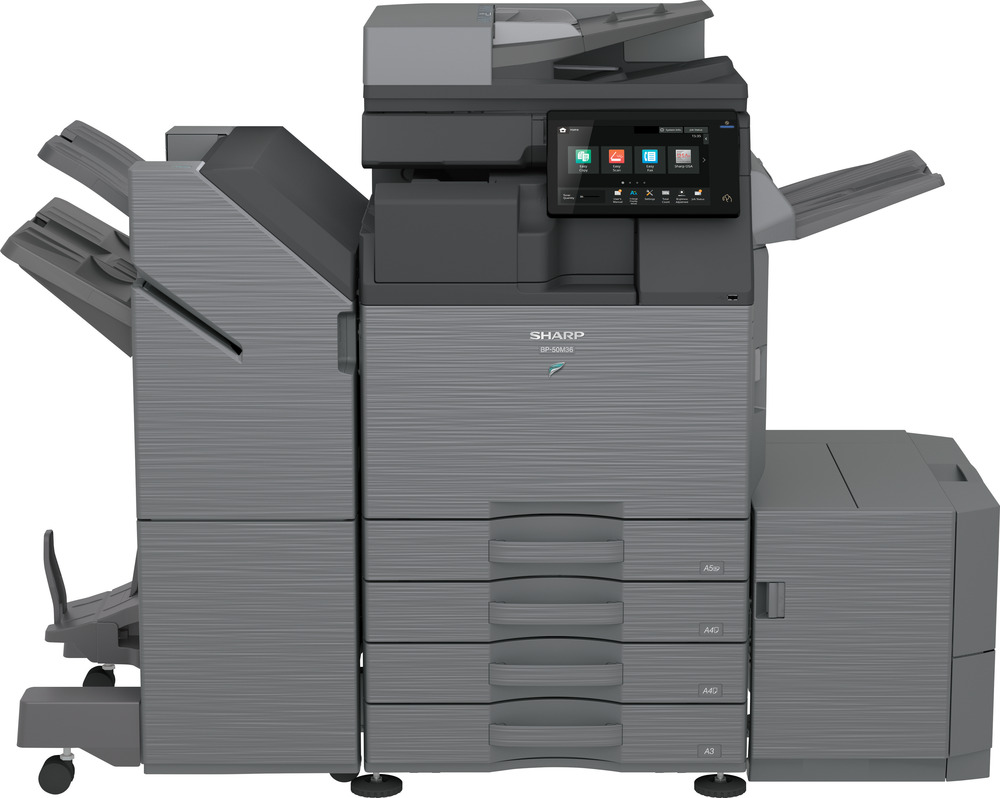
Main Features
- Print, copy, scan, fax
- Print speed: up to 36 pages per minute
- Print Resolution: 600 x 600 dpi
- Two-sided printing
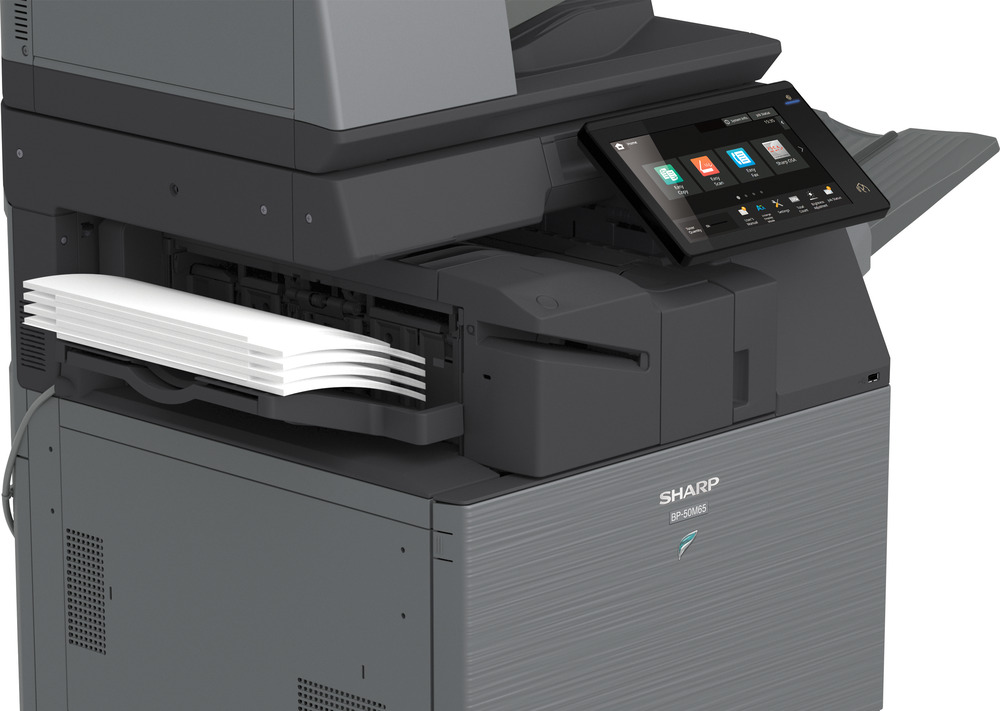
- 10.1 inch color touchscreen
- Paper capacity: 650 sheets (expandable up to 6300 sheets)
- Mobile printing support
- Cloud integration and mobile app compatibility
- Advanced security features
Specifications
General Specifications
| Functions | Print, Copy, Scan, Fax, File |
| Type | Monochrome A3 MFP |
| Print Speed (A4) | 36 ppm |
| Print Speed (A3) | 18 ppm |
| Warm-up Time | ~14 seconds |
| Print Resolution | 600 × 600 dpi (up to 9600 × 600 enhanced) |
| Paper Size Range | A6R to A3W |
| Paper Weight | 60 – 300 g/m² |
| Paper Capacity | 650 sheets (max 6300 sheets) |
| Duplex Printing | Standard |
| Memory | Up to 5 GB |
| Storage | 128 GB SSD (upgradable to 512 GB) |
| Scan Resolution | Up to 600 × 600 dpi (standard) |
| Scan Speed | Up to 80 images per minute |
| Connectivity | USB 2.0/3.0, Ethernet (Gigabit), optional Wi-Fi |
| Mobile Printing | AirPrint, Bluetooth, NFC, QR code |
| Operating Systems | Windows, optional macOS support |
| Power Consumption | ~1.84 kW |
| Dimensions (W×D×H) | 608 × 653 × 829 mm |
| Weight | ~64 kg |
Accessories

Reviews


What is RAM? RAM or Buffer Memory holds the graphic information on the printer while the file is on its way to be printed. The larger the RAM, the faster the printer can print complex graphics.
If you are printing on photo paper, make sure you have set the printer to this setting and have not left it on the regular printer setting.
Your ink is not going onto the paper properly or you notice uneven coverage? Try aligning the print heads before you bring out the big guns.
MY ACCOUNT
INFO & POLICIES
SHOP EASY
PAYMENT OPTIONS



