



 Shopping Cart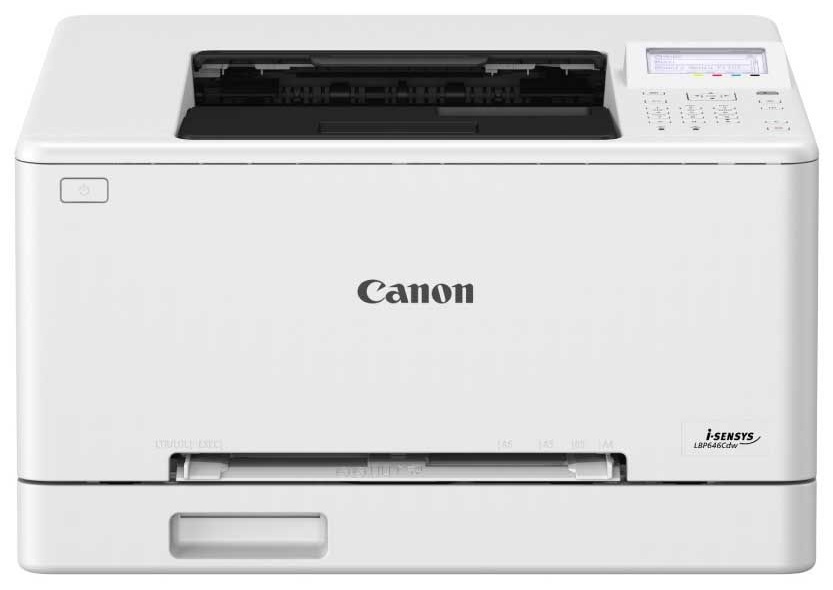



*** ALL TONERS AND SUPPLIES ARE IN STOCK AT DISCOUNTED PRICING , CALL +18882983095.
Printers do not include supplies - toners , drums (Imaging Units) (where applicable) , printer cables , manuals , consumables , trays (where applicable). Power cables are included. Drivers can be downloaded from the manufacturers website. Please verify that drivers available are compatible with your software on the manufacturers site.
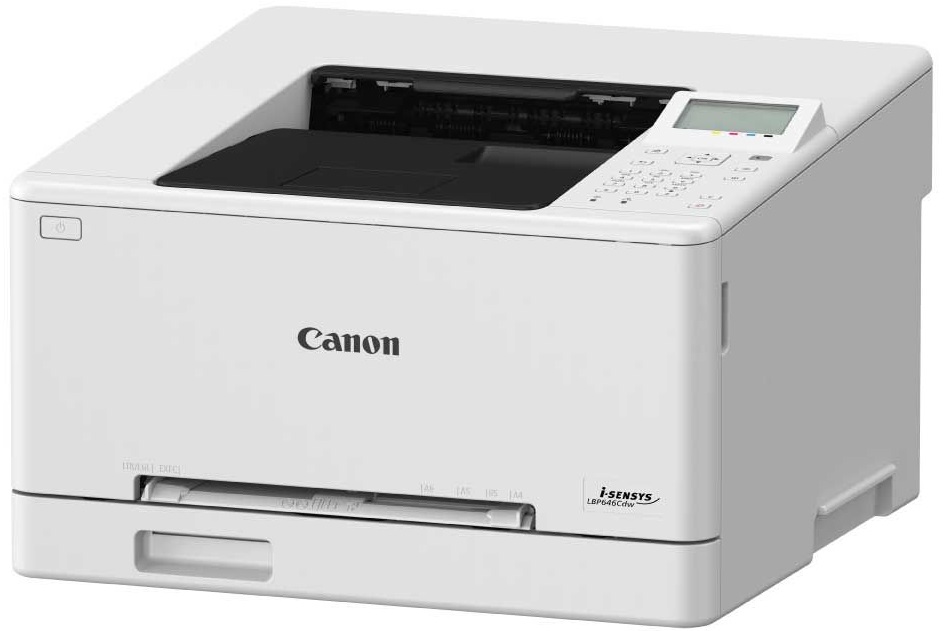
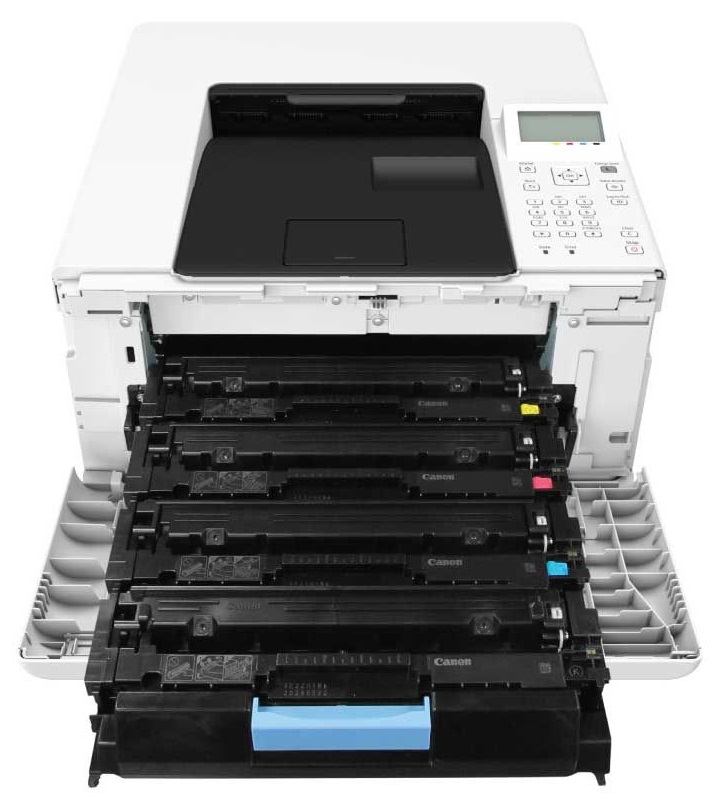
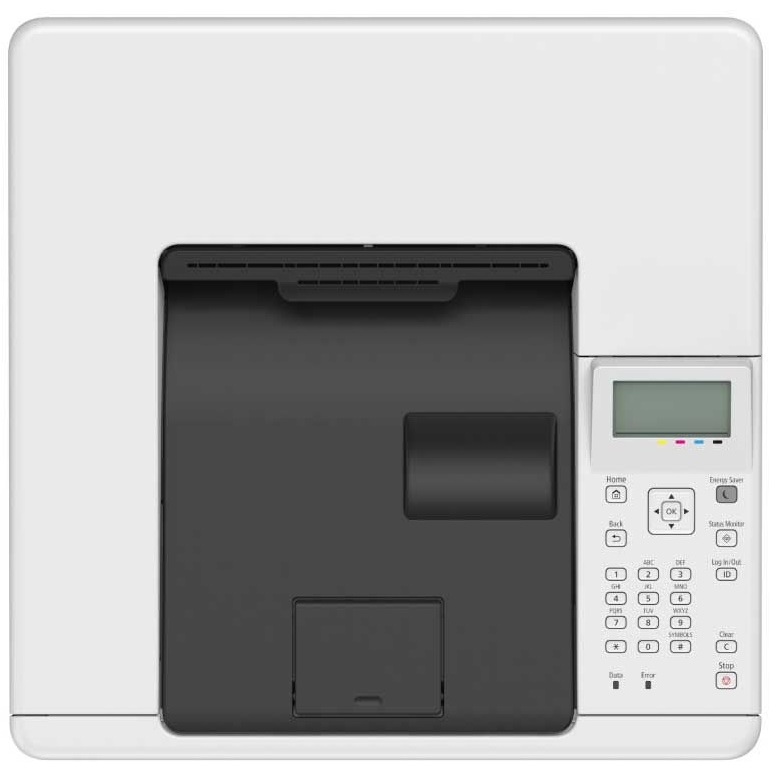
Images are for illustration purposes only and do not necessarily reflect the actual product.Product Details
Specifications
Accessories
Reviews
Product Details
Main Features
- Color printouts
- A4 printer
- Compact, lightweight device
- 25 pages per minute print speed
- 11 seconds first print out
- 15 pages per minute double sided print speed
- 13 seconds warm up time
- Maximum Paper Capacity: 251 sheets
- Media Types: Plain paper, Recycled paper, Heavy Paper, Thin paper, Color paper, Coated paper, Label, Post card, Envelope
- Automatic double sided printing
- Recommended Monthly Duty Cycle: 250 - 2,500 pages per month
- Maximum Monthly Volume: 30,000
Specifications
General Specifications
| Functions | |
| Printing Technology | |
| Color Type | |
| Print Resolution | |
| Media Sizes | |
| Wireless |
| Printing Technology | |
| Color Type | |
| Configuration | |
| Print Resolution | |
| Borderless Printing | |
| Duplex Printing | |
| Printer Language | |
| Print Speed (By Time) | |
| First Print Out Time | |
| Monthly Duty Cycle |
| Media Handling | |
| Media Sizes | |
| Paper Capacity | |
| Special Media Support |
| Data I/O | |
| Wireless | |
| Direct Printing | |
| Internal Memory | |
| OS Compatibility |
| Display Type | |
| Power Source | |
| Battery | |
| Input Power | |
| Power Consumption | |
| Certifications | |
| Dimensions (W x H x D) | |
| Weight |
Accessories

Reviews


Most printers will beep once or twice during or after initialization. If it beeps more than that or beeps constantly, it is telling you that something is wrong. Most printers beep when out of paper or out of ink.
Getting blank pages after you installed a new cartridge? Check that the sticker from the cartridge was properly removed. Alternatively, run the clean print head function to make sure all air bubbles are removed. Do not remove the cartridge once it has been installed.
What is dpi? Dpi is used to describe the resolution number of dots per inch in a digital print. The higher the numbers, the more detailed the print image is.
MY ACCOUNT
INFO & POLICIES
SHOP EASY
PAYMENT OPTIONS



