



 Shopping Cart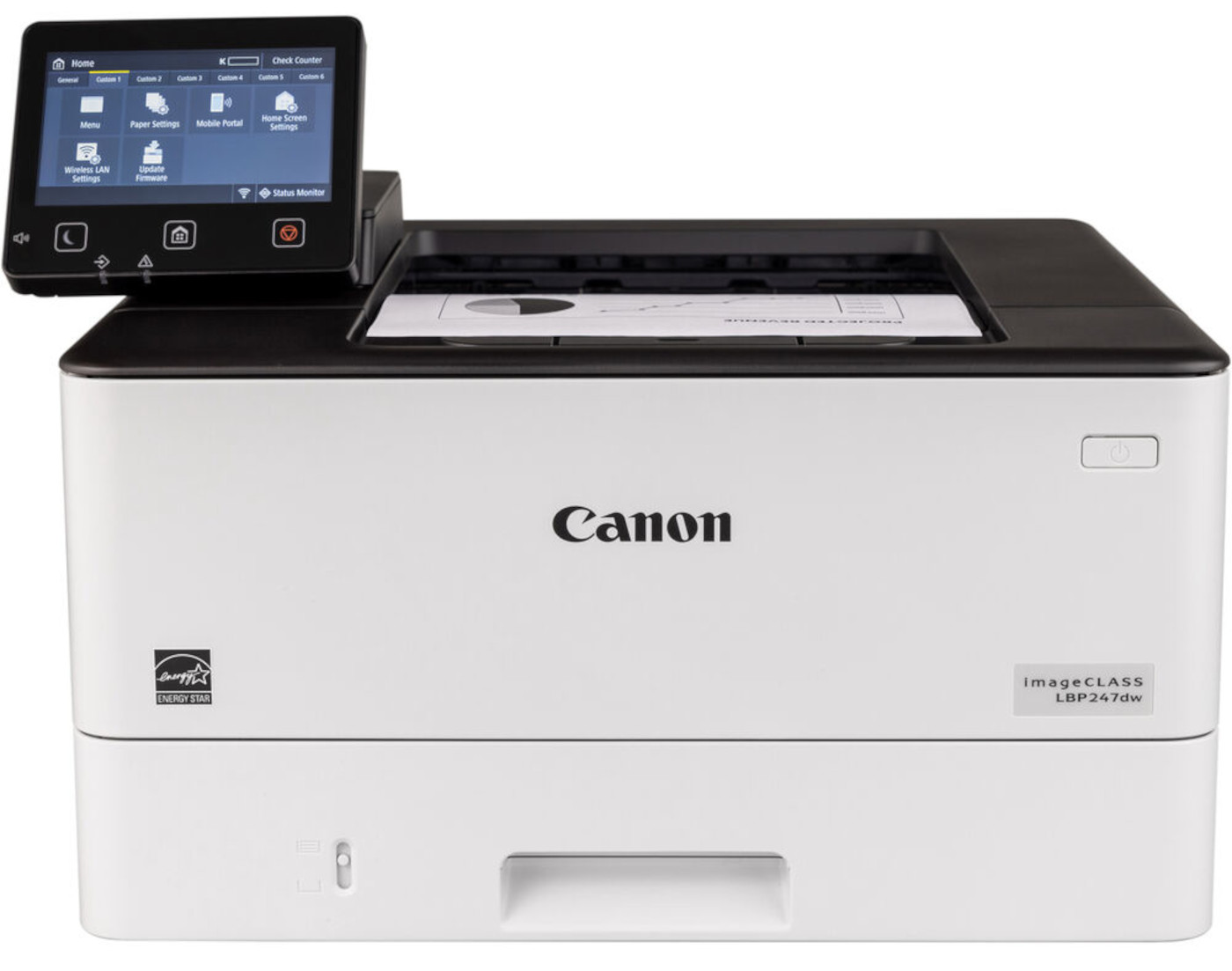



*** ALL TONERS AND SUPPLIES ARE IN STOCK AT DISCOUNTED PRICING , CALL +18882983095.
Printers do not include supplies - toners , drums (Imaging Units) (where applicable) , printer cables , manuals , consumables , trays (where applicable). Power cables are included. Drivers can be downloaded from the manufacturers website. Please verify that drivers available are compatible with your software on the manufacturers site.
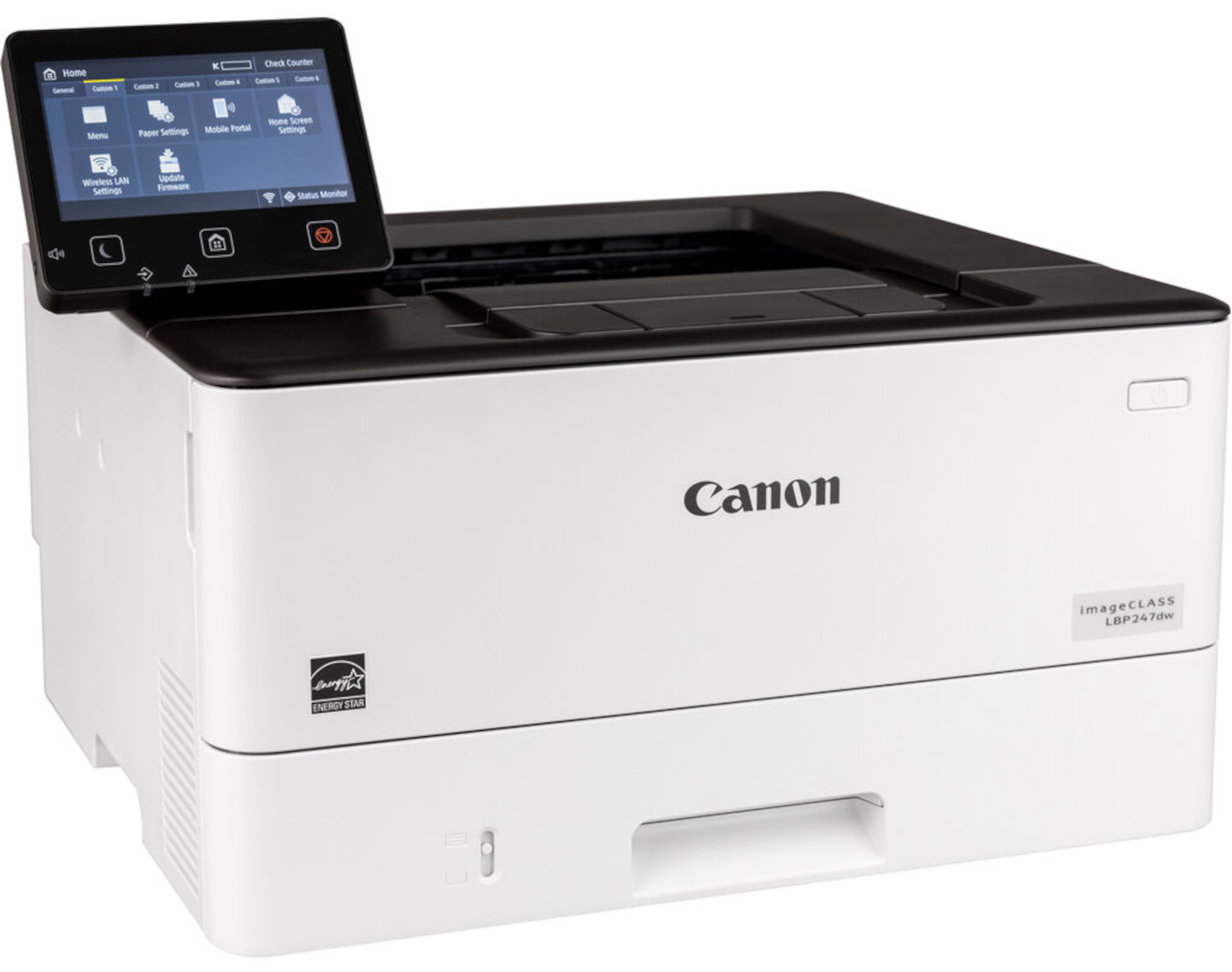
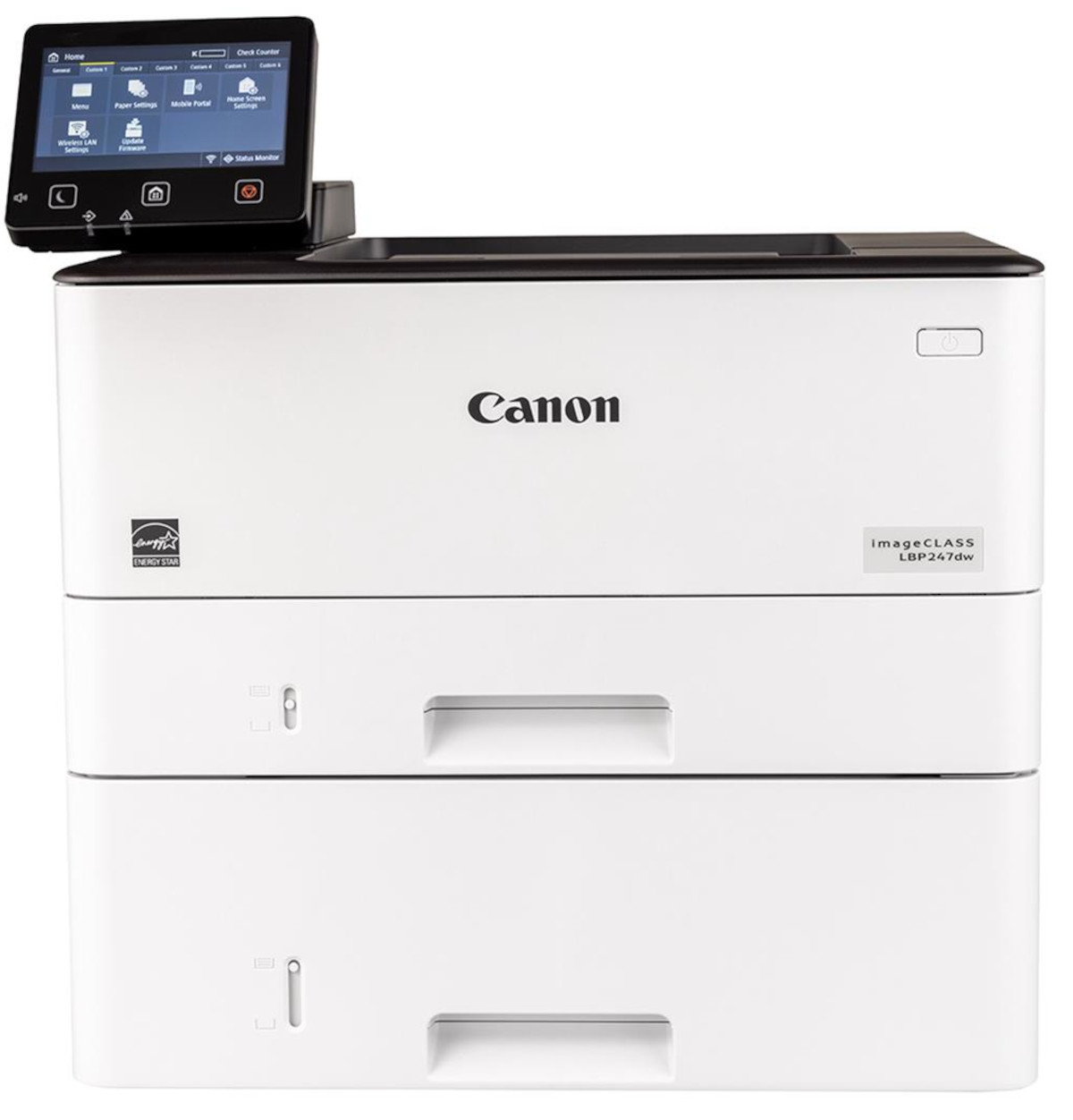
Images are for illustration purposes only and do not necessarily reflect the actual product.Product Details
Specifications
Accessories
Reviews
Product Details
Main Features
- Speedy prints up to 42 pages per minute
- First print out as fast as 5 seconds
- Print resolution: 1200 x 1200 dpi
- USB, Ethernet and Wi-Fi connectivity
- 250 sheet standard paper tray and 150 sheet multi-purpose tray
- Additional 550 sheet paper tray
- User-friendly 5 inch touch screen
- Recommended Monthly Print Volume: 750-4000 pages
- Supports letter and legal sized documents
Specifications
General Specifications
| Model Name | imageCLASS LBP247dw |
| Functions | |
| Print Speed | Up to 42 ppm (Letter) |
| First Print Out Time | Approx. 4.9 Seconds (Letter) |
| Print Resolution | Up to 1200 x 1200 dpi |
| Print Memory | 1 GB (RAM) |
| Printer Language | UFR II, PCL5/6 |
| Network Security | Authentication Standard: Department ID Authentication. Network Standard: TLS1.3, IPSec support, IEEE 802.1X authentication, SNMPv3, IP Address Filtering, Configure ON/OFF settings for network application functions, Job Log Conceal Function, Restricted access to the printer's storage media, Verify System at Startup |
| Connectivity | USB 2.0, High-Speed, 10/100/1000 Base-T Ethernet (Network), Wi-Fi 802.11b/g/n, WiFi® Direct Connection |
| Operating Systems | Windows®10 / Windows®11 / Windows®Server2012 / Windows®Server2012 R2 / Windows®Server2016 / Windows®Server2019 / Windows®Server2022 / macOS 10.13 (or later) |
| Paper Capacity | Standard: 250-sheet Paper Cassette, 100-sheet Stack Bypass (Multipurpose Tray), Optional: 550-sheet Paper Cassette (Cassette Unit-AH1) |
| Min / Max Paper Size | Standard/Optional Cassette: Min. 4.1" x 5.8" to Max. 8.5" x 14". Stack Bypass (Multipurpose Tray): Min. 3" x 5" to Max. 8.5" x 14" |
| USB Direct Print | JPG, TIFF, PDF |
| Display Panel | 5 Inch Color Touch Screen |
| Print Volumes | 750-4,000 RMPV (Recommended Monthly Print Volume) |
| Energy Consumption | Approx: 1180 W (Max.), 6 W (Standby), 0.1 W (Sleep Mode) |
| ENERGY STAR | Yes |
| EPEAT | Silver |
| Unit Dimensions | 17.2"(W) x 14.7"(D) x 12.3"(H) |
| Unit Weight | 20.1 lbs. |
 Download Manufacturer Specifications
Accessories

Reviews


Tight on office space? Consider buying a machine with networking capabilities which will allow multiple users to use one printer.
Printer not working? The printer memory could be full and not getting prints or the prints may be stuck in the print queue. Turn-off the printer, wait a few seconds and turn it back on.
Media settings on your printer determine how much ink will be used. Thinly coated glossy films require less ink, while plain paper soaks in more.
MY ACCOUNT
INFO & POLICIES
SHOP EASY
PAYMENT OPTIONS



