



 Shopping Cart
 Brother MFC-L2980DW Monochrome Laser All-in-One Printer
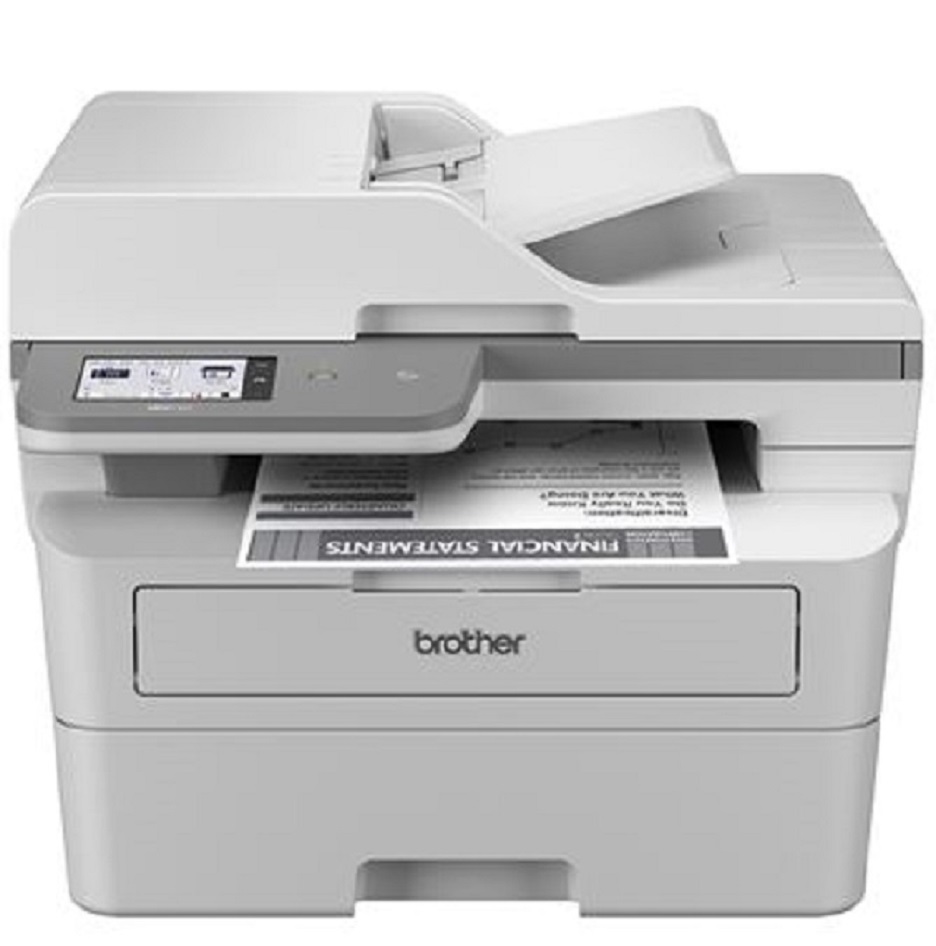

Images are for illustration purposes only and do not necessarily reflect the actual product.
Product Details
Specifications
Accessories
Reviews
Product Details
Main Features
- Black and White Multifunction Printer
- Print Speed: 36 ppm
- Duplex printing, scanning, and copying
- 50-page Auto Document Feeder
- Built-in wireless and Ethernet network interfaces
- Triple Layer Security
- 3.5" color touchscreen display
Specifications
 Download Manufacturer Specifications
Accessories

Reviews


Be sure that you are printing on the 'right' side of the paper - that is - the coated side.
Flashing light on your printer? Each printer has a different reason for a blinking or orange light but in general it is due to a paper jam, an empty paper tray, a printer cartridge problem or a problem with the printer hardware.
Getting blank pages after you installed a new cartridge? Check that the sticker from the cartridge was properly removed. Alternatively, run the clean print head function to make sure all air bubbles are removed. Do not remove the cartridge once it has been installed.
MY ACCOUNT
INFO & POLICIES
SHOP EASY
PAYMENT OPTIONS



* Images are for illustration purposes only.