



Contact Us
FAQ |
We will match any price
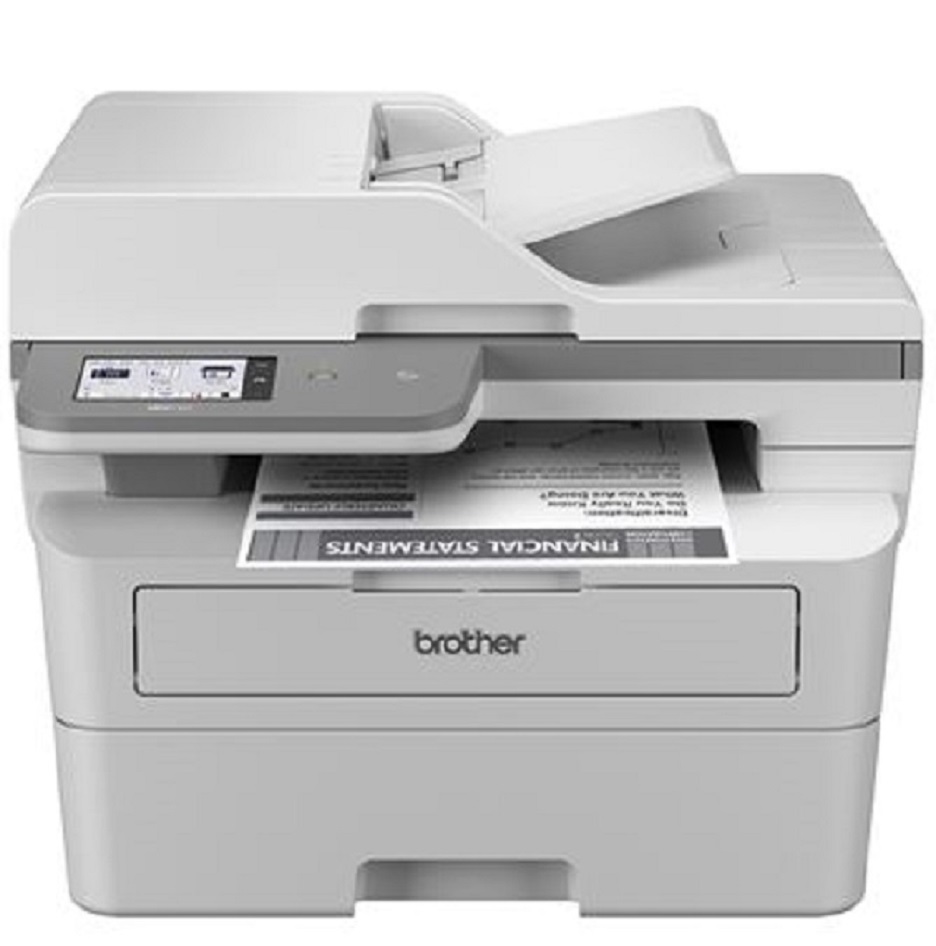
Brother MFC-L2980DW Monochrome Laser All-in-One Printer
Brother MFC-L2980DW Monochrome Laser All-in-One Printer customers choose us for our low prices

Brother MFC-L2980DW Monochrome Laser All-in-One Printer

  • Printer
  • Copier
  • Scanner
  • Fax
  • 36
  • Monochrome
  • Download Spec Sheet

Model No.:MFCL2980DW

Condition:New

Availability: In Stock

Shipping:Ask About Free Shipping!

The Brother MFC-L2980DW Printer combines print, copy, scan and fax functions into one compact and reliable device. With a 36 page per minute print speed, a 50-page Auto Document Feeder and built in wireless and Ethernet network interfaces, the Brother MFC L2980DW All-in-One Printer is designed to increase productivity for busy small offices. Conveniently scan to popular destinations, including cloud services, directly from the 3.5” color touchscreen display found on the Brother MFC-L2980DW Multifunction Printer.

1 1 N/A N/A
Product Image Brother MFC-L2980DW Monochrome Laser All-in-One Printer Brother 732-832-7744 310 Park Avenue Lakewood, NJ 08701

$339.00

*** ALL TONERS AND SUPPLIES ARE IN STOCK AT DISCOUNTED PRICING , CALL +18882983095.

Printers do not include supplies - toners , drums (Imaging Units) (where applicable) , printer cables , manuals , consumables , trays (where applicable). Power cables are included. Drivers can be downloaded from the manufacturers website. Please verify that drivers available are compatible with your software on the manufacturers site.

Product Details

Specifications

Accessories

Reviews

Product Details

Main Features

  • Black and White Multifunction Printer
  • Print Speed: 36 ppm
  • Duplex printing, scanning, and copying
  • 50-page Auto Document Feeder
  • Built-in wireless and Ethernet network interfaces
  • Triple Layer Security
  • 3.5" color touchscreen display

Specifications

Accessories

Reviews

  • Set your printer to maximum dpi setting to obtain the best image quality.

  • Most printers have a built-in diagnostics program which can be very useful for troubleshooting problems and test-printing without a computer. They are usually initiated by pressing a button or two while turning on the printer.

  • What is RAM? RAM or Buffer Memory holds the graphic information on the printer while the file is on its way to be printed. The larger the RAM, the faster the printer can print complex graphics.

* Images are for illustration purposes only.
