



 Shopping Cart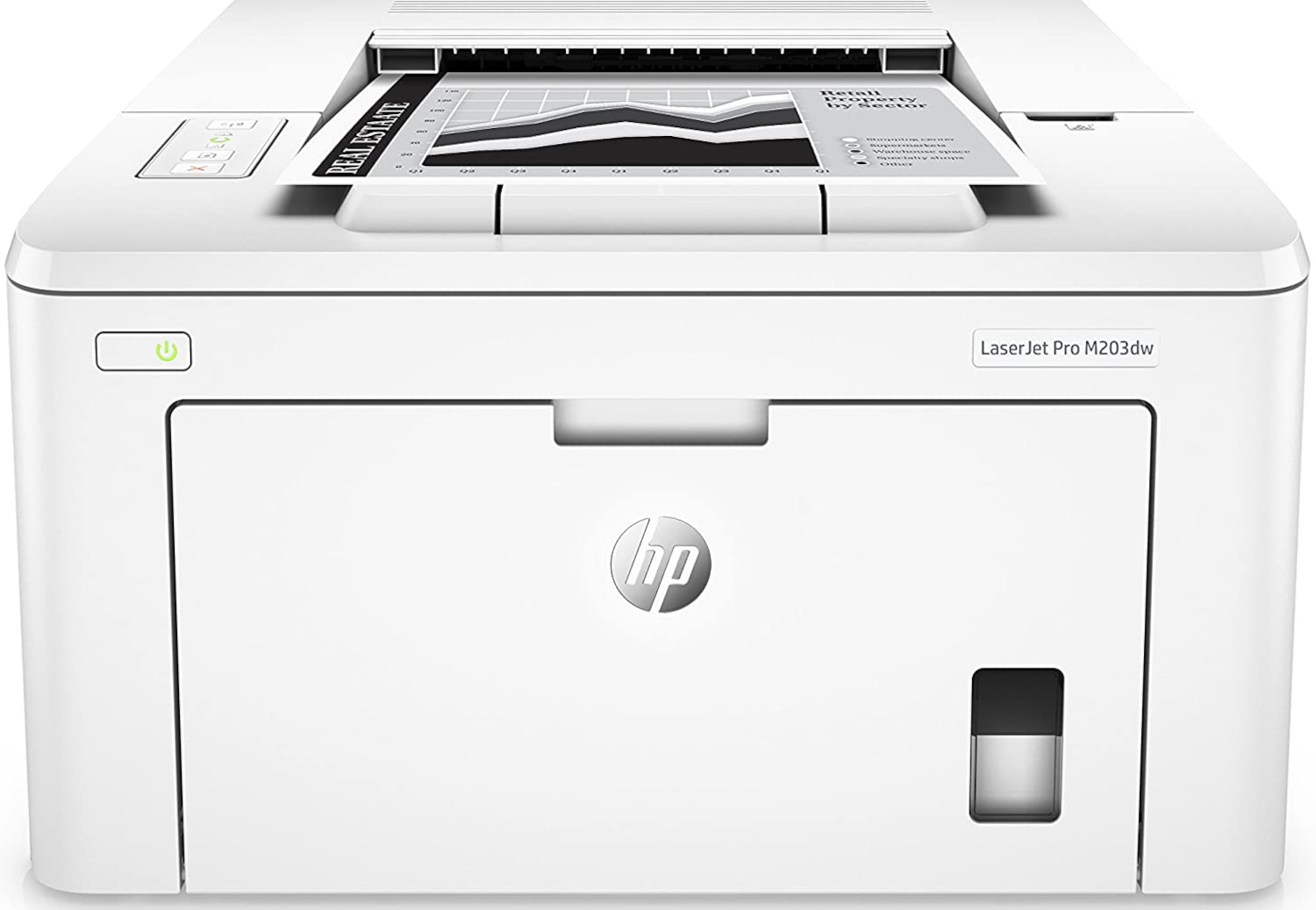



*** ALL TONERS AND SUPPLIES ARE IN STOCK AT DISCOUNTED PRICING , CALL +18882983095.
All reconditioned printers do not include supplies - toners , drums (Imaging Units) (where applicable) , printer cables , manuals , consumables, trays (where applicable). Power cables are included. Drivers can be downloaded from the manufacturers website. Please verify that drivers available are compatible with your software on the manufacturers site.
Product Details
Specifications
Accessories
Reviews
Product Details
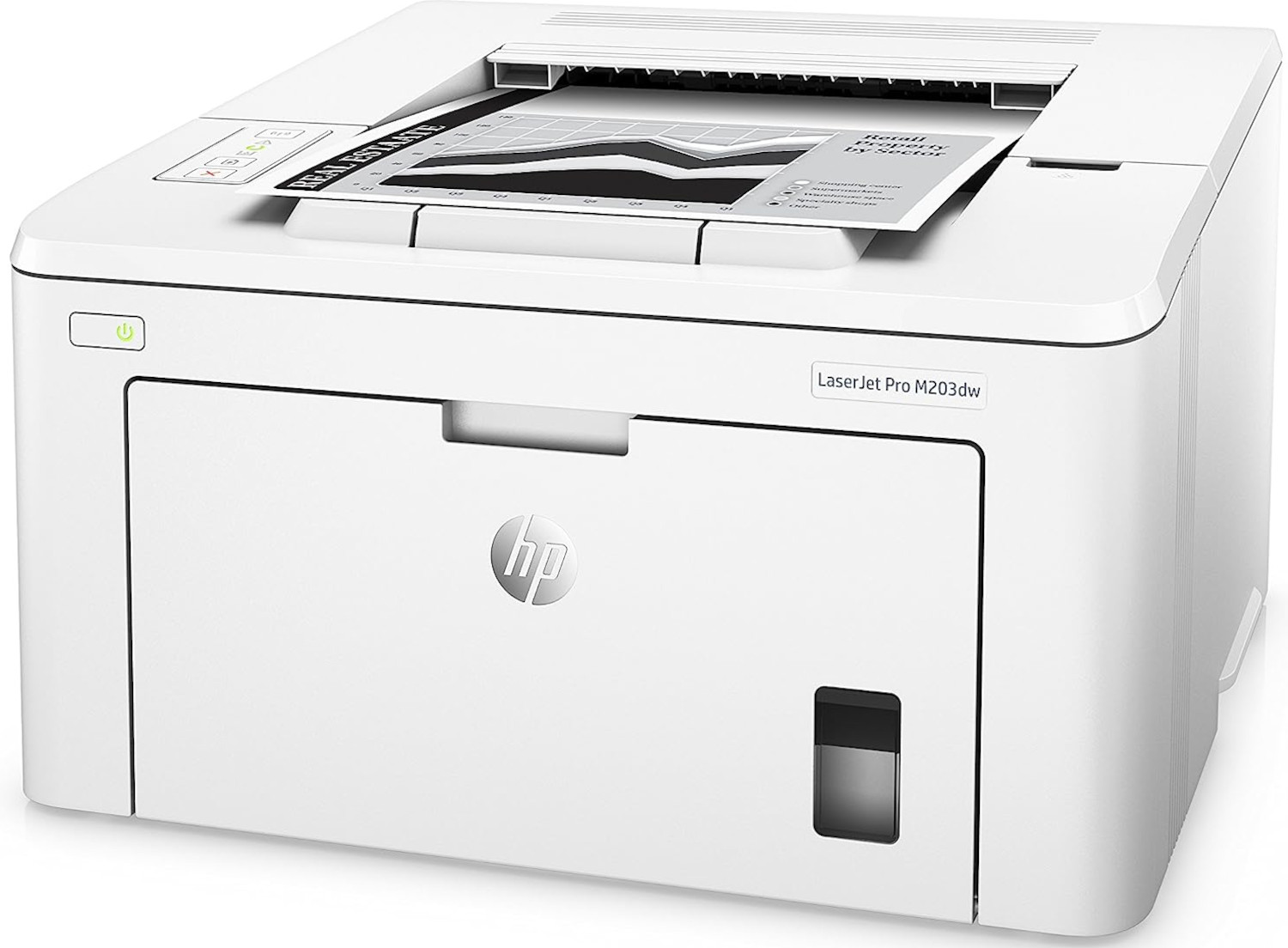
Main Features
- Automatic two-sided printing
- Print the first page in as fast as 7 seconds
- Wi-Fi direct printing
- Print resolution: 1,200 x 1,200 dpi
- Black and white prints up to 30 pages per minute
- Recommended monthly page volume: 250 to 2500 pages
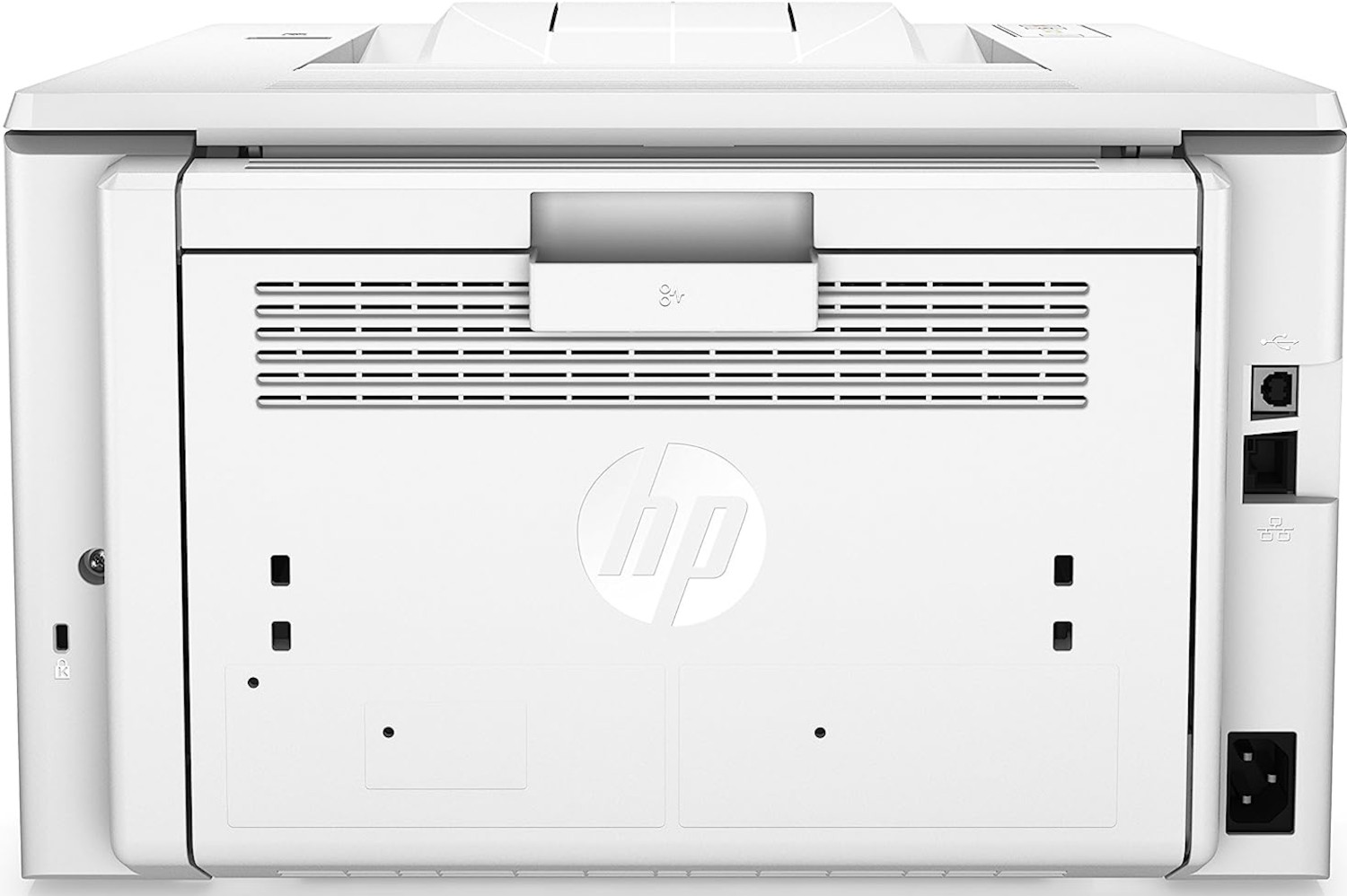
- 1 USB port
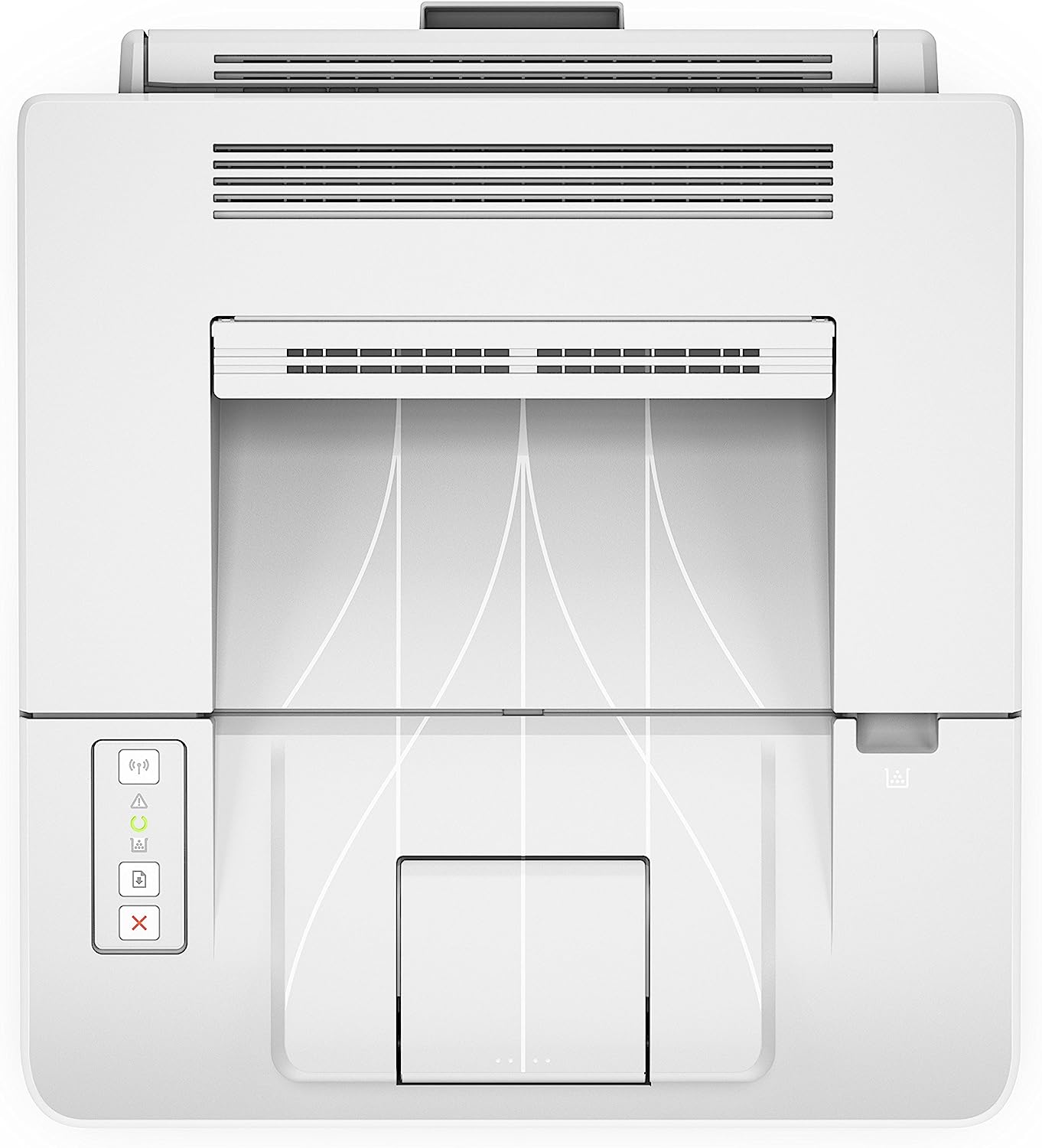
- Easy to use control panel
- Prints up to 30 pages per minute
Specifications
General Specifications
| Brand | HP |
|---|---|
| Product Dimensions | 14.57 x 15.75 x 8.81 cm; 6.9 Kilograms |
| Item model number | 2M36F26 |
| Manufacturer | HP |
| Series | Laserjet PRO M 203 DW |
| Colour | Nicht |
| Form Factor | All-in-One |
| Processor Brand | Intel |
| Processor Type | None |
| Processor Speed | 800 MHz |
| Processor Count | 1 |
| RAM Size | 256 MB |
| Computer Memory Type | DDR3 SDRAM |
| Maximum Memory Supported | 256 MB |
| Wireless Type | 802.11n, 802.11b, 802.11g |
| Number of USB 2.0 Ports | 1 |
| Power Source | AC 100-240v, 50/60hz |
| Operating System | Windows & Mac |
| Supported Software | Mac OS X 10.9 Mavericks |
| Are Batteries Included | No |
| Item Weight | 6.9 kg |
 Download Manufacturer Specifications
Accessories

Reviews


Is your printer feeding in the whole paper stack rather than just one piece at a time? Fan the paper before putting it in the tray to help separate the sheets. Also, store your paper in a cool, dry place as humidity can contribute to this problem.
Tight on office space? Consider buying a machine with networking capabilities which will allow multiple users to use one printer.
Set your printer to maximum dpi setting to obtain the best image quality.
MY ACCOUNT
INFO & POLICIES
SHOP EASY
PAYMENT OPTIONS



