



 Shopping Cart
 Plustek OpticPro A320E Flatbed Scanner

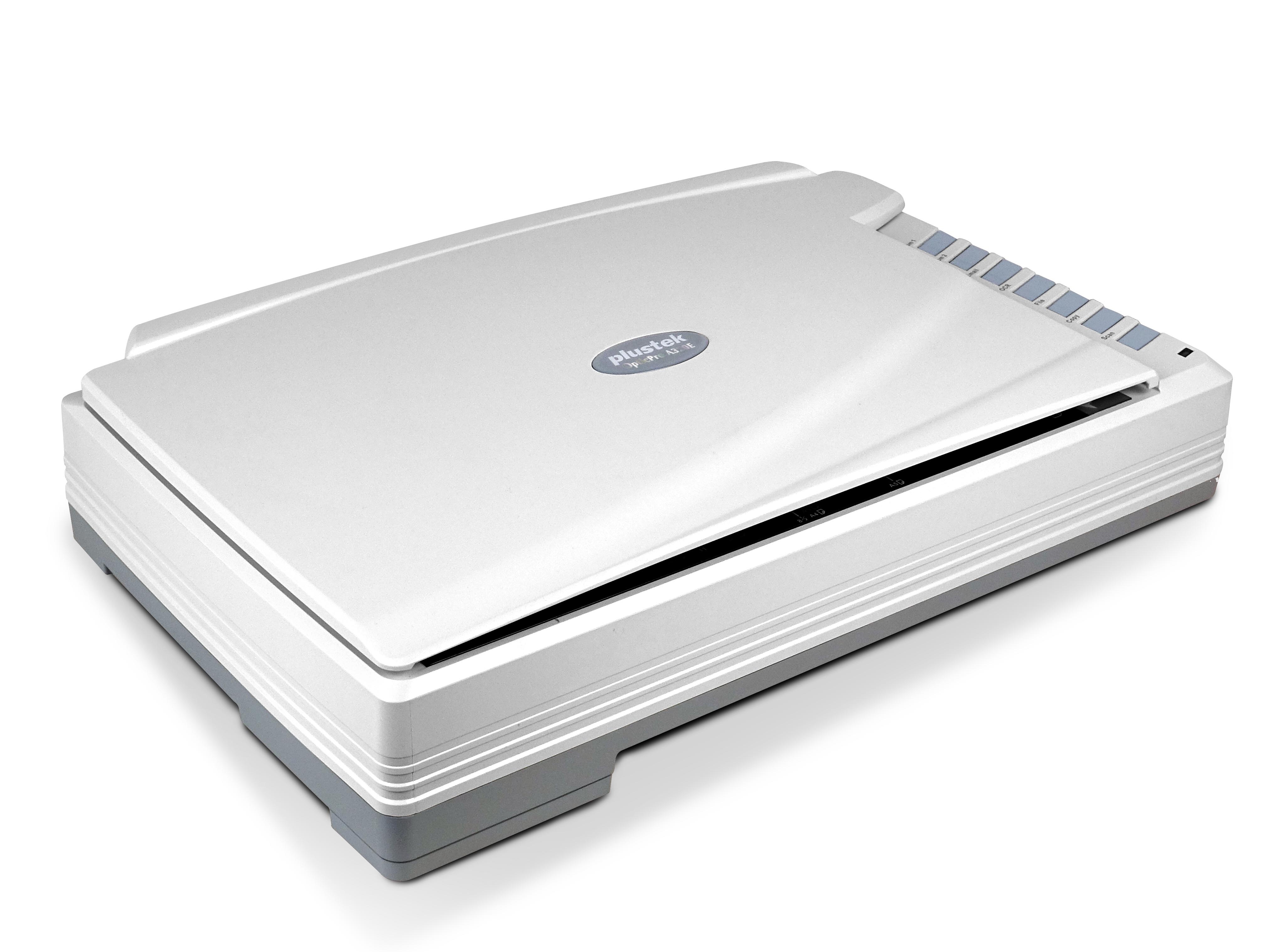


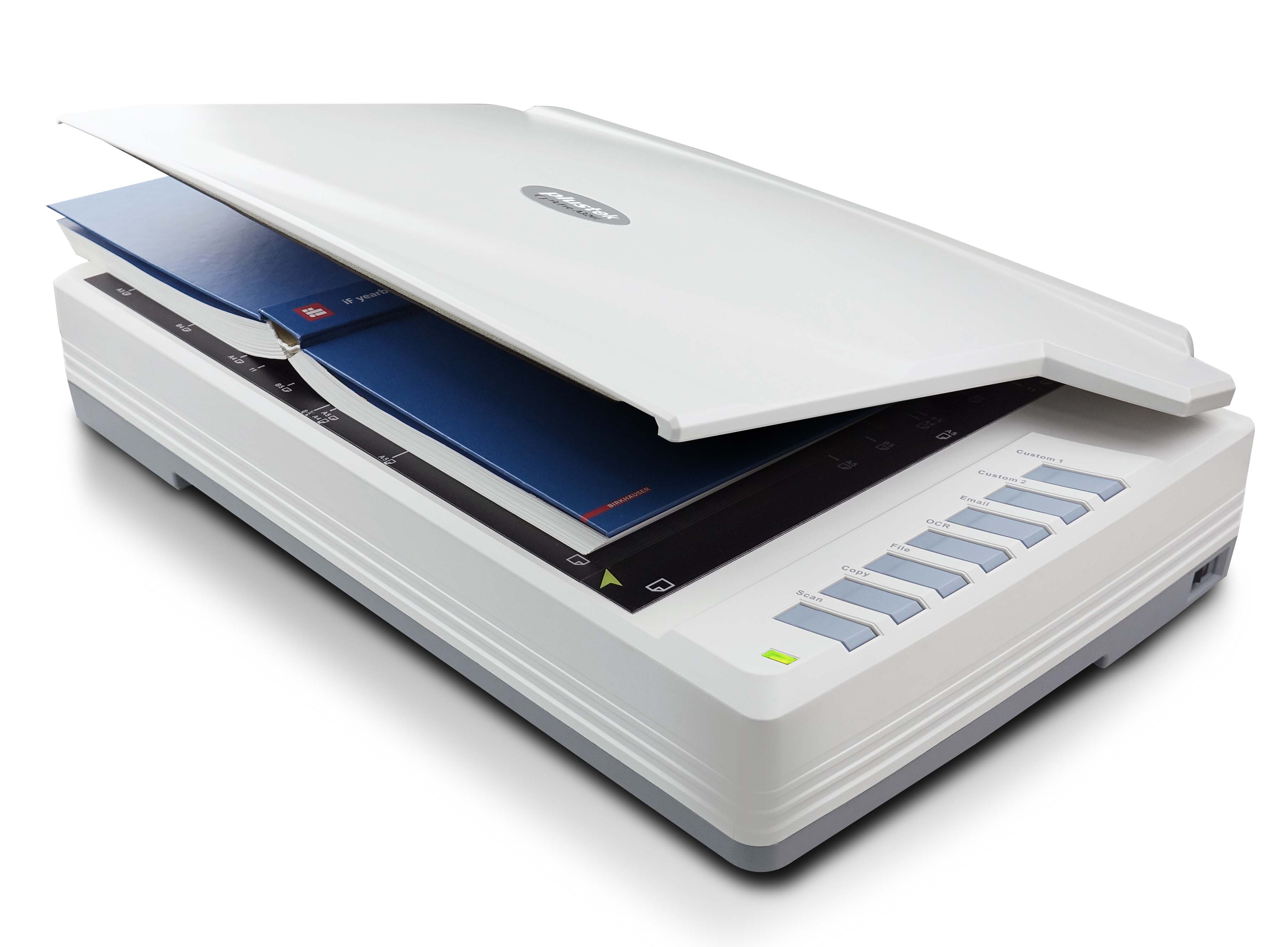


Product Details
Specifications
Accessories
Reviews
Product Details
Main Features
- Professional Large Format Scanning
- Scan area up to 12” x 17”
- 800dpi scan Resolution
- Scans A3 sized page in 7.8 seconds
- CCD Sensor allows scanning images with depths of field
- Auto Deskew automatically straightens an image that has been scanned
- Auto Cropping removes outer parts of scanned images
- Save scanned documents to searchable PDF files
- ICA & Twain Compliant
- Seven programmable one touch buttons simplify scanning tasks
Specifications
General Specifications
| Image Sensor | CCD |
|---|---|
| Optical Resolution | 800 dpi |
| Scan Modes | Color: 48-bit input, 24-bit output Grayscale: 16-bit input, 8-bit output B/W: 1-bit output |
| Color Depth | Input 48-bit; Output 24-bit |
| Scanning Speed | 7.8 sec (Color/ Grayscale/ B&W mode, 300dpi, A3) |
| Scanning Area (W x L) | Max. 304.8 mm × 431.8 mm (12" × 17"), A3 |
| Daily Duty Scan ( Sheets ) | 2,500 |
| Action Button | 1,2,3,4,5,6,7 |
| Power Supply | 24 Vdc/ 1.25 A |
| Power Consumption | ≦ 30 W (operation), ≦ 2.9 W (idle), ≦ 0.3 W (standby) |
| Interface | USB 2.0 |
| Net Weight | 7.5 Kgs (16.52 Lbs) |
| Dimensions (W x D x H) | 623 x 400 x 140 mm (24.53” x 15.75” x 5.51”) |
| Protocol | TWAIN Compliant, WIA |
| OS | Windows 7 / 8 / 10 Mac 10.12.x/ 10.13.x/ 10.14.x/ 10.15.x LINUX SANE only for Systems Integrator. Please contact local sales |
| Hardware Requirements | Intel Core i5 processor or higher DVD-ROM Drive (for installing bundled software) One available USB 2.0 Port 4 GB RAM or higher recommended (For maximum A3 size@1600 dpi scanning, allocated 20 GB Virtual Memory at least.) |
| Bundled Software | Plustek DocAction Plustek DocTWAIN Plustek MacAction Plustek ICA |
| Built-in OCR | Plustek OCR (For Windows and Mac) (Powered by ABBYY® FineReader®) |
 Download Manufacturer Specifications
Accessories

Reviews


Bear in mind that in order to get the best quality, you should scan the original negative rather than the printed photo, if it's available.
Make sure the scanning glass is clean and has no dust on it before you start scanning.
A Twain driver will usually give you a lot more control over the scan settings than a WIA driver and better results even with the default settings.
MY ACCOUNT
INFO & POLICIES
SHOP EASY
PAYMENT OPTIONS



* Images are for illustration purposes only.