



 Shopping Cart
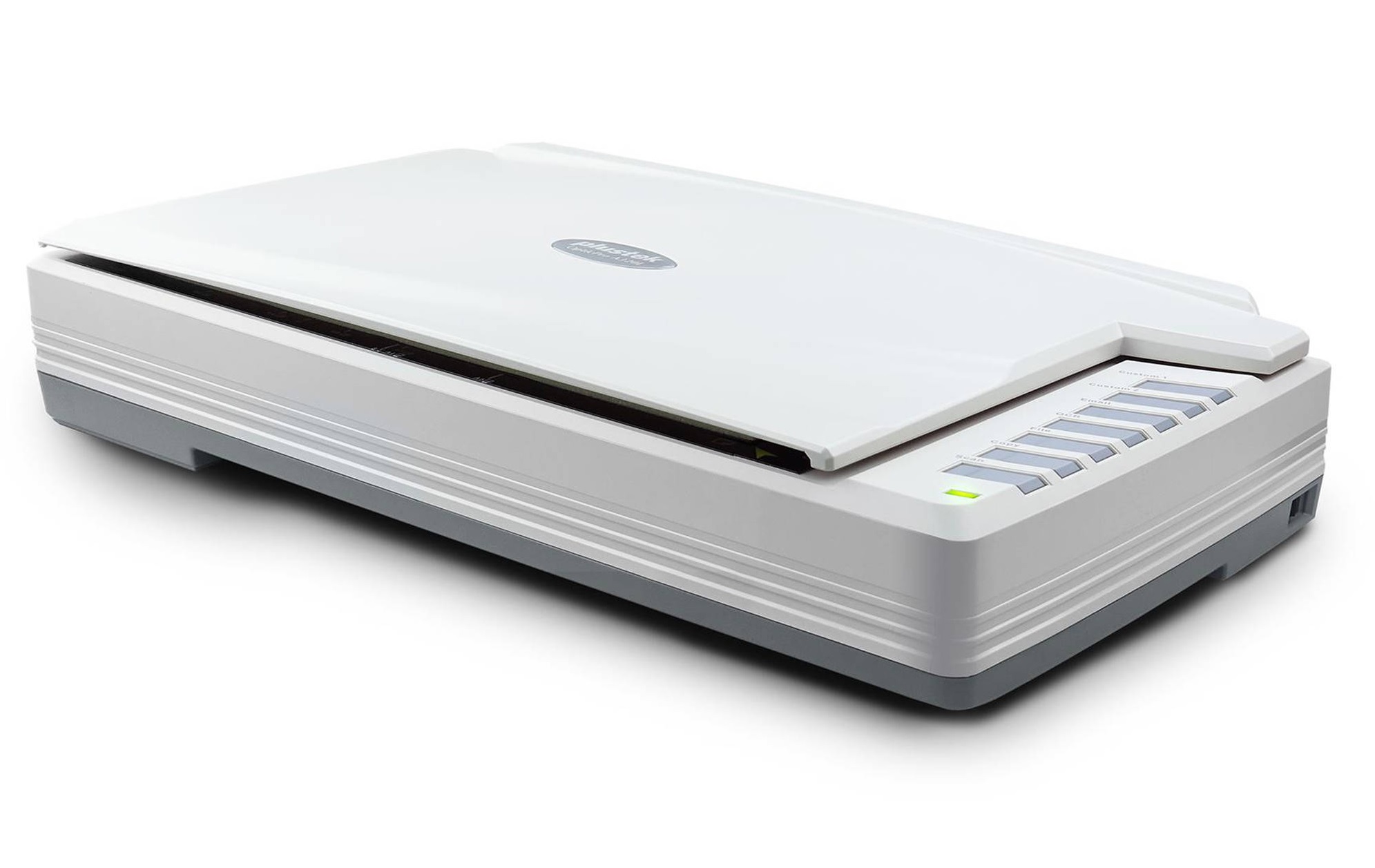
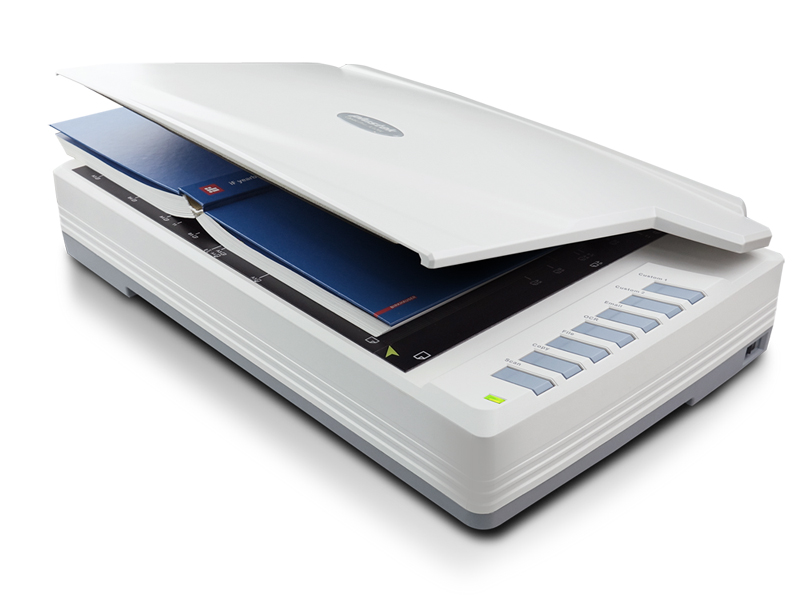
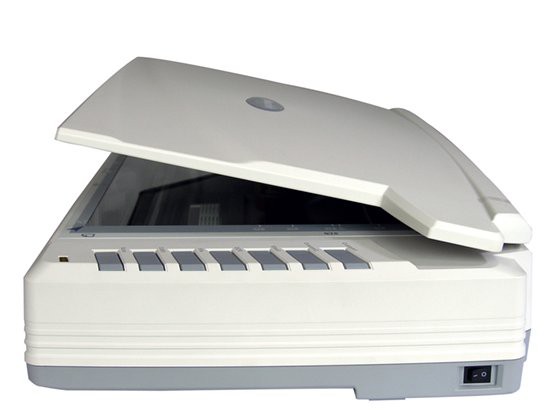
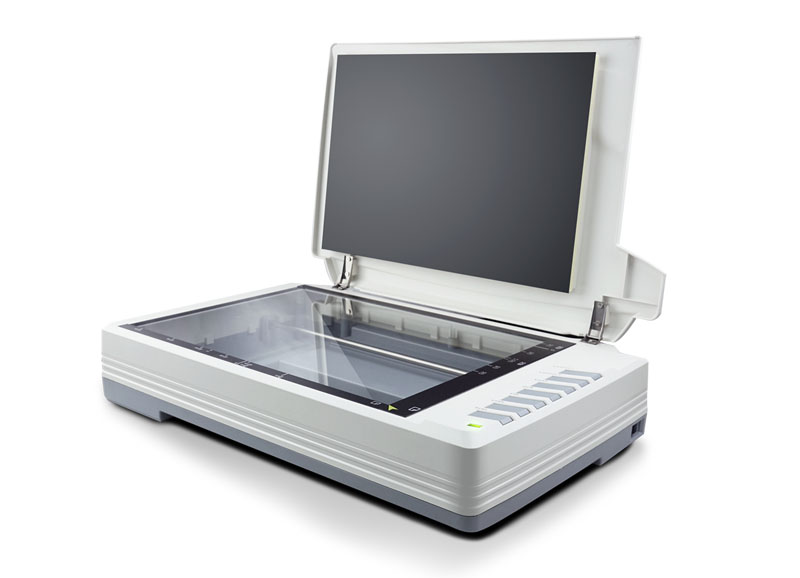
 Plustek OpticPro A320L Flatbed Scanner


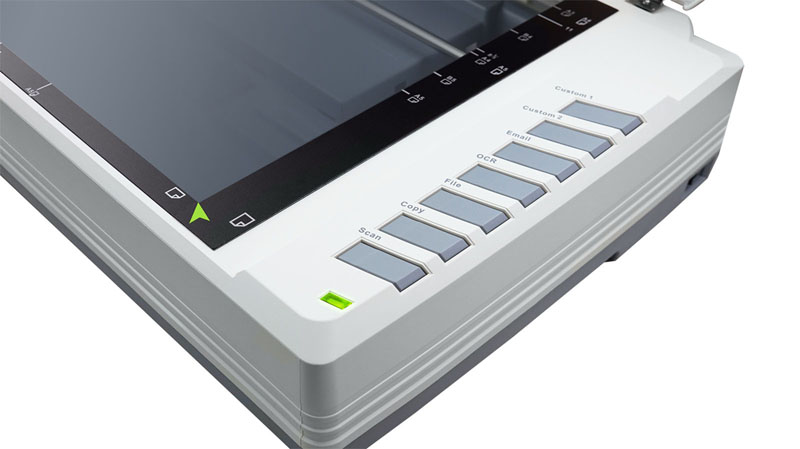


Images are for illustration purposes only and do not necessarily reflect the actual product.
Product Details
Specifications
Accessories
Reviews
Product Details
Main Features
- Scans up to ledger size / 12” x 17”
- Scan speed: Up to 7.8 seconds
- One-touch buttons
- User friendly bundled software
- LED Light Source
- Optical resolution: Up to 1600 dpi
- Daily duty scan: 2500 sheets
- Dimensions (WxDxH): 623 x 400 x 140 mm (24.53” x 15.75” x 5.51”)
Specifications
General Specifications
| Image Sensor | CCD |
| Optical Resolution | 1600 dpi |
| Scan Modes | Color: 48-bit input, 24-bit output |
| Grayscale: 16-bit input, 8-bit output | |
| B/W: 1-bit output | |
| Color Depth | Input 48-bit; Output 24-bit |
| Scanning Speed | 7.8 sec (Color/ Grayscale/ B&W mode, 300dpi, A3) |
| Scanning Area (W x L) | Max. 304.8 mm × 431.8 mm (12" × 17"), A3 |
| Daily Duty Scan ( Sheets ) | 2,500 |
| Action Button | Scan, OCR, Copy, File, Email, Custom1 & Custom2 |
| Power Supply | 24 Vdc/ 1.25 A |
| Power Consumption | ≦ 30 W (operation), ≦ 5 W (idle), ≦ 0.5 W (standby) |
| Interface | USB 2.0 |
| Net Weight | 7.5 Kgs (16.52 Lbs) |
| Dimensions (W x D x H) | 623 x 400 x 140 mm (24.53” x 15.75” x 5.51”) |
| Protocol | TWAIN Compliant, WIA |
| OS | Windows 7 / 8 / 10 |
| Mac OS X 10.9.x/ 10.10.x/ 10.11.x/ 10.12.x/ 10.13.x | |
| LINUX SANE only for Systems Integrator. Please contact local sales | |
| Hardware Requirements | Intel Core i5 processor or higher |
| DVD-ROM Drive (for installing bundled software) | |
| One available USB 2.0 Port | |
| 4 GB RAM or higher recommended (For maximum A3 size@1600 dpi scanning, allocated 20 GB Virtual Memory at least.) | |
| Bundled Software | Plustek DocAction |
| Plustek MacAction | |
| ABBYY FineReader 12.0 Sprint Plustek DocTWAIN |
Accessories

Reviews


Bear in mind that in order to get the best quality, you should scan the original negative rather than the printed photo, if it's available.
A lot of photo scanners offer a color restore option for restoring color to faded photos.
If your scanner gives a ‘Scanner Access failed’ or a ‘Scanner not found’ message it may be that the interface card is not installed properly.
MY ACCOUNT
INFO & POLICIES
SHOP EASY
PAYMENT OPTIONS



* Images are for illustration purposes only.