



 Shopping Cart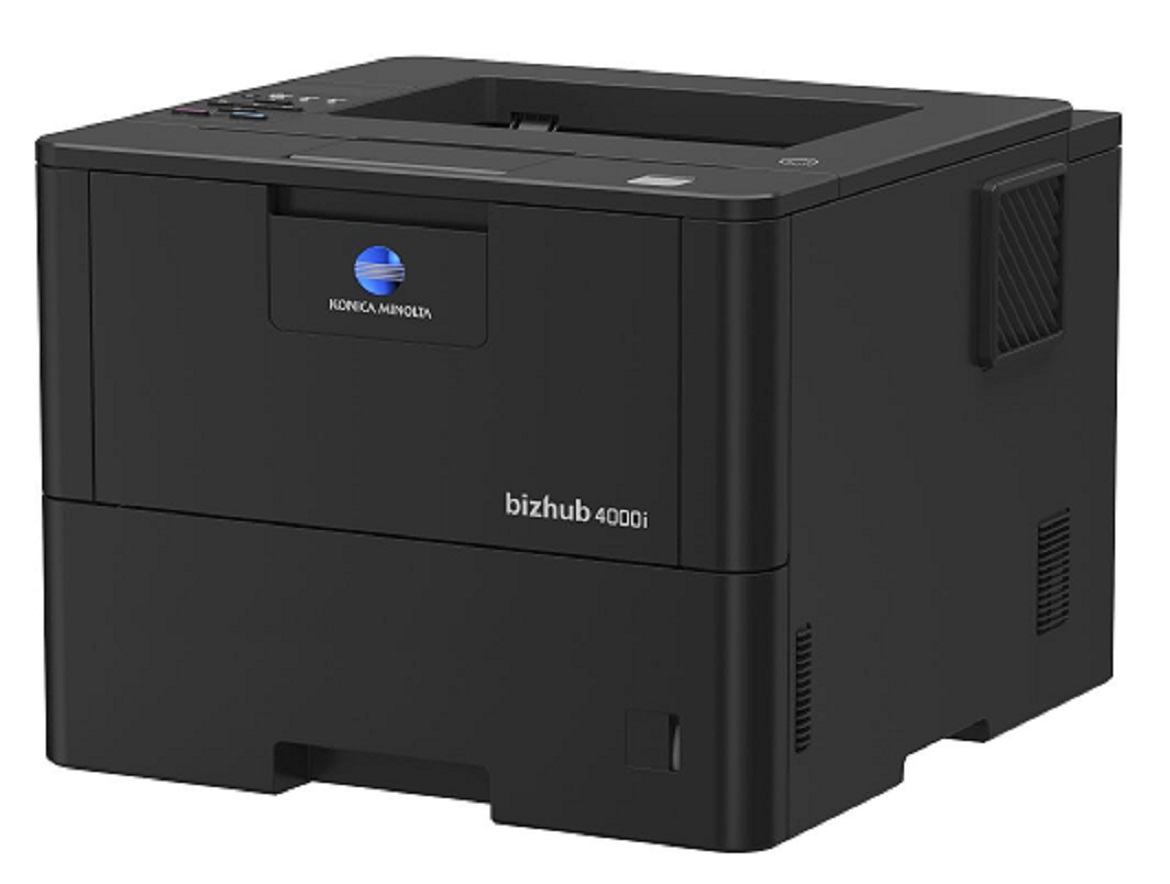


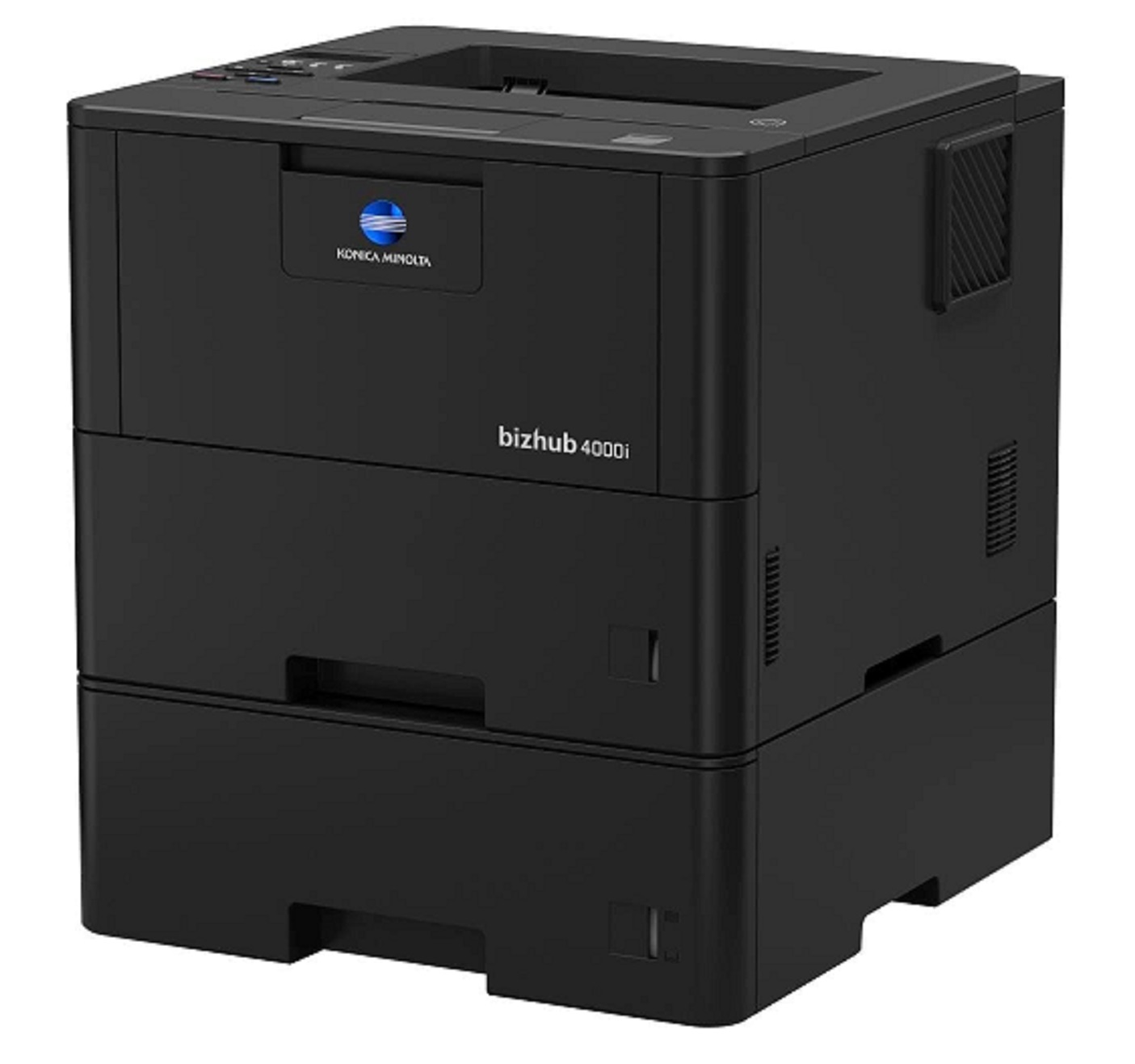
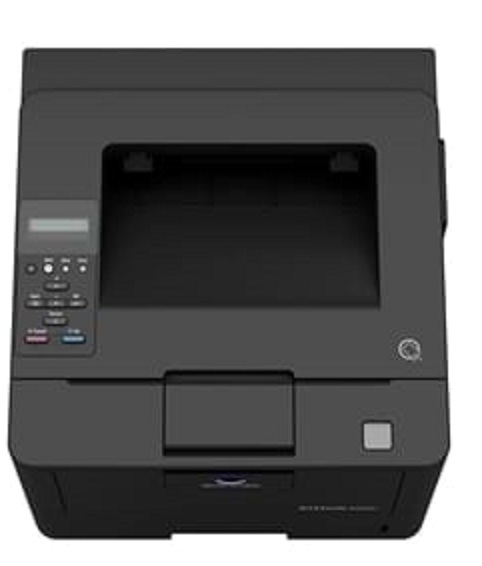


Product Details
Specifications
Accessories
Reviews
Product Details
Main Features
- Black and white output
- Compact design and small foot print
- Quiet and reliable operation
- Print Speed: 42 ppm
- First printout time: 7.2 seconds
- Print Resolution: 1200 x 1200
- Mobile Printing
Specifications
General Specifications
|
Core Functions |
|
|
System Memory |
256 MB |
|
Interface |
10/100/1,000-Base-T Ethernet; USB 2.0; Wi-Fi 802.11 b/g/n |
|
Standard Paper Capacity |
570 sheets |
|
Maximum Paper Capacity |
1610 sheets |
|
Automatic Duplexing |
8.5” x 14”; 60–105 gsm |
|
Print Volume (monthly) |
Rec. 5,000 pages; Max. 100,000 pages |
|
System Dimension (W x D x H) |
14.7”x15.3”x11.3” (without options) |
|
System Weight |
Approx. 27 lbs. (without options) |
|
Warm Up time |
Approx. 27 seconds |
|
Print Speed |
42 ppm |
|
Print Resolution |
1,200 x 1,200 dpi |
|
1st Print Out Time |
7.2 seconds |
|
Mobile Printing |
Mopria (Android); Konica Minolta Print Service (Android); Konica Minolta Mobile Print (iOS/Android/Windows 10 Mobile); Google Cloud Print; WiFi Direct |
 Download Manufacturer Specifications
Accessories

Reviews


Printer not working? The printer memory could be full and not getting prints or the prints may be stuck in the print queue. Turn-off the printer, wait a few seconds and turn it back on.
Getting blank pages after you installed a new cartridge? Check that the sticker from the cartridge was properly removed. Alternatively, run the clean print head function to make sure all air bubbles are removed. Do not remove the cartridge once it has been installed.
Paper coatings are designed to control ink absorption and spread, producing brilliant, sharp images with less ink.
MY ACCOUNT
INFO & POLICIES
SHOP EASY
PAYMENT OPTIONS



