



 Shopping Cart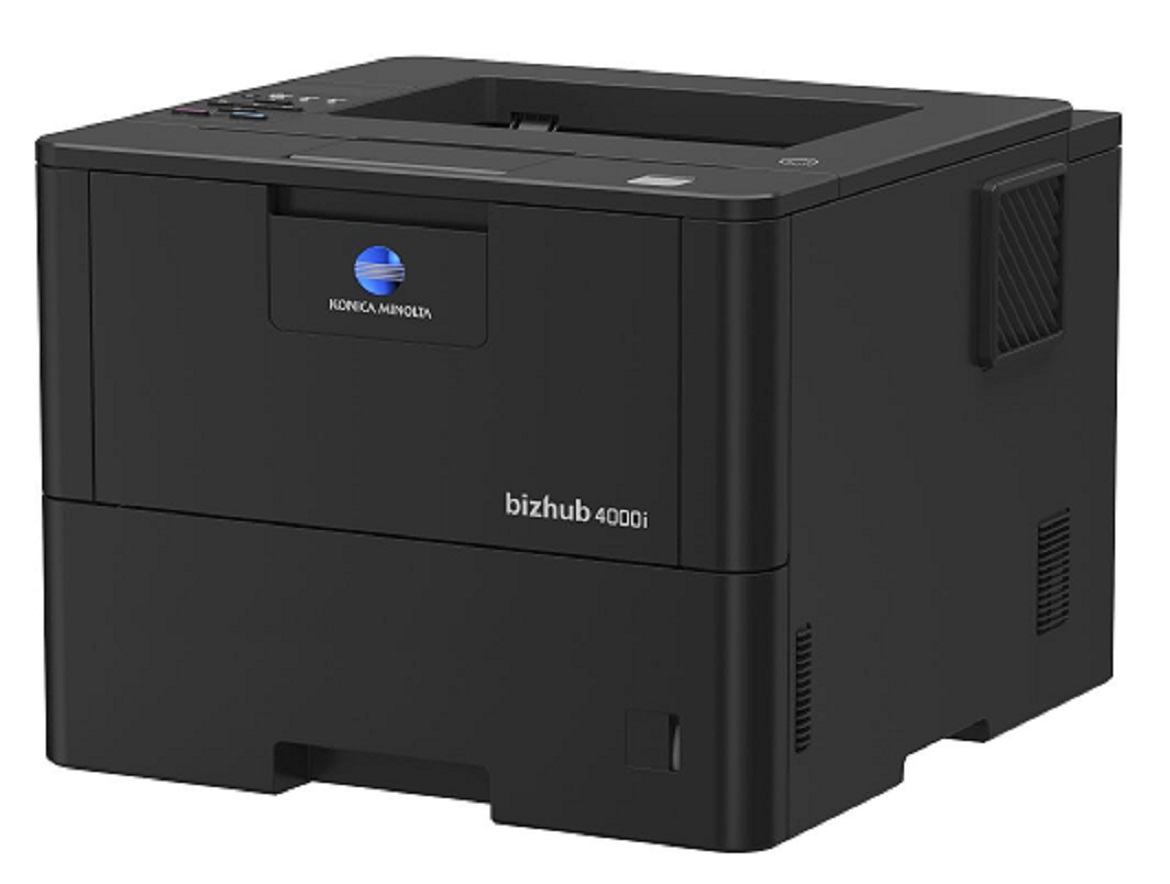


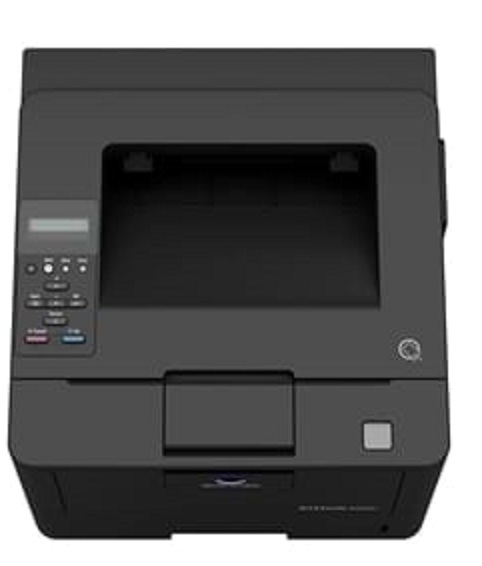


Product Details
Specifications
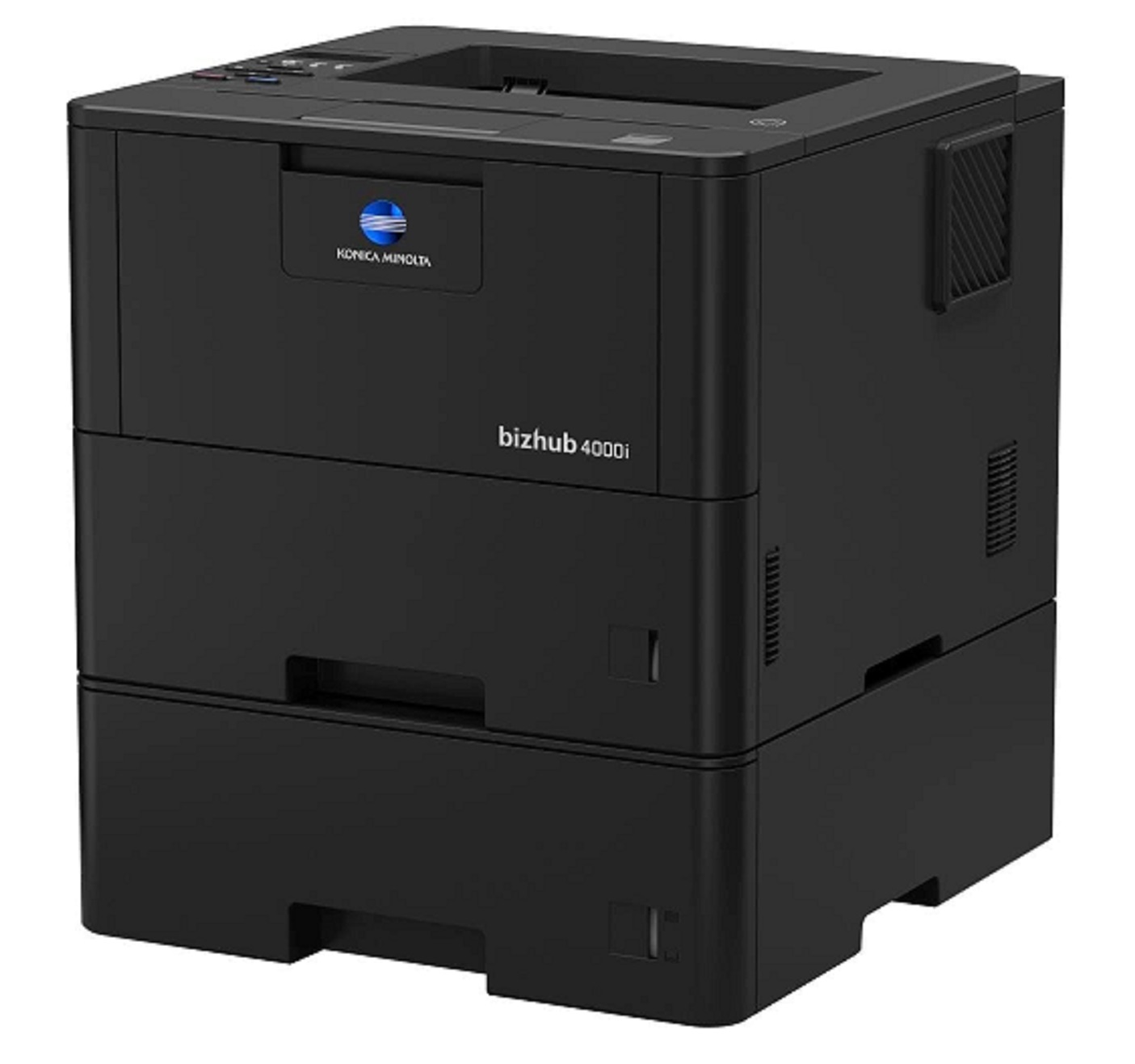
Accessories
Reviews
Product Details
Main Features
- Black and white output
- Compact design and small foot print
- Quiet and reliable operation
- Print Speed: 42 ppm
- First printout time: 7.2 seconds
- Print Resolution: 1200 x 1200
- Mobile Printing
Specifications
General Specifications
|
Core Functions |
|
|
System Memory |
256 MB |
|
Interface |
10/100/1,000-Base-T Ethernet; USB 2.0; Wi-Fi 802.11 b/g/n |
|
Standard Paper Capacity |
570 sheets |
|
Maximum Paper Capacity |
1610 sheets |
|
Automatic Duplexing |
8.5” x 14”; 60–105 gsm |
|
Print Volume (monthly) |
Rec. 5,000 pages; Max. 100,000 pages |
|
System Dimension (W x D x H) |
14.7”x15.3”x11.3” (without options) |
|
System Weight |
Approx. 27 lbs. (without options) |
|
Warm Up time |
Approx. 27 seconds |
|
Print Speed |
42 ppm |
|
Print Resolution |
1,200 x 1,200 dpi |
|
1st Print Out Time |
7.2 seconds |
|
Mobile Printing |
Mopria (Android); Konica Minolta Print Service (Android); Konica Minolta Mobile Print (iOS/Android/Windows 10 Mobile); Google Cloud Print; WiFi Direct |
 Download Manufacturer Specifications
Accessories

Reviews


Paper jam? The best way to remove jammed paper is to gently pull the paper in the direction of the paper path - with power off, of course. Do not pull the paper backwards - you could damage your printer forever by doing so.
Tight on office space? Consider buying a machine with networking capabilities which will allow multiple users to use one printer.
Handle inkjet papers like photographic papers - hold them by the edges to avoid oil deposits and fingerprints.
MY ACCOUNT
INFO & POLICIES
SHOP EASY
PAYMENT OPTIONS



