



 Shopping Cart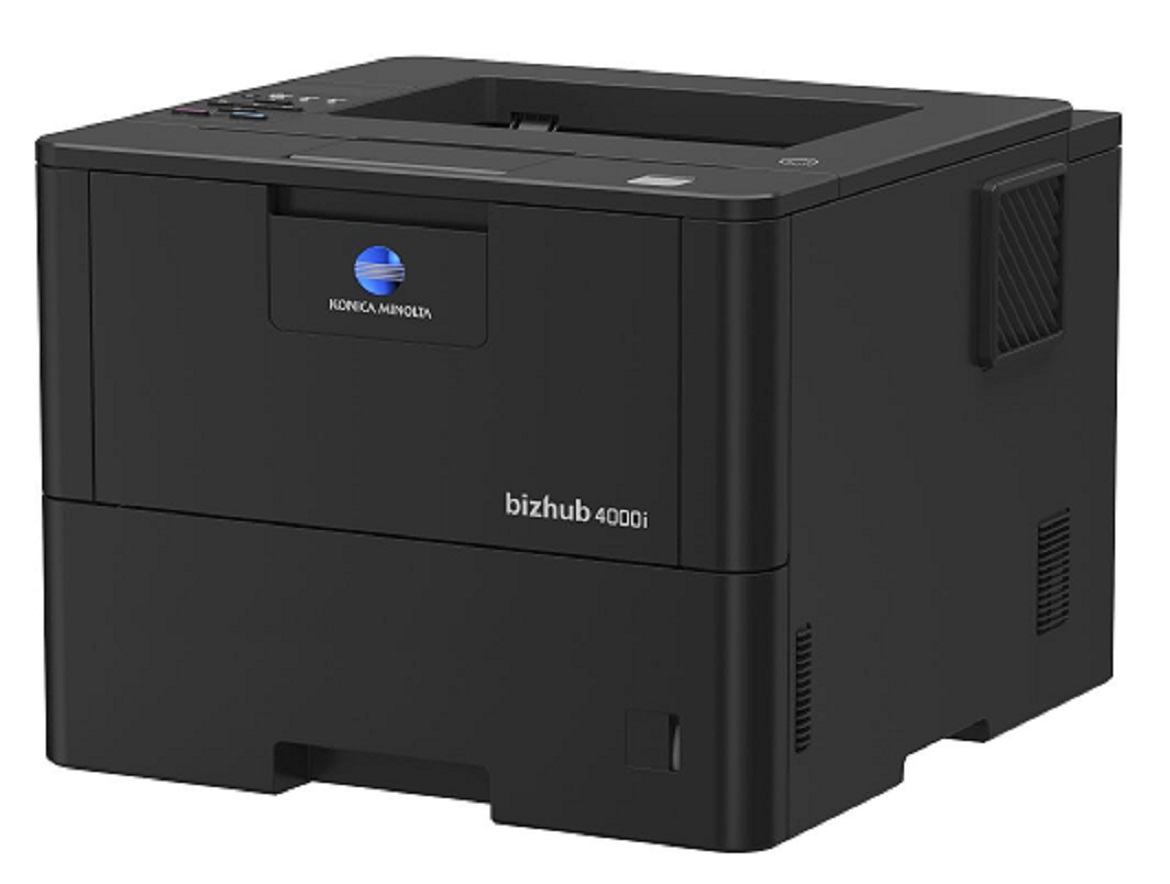


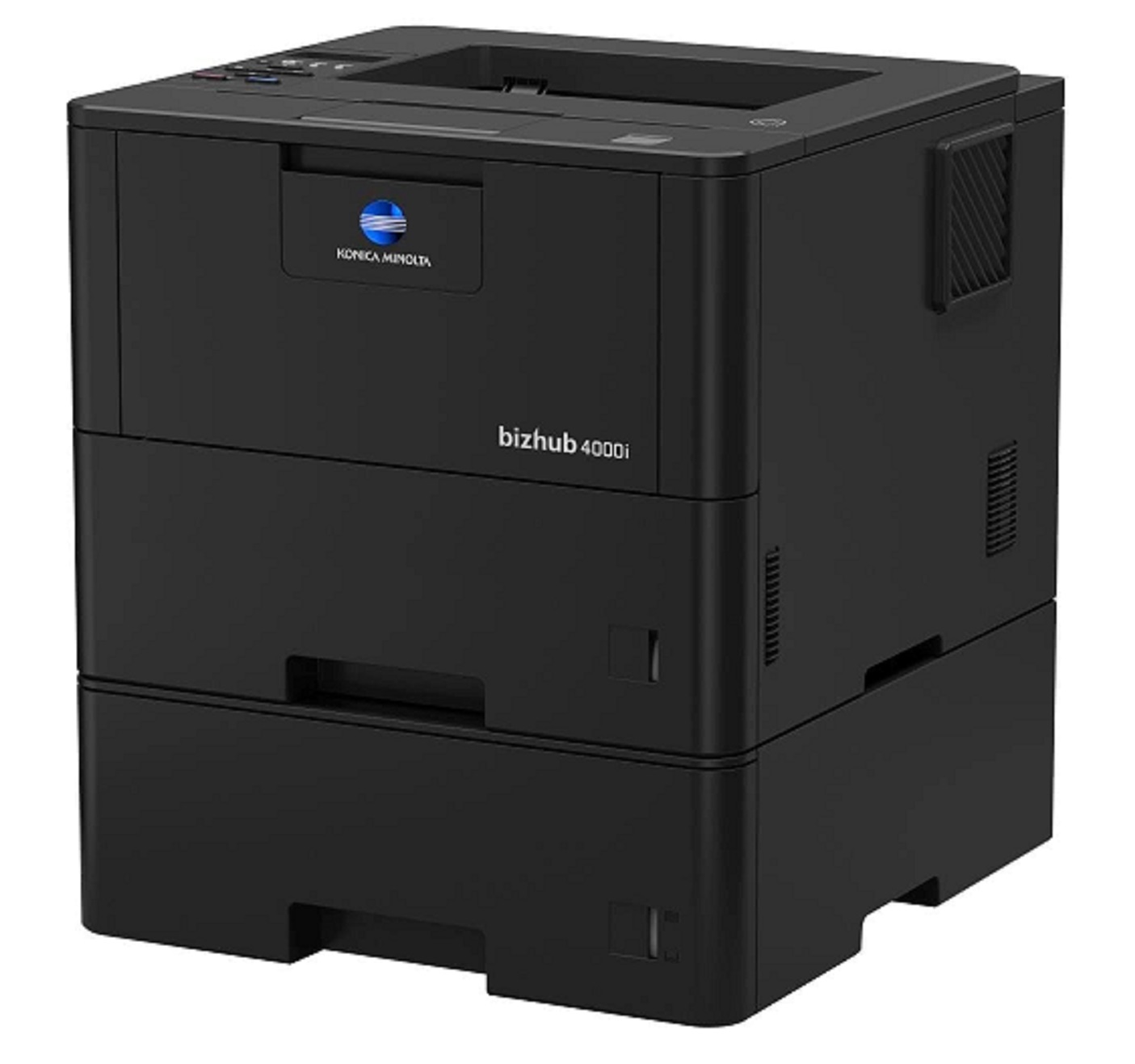
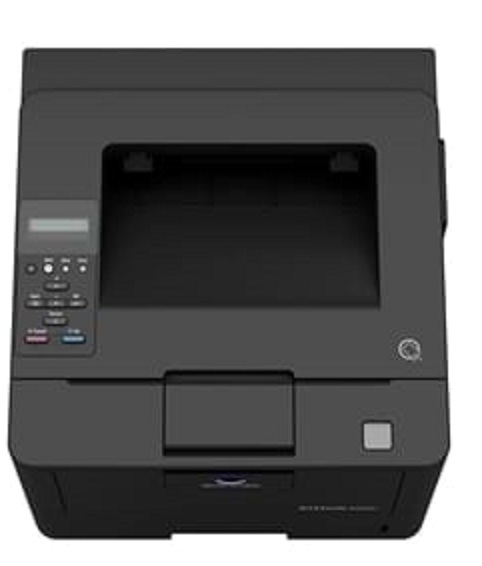


Product Details
Specifications
Accessories
Reviews
Product Details
Main Features
- Black and white output
- Compact design and small foot print
- Quiet and reliable operation
- Print Speed: 42 ppm
- First printout time: 7.2 seconds
- Print Resolution: 1200 x 1200
- Mobile Printing
Specifications
General Specifications
|
Core Functions |
|
|
System Memory |
256 MB |
|
Interface |
10/100/1,000-Base-T Ethernet; USB 2.0; Wi-Fi 802.11 b/g/n |
|
Standard Paper Capacity |
570 sheets |
|
Maximum Paper Capacity |
1610 sheets |
|
Automatic Duplexing |
8.5” x 14”; 60–105 gsm |
|
Print Volume (monthly) |
Rec. 5,000 pages; Max. 100,000 pages |
|
System Dimension (W x D x H) |
14.7”x15.3”x11.3” (without options) |
|
System Weight |
Approx. 27 lbs. (without options) |
|
Warm Up time |
Approx. 27 seconds |
|
Print Speed |
42 ppm |
|
Print Resolution |
1,200 x 1,200 dpi |
|
1st Print Out Time |
7.2 seconds |
|
Mobile Printing |
Mopria (Android); Konica Minolta Print Service (Android); Konica Minolta Mobile Print (iOS/Android/Windows 10 Mobile); Google Cloud Print; WiFi Direct |
 Download Manufacturer Specifications
Accessories

Reviews


When power is applied, you should hear the print mechanism initialize and most printers have at least one light which will be illuminated when it is on.
Most printers have a built-in diagnostics program which can be very useful for troubleshooting problems and test-printing without a computer. They are usually initiated by pressing a button or two while turning on the printer.
Are you getting diminished color and print quality? If all your images start to look a bit purple, blue or orange, one of your ink wells may be running low. Replace the whole printer ink cartridge, unless you can refill the individual ink wells.
MY ACCOUNT
INFO & POLICIES
SHOP EASY
PAYMENT OPTIONS



