



 Shopping Cart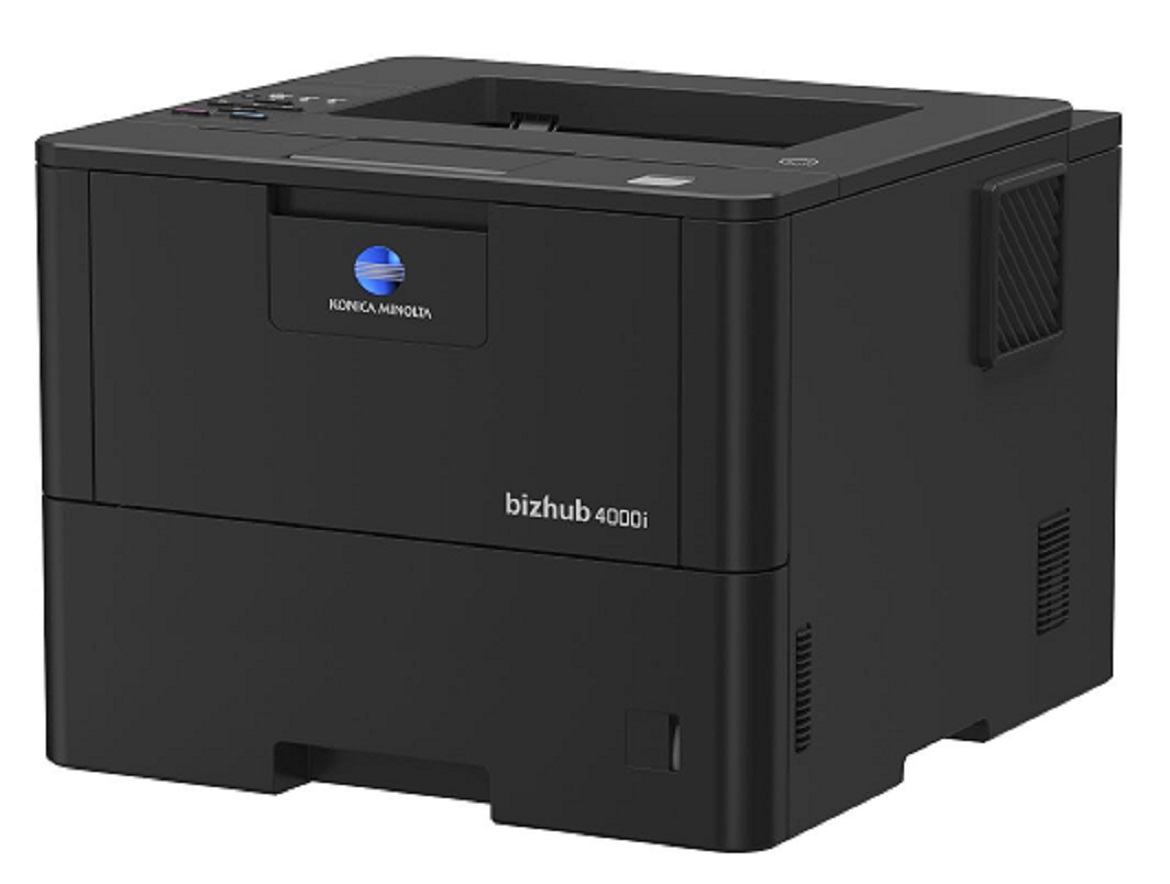


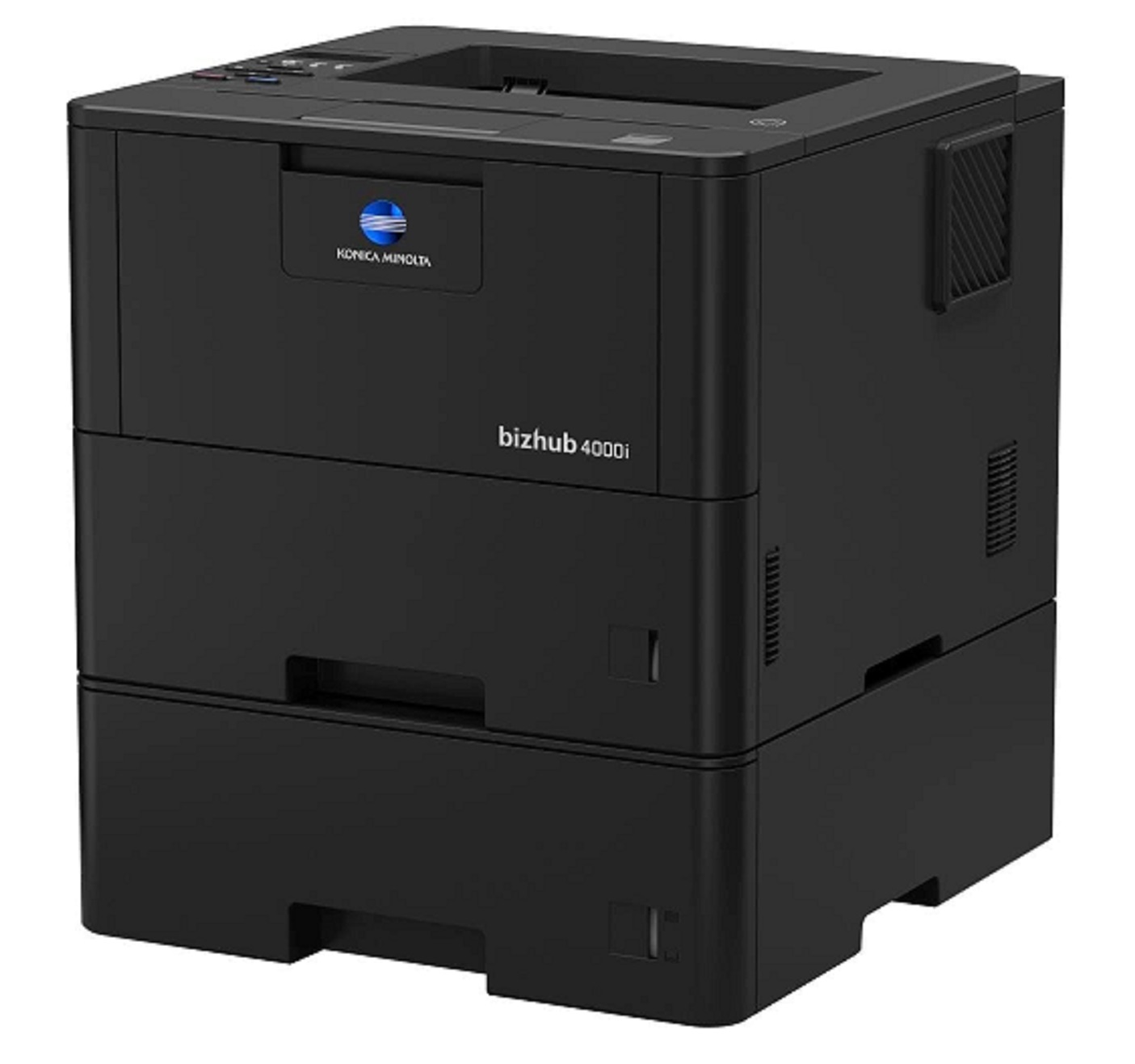
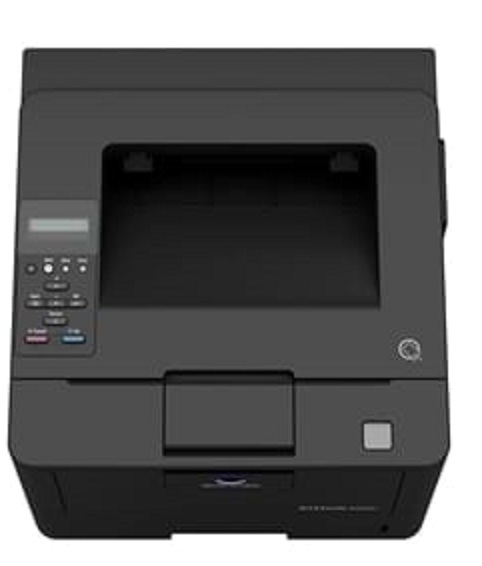


Product Details
Specifications
Accessories
Reviews
Product Details
Main Features
- Black and white output
- Compact design and small foot print
- Quiet and reliable operation
- Print Speed: 42 ppm
- First printout time: 7.2 seconds
- Print Resolution: 1200 x 1200
- Mobile Printing
Specifications
General Specifications
|
Core Functions |
|
|
System Memory |
256 MB |
|
Interface |
10/100/1,000-Base-T Ethernet; USB 2.0; Wi-Fi 802.11 b/g/n |
|
Standard Paper Capacity |
570 sheets |
|
Maximum Paper Capacity |
1610 sheets |
|
Automatic Duplexing |
8.5” x 14”; 60–105 gsm |
|
Print Volume (monthly) |
Rec. 5,000 pages; Max. 100,000 pages |
|
System Dimension (W x D x H) |
14.7”x15.3”x11.3” (without options) |
|
System Weight |
Approx. 27 lbs. (without options) |
|
Warm Up time |
Approx. 27 seconds |
|
Print Speed |
42 ppm |
|
Print Resolution |
1,200 x 1,200 dpi |
|
1st Print Out Time |
7.2 seconds |
|
Mobile Printing |
Mopria (Android); Konica Minolta Print Service (Android); Konica Minolta Mobile Print (iOS/Android/Windows 10 Mobile); Google Cloud Print; WiFi Direct |
 Download Manufacturer Specifications
Accessories

Reviews


If you are printing on photo paper, make sure you have set the printer to this setting and have not left it on the regular printer setting.
If you are not getting the results you expect, don't give up on your printer until you manually set the driver for the paper that you are using.
If debris is the primary cause of failures, toner is the primary cause of debris. All toner cartridges release a small amount of toner powder into the machine. This is why it's important to clean the machine when you change the cartridge.
MY ACCOUNT
INFO & POLICIES
SHOP EASY
PAYMENT OPTIONS



