



 Shopping Cart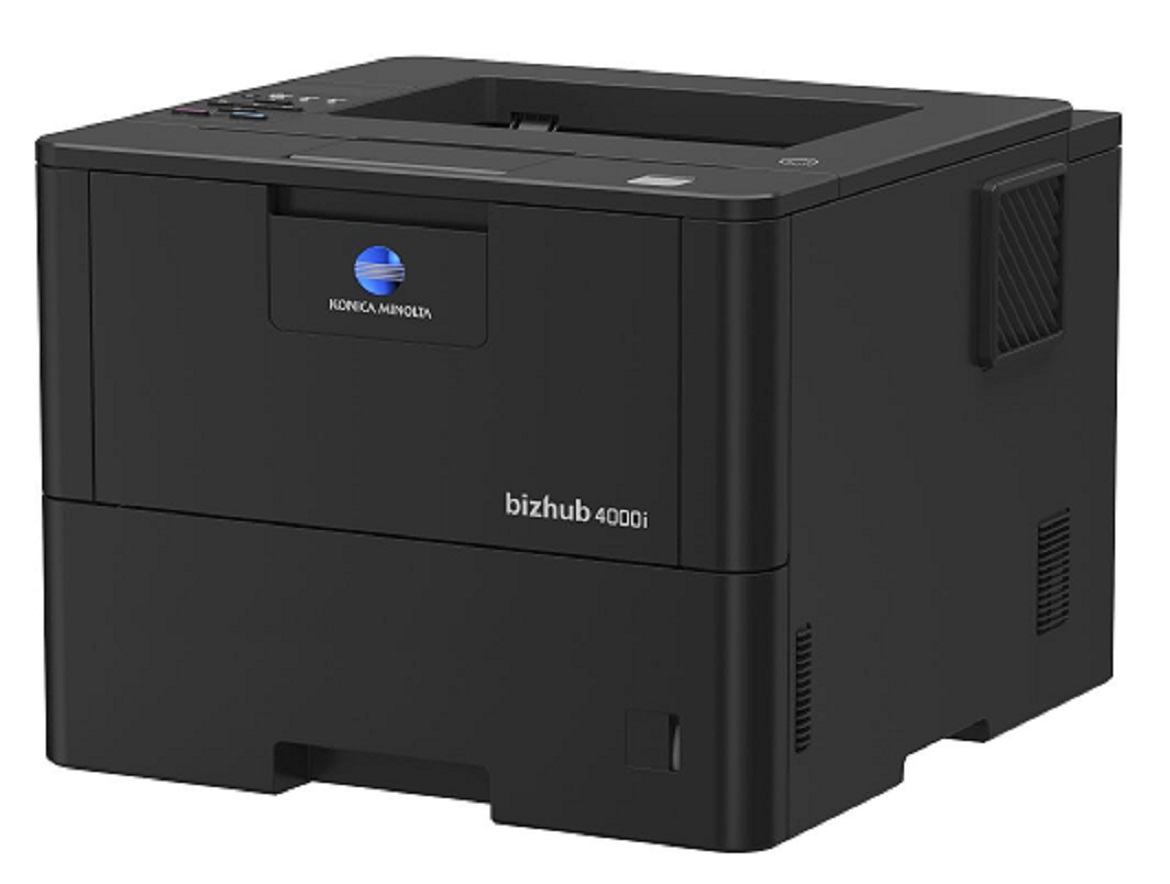


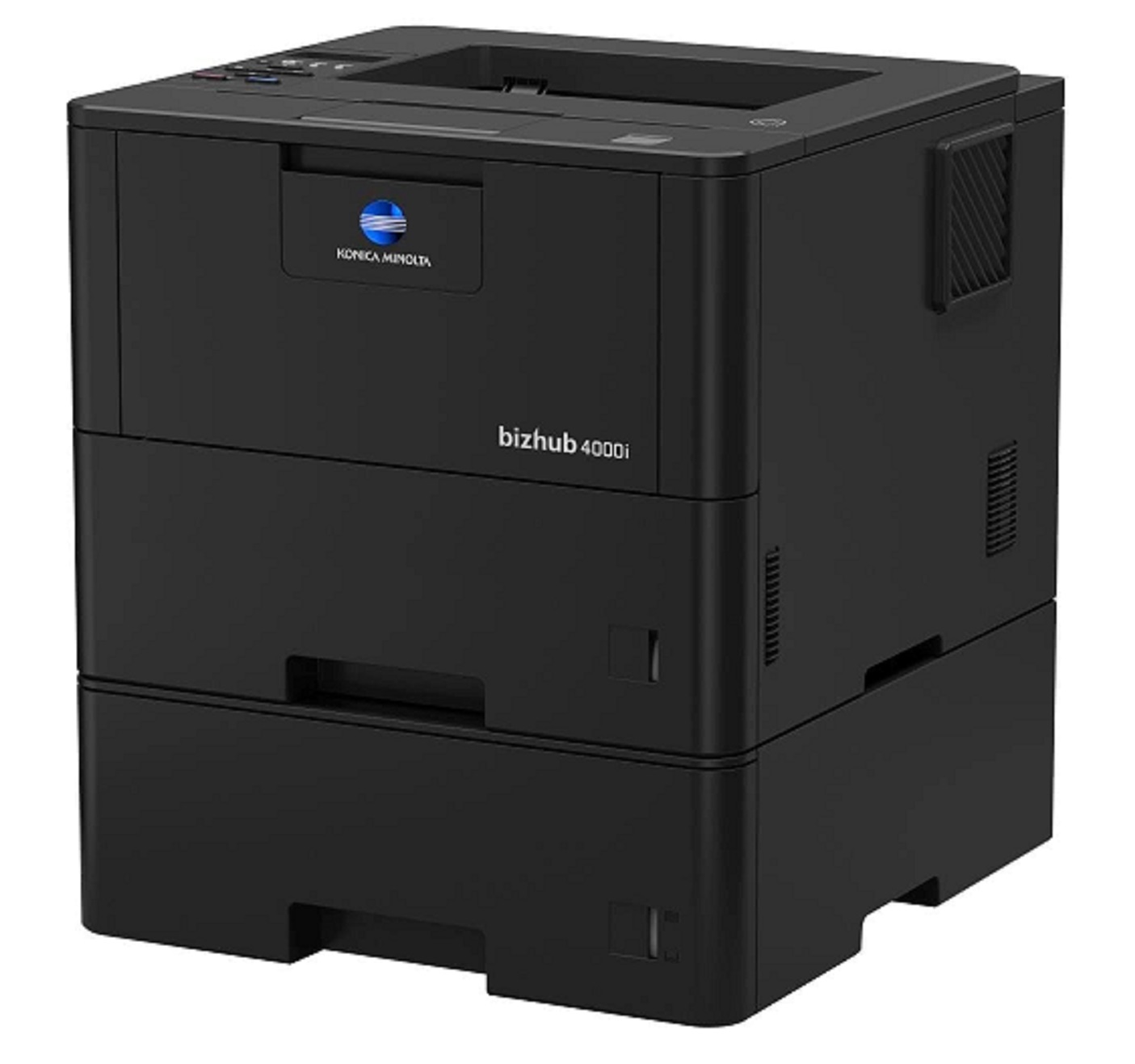
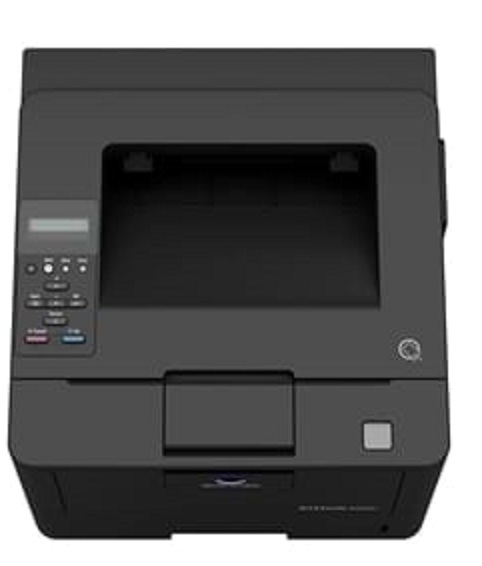


Product Details
Specifications
Accessories
Reviews
Product Details
Main Features
- Black and white output
- Compact design and small foot print
- Quiet and reliable operation
- Print Speed: 42 ppm
- First printout time: 7.2 seconds
- Print Resolution: 1200 x 1200
- Mobile Printing
Specifications
General Specifications
|
Core Functions |
|
|
System Memory |
256 MB |
|
Interface |
10/100/1,000-Base-T Ethernet; USB 2.0; Wi-Fi 802.11 b/g/n |
|
Standard Paper Capacity |
570 sheets |
|
Maximum Paper Capacity |
1610 sheets |
|
Automatic Duplexing |
8.5” x 14”; 60–105 gsm |
|
Print Volume (monthly) |
Rec. 5,000 pages; Max. 100,000 pages |
|
System Dimension (W x D x H) |
14.7”x15.3”x11.3” (without options) |
|
System Weight |
Approx. 27 lbs. (without options) |
|
Warm Up time |
Approx. 27 seconds |
|
Print Speed |
42 ppm |
|
Print Resolution |
1,200 x 1,200 dpi |
|
1st Print Out Time |
7.2 seconds |
|
Mobile Printing |
Mopria (Android); Konica Minolta Print Service (Android); Konica Minolta Mobile Print (iOS/Android/Windows 10 Mobile); Google Cloud Print; WiFi Direct |
 Download Manufacturer Specifications
Accessories

Reviews


Set your printer for the proper paper type and weight. Fine art papers are heavier than ordinary inkjet or bond papers so set the printer to thicker paper settings.
Looking to save paper and ink? Make sure to only print the pages you need of your document.
Not all drivers are pre-installed on all operating systems and as new operating systems are released, you will need to install drivers yourself. Make sure to consult your printer manual.
MY ACCOUNT
INFO & POLICIES
SHOP EASY
PAYMENT OPTIONS



