



 Shopping Cart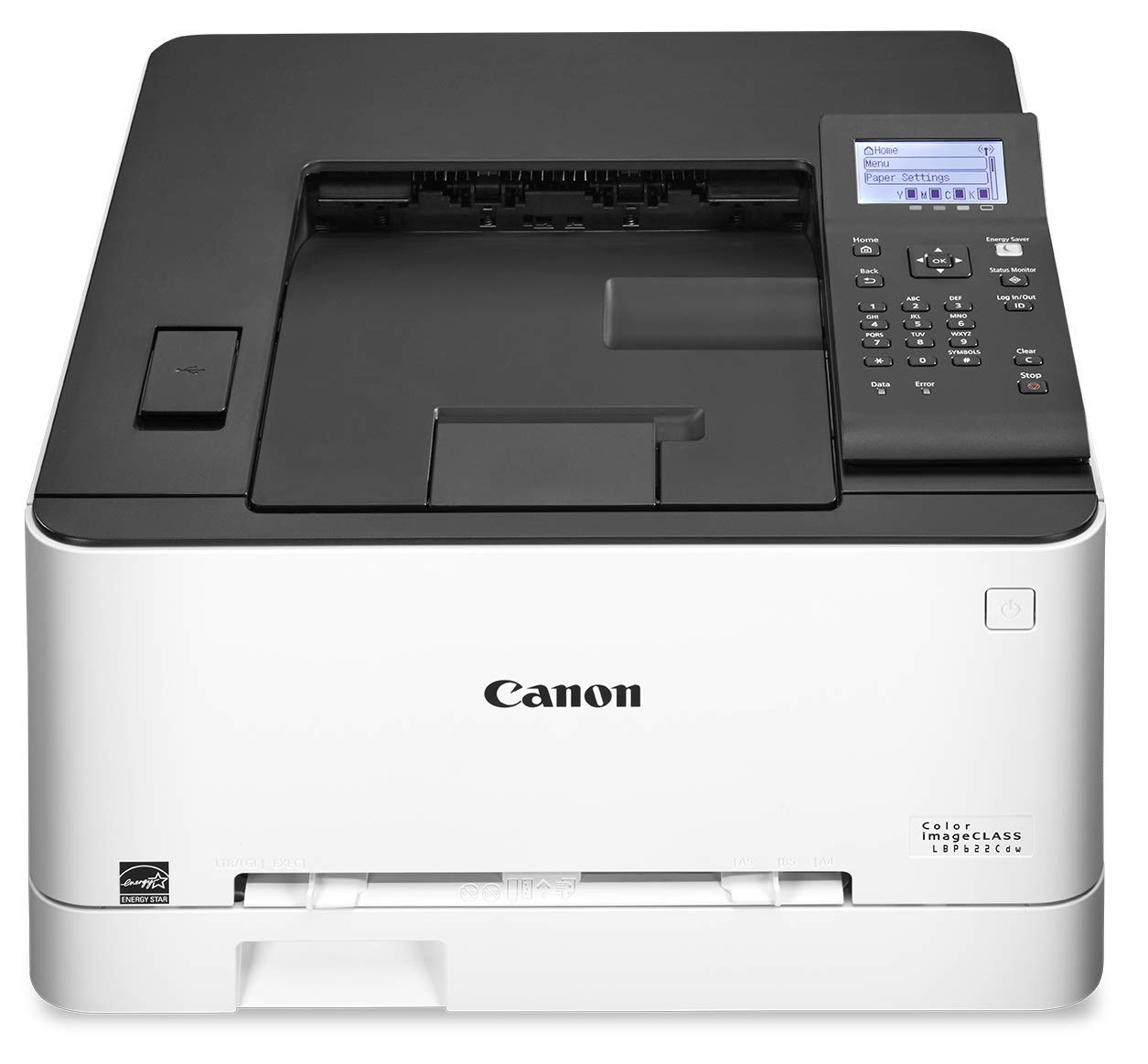



Product Details
Specifications
Accessories
Reviews
Product Details
Main Features
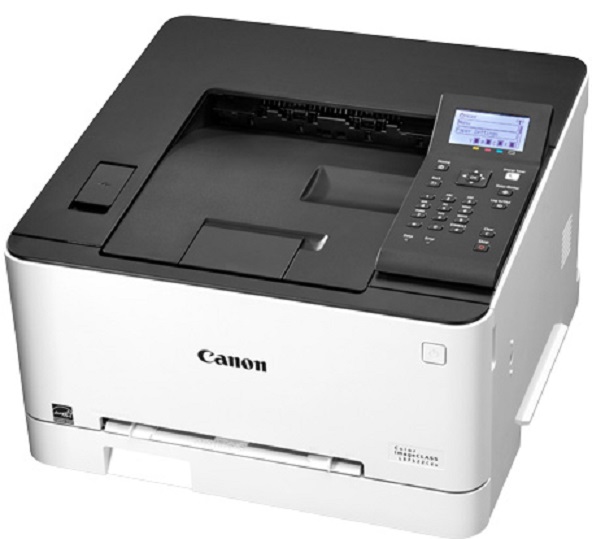
- Color Laser Printer
- Compact design
- Print Speed: 22 ppm
- Print Resolution: 600 x 600 dpi
- Max Paper Capacity: 250 sheets
- Memory: 1 GB
- Automatic Double-sided Printing
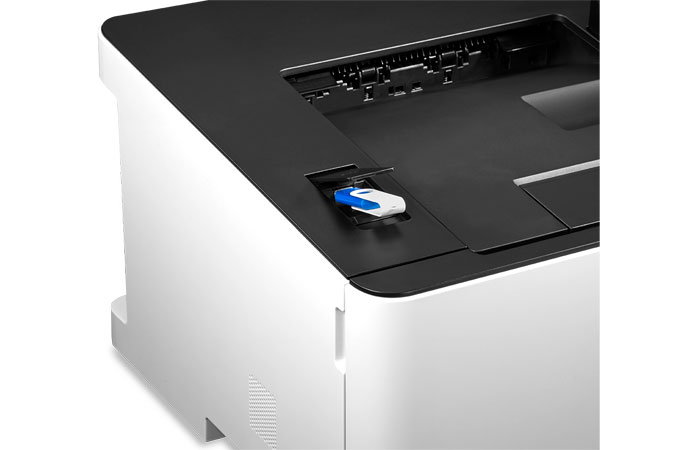
- Direct Print
- Mobile Printing
- Department ID Authentication
- WiFi Capability
- 5-line LCD Control Panel
Specifications
General Specifications
|
MAIN UNIT |
|
| CORE FUNCTIONS |
|
| ITEM CODE |
3104C005 |
| PROCESSOR |
Canon Custom Processor |
| CONTROL PANEL |
5-line LCD |
| MEMORY |
1 GB |
| STANDARD INTERFACE CONNECTION |
USB 2.0 x2 (Host), USB 2.0 x1 (Device) High-Speed, 10/100/1000Base-T Ethernet (Network), Wi-Fi 802.11b/g/n, Wi-Fi® Direct Connection |
|
PAPER CAPACITY (LETTER, 20 LB. BOND) |
250 Sheets |
| PAPER SOURCES (LETTER, 20 LB. BOND) |
Standard: 250-sheet Paper Cassette, 1-sheet Stack Bypass |
| PAPER OUTPUT CAPACITY (LETTER, 20 LB. BOND) |
75 Sheets |
| SUPPORTED MEDIA TYPES |
Cassettes: Thin, Plain, Recycled, Color, Thick, Coated, Label, Letter, Envelope (10 Envelopes) |
|
SUPPORTED MEDIA SIZES |
Cassettes: Letter, Legal, Statement, Executive, |
| SUPPORTED MEDIA WEIGHTS |
Cassettes: 16 lb. Bond to 53 lb. Bond ( 60 to 200 g/m2) |
| WARM-UP TIME |
From Power On: 13 Seconds or Less; |
| DIMENSIONS (W x D x H) |
Standard (Desktop): 17.2" x 16.7" x 11.5" (437 mm x 425 mm x 292 mm) |
| INSTALLATION SPACE (W x D x H) |
Standard (Desktop): 17.0" x 40.0" x 11.3" (430 mm x 1011 mm x 287 mm) |
| WEIGHT2 |
Unit: Approx. 35.2 lb. (16.0 kg) |
| SUPPORTED OS |
Windows 7/ Windows 8.1/ Windows 10/ Windows Server 2008/ Windows Server 2008 R2/ Windows Server 2012/ Windows Server 2012 R2/Windows Server 2016 / Mac OS X v10.9.5 (or later) |
|
PRINT SPECIFICATIONS |
|
| PRINTING METHOD |
Laser Beam Printing |
| PRINT SPEED3 |
Up to 22 ppm (Letter); Up to 17.9 ppm (Legal) |
| FIRST PRINT-OUT TIME |
Approx. 10.3 Seconds |
| RECOMMENDED MONTHLY PAGE VOLUME |
150 - 2,500 Pages |
| PRINT RESOLUTION (dpi) |
600 x 600 |
| STANDARD PAGE DESCRIPTION LANGUAGES |
UFR II |
| DOUBLE-SIDED PRINTING |
Automatic (Standard) |
| DIRECT PRINT |
Available from USB Memory (JPEG, TIFF, PDF) |
| PRINTING FROM MOBILE AND CLOUD-BASED SERVICES1 |
Apple® AirPrint,® Canon PRINT Business, Mopria™ Print |
|
SECURITY SPECIFICATIONS |
|
| AUTHENTICATION |
Standard: Department ID Authentication |
| NETWORK |
Standard: IP/MAC Address Filtering, IPSEC, TLS Encrypted Communication, SNMP V3.0, IEEE 802.1X(Wired Only), IPv6, SMTP Authentication, POP Authentication, POP Authentication before SMTP |
| DOCUMENT |
Standard: Secure Print |
| WI-FI® AUTHENTICATION METHODS |
Wi-Fi Infrastructure Mode: WEP 64/128 bit, WPA-PSK (TKIP/AES) WPA2-PSK (AES) |
|
ENVIRONMENTAL SPECIFICATIONS |
|
| OPERATING ENVIRONMENT |
Temperature: 50 to 86º F; |
| POWER REQUIREMENTS |
AC 120-127 V:6.5 A, 60 Hz |
| POWER CONSUMPTION |
Maximum: Approx. 900 W |
| STANDARDS |
ENERGY STAR® Qualified, Rated EPEAT Silver2 |
 Download Manufacturer Specifications
Accessories

Reviews


Handle inkjet papers like photographic papers - hold them by the edges to avoid oil deposits and fingerprints.
Are your printer nozzles getting clogged? Try adding a humidifier to the room where you keep your printer.
Are you getting diminished color and print quality? If all your images start to look a bit purple, blue or orange, one of your ink wells may be running low. Replace the whole printer ink cartridge, unless you can refill the individual ink wells.
MY ACCOUNT
INFO & POLICIES
SHOP EASY
PAYMENT OPTIONS



