



 Shopping Cart
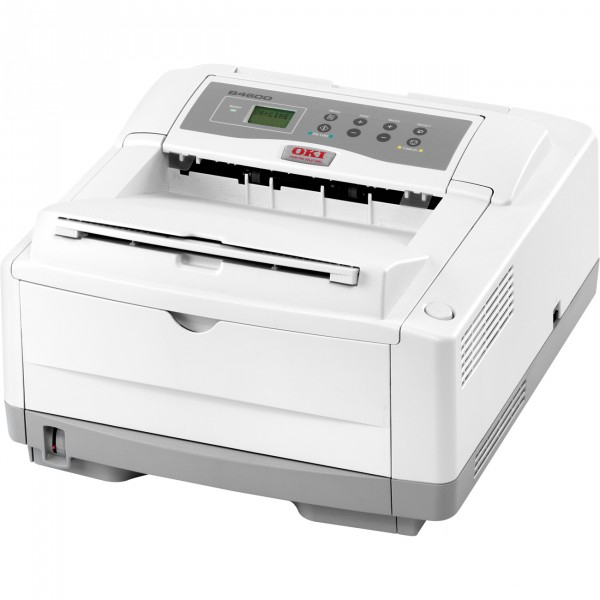
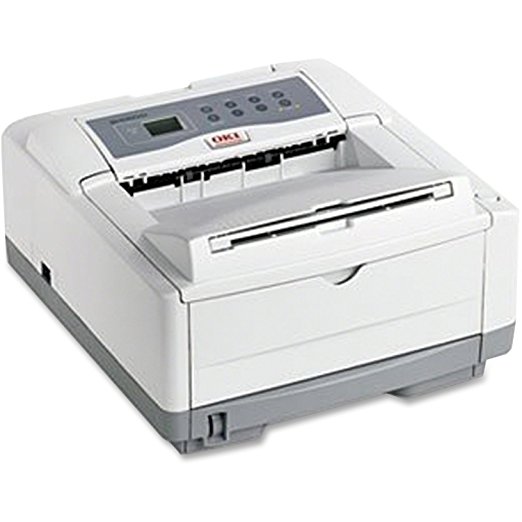
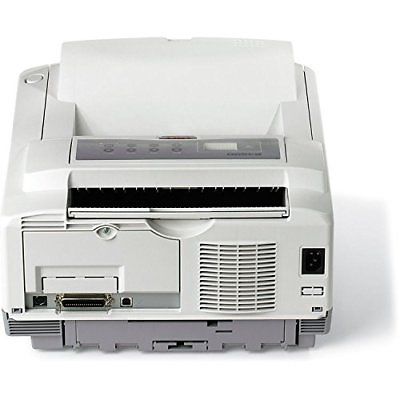
 Okidata B4600nPS Monochrome LED Printer
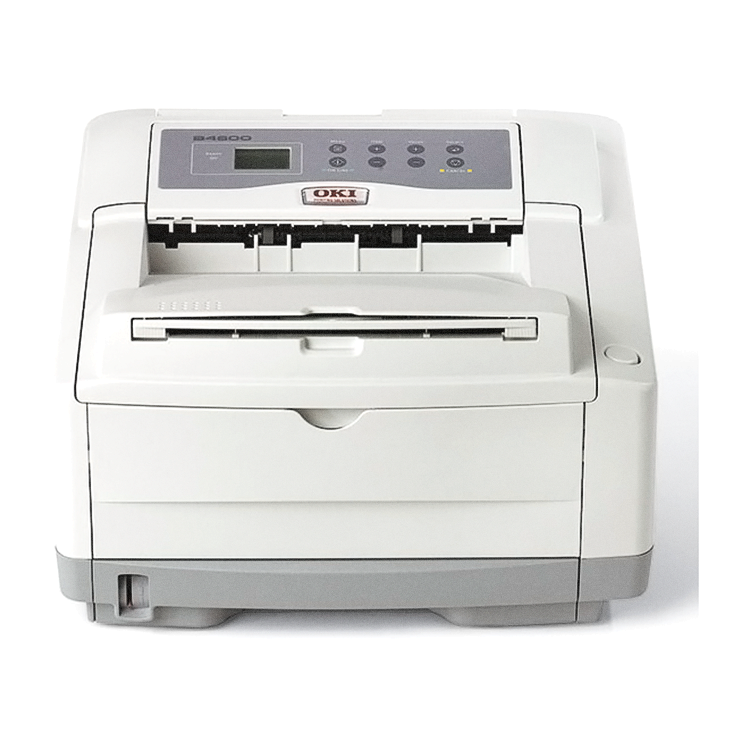


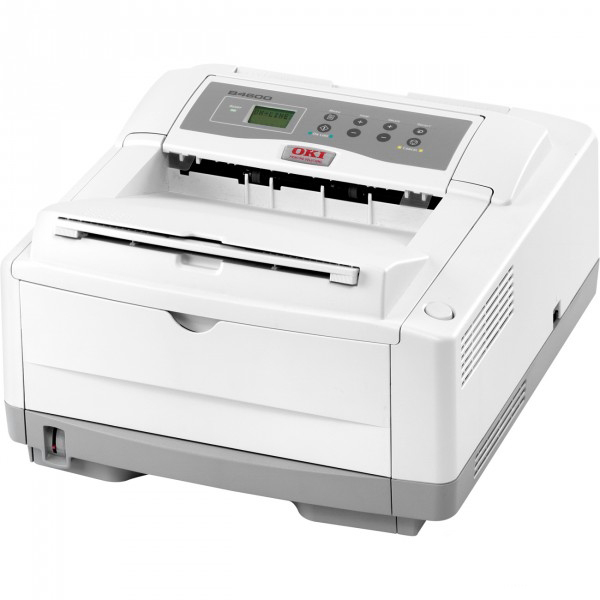
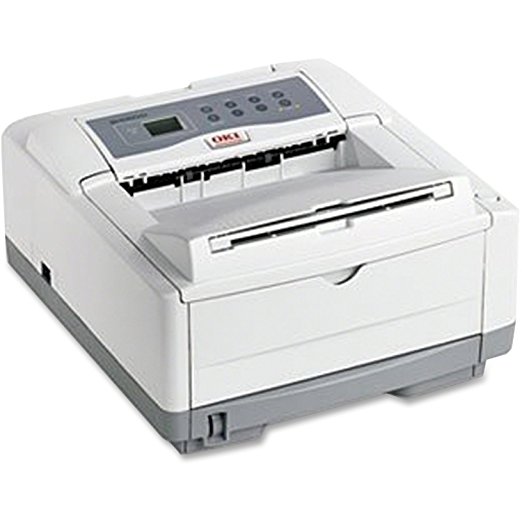
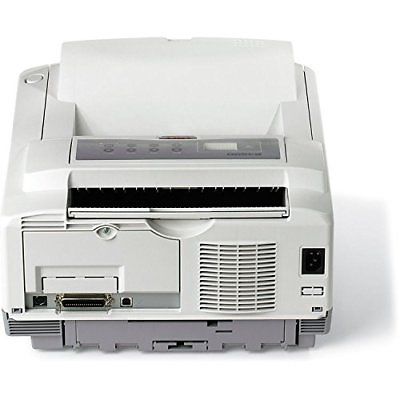

Images are for illustration purposes only and do not necessarily reflect the actual product.


Product Details
Specifications
Accessories
Reviews
Product Details
Main Features
- B/W output of 27 ppm
- Networked
- PostScript 3 emulation
- First page out in 5 seconds
- 600 x 2400 print resolution
- Separate toner and image drum configuration for lower operating costs
- Standard RAM of 32 MB
- Maximum RAM of 288 MB
- Standard Paper Capacity: 250 Sheets
- Maximum Paper Capacity: 750 Sheets
- Flexible media handling
Specifications
General Specifications
 Shopping Cart (0 items: $0.00)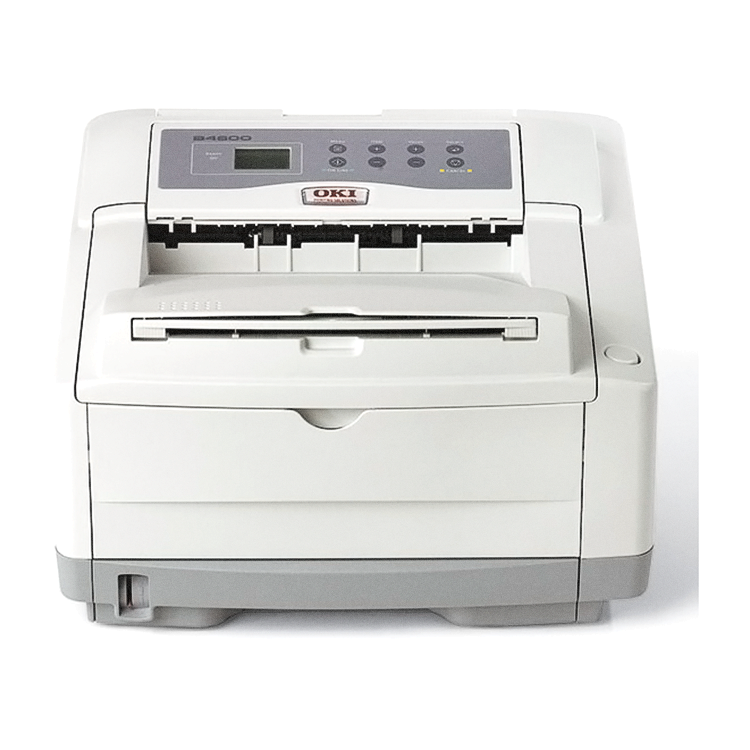

Product Details
Specifications
Accessories
Reviews
General Specifications
 Download Manufacturer Specifications


Recently Viewed:


MY ACCOUNT
INFO & POLICIES
SHOP EASY
PAYMENT OPTIONS

* Images are for illustration purposes only.
 Download Manufacturer Specifications
Accessories

Reviews


Be sure that you are printing on the 'right' side of the paper - that is - the coated side.
If you are not getting the results you expect, don't give up on your printer until you manually set the driver for the paper that you are using.
Make sure to keep your printer up to date by downloading drivers and patches from the manufacturer's site. Most manufacturers provide driver updates for their units which include patches that add fonts or fix incompatibilities.
MY ACCOUNT
INFO & POLICIES
SHOP EASY
PAYMENT OPTIONS


* Images are for illustration purposes only.