



 Shopping Cart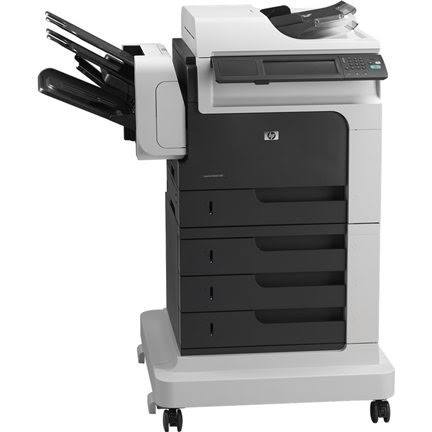


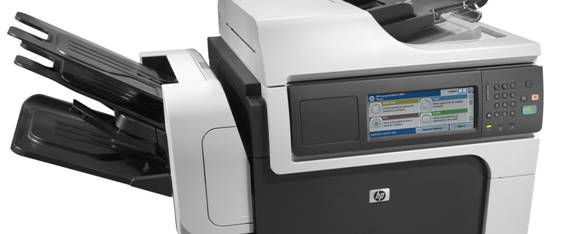


Product Details
Specifications
Accessories
Reviews
Product Details
Main Features
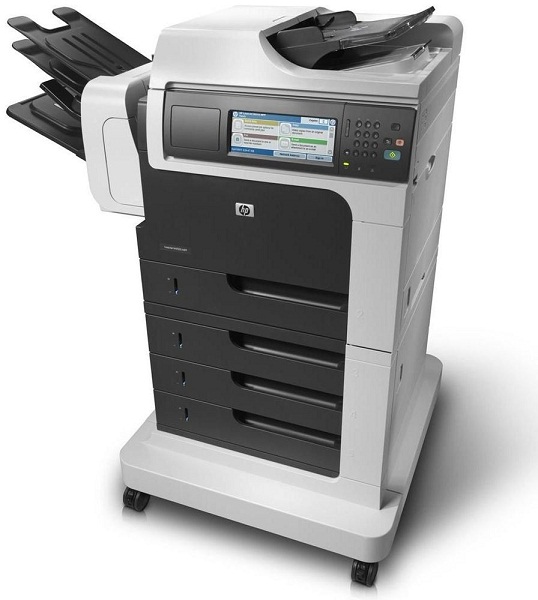
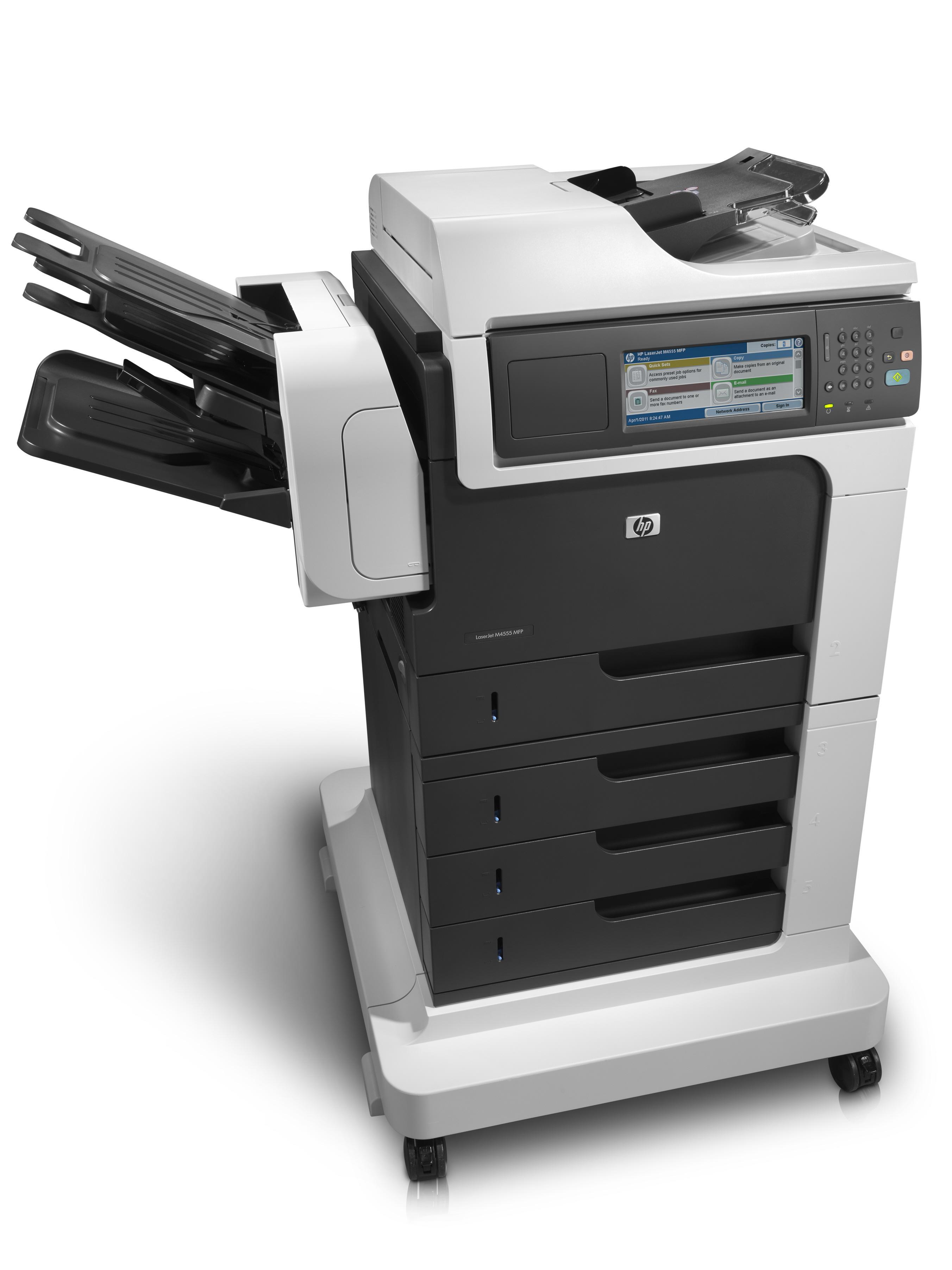
- Print, Scan, Copy, Fax
- Print and copy at 55 ppm
- Automatic two-sided printing
- Robust paper handling up to 2100 sheets
- Advanced security features
- Hi-Speed USB 2.0 port
- Energy star qualified
Specifications
General Specifications
|
Functions |
Print, Copy, Scan, Fax |
|
Print Speed |
Black: Up to 55 ppm letter |
|
Copy Speed |
Black: Up to 55 cpm letter |
|
Scan Speed |
Letter: Up to 57 ppm (b&w), up to 42 ppm (color) |
|
Fax Speed |
Up to 33.6 kbps |
|
Print Resolution |
Up to 1200 x 1200 dpi (with HP FastRes 1200) |
|
Scanning Resolution |
Hardware: Up to 600 x 600 dpi; Optical: Up to 600 dpi; 30 bit depth |
|
Fax Resolution |
Up to 300 x 300 dpi (400 x 400 dpi for received faxes only) |
|
Memory |
1280MB (not expandable) RAM |
|
Duty Cycle |
Up to 250,000 pages (letter) |
|
Paper Input |
100-sheet multipurpose tray 1, 500-sheet tray 2, 3 x 500-sheet feeder with stand, 50-sheet automatic document feeder (ADF) |
|
Paper Output |
900-sheet, 3-bin stapling mailbox |
|
Two-sided Printing |
Automatic |
|
Dimensions (w x d x h) |
39.96 x 27.95 x 43.90 in (1015 x 710 x 1115 mm) |
Accessories

Reviews


After installing a printer, go to the Windows dialog box and check the settings, so you won't be surprised by what happens the first time you print.
If debris is the primary cause of failures, toner is the primary cause of debris. All toner cartridges release a small amount of toner powder into the machine. This is why it's important to clean the machine when you change the cartridge.
Preview and proofread your documents on the screen before sending them to print. This will save you a lot of paper and re-printing.
MY ACCOUNT
INFO & POLICIES
SHOP EASY
PAYMENT OPTIONS



