



 Shopping Cart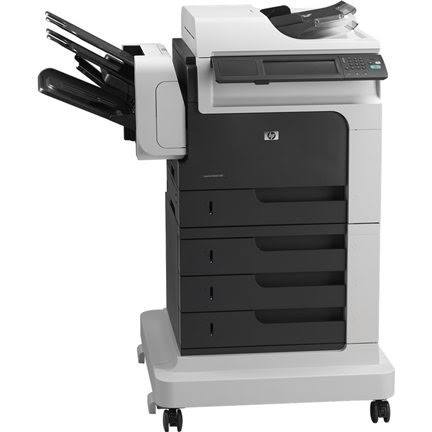


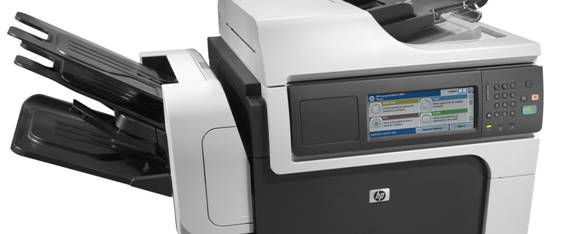


Product Details
Specifications
Accessories
Reviews
Product Details
Main Features
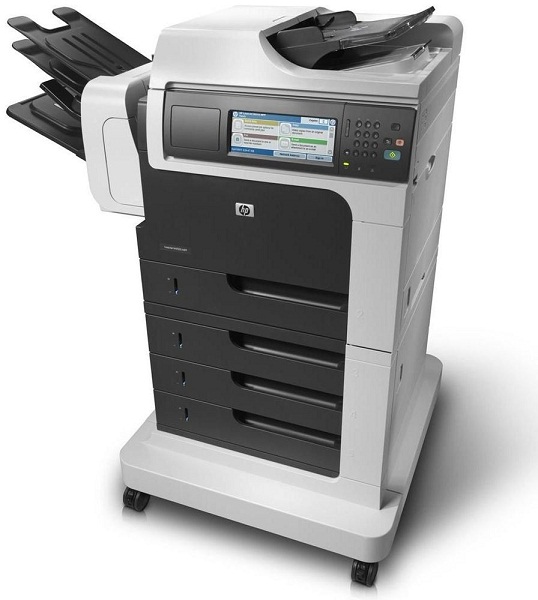
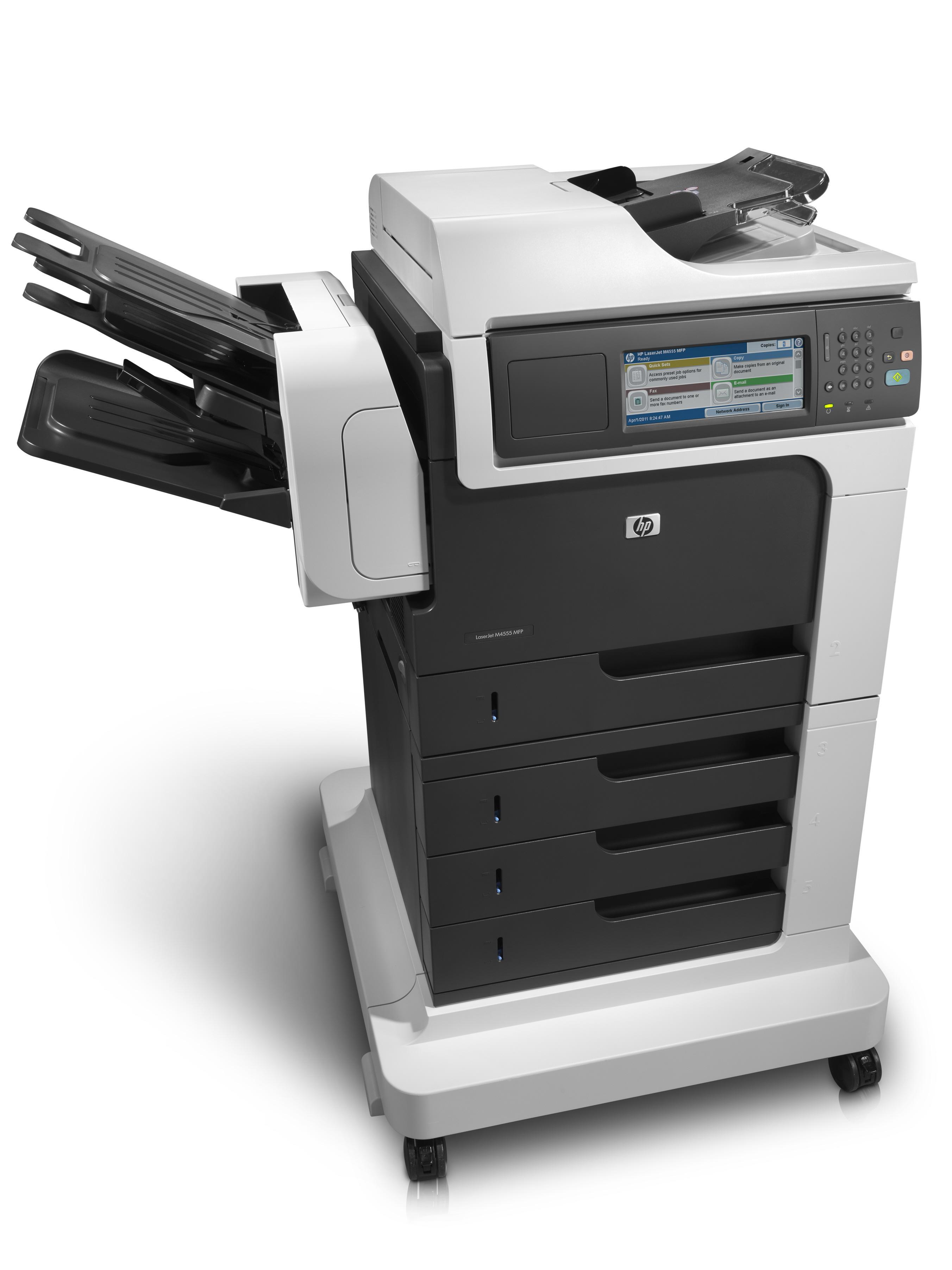
- Print, Scan, Copy, Fax
- Print and copy at 55 ppm
- Automatic two-sided printing
- Robust paper handling up to 2100 sheets
- Advanced security features
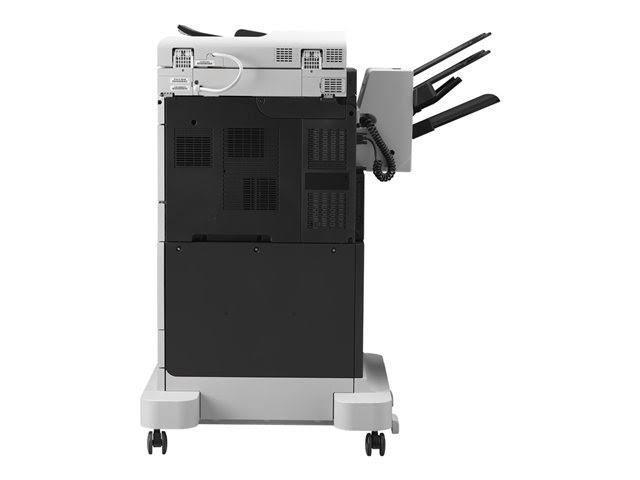
- Hi-Speed USB 2.0 port
- Energy star qualified
Specifications
General Specifications
|
Functions |
Print, Copy, Scan, Fax |
|
Print Speed |
Black: Up to 55 ppm letter |
|
Copy Speed |
Black: Up to 55 cpm letter |
|
Scan Speed |
Letter: Up to 57 ppm (b&w), up to 42 ppm (color) |
|
Fax Speed |
Up to 33.6 kbps |
|
Print Resolution |
Up to 1200 x 1200 dpi (with HP FastRes 1200) |
|
Scanning Resolution |
Hardware: Up to 600 x 600 dpi; Optical: Up to 600 dpi; 30 bit depth |
|
Fax Resolution |
Up to 300 x 300 dpi (400 x 400 dpi for received faxes only) |
|
Memory |
1280MB (not expandable) RAM |
|
Duty Cycle |
Up to 250,000 pages (letter) |
|
Paper Input |
100-sheet multipurpose tray 1, 500-sheet tray 2, 3 x 500-sheet feeder with stand, 50-sheet automatic document feeder (ADF) |
|
Paper Output |
900-sheet, 3-bin stapling mailbox |
|
Two-sided Printing |
Automatic |
|
Dimensions (w x d x h) |
39.96 x 27.95 x 43.90 in (1015 x 710 x 1115 mm) |
Accessories

Reviews


Allow ink to dry completely to avoid smudging. The time will vary based on the ink and paper quality used as well as the temperature and humidity conditions.
Paper coatings are designed to control ink absorption and spread, producing brilliant, sharp images with less ink.
Printing photos? Make sure that they are of print quality - meaning 300dpi. Anything lower than this will appear pixelated and lower than photo quality.
MY ACCOUNT
INFO & POLICIES
SHOP EASY
PAYMENT OPTIONS



