



 Shopping Cart
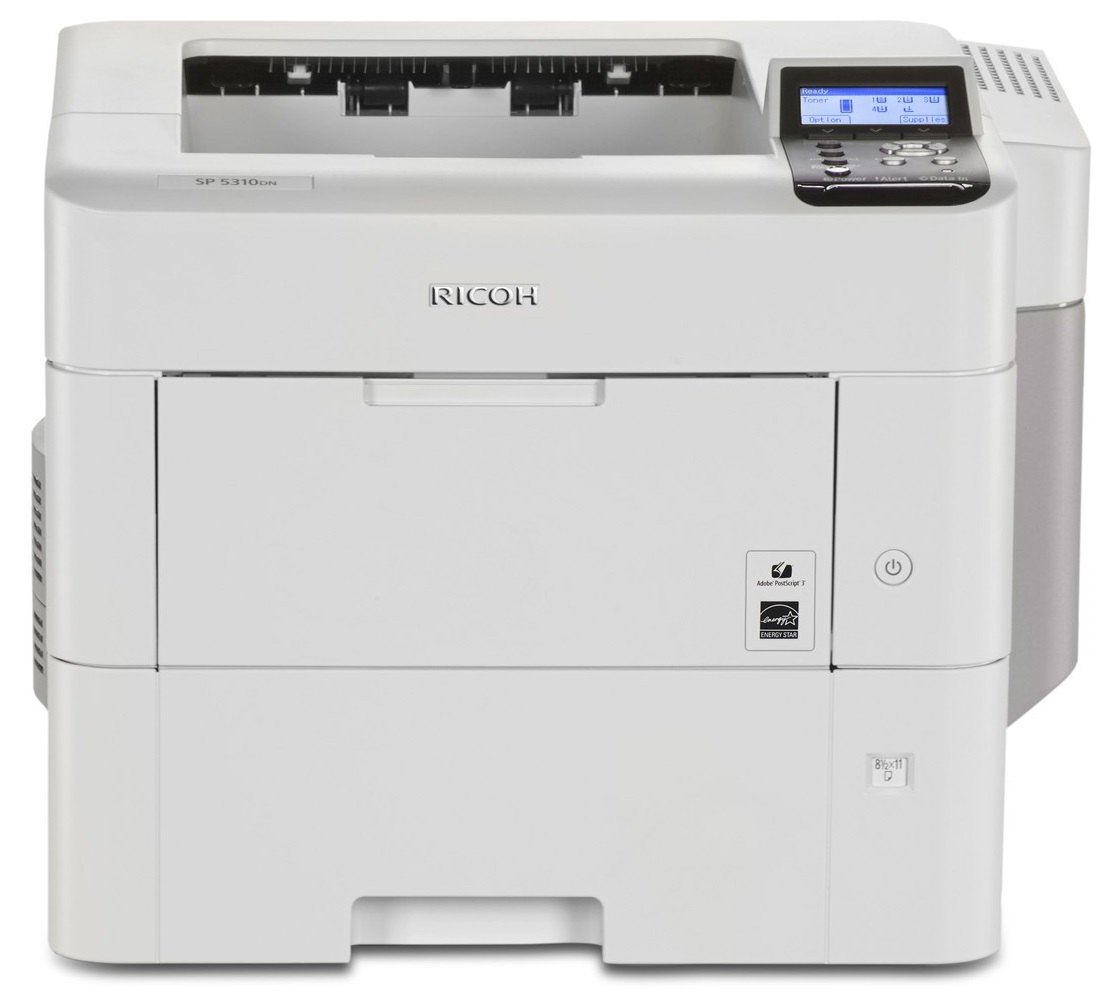
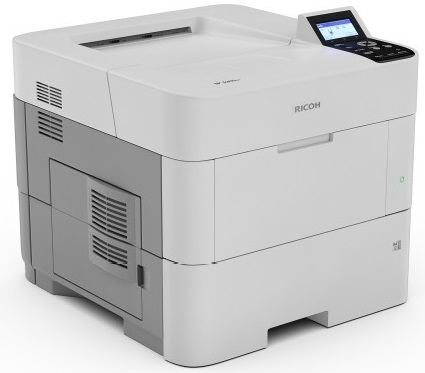
 Ricoh Aficio SP 5310DN B&W Laser Printer



Product Details
Specifications
Accessories
Reviews
Product Details
Main Features
- Black and white printouts
- Print Speed: 62 pages per minute
- Warm Up Time: 25.4 seconds
- Resolution: 1200 x 1200 dpi
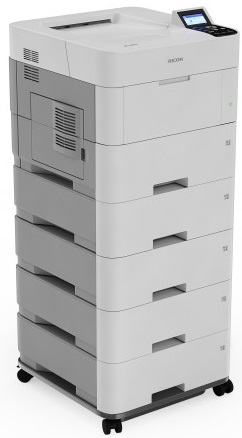
- Paper Capacity: 2,600 pages
- Print on thick media: 59 lb. Bond/120 lb. Index
- Paper Size: A4, A5, A6, B5, B6
- LCD control panel
- Desktop size
- Place on a counter, cabinet or desktop
Specifications
General Specifications
| Configuration | Desktop |
| Technology | Laser |
| Warm-up time | 25.4 seconds |
| First output speed | 6 seconds |
| Print speed - B/W | 60 pages per minute |
| CPU - Intel Celeron-M | 1.46 GHz |
| Memory - Standard | 2 GB |
| Memory - Maximum | 2 GB |
| HDD | 320 GB |
| Dimensions (W x D x H) | 420 x 410 x 345 mm |
| Weight | 18 kg |
| Power source | 220 - 240 V, 50/60 Hz |
| Toner capacity - Black | 25000 prints |
| Toner capacity - Declared yield value | Declared yield value in accordance with ISO/IEC 19752 |
| Starter kit | 10000 prints |
| Power consumption - Maximum | 1.4 kW |
| Power consumption - Ready mode | 4.1/8.1/9.4 W |
| Power consumption - Sleep mode | 1.2/0.78/2.7 W |
| Power consumption - TEC (Typical Electricity Consumption) | N/A |
| Hard Disk Drive | 320 GB |
| Recommended paper size - Standard paper tray(s) | A4, A5, A6, B5, B6 |
| Recommended paper size - Bypass tray | A4, A5, A6, B5, B6, Letter, Half Letter |
| Paper input capacity - Maximum | 2600 sheets |
| Paper output capacity - Maximum | 500 sheets |
| Paper weight - Paper tray(s) | 64 - 120 g/m² |
| Paper weight - Bypass tray | 60 - 220 g/m² |
| Paper weight - Duplex | 64 - 120 g/m² |
| Media capability | Plain paper, Middle thick paper, Thick paper, Recycled paper, Colour paper, Letterhead, Pre-printed paper, Thin paper, Special paper, Label paper, Envelopes, Bond, Transparencies |
| Printer language - Standard | PCL5e, PCL6, Adobe® PostScript® 3™, PDF |
| Printer language - Option | XPS |
| Print resolution | 1,200 x 1,200 dpi |
| Interface - Standard | USB2.0 Type A, Ethernet 10 base-T/100 base-TX/1000 base-T |
| Interface - Option | Bi-directional IEEE 1284, Wireless LAN (IEEE 802.11a/b/g/n), USB Server for Second Network Interface |
| Network protocol - TCP/IP | IP v4, IP v6 |
| Windows® environments | Windows® 2000, Windows® Vista, Windows® 7, Windows® 8, Windows® 8.1, Windows® 10, Windows® Server 2003, Windows® Server 2003R2, Windows® Server 2008, Windows® Server 2008R2, Windows® Server 2012, Windows® Server 2012R2 |
| Mac OS environments | Macintosh OS X v10.7 or later |
| Authentication | Windows® authentication, LDAP authentication, Basic authentication, User code authentication, 802.1.x wired authentication, Integration server authentication, SMTP authentication, POP before SMTP |
| Network security | Disable/Enable ports and protocols, SSL support, SNMPv3 support |
 Download Manufacturer Specifications
Accessories

Reviews


Printer not working? Check that the ink and toner are there and properly filled.
If debris is the primary cause of failures, toner is the primary cause of debris. All toner cartridges release a small amount of toner powder into the machine. This is why it's important to clean the machine when you change the cartridge.
Printing photos? Make sure that they are of print quality - meaning 300dpi. Anything lower than this will appear pixelated and lower than photo quality.
MY ACCOUNT
INFO & POLICIES
SHOP EASY
PAYMENT OPTIONS



* Images are for illustration purposes only.