



 Shopping Cart
 Ricoh Aficio SP C830DN Color Laser Printer
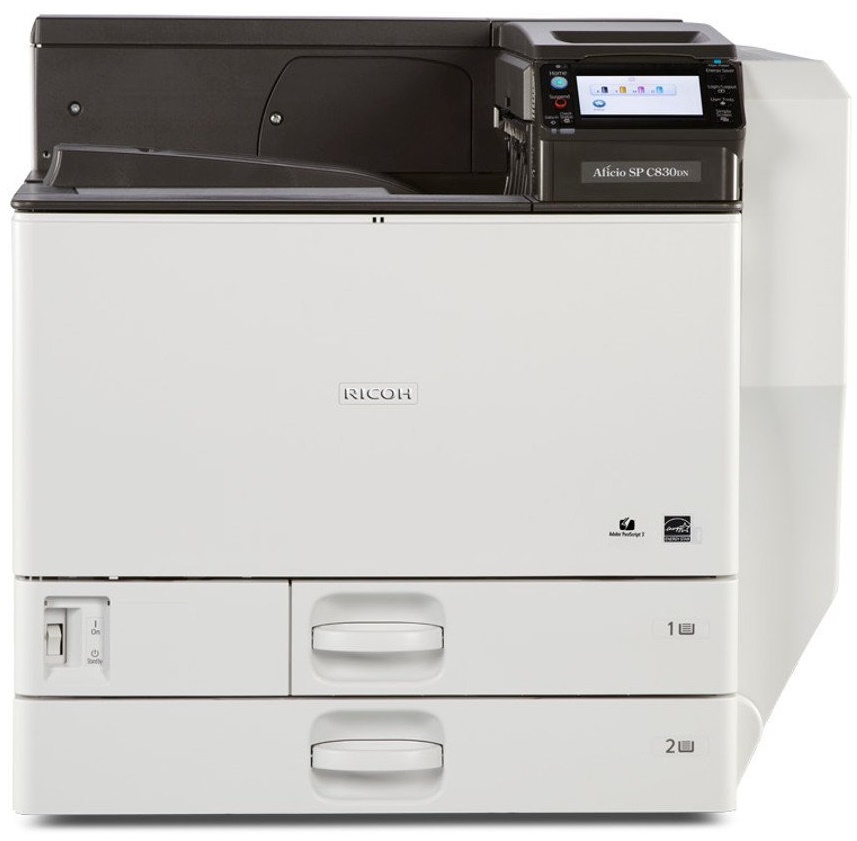


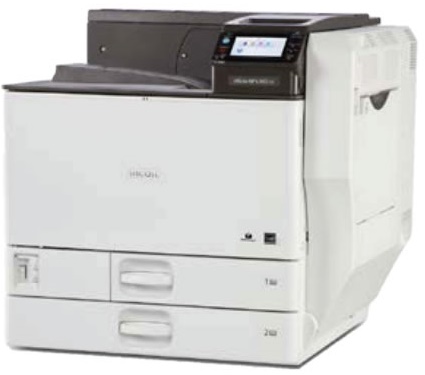
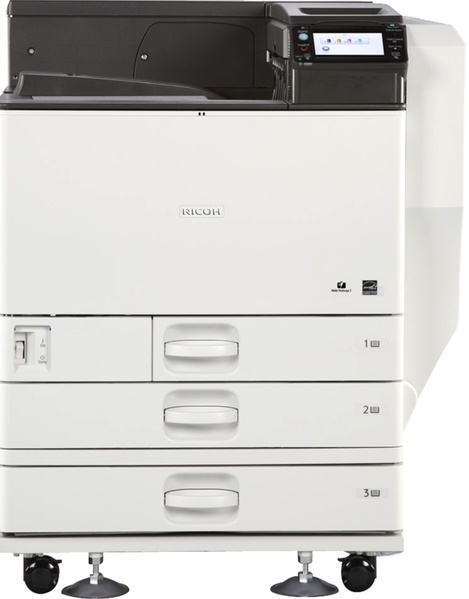
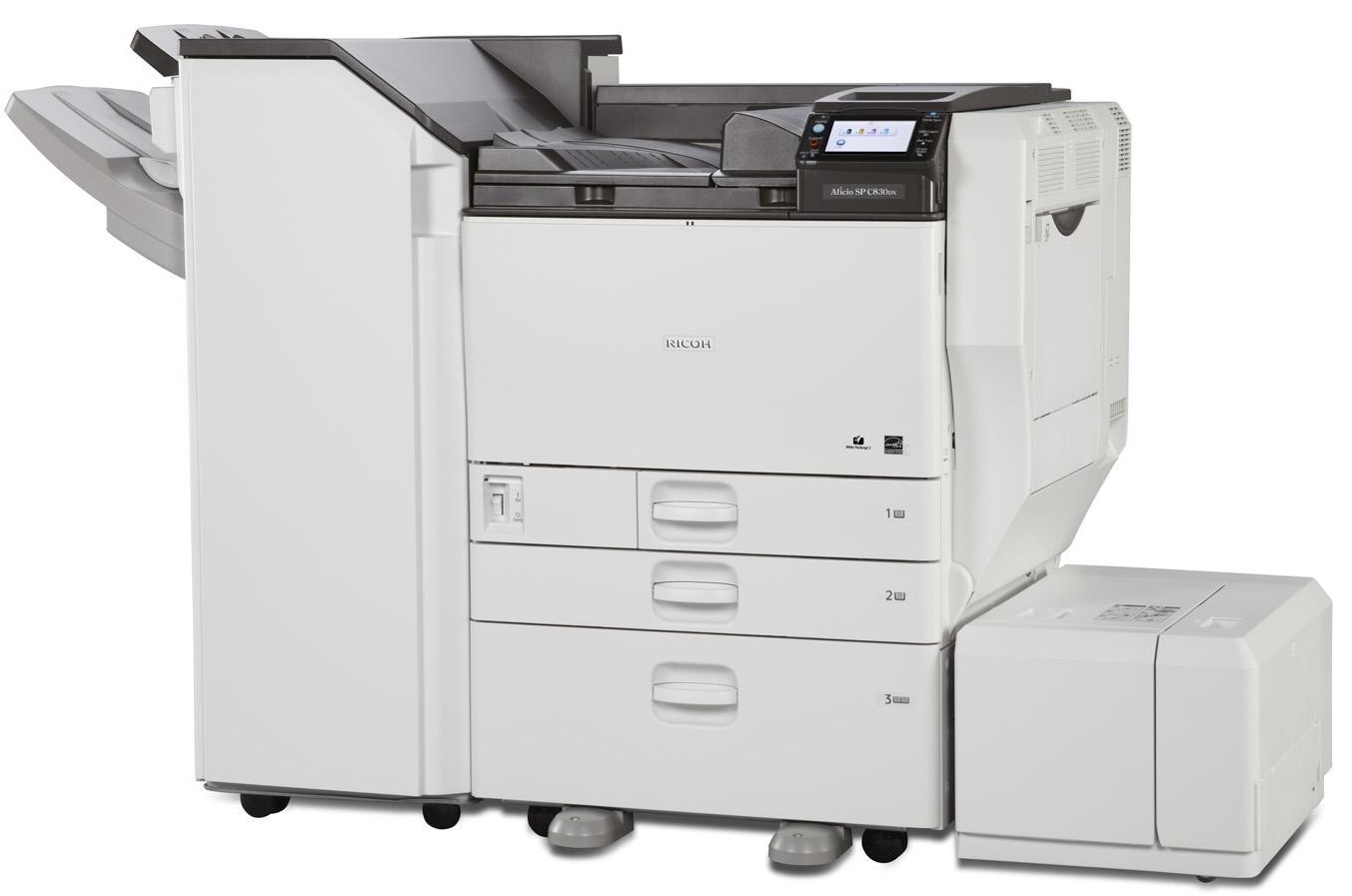

Images are for illustration purposes only and do not necessarily reflect the actual product.
Product Details
Specifications
Accessories
Reviews
Product Details
Main Features
- Color prints
- Print Speed: 45 pages per minute
- Wireless option
- Paper Size: Upto A3
- Maximum Paper Capacity: 4,400 sheets
- Variety of finishing options available
Specifications
General Specifications
GENERAL |
||
| Technology: | Laser | |
| Warm-up time: | 29 seconds | |
| First output speed: | Full color: | 5.7 seconds |
| B/W: | 3.7 seconds | |
| Print speed: | 45 pages per minute | |
| CPU: | Intel Celeron-M: | 600 MHz ( SP C830DN ) , 1 GHz ( SP C831DN ) |
| Memory: | Standard: | 512 MB |
| Maximum: | 1.5 GB | |
| HDD: | Standard ( SP C831DN ) : | 250 GB |
| Option ( SP C830DN ) : | 250 GB | |
| Dimensions (W x D x H): | 670 x 684 x 640 mm | |
| Weight: | 97 kg | |
| Power source: | 220 - 240 V, 50/60 Hz | |
| Duty cycle: | 200,000 prints per month | |
PRINTER |
||
| Printer language: | Standard: | PCL5c, PCL6, Adobe® PostScript® 3™, PDF |
| Option: | IPDS, PictBridge | |
| Print resolution: | 300 dpi, 600 dpi, 1,200 dpi | |
| Fonts: | PCL: | TrueType: 45 fonts, International fonts: 13 Intellifonts |
| PS3: | 136 fonts | |
| Option: | IPDS (108 fonts) | |
| Interface: | Standard: | USB 2.0, USB Host I/F, Ethernet 10 base-T/100 base-TX |
| Option: | Bi-directional IEEE 1284, Wireless LAN (IEEE 802.11a/b/g), Gigabit Ethernet | |
| Network protocol: | TCP/IP (IP v6), Bonjour, IPX/SPX (Option) | |
| Windows® environments: | Windows® XP, Windows® Vista, Windows® 7, Windows® Server 2003, Windows® Server 2008, Windows® Server 2008R2 | |
| Mac OS environments: | Macintosh OS X Native v10.4 or later | |
PAPER HANDLING |
||
| Recommended paper size: | A3, A4, A5, A6, B4, B5 | |
| Paper input capacity: | Maximum: | 4,400 sheets |
| Paper output capacity: | Maximum: | 4,000 sheets |
| Paper weight: | Standard paper tray(s): | 52 - 256 g/m² |
| Optional paper tray(s): | 52 - 256 g/m² | |
| Side LCT: | 60 - 256 g/m² | |
| Bypass tray: | 52 - 300 g/m² | |
| Duplex tray: | 52 - 169 g/m² | |
| Media capability: | Plain paper, Recycled paper, Color paper, Letterhead, Pre-printed paper, Special paper, Envelopes, Bond, Cardstock, Coated paper, Label paper | |
SECURITY |
||
| Authentication: | Windows® authentication, LDAP authentication, Basic authentication, User code authentication, 802.1.x wired authentication | |
ECOLOGY |
||
| Power consumption: | Maximum: | 1,700 W |
| Ready mode: | 81 W | |
| Sleep mode: | 1.6 W | |
| TEC (Typical Electricity Consumption): | 2.09 kW/h | |
SOFTWARE |
||
| Standard: | Web Image Monitor | |
| Smart Device Monitor for Client/Admin, Web Smart Device Monitor, Desktop Binder V2 Lite can be downloaded from website for free | ||
OPTIONS |
||
|
||
Accessories

Reviews


If debris is the primary cause of failures, toner is the primary cause of debris. All toner cartridges release a small amount of toner powder into the machine. This is why it's important to clean the machine when you change the cartridge.
Printing photos? Make sure that they are of print quality - meaning 300dpi. Anything lower than this will appear pixelated and lower than photo quality.
Getting blank pages after you installed a new cartridge? Check that the sticker from the cartridge was properly removed. Alternatively, run the clean print head function to make sure all air bubbles are removed. Do not remove the cartridge once it has been installed.
MY ACCOUNT
INFO & POLICIES
SHOP EASY
PAYMENT OPTIONS



* Images are for illustration purposes only.