



 Shopping Cart
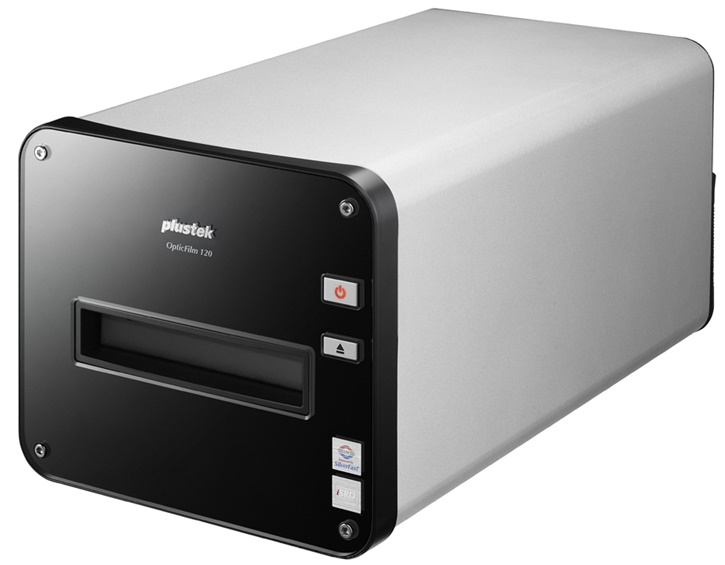
 Plustek OpticFilm 120 Film Scanner


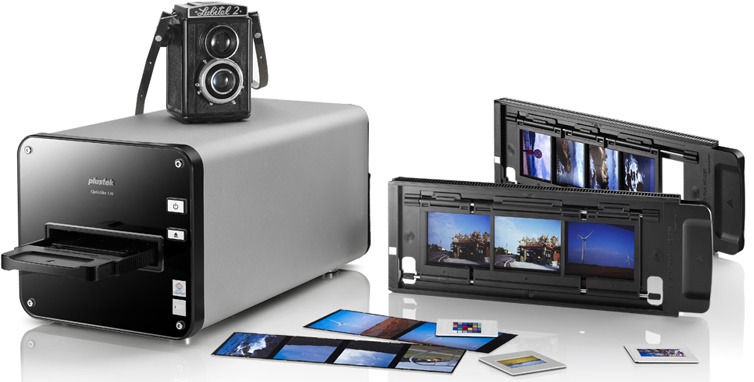
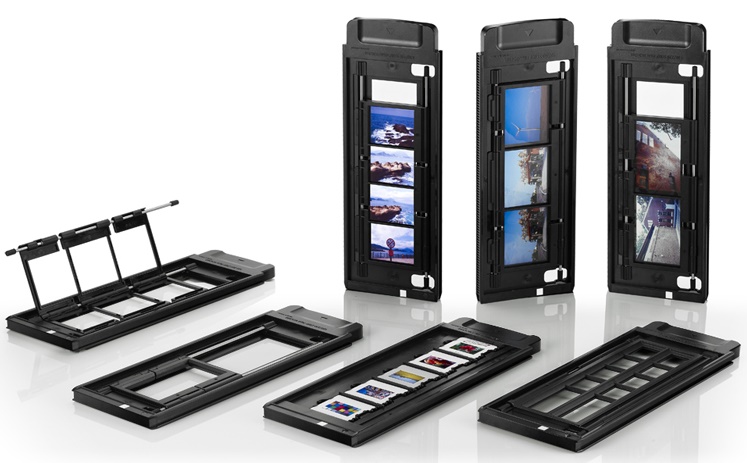


Product Details
Specifications
Accessories
Reviews
Product Details
Main Features
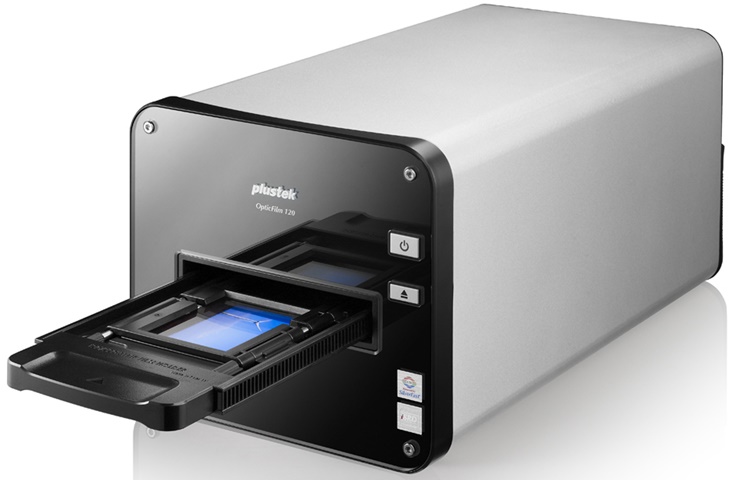
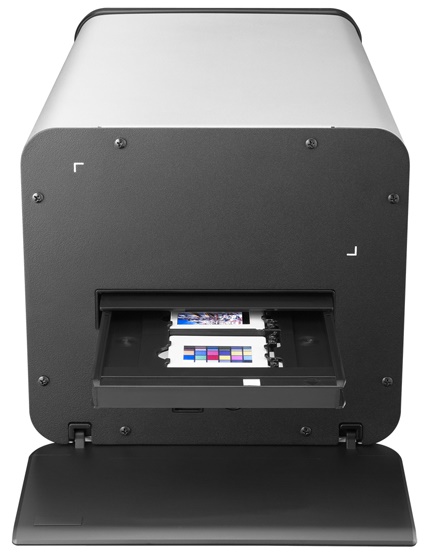
- Media Type: 35mm film strips, slides, and 120/220mm film from 6x4.5cm up to 6x12cm in sizes
- Resolution: Up to 10,600 dpi input and 5,300 dpi output
- Dust and scratch detection
- Automatic document feeder
- Power saving design
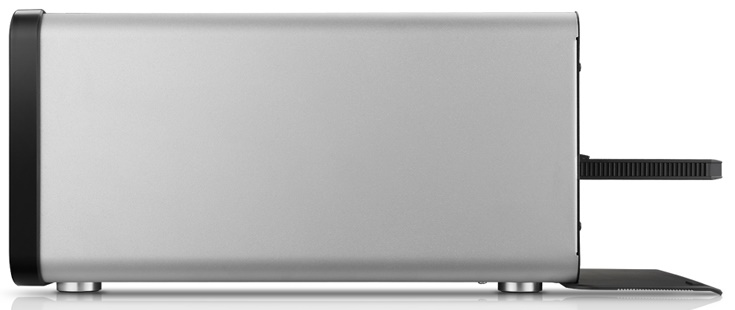
- Compact design
Specifications
General Specifications
| Film Types | 35 mm negatives 35 mm slides 120 film |
| Scan Sensor | CCD |
| Lens | 8-element glass lens |
| Optical Resolution | 5300 dpi |
| Color Depth | Color - Input: 48-bit Color - Output: 24/48-bit output Grayscale - Input: 16-bit Grayscale - Output: 8/16-bit |
| Color Accuracy | IT8 Target |
| Batch Scanning | Yes |
| Dynamic Range | 4.01 |
| Infrared | Built-in |
| Scan Area | 2.36 x 4.72" (60 x 120 mm) |
| Interface | USB 2.0 |
| OS Compatibility | Windows: Windows 8, Windows 7, Vista, XP Mac: OS X 10.5, 10.6, 10.7, 10.8 |
| Windows System Requirements | 2 GHz processor, 2 GB RAM (4 GB recommended), 10 GB disk space, DVD or internet connection |
| Apple System Requirements | 2 GHz processor, 2 GB RAM (4 GB recommended), 10 GB disk space, DVD or internet connection |
| Light Source | LED |
| Power Requirements | 110 to 220 V AC (US wall plug) |
| Dimensions (WxDxH) | 8.27 x 14.72 x 7.44" (210 x 374 x 189 mm) |
| Weight | 12.57 lb (5.7 kg) |
 Download Manufacturer Specifications
Accessories

Reviews


If you're in a rush or don't know much about scanning, the auto mode should provide reasonably good quality and may be all you need.
In order to speed up scanning, try to use a faster PC with more memory / RAM and work with as little data as possible.
Work out the resolution you should scan your photos at by matching it to the resolution you will be printing in.
MY ACCOUNT
INFO & POLICIES
SHOP EASY
PAYMENT OPTIONS



* Images are for illustration purposes only.