



 Shopping Cart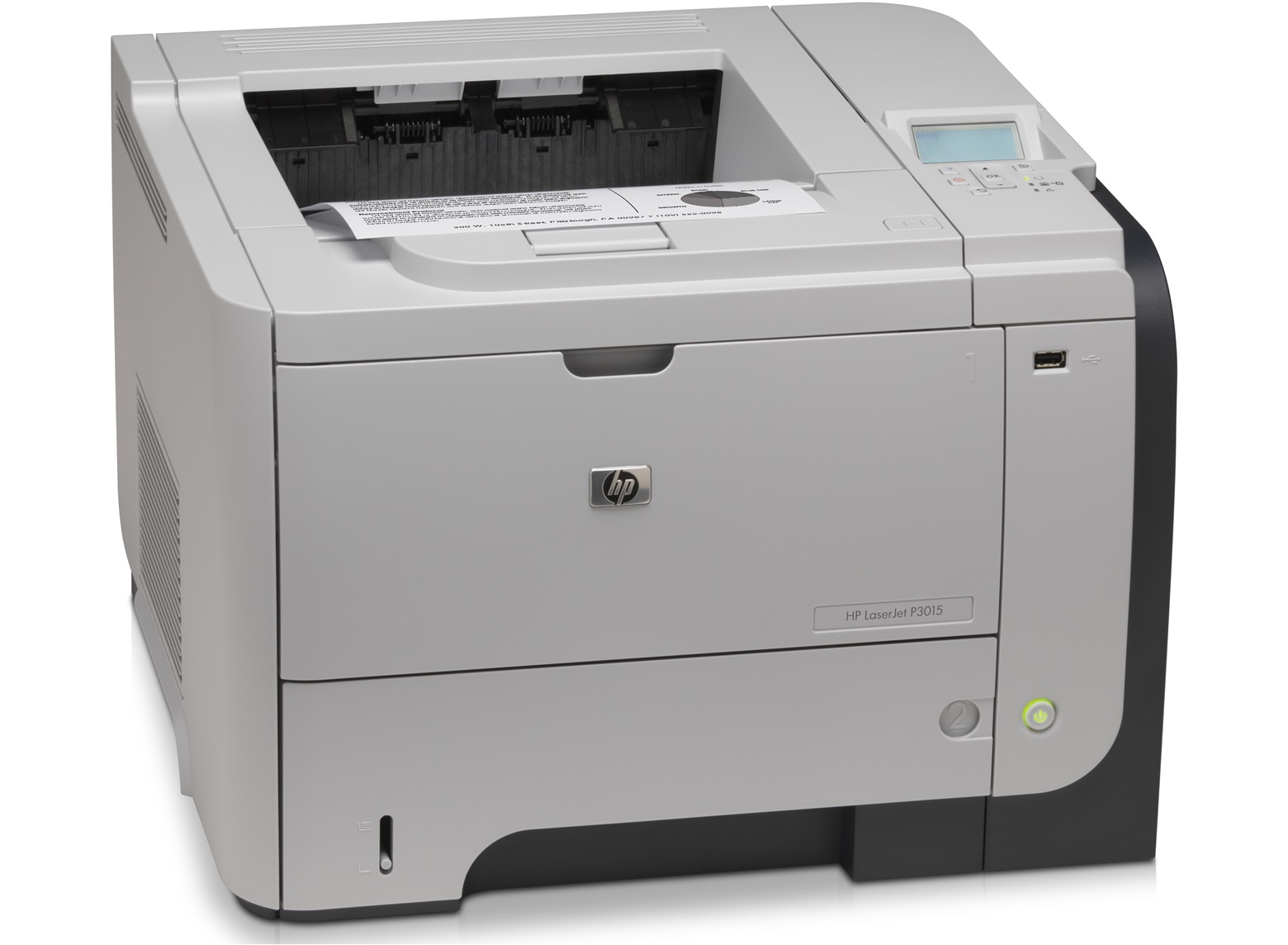




*** ALL TONERS AND SUPPLIES ARE IN STOCK AT DISCOUNTED PRICING , CALL +18882983095.
All reconditioned printers do not include supplies - toners , drums (Imaging Units) (where applicable) , printer cables , manuals , consumables, trays (where applicable). Power cables are included. Drivers can be downloaded from the manufacturers website. Please verify that drivers available are compatible with your software on the manufacturers site.
Product Details
Specifications
Accessories
Reviews
Product Details
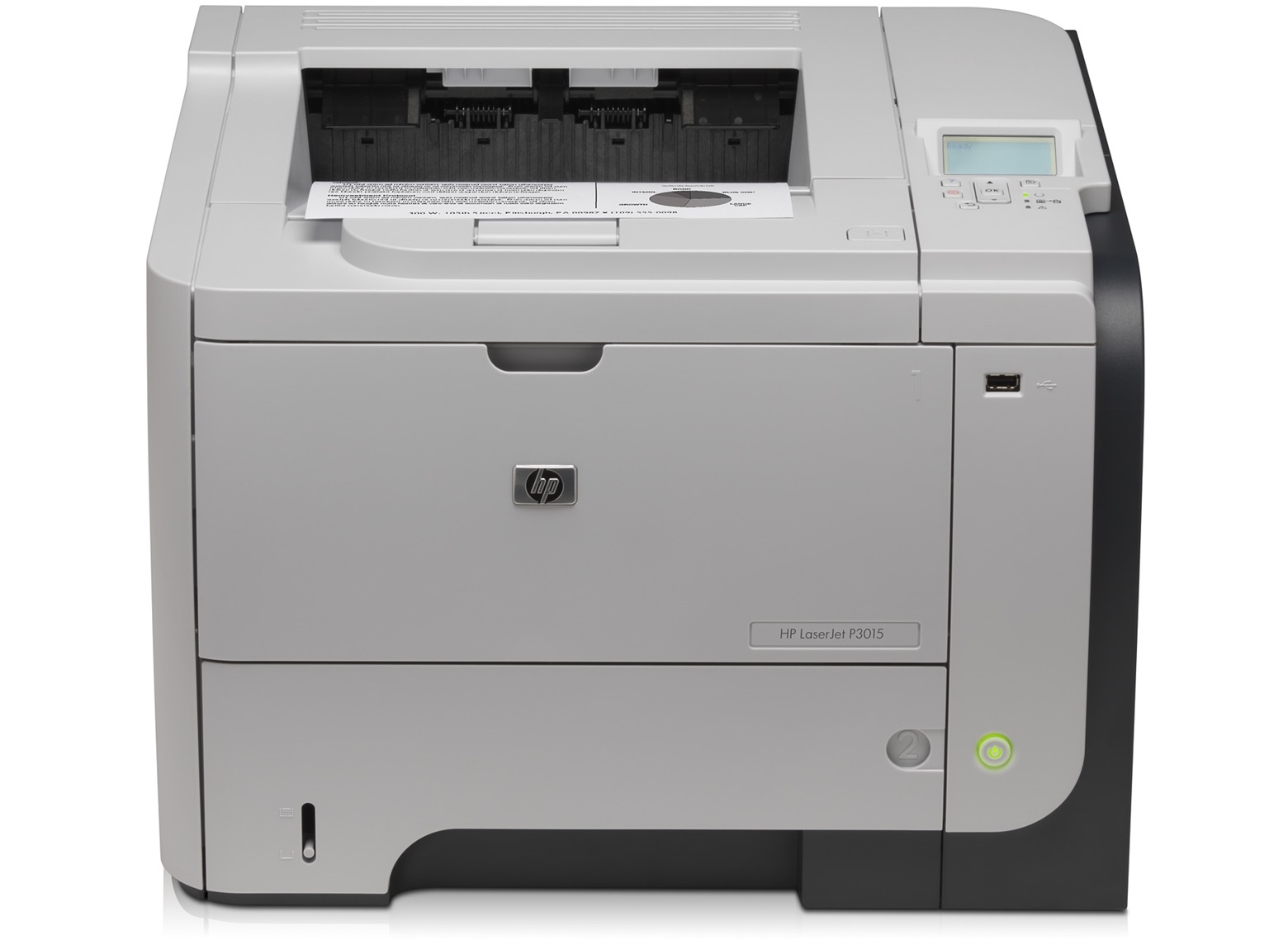
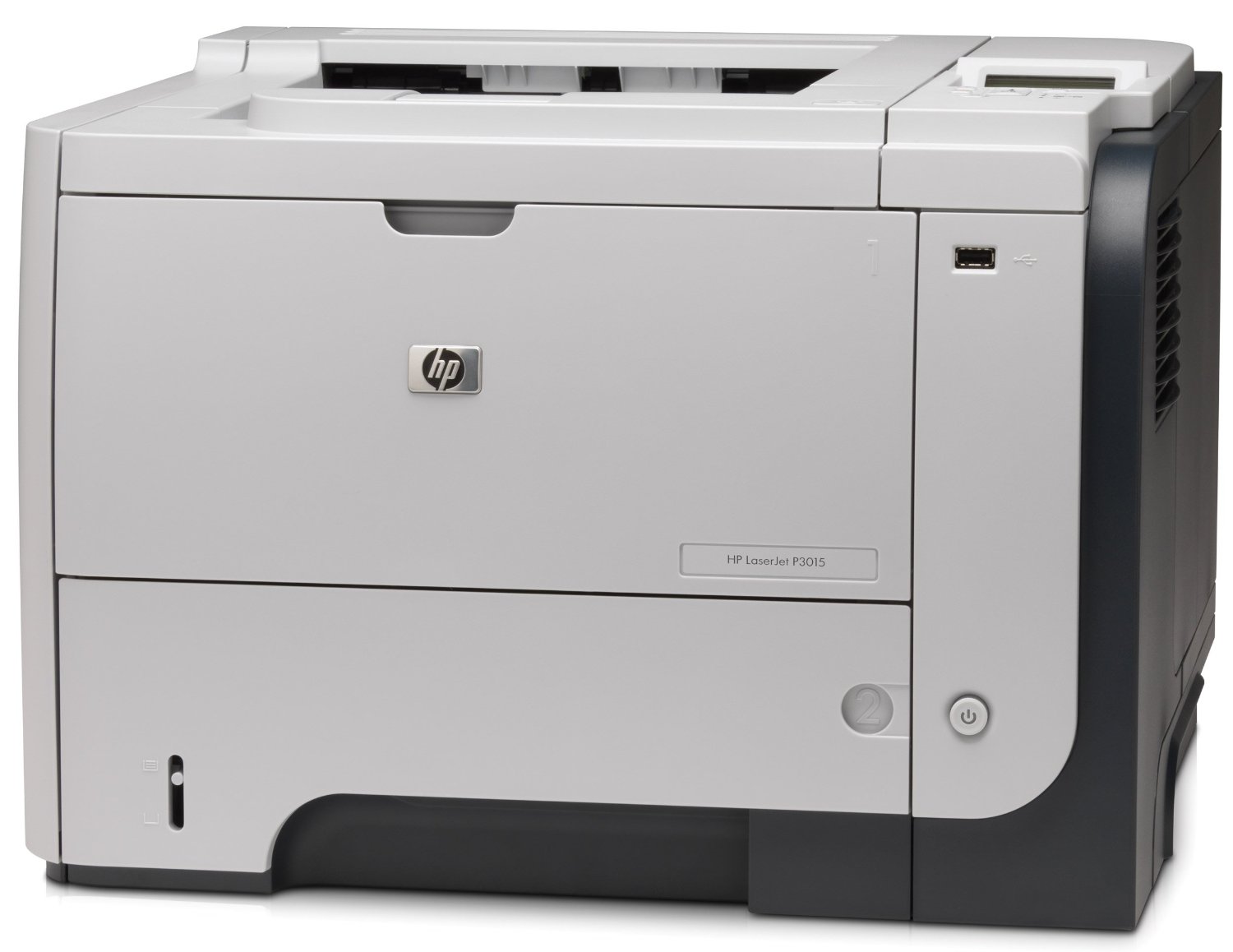
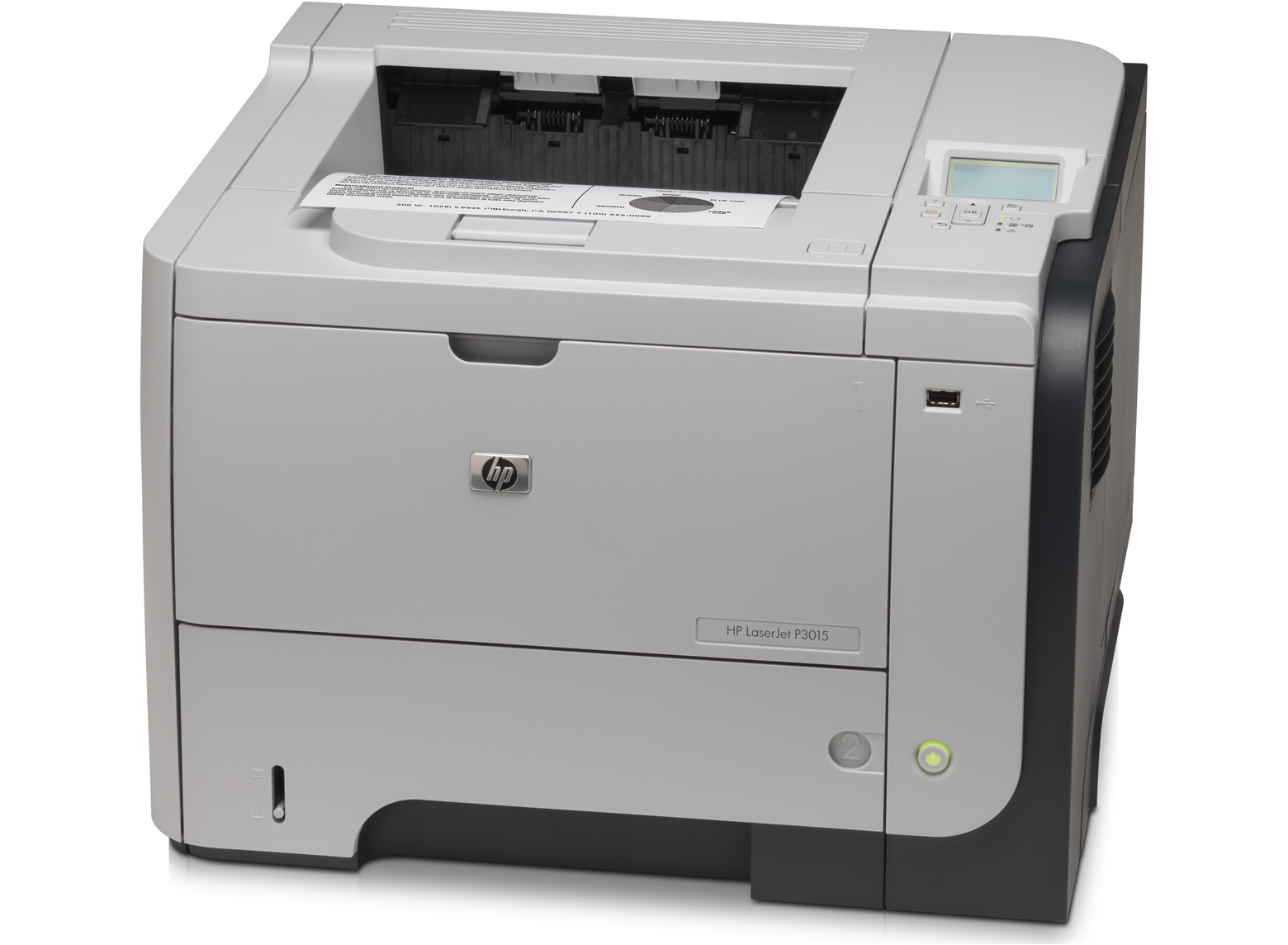
Main Features
- Laser printer
- Print speed: 42 pages per minute
- First page out: 4.2 seconds
- Standard paper trays: 2
- Maximum paper trays: 4
- Black and white prints
- LCD Display
- Ports: 2 x USB 2.0
- Processor(MHz): 540
Specifications
General Specifications
| Brand | HP |
| Series | Enterprise |
| Model | P3015n |
| Part# | CE527A |
| Recommended Use | Workgroup |
| Display | LCD |
| Dimensions | 17.60" x 16.20" x 12.40" |
| Weight | 35 lbs. |
|
Printing |
|
| Output Type | Monochrome |
| Laser Technology | Laser |
| Black Print Speed | Up to 42 ppm |
| Black Print Quality | 1200 x 1200 dpi |
| Time To First Page (seconds) | 7.5 sec |
| Print Languages std | PCL 6, PCL 5e, PostScript 3, Direct PDF v1.4 |
| Duplex Printing | Manual |
| Max Duty Cycle | Up to 100,000 pages monthly |
|
Media Handling |
|
| Paper Trays, std. | 2 |
| Paper Trays, max | 4 |
| Input Capacity, std. | 600 sheets |
| Input Capacity, max | 1600 sheets |
| Media Type | Plain Paper Bond Paper Rough Paper Recycled Paper Color Paper Letterhead Pre-punched Paper Preprinted Paper Envelope Label Card Stock Transparency |
| Media Sizes Supported | Legal Letter Executive Custom Size 8.50" x 13" |
|
Ports |
|
| USB Ports | 2 x USB 2.0 |
| Network Ports | HP Jetdirect 10/100/1000 Base-TX Ethernet |
| Other Ports | EIO Slot |
|
Hardware SPEC |
|
| Processor(MHz) | 540 |
| Memory, std. | 128 MB |
| Memory, max. | 640 MB |
| Power Requirements | 110 V AC, 220 V AC |
|
Compatibility |
|
| Windows Compatible | Windows 7, Windows Vista, Windows Vista x64, Windows XP Home, Windows XP Professional, Windows Server 2003, Windows Server 2008, Windows 2000 (SP4) |
| Macintosh Compatible | Mac OS X v 10.3.9, 10.4, 10.5, 10.6 |
 Download Manufacturer Specifications
Accessories

Reviews


Most printers have a built-in diagnostics program which can be very useful for troubleshooting problems and test-printing without a computer. They are usually initiated by pressing a button or two while turning on the printer.
Most printers have a paper-out detector. On most dot matrix printers it is a photo diode. If form-fed paper is not aligned correctly (usually on the left side) the diode won't see it.
Your printer is not a dumping ground. Don't pile documents or other things on top of it, as they could cause damage. Your printer could overheat and this could result in malfunctioning and even a reduction in the printer's life.
MY ACCOUNT
INFO & POLICIES
SHOP EASY
PAYMENT OPTIONS



