



 Shopping Cart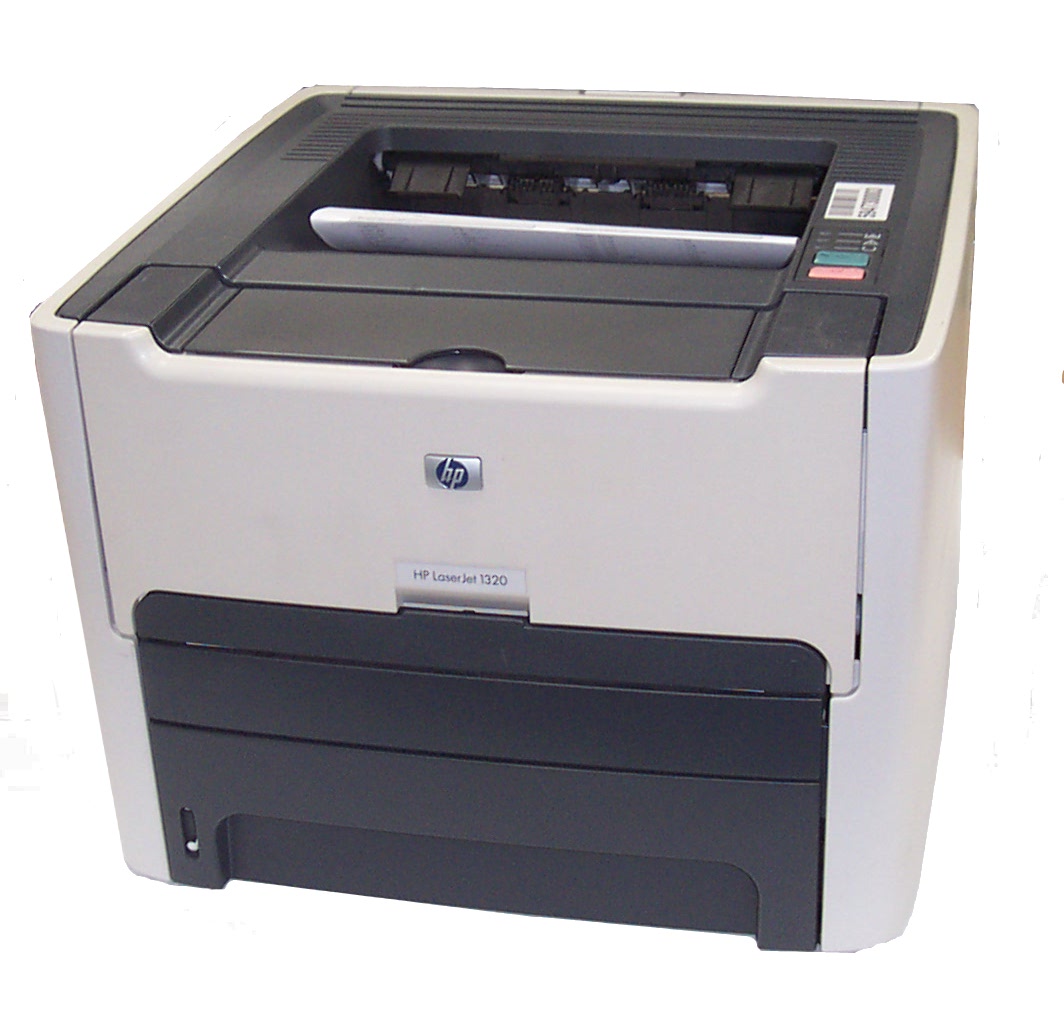


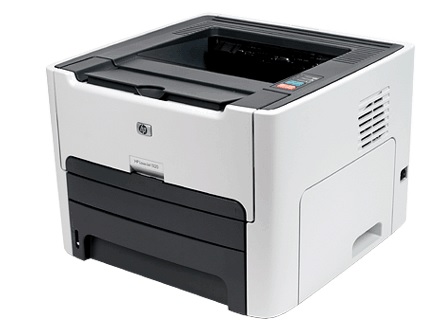
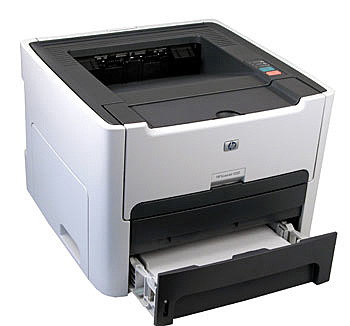
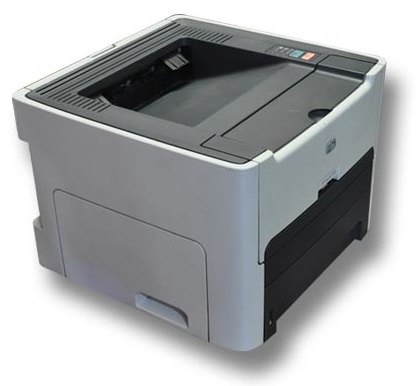

*** ALL TONERS AND SUPPLIES ARE IN STOCK AT DISCOUNTED PRICING , CALL +18882983095.
All reconditioned printers do not include supplies - toners , drums (Imaging Units) (where applicable) , printer cables , manuals , consumables, trays (where applicable). Power cables are included. Drivers can be downloaded from the manufacturers website. Please verify that drivers available are compatible with your software on the manufacturers site.
Product Details
Specifications
Accessories
Reviews
Product Details
Main Features
- Speed: 22 ppm
- Duplex
- USB 2.0 port
- Parallel support
- 250 sheet tray
- Dimensions: 14-by-14-by-10-inch
- Weight: 24.8 pounds
Specifications
General Specifications
| PostScript Support | Standard |
| Language Simulation | PCL 5E, PostScript 2, PCL 6 |
| Processor | Motorola ColdFire 4 133 MHz |
| RAM Installed ( Max ) | 16 MB / 144 MB (max) |
| Technology / Form Factor | DIMM 100-pin |
| Media Type | Envelopes, transparencies, labels, plain paper, index cards, heavy-weight paper, bond paper, recycled paper |
| Max Media Size (Custom) | 8.5 in (Legal) x 14 in (Legal) |
| Media Sizes | Letter A Size (8.5 in x 11 in), Legal (8.5 in x 14 in), Executive (7.25 in x 10.5 in), A4 (8.25 in x 11.7 in), A5 (5.83 in x 8.25 in), B5 (6.93 in x 9.83 in), A6 (4.13 in x 5.83 in), B6 (4.92 in x 6.93 in) |
| Envelope Sizes | US No 10 (4.1 in x 9.5 in), International DL (4.33 in x 8.66 in), International C5 (6.38 in x 9 in), Monarch (3.87 in x 7.5 in) |
| Total Media Capacity | 250 sheets |
| Media Feeder(s) | 1 x autoload - 250 sheets |
| Max Media Capacity | 250 sheets |
| Monthly Duty Cycle (Users Qty) | 10000 - 19999 (1-3 users) |
| Model | HP LaserJet 1320 (Q5927A) |
 Download Manufacturer Specifications
Accessories

Reviews


Pages per minute (ppm) is the average print speed for black and white pages only. Actual speed may be different based on the amount of graphics on each page.
Most printers have a paper-out detector. On most dot matrix printers it is a photo diode. If form-fed paper is not aligned correctly (usually on the left side) the diode won't see it.
If your print settings are too dark, it could be detrimental to the life of the cartridge in the long run. It’s important that the density control of the machine be properly set to prevent the machine from pulling too much toner into itself.
MY ACCOUNT
INFO & POLICIES
SHOP EASY
PAYMENT OPTIONS



