



 Shopping Cart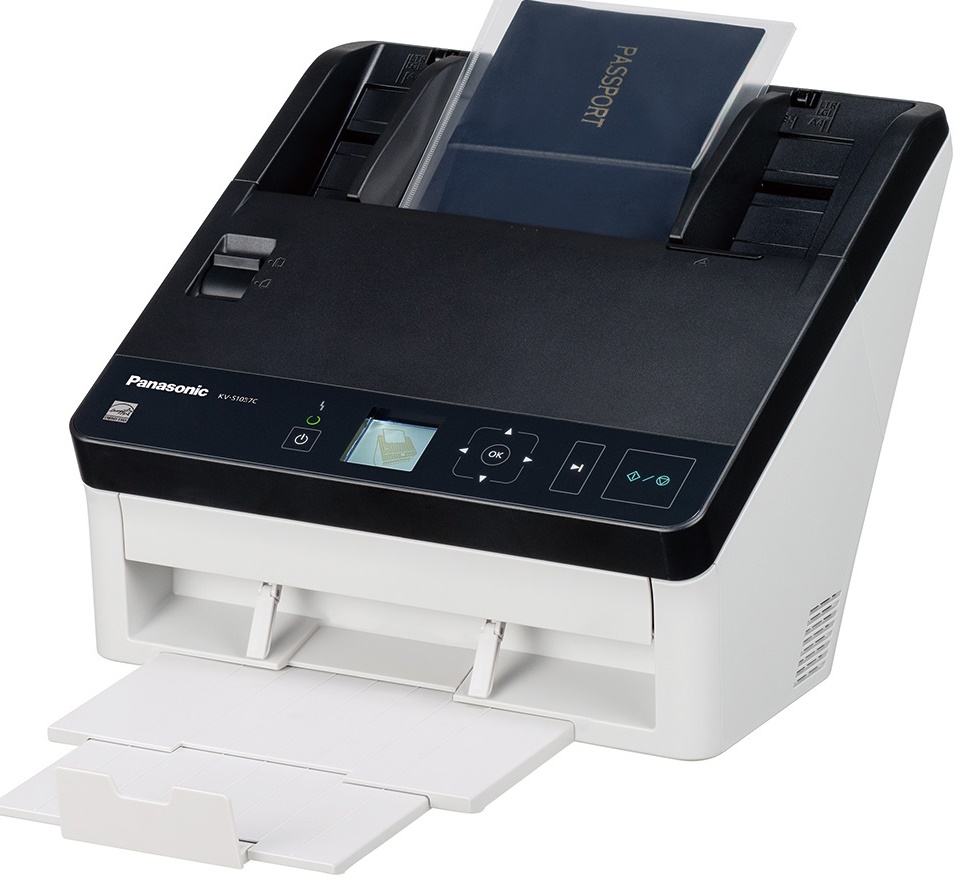



*** ALL TONERS AND SUPPLIES ARE IN STOCK AT DISCOUNTED PRICING , CALL +18882983095..
Printers do not include supplies - toners , drums (Imaging Units) (where applicable) , printer cables , manuals , consumables , trays (where applicable). Power cables are included. Drivers can be downloaded at www.hp.com. Please verify that drivers available are compatible with your software on HP’s site.
Product Details
Specifications
Accessories
Reviews
Product Details
Main Features
- Speed: 65 pages per minute
- Compact, elegant design
- High-speed duplex scanning
- Reliable paper feed mechanism
- Multi-size and multi-document batch scanning
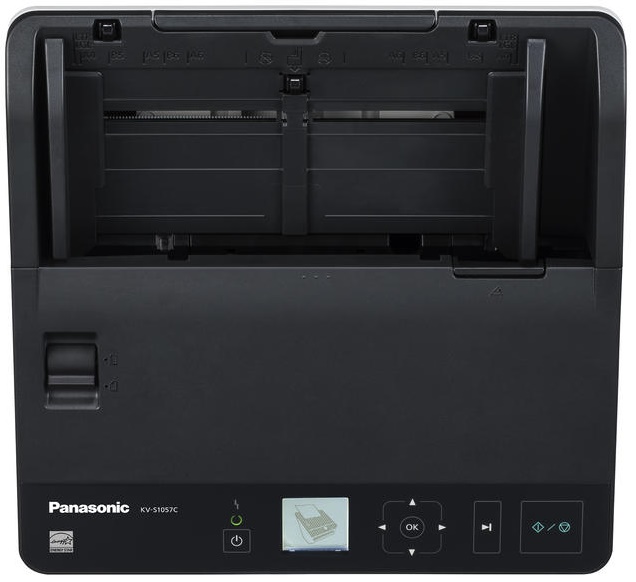
- One-touch operation
- Barcode recognition
- Remote maintenance tool
- Auto preview/auto rescan
Specifications
General Specifications
| Speed B&W (A4 Portrait) | 65 ppm (300 dpi) |
|---|---|
| Speed Color (A4 Portrait) | 65 ppm (300 dpi) |
| ADF | 100 sheets |
| Duty cycle | Approx. 7 000 pages / day |
| Format | A4 |
| Duplex | Yes |
| Capture | Color, Greyscale and Black & White |
| Optical resolution | 600 dpi |
| Max document length | 54 to 356 mm |
| Max document width | 48 - 216 mm |
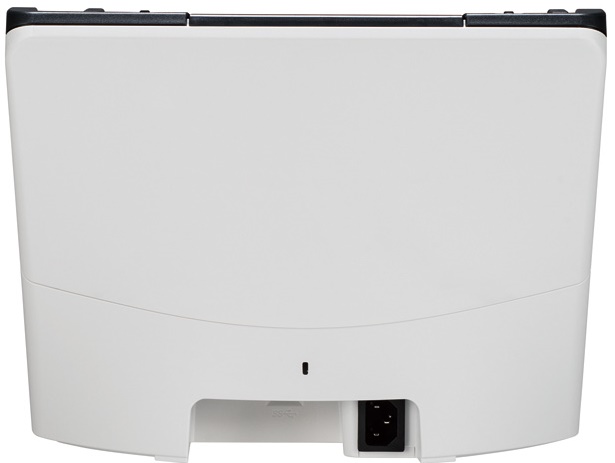
| Connection(s) | USB 3.0 |
| Interface | Twain and ISIS |
| Size closed (L x H x P mm) | 300 mm x 272 mm x 238 mm |
| Weight (Kg) | 4 |
| Electric characteristics | Running : 8W, sleep mode : 3W, power Off mode : 0,5W |
| Software include | CD-ROM (Device Driver, ISIS driver software, TWAIN driver software, User Utility, Scan Button Setting Tool, Image Capture Plus with the New OCR Engine, Operation manual, Control sheet (PDF)) |
 Download Manufacturer Specifications
Accessories

Reviews


If your scanner gives a ‘Scanner Access failed’ or a ‘Scanner not found’ message it may be because your scanner wasn't switched on before you started your computer.
Make sure the scanning glass is clean and has no dust on it before you start scanning.
In order for your image to come out as sharp as possible, ensure the document is flat against the glass.
MY ACCOUNT
INFO & POLICIES
SHOP EASY
PAYMENT OPTIONS



