



 Shopping Cart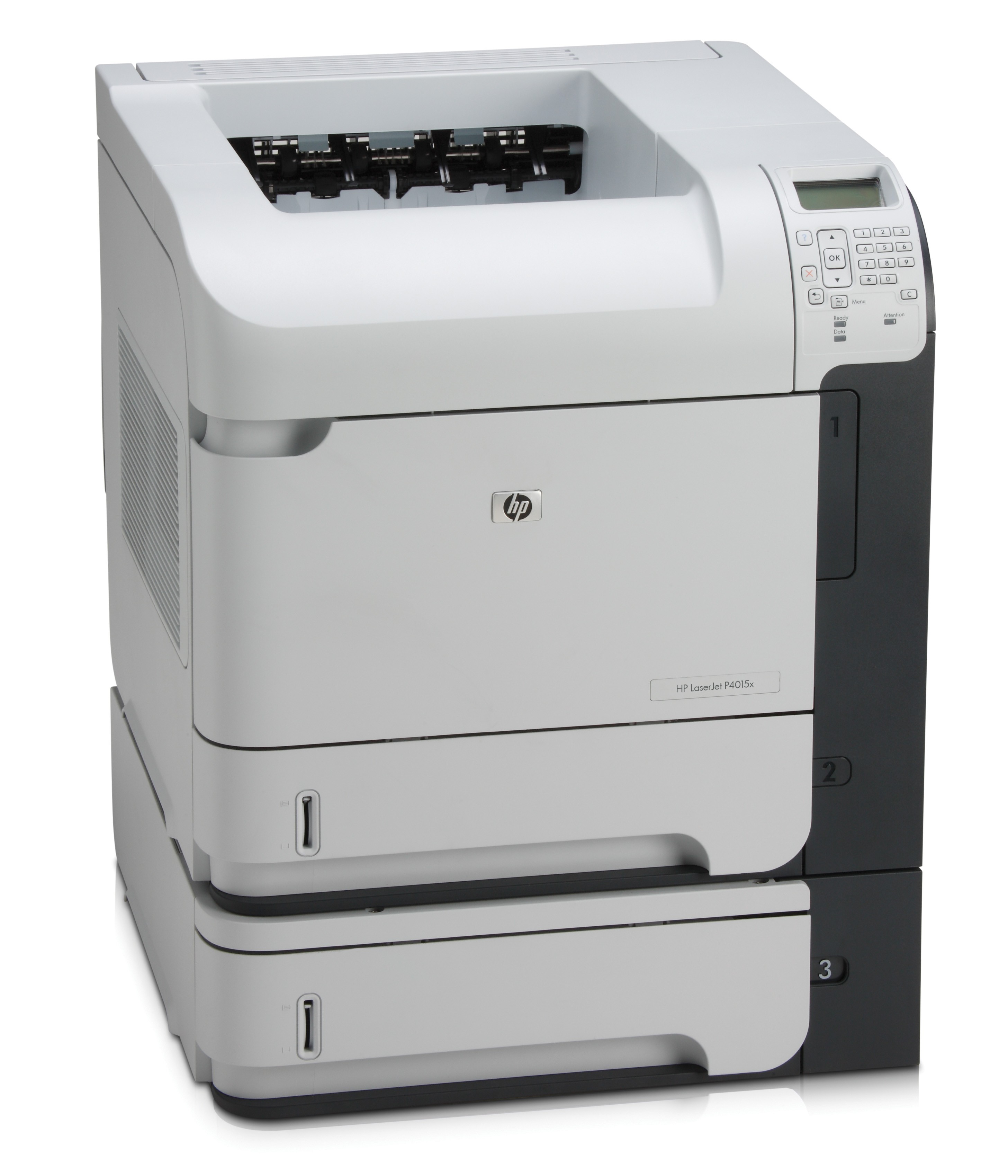



*** ALL TONERS AND SUPPLIES ARE IN STOCK AT DISCOUNTED PRICING , CALL +18882983095.
All reconditioned printers do not include supplies - toners , drums (Imaging Units) (where applicable) , printer cables , manuals , consumables, trays (where applicable). Power cables are included. Drivers can be downloaded from the manufacturers website. Please verify that drivers available are compatible with your software on the manufacturers site.
Images are for illustration purposes only and do not necessarily reflect the actual product.Product Details
Specifications
Accessories
Reviews
Product Details
Overview
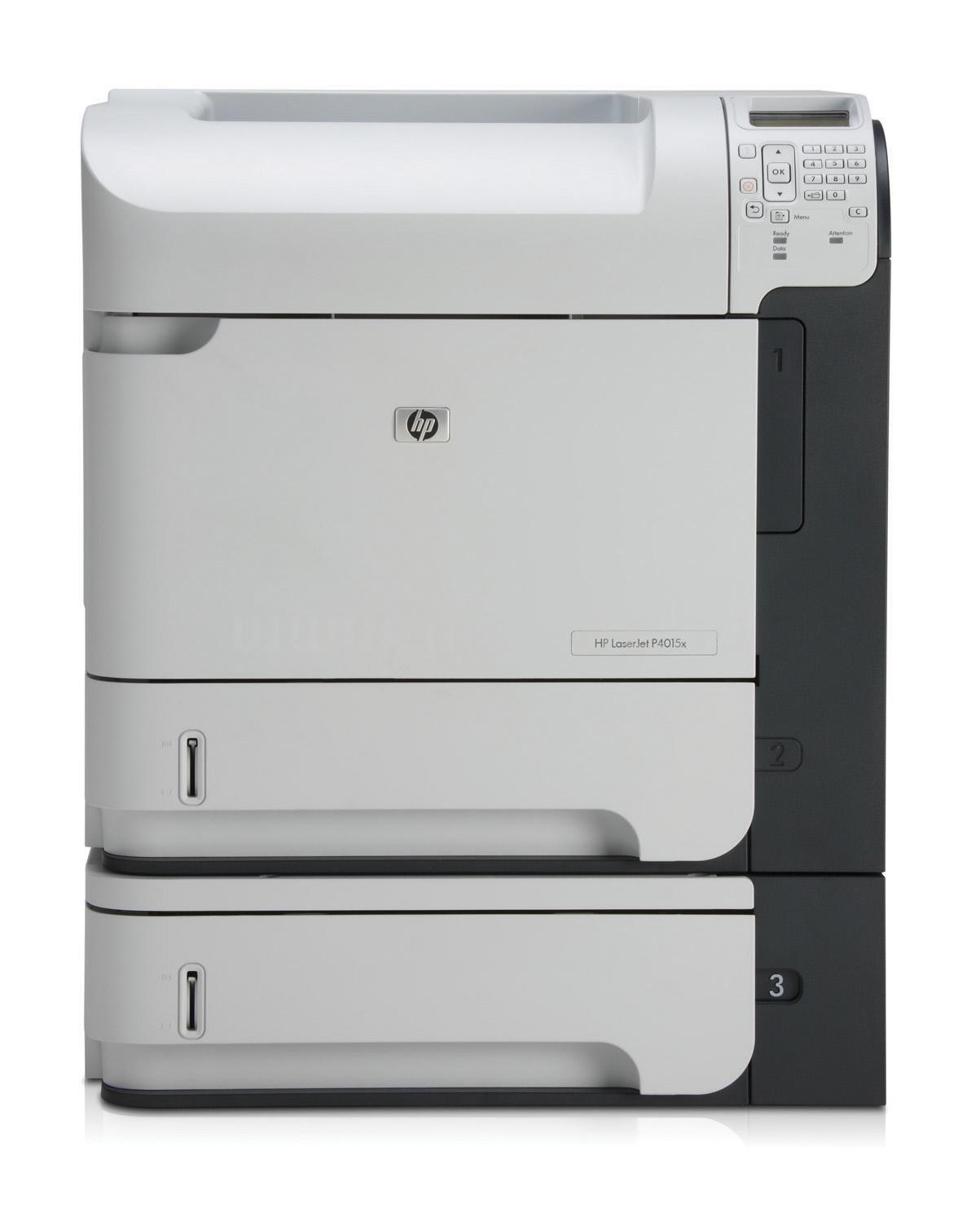
Accomplish more with a printer you can count on—the HP LaserJet P4015X. In addition to supporting standard security protocols and optional third-party security solutions, the printer includes industry-leading security capabilities. All these and many more features all you to save time and improve productivity!
Main Features
- Control panel displays up to four lines of text and animated graphics and features a built-in 10-key pad
- 128 MB of standard printing memory, expandable up to 640 MB
- One use authentication and password protection, allow you to guard sensitive information with support for private printing.
- HP Jetdirect Gigabit Ethernet embedded print server with IPSec
- Security lock slot
- Get fast, secure performance across your network with advanced IPSec encryption
All our reconditioned printers are clean, tested and working.
Specifications
General Specifications
| Print Speed | 52 ppm |
| First Page Out | 8.5 sec |
| Fonts | 80 HP font set (plus Greek, Hebrew, Cyrillic, Arabic) |
| Dimensions (WxDxH) | 16.5"x17.7"x15.5" |
| Print Resolution | 1200x1200dpi |
|
Printing |
|
| Duplex | Automatic |
| Paper Size | A4, A5, B5 (JIS), 16K, Executive, Executive JIS, DL Envelope, C5 Envelope, B5 Envelope, Custom Size |
| Sheet Capacity | 1100 sheets |
| Rated Black Speed | 50 ppm |
|
Features |
|
| Networking | Gigabit Ethernet |
 Download Manufacturer Specifications
Accessories

Reviews


Are your printer nozzles getting clogged? Try adding a humidifier to the room where you keep your printer.
Preview and proofread your documents on the screen before sending them to print. This will save you a lot of paper and re-printing.
Your printer is not a dumping ground. Don't pile documents or other things on top of it, as they could cause damage. Your printer could overheat and this could result in malfunctioning and even a reduction in the printer's life.
MY ACCOUNT
INFO & POLICIES
SHOP EASY
PAYMENT OPTIONS



