



 Shopping Cart
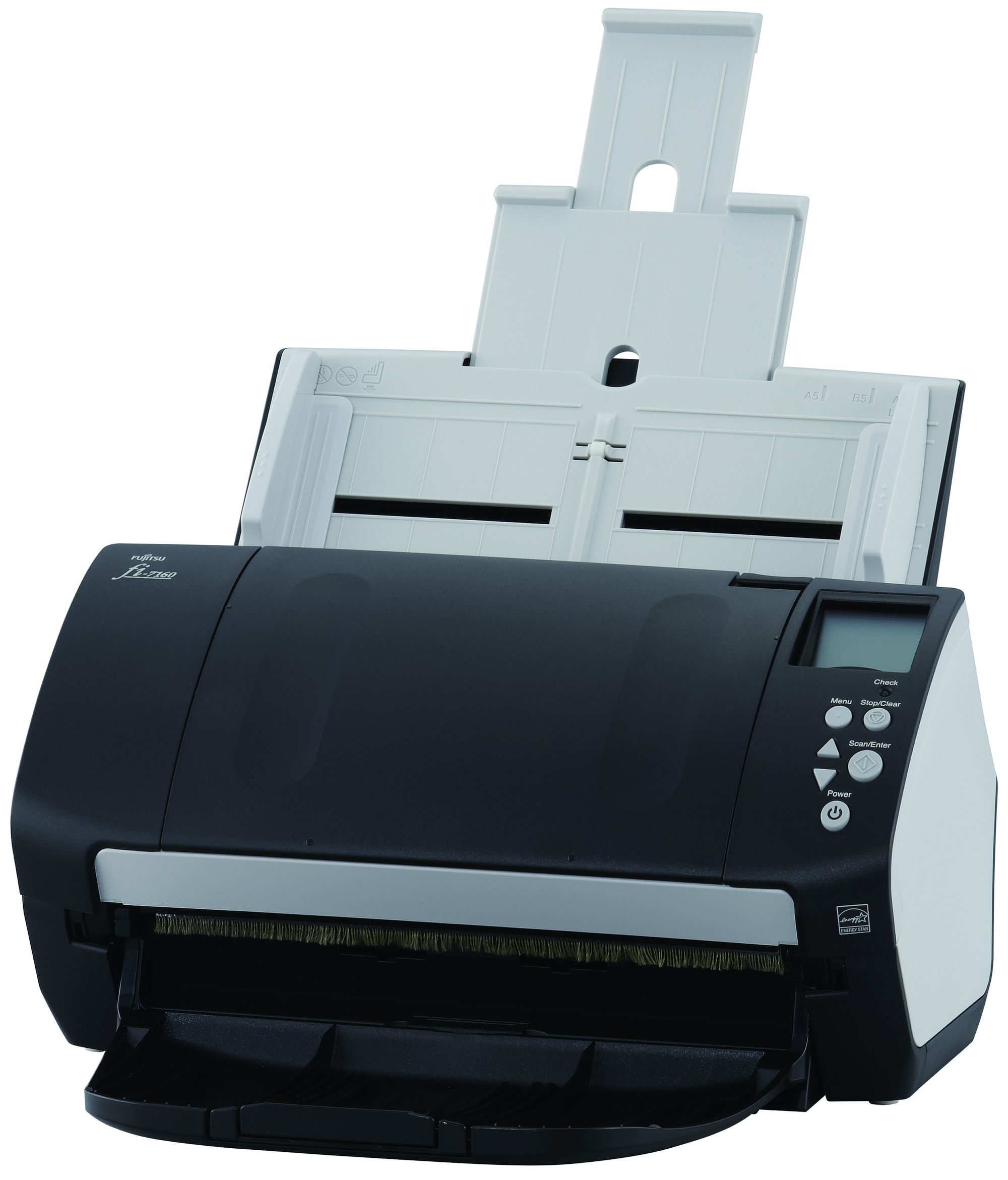
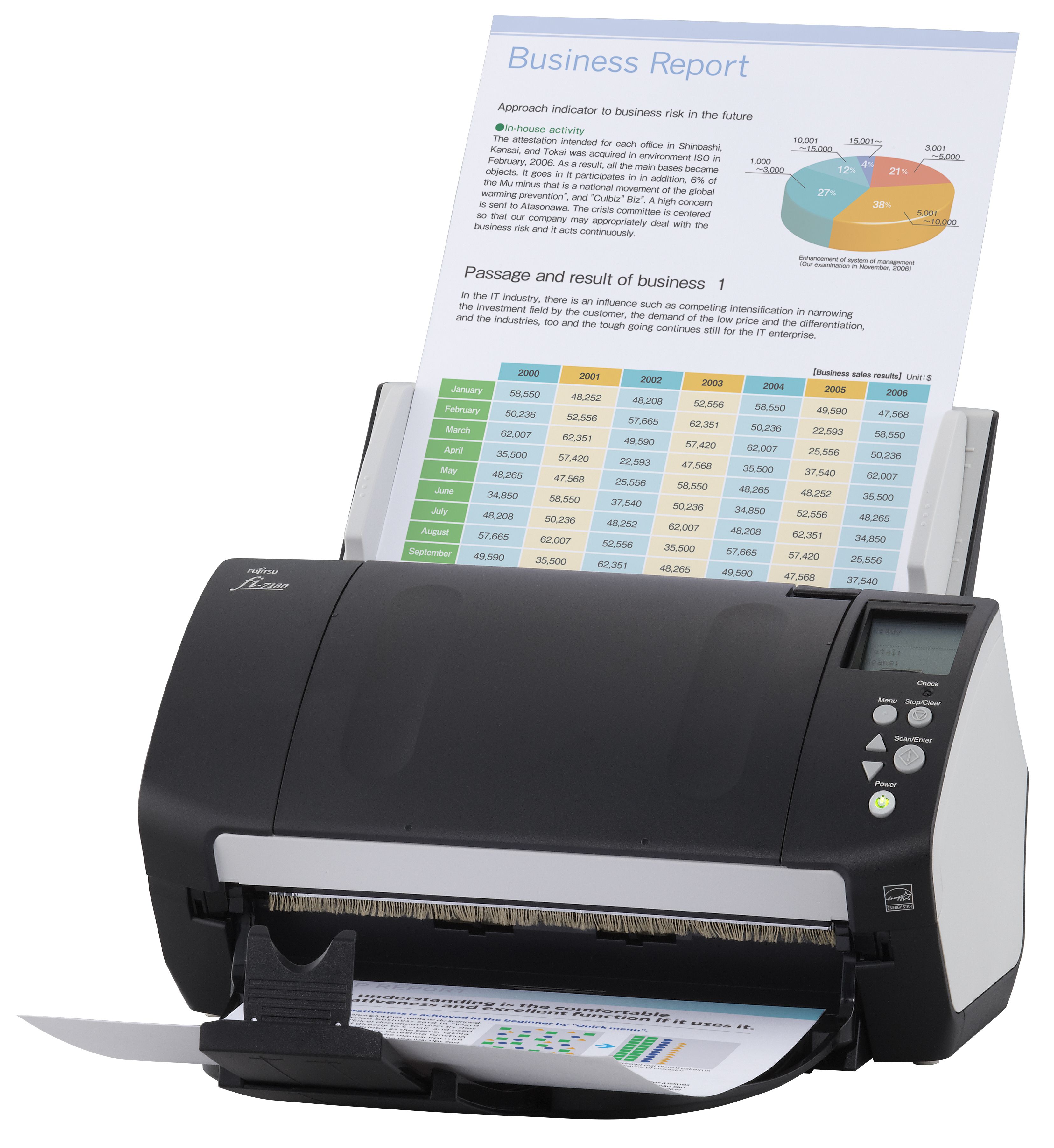
 Fujitsu FI-7180 Workgroup Scanner



Product Details
Specifications
Accessories
Reviews
Product Details
Main Features
- Top-class simplex/duplex scanning speeds: 80ppm / 160ipm
- 80-sheet ADF with intelligent paper-feed functions
- iSOP – intelligent Sonic Paper Protection - Acoustic sensors detect irregular paper noise
- "Skew Reducer" - stable paper feeding mechanism
- Simple operation with one-button scanning and LCD status display
- PaperStream IP and PaperStream Capture included
- Centralised management of multiple scanners
- Optional imprinter
Specifications
General Specifications
| Scanning Technology | CCD sensors x 2 | ||
| Scanning Mode | Simplex / Duplex, Color / Greyscale / Monochrome | ||
| Document Feeding Mode | ADF | Flatbed | |
| Yes | No | ||
| ADF Capacity | 80 pages | ||
| Document Size | ADF minimum: | A8 portrait (52 x 74mm) | |
| ADF maximum: | A4 Portrait (210 x 297mm), Legal (216 x 355.6mm) | ||
|
Scanning Speeds | |||
|---|---|---|---|
| Output | Simplex | Duplex | |
| A4 Portrait | 80ppm | 160ipm | |
| ADF Background Color | White (default) / Black selectable | ||
| Bundled Software | PaperStream IP (TWAIN/ ISIS) Driver, Software Operation Panel, Error Recovery Guide, PaperStream Capture, ScanSnap Manager for fi-Series, Scan to Microsoft SharePoint (web download only), Scanner Central Admin tools | ||
| Functions | Dropout color (R, G, B), Deskew cropping Multi-image, Auto color, Blank page skip, i-DTC, Advanced-DTC, Simplified-DTC, Error diffusion, Dither, Moire removal, Image emphasis, Color cleanup, Dropout color (None, Specified, Color saturation), sRGB, Punch hole removal, Tab cropping, Upper lower separation | ||
| Interfaces | USB 3.0 | ||
| Supported operating systems | Windows® 8, Windows® 7, Vista™, XP (32/64bit) Windows Server 2012, Windows Server 2008 (32/64bit) |
||
|
Physical Specifications | |||
| Dimensions (Width x Depth x Height ) | 300mm x 170mm x 163mm | ||
| Weight | 4.2kg | ||
| Humidity (operating) | 20-80% RH (non-condensing) | ||
| Power Consumption | 42W (1.8W in sleep mode) | ||
| Power Requirement | 100-240VAC | ||
| Operating Temperature | 5-35° C | ||
| Environmental compliance | ENERGY STAR® and RoHS |
||
Accessories

Reviews


When selecting a scanner it is worth considering how the scanner interfaces with your computer. The interface does not affect the image quality, but it does affect the scanning speed.
Evaluating the resolution of a scanner is easy - higher is always better.
Slide scanners are designed for scanning transparencies rather than opaque originals.
MY ACCOUNT
INFO & POLICIES
SHOP EASY
PAYMENT OPTIONS



* Images are for illustration purposes only.