



 Shopping Cart
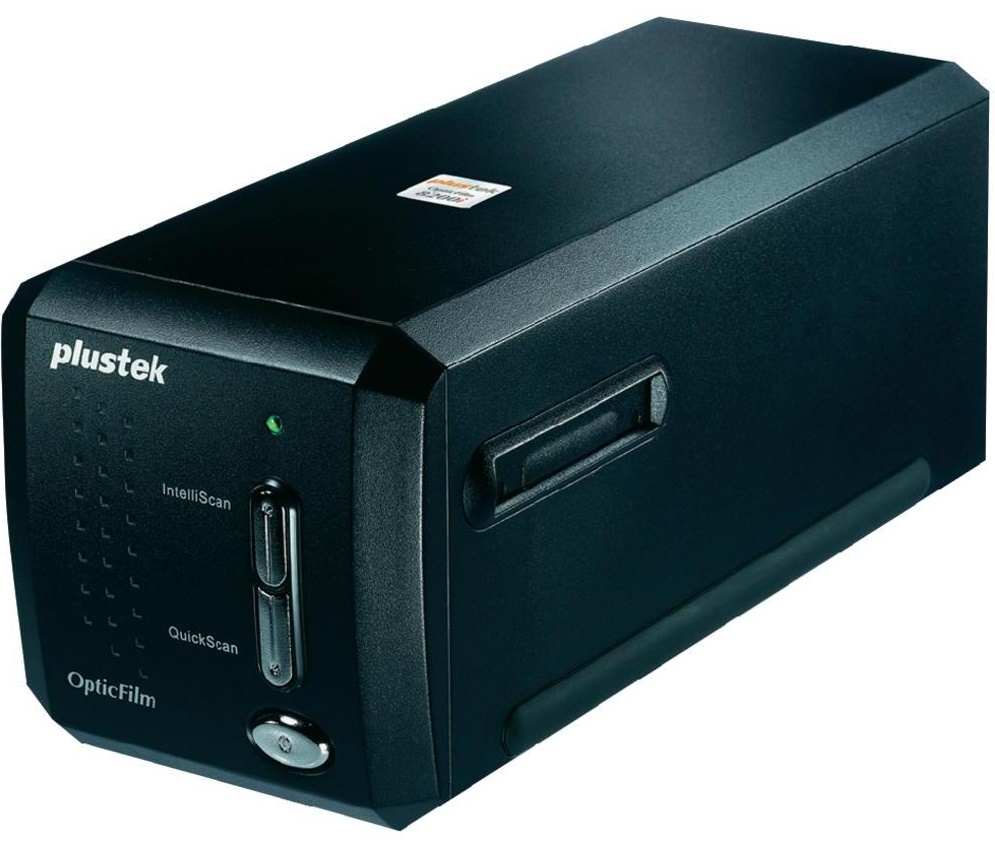
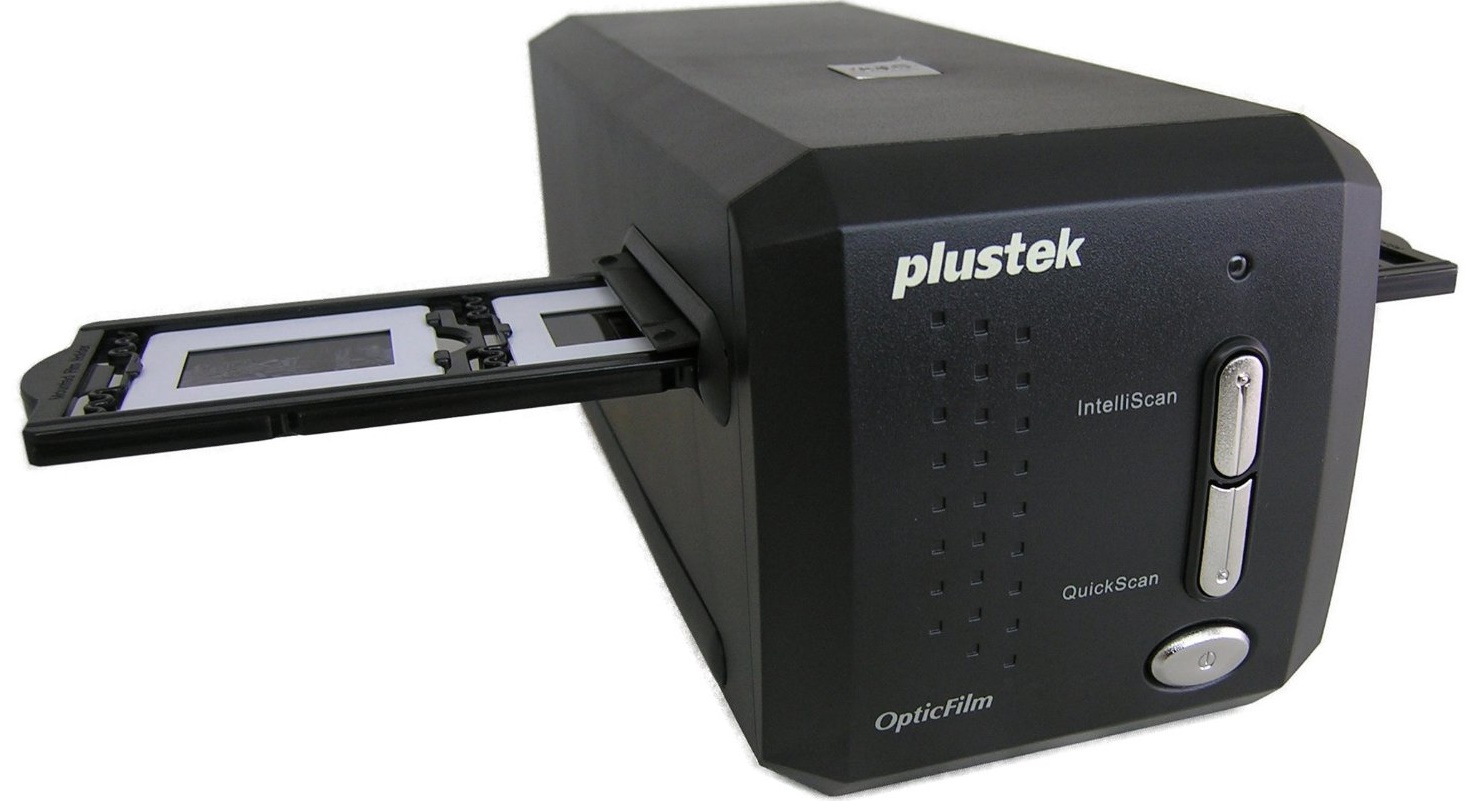
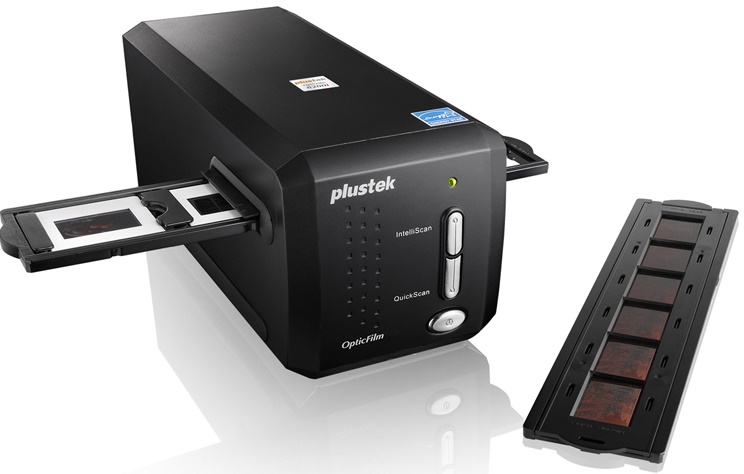
 Plustek OpticFilm 8200i SE Slide Film Scanner



Product Details
Specifications
Accessories
Reviews
Product Details
Main Features
- 7200 dpi
- Color Depth 48-bit
- Integrated Infrared Dust/Scratch Removal
- Programmable 1-Touch Scan Button
- Includes SilverFast SE Plus 8
Specifications
General Specifications
| Film Types | 35mm negatives 35mm mounted slides |
| Scan Quality | |
|---|---|
| Scan Sensor | CCD |
| Optical Resolution | 7200 dpi |
| Color Depth | Color: 48-bit input, 24 / 48-bit output Grayscale: 16-bit input, 8 / 16-bit output Black / White: 1-bit |
| Dynamic Range | 3.6 |
| Infrared | Built-in |
| Scan Area | 1.45 x 1.0" (36.8 x 25.4 mm) |
| Performance | |
|---|---|
| Preview Speed | ~ 8 seconds, Multi-Sampling on (negatives & slides) |
| Scan Speed | 3600 dpi: ~ 36 seconds, Multi-Sampling on 7200 dpi: ~ 113 seconds, Multi-Sampling on |
| Connectivity | |
|---|---|
| Computer Interface | USB 2.0 |
| OS Compatibility | Windows: Windows 8, Windows 7, Vista, XP Mac: OS X 10.5, 10.6, 10.7, 10.8 |
| Windows System Requirements | 2 GHz processor or faster, 2 GB RAM (4 GB recommended), 10 GB disk space, CD / DVD drive or internet connection |
| Apple System Requirements | 2 GHz or faster Intel Processor (PowerPC not supported), 2 GB RAM (4 GB recommended), 10 GB disk space, CD / DVD drive or internet connection |
| Physical | |
|---|---|
| Light Source | LED |
| Button | IntelliScan, QuickScan (PC Only) |
| Power Requirements | 15 V DC, 1.0 A |
| Dimensions (WxHxD) | 4.73 x 4.7 x 10.7" (12.0 x 11.9 x 27.2 cm) |
| Weight | 3.5 lb (1.6 kg) |
Accessories

Reviews


If you are scanning an image for your website, scan at 75-100 dpi. This will give you good quality, but small file size.
Most MFPs are designed for scanning documents and so are best to avoid if you're looking for photo scanning. The few exceptions can be recognized if they feature scanning options that are clearly meant for photos, such as a color restore feature.
If you get a ‘Scanner Access failed’ or a ‘Scanner not found’ message on your scanner, check that the SCSI cable is well connected from the card to the scanner.
MY ACCOUNT
INFO & POLICIES
SHOP EASY
PAYMENT OPTIONS



* Images are for illustration purposes only.