



 Shopping Cart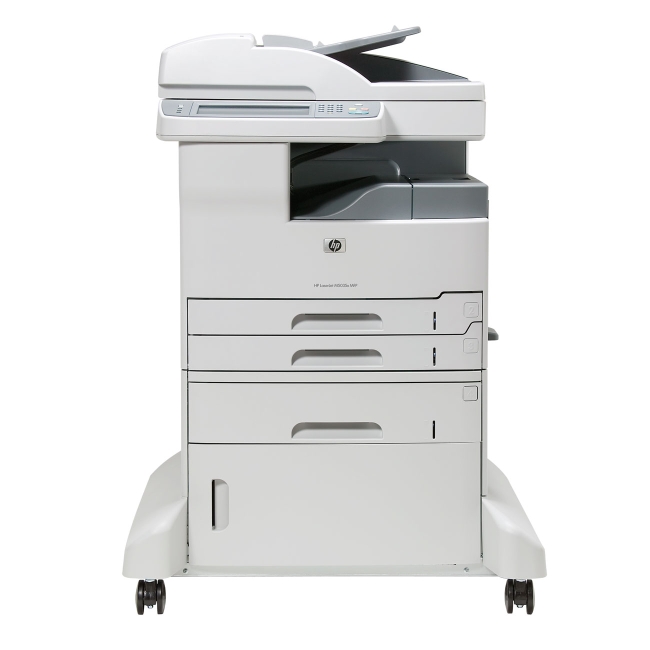



*** ALL TONERS AND SUPPLIES ARE IN STOCK AT DISCOUNTED PRICING , CALL +18882983095..
Printers do not include supplies - toners , drums (Imaging Units) (where applicable) , printer cables , manuals , consumables , trays (where applicable). Power cables are included. Drivers can be downloaded at www.hp.com. Please verify that drivers available are compatible with your software on HP’s site.
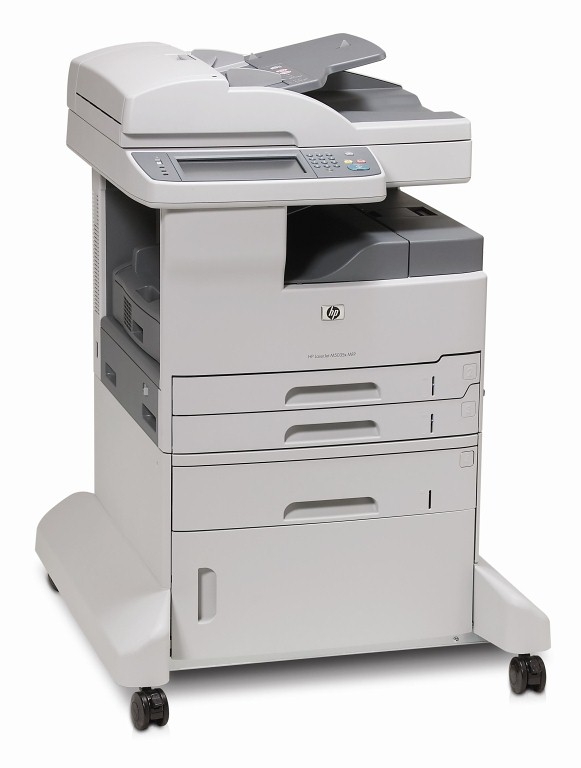
Images are for illustration purposes only and do not necessarily reflect the actual product.Product Details
Specifications
Accessories
Reviews
Product Details
Main Features
• Enjoy fast, professional printing and copying. Save time and money with print and copy speeds of up to 35 pages per minute.
• Provide big impact in a small size. The MFP offers the 11 by 17 printing you want, and its smaller footprint enables placement close to workgroups, where you need it.
• Integrate documents into workflows. The MFP comes standard with send-to- e-mail and send-to-network-folder capabilities, including LDAP and address book support.
• Improve efficiency with two-sided printing, copying, and scanning. The MFP includes a 50-sheet reversing automatic document feeder (ADF) that supports wideformat, two-sided copying and scanning of doublesided originals.
• Save time with an embedded hard drive. Enjoy password-printing capabilities, high-capacity storage of frequently used documents, and proof-and-hold features.
• Count on reliable and simple networking.
• Support workgroup productivity with flexible paper handling.
Specifications
General Specifications
| Auto Document Feeder | Yes |
| Automatic Two-Sided Printing | Yes |
| Print Speed Black | 35 PPM |
| Output Type | Black and White |
| Networking | Wired |
| Processor | MIPS embedded in HP Custom ASIC |
| Dimensions | 29.25" x 29.25" x 39.25" |
| Recommended Monthly Print Volume | 3000 to 12500 |
| Maximum Paper Size | A3 |
| Weight | 205.03 lb |
| Connectivity | HP Jetdirect Fast Ethernet embedded print server, Foreign Interface Harness (FIH), USB (compatible with USB 2.0 specifications) type A port, USB (compatible with USB 2.0 specifications) type B port, open EIO slot, optional analog fax |
| Print Speed | 35 PPM |
| Paper Capacity | 1100 |
| Print Memory | 256 MB |
| Monthly Duty Cycle | Up to 200000 pages |
 Download Manufacturer Specifications
Accessories

Reviews


What is RAM? RAM or Buffer Memory holds the graphic information on the printer while the file is on its way to be printed. The larger the RAM, the faster the printer can print complex graphics.
Printer not working? Check that the ink and toner are there and properly filled.
Fed up of re-sorting your printouts? For those inkjets that don't have a reverse print feature in the driver, some programs offer printing in reverse order.
MY ACCOUNT
INFO & POLICIES
SHOP EASY
PAYMENT OPTIONS



