



 Shopping Cart
 Kyocera CS 2550ci Color Multifunction Printer Copier
*Images may show options not included in price.
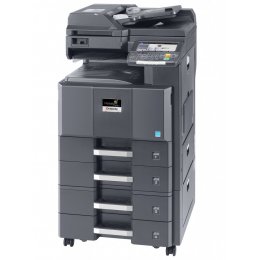

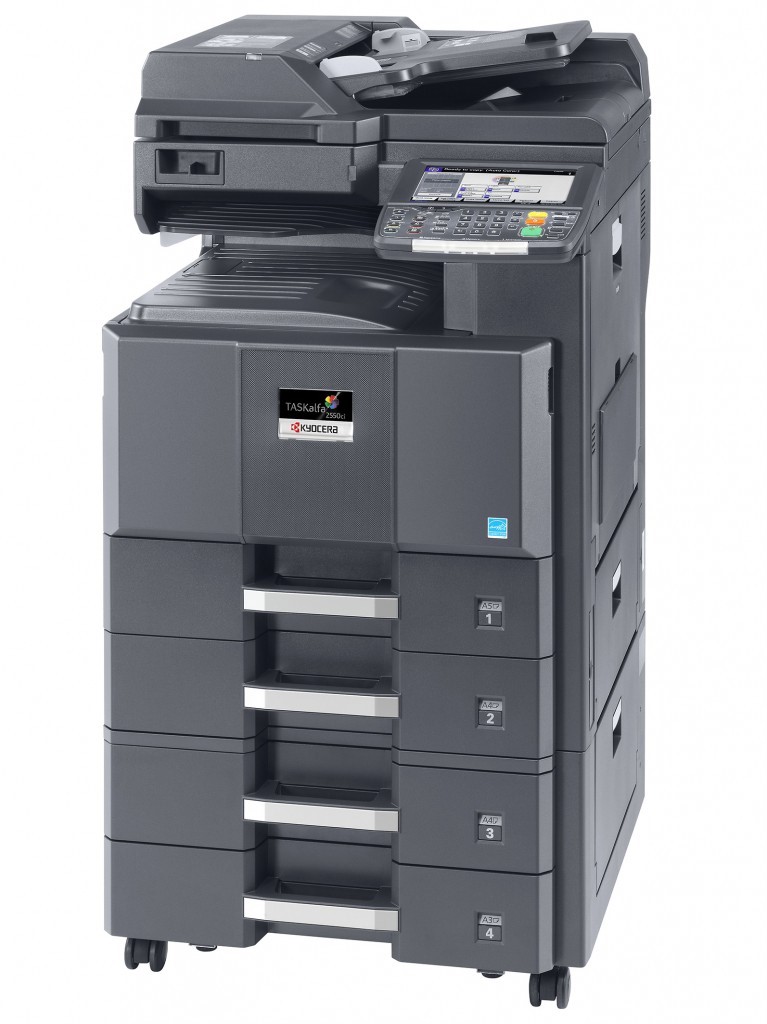
Images are for illustration purposes only and do not necessarily reflect the actual product.
Product Details
Specifications
Accessories
Reviews
Product Details
Main Features
▪ Digital Copier / Network Printer / Network Color Scanner
▪ 500 x 1 sheet paper drawer
▪ 100 sheet multipurpose tray
▪ Auto Duplex
▪ 160GB Hard Drive 2 GB RAM
Specifications
| Functions | Network Print, Copy and Color Scan. Optional Fax/Network Fax |
| Speed | 25 PPM Black / 25 PPM Color |
| Resolution | 600 dpi / 8 bit color depth |
| Standard Paper Supply | 650 Sheets |
| Max Paper Size | 11" x 17" (Trays and MPT) |
| Max Paper Weight | 140lb. Index (Drawers and MPT) |
| Original Size | 5.5" x 8.5" - 11" x 17" (Statement-Ledger) |
| Standard | |
| Network Connectivity | Standard: 10/100/1000Base TX; High Speed USB 2.0, USB Host (2); Optional: 10/100/1000Base TX (for Dual NIC) |
| PDL | PRESCRIBE, PCL6 (PCL XL and 5e), KPDL (PS3), XPS |
| Fax Modem Speed | 33.6Kbps |
Specifications
 Download Manufacturer Specifications
Accessories

Reviews




Is your copy image too light? Manually adjust the copy density to a darker setting.
Look at the cost of consumables for your copier before you buy - this will give you an idea of how much it will cost you to run your copier in the future.
You might want to look out for an automatic duplexer on you copier, which will allow you to print double sided without any hassle.
MY ACCOUNT
INFO & POLICIES
SHOP EASY
PAYMENT OPTIONS



* Images are for illustration purposes only.