



 Shopping Cart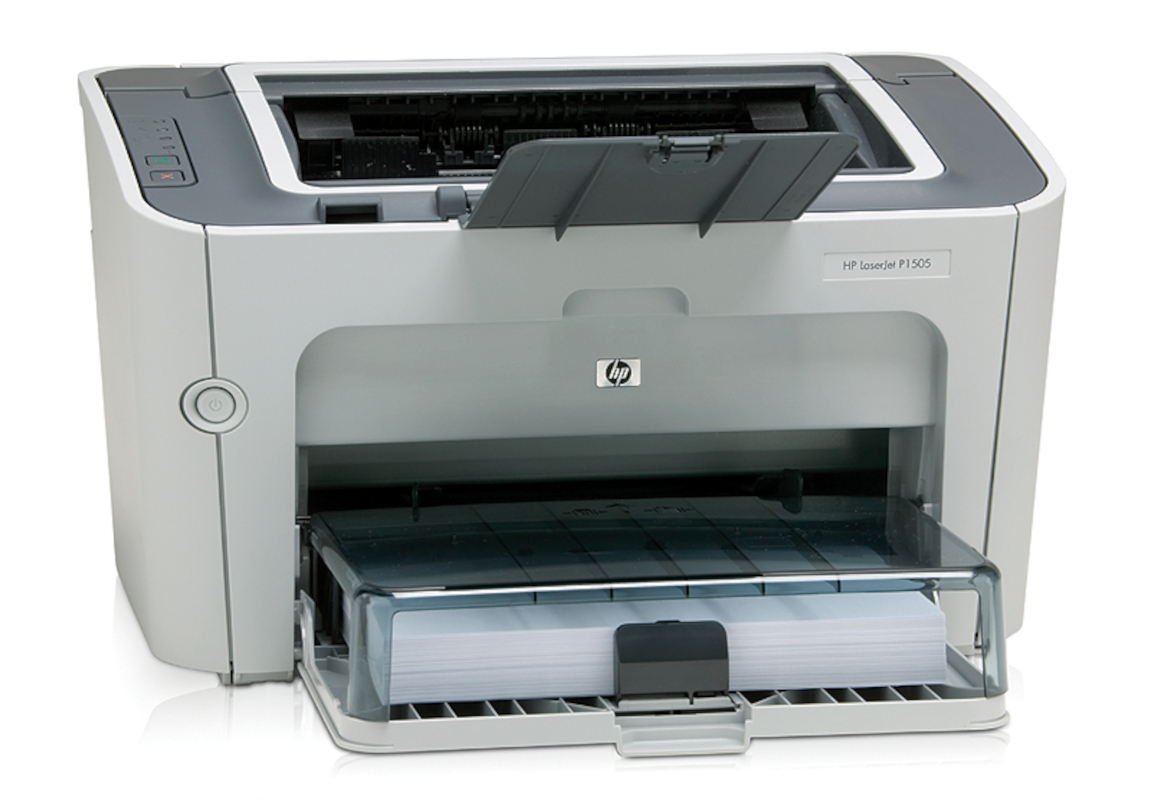



*** ALL TONERS AND SUPPLIES ARE IN STOCK AT DISCOUNTED PRICING , CALL +18882983095..
Printers do not include supplies - toners , drums (Imaging Units) (where applicable) , printer cables , manuals , consumables , trays (where applicable). Power cables are included. Drivers can be downloaded at www.hp.com. Please verify that drivers available are compatible with your software on HP’s site.
Product Details
Specifications
Accessories
Reviews
Product Details
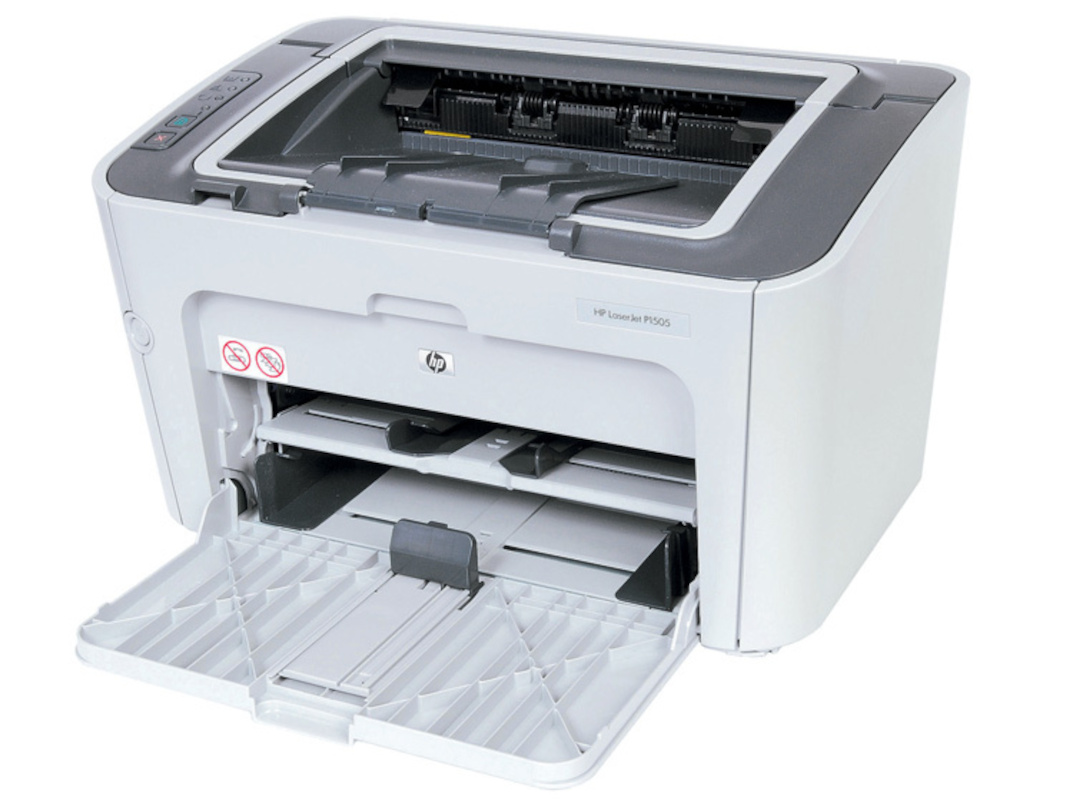
Main Features
- Monochrome Print Speed up to 24ppm
- First Page Out in Less than 6.5 Seconds
- Compact (14.9 x 9.6 x 8.9")
- 250-Sheet Adjustable Input Tray
- 10-Sheet Tray for Special Media
- 150-Sheet Output Bin
- Manual Two-Sided Printing
- USB 2.0 Connectivity
- Windows and Mac Compatible
Specifications
General Specifications
| Printer Category: Laser |
| Type: Printer Only |
| Color or Monochrome: Monochrome |
| Technology (for laser category only): Laser |
| Connection Type: USB |
| Maximum Standard Paper Size: Legal |
| Direct Printing from Cameras: No |
| LCD Preview Screen: No |
| Rated Speed at Default Settings (Mono): 24 ppm |
| Duty Cycle: 8000 pages per month |
| Input Capacity (printer input only): 260 sheets |
| Print Duplexing: No |
 Download Manufacturer Specifications
Accessories

Reviews


What is dpi? Dpi is used to describe the resolution number of dots per inch in a digital print. The higher the numbers, the more detailed the print image is.
Make sure to keep your printer up to date by downloading drivers and patches from the manufacturer's site. Most manufacturers provide driver updates for their units which include patches that add fonts or fix incompatibilities.
Set your printer for the proper paper type and weight. Fine art papers are heavier than ordinary inkjet or bond papers so set the printer to thicker paper settings.
MY ACCOUNT
INFO & POLICIES
SHOP EASY
PAYMENT OPTIONS



