



 Shopping Cart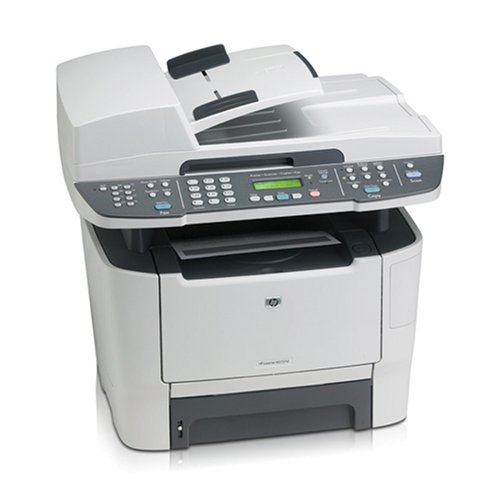


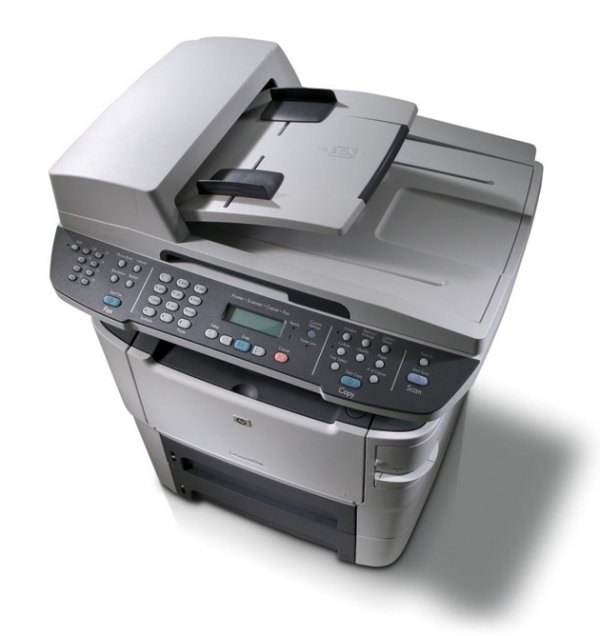
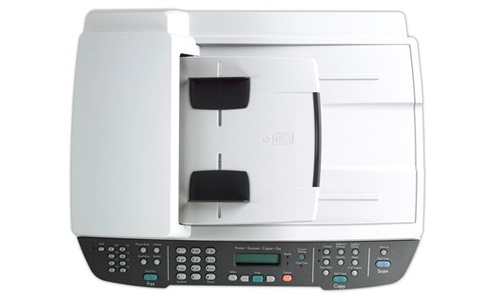


*** ALL TONERS AND SUPPLIES ARE IN STOCK AT DISCOUNTED PRICING , CALL +18882983095..
Printers do not include supplies - toners , drums (Imaging Units) (where applicable) , printer cables , manuals , consumables , trays (where applicable). Power cables are included. Drivers can be downloaded at www.hp.com. Please verify that drivers available are compatible with your software on HP’s site.
Product Details
Specifications
Accessories
Reviews
Product Details
Main Features
-
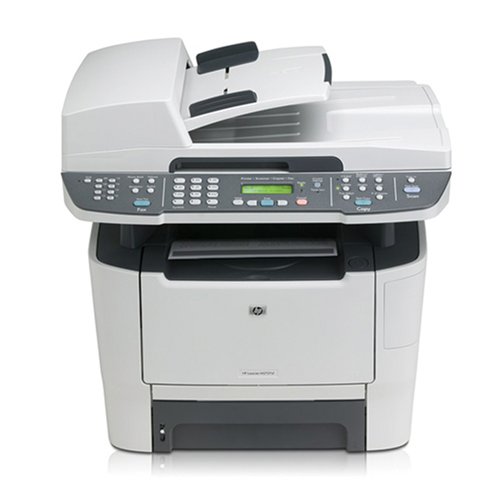
Print, copy, scan, fax
- Speed: 27 ppm
- Automatic duplex printing
- Media Capacity: 300 sheets
All our reconditioned printers are clean, tested and working.
Specifications
General Specifications
| Multifunction Devices | Fax, Printer, Copier, Scanner |
| Recommended Use | Plain Paper Print |
| Print Color | Monochrome |
| Maximum Mono Print Speed (ppm) | 27 |
| Maximum Print Resolution | 1200 x 1200 dpi |
| Duplex Printing | Automatic |
|
Memory |
|
| Standard Memory | 64 MB |
|
Interfaces/Ports |
|
| USB | Yes |
|
Network & Communication |
|
| Ethernet | Yes |
| Ethernet Technology | Fast Ethernet |
|
Scanner |
|
| Scanner Type | Flatbed |
| Scan Color | Color |
| Optical Resolution | 1200 dpi |
| Interpolated Resolution | 19200 dpi |
|
Copier |
|
| Copier Type | Flatbed |
| Copy Color | Monochrome |
| Maximum Mono Copy Speed (cpm) | 27 |
|
Fax |
|
| Fax Color | Monochrome |
| Modem Speed | 33.60 Kbps |
|
Media Types & Handling |
|
| Media Type | Bond Paper, Color Paper, Heavy Paper, Letterhead, Light Paper, Plain Paper, Preprinted Paper, Pre-punched Paper, Recycled Paper, Rough Paper, Envelope, Transparency, Label, Card Stock |
| Media Size | Letter, Legal, Envelope No. 5 1/2, Custom Size, Envelope No. 11 |
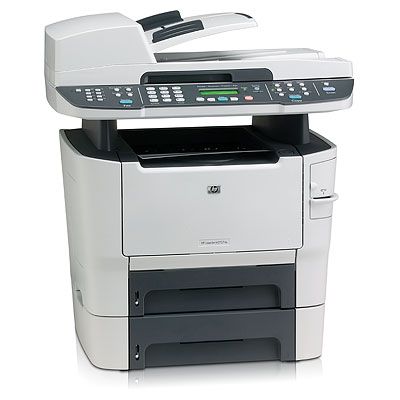
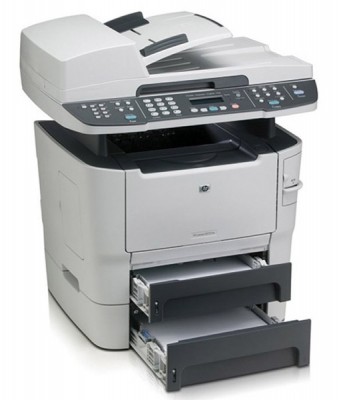
| Number of Input Trays Installed | 2 |
| Standard Input Media Capacity | 300 sheets |
|
Reliability |
|
| Duty Cycle | 15000 pages per month |
|
Physical Characteristics |
|
| Form Factor | Desktop |
| Height | 18.0" |
| Width | 19.7" |
| Depth | 16.0" |
| Weight (Approximate) | 37.80 lb |
|
Miscellaneous |
|
| Platform Supported | PC, Mac, SPARC |
| Green Compliant | Yes |
| Green Compliance Certificate/Authority | Energy Star |
 Download Manufacturer Specifications
Accessories

Reviews


Getting blank pages after you installed a new cartridge? Check that the sticker from the cartridge was properly removed. Alternatively, run the clean print head function to make sure all air bubbles are removed. Do not remove the cartridge once it has been installed.
Make sure to select the correct paper type for your print job. In general, for more important documents, use thicker paper.
Tight on office space? Consider buying a machine with networking capabilities which will allow multiple users to use one printer.
MY ACCOUNT
INFO & POLICIES
SHOP EASY
PAYMENT OPTIONS



