



 Shopping Cart
 Plustek MobileOffice S410 Personal Scanner
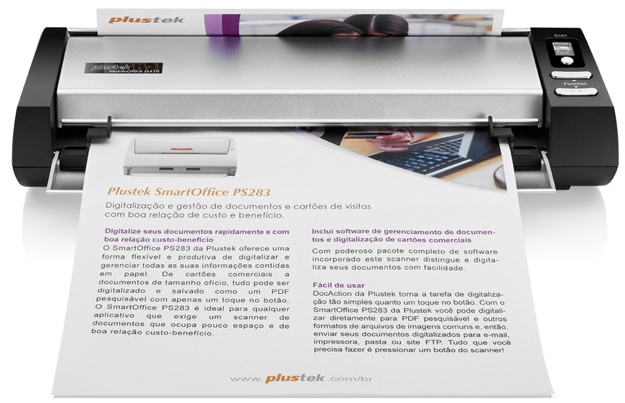


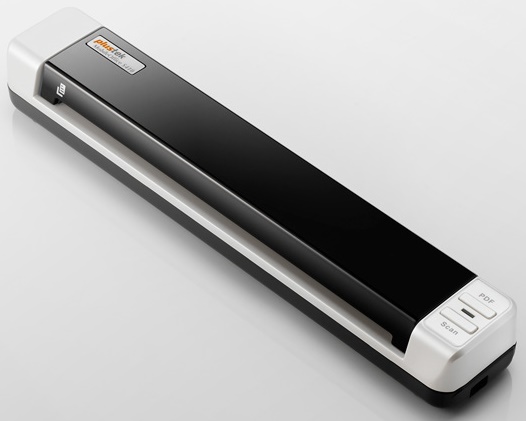
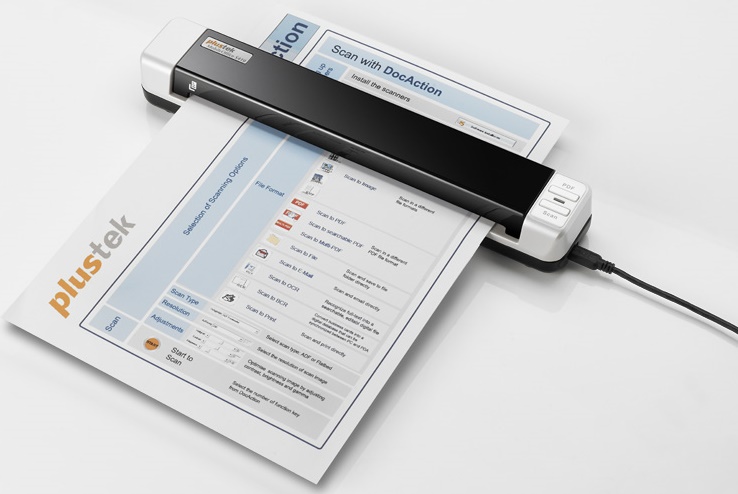

Images are for illustration purposes only and do not necessarily reflect the actual product.
Product Details
Specifications
Accessories
Reviews
Product Details
Main Features
- USB powered mobile scanner with Simplex Scanning in Color, Grayscale or B/W
- Scan to Evernote and Google Picasa
- Bundled with document management, OCR, BCR and imaging applications
- 6 ppm Scan Speed (9sec / page @ Color Mode, 300 dpi, A4)
- Support Scans to searchable PDF
- Scan rigid embossed cards such as licenses, insurance cards, membership cards, credit cards…etc
- 2 Single-touch buttons automates frequent scanning jobs
- Advanced image enhancement to automatically straighten and rotate pages, adjust brightness, and crop images to minimize file size and increase OCR / BCR accuracy.
- Software productivity suite enables PDF, Microsoft Office, JPG / TIF creation and management.
We also sell this model with inbuilt security features. please call in for more details.
Specifications
General Specifications
| Scan Sensor | Contact image sensor |
| Optical Resolution | 600 dpi |
| Hardware Resolution | 600 x 600 dpi |
| Bit Depth | Color - Input: 48-bit Color - Output: 24-bit Grayscale - Input: 16-bit Grayscale - Output: 8-bit Black & White: 1-bit |
| Scan Area | 0.5 x 0.5 to 8.5 x 36.0" (12.7 x 12.7 to 216 x 910 mm) |
| Paper Size | 2.0 x 2.0 to 8.5 x 36.0" (50.8 x 50.8 to 216 x 910 mm) |
| Media Weight | Paper: 50 to 120 g/m2 |
| Media Thickness | Embossed Plastic Card: 29.92 mil (0.76 mm) Non-Embossed Plastic Card: 48.82 mil (1.24 mm) |
| Scan Speed | 9 seconds (color, 300 dpi, A4) |
| Computer Interface | USB 2.0, TWAIN |
| OS Compatibility | Windows 7, Vista, XP, 2000 |
| System Requirements | Processor: Pentium III 1 GHz or higher Drive: CD-ROM or DVD-ROM Interface: 1 USB port Memory: 256 MB RAM (512 MB or higher recommended) Hard Drive Space: 800 MB (1GB or larger recommended) |
| Front Panel Controls | PDF, scan |
| Dimensions (WxDxH) | 11.61 x 1.97 x 1.59" (295 x 50 x 40.5 mm) |
| Weight | 14.56 oz (410 g) |
Accessories
*** ALL TONERS AND SUPPLIES ARE IN STOCK AT DISCOUNTED PRICING , CALL +18882983095
Reviews


If you get a ‘Scanner Access failed’ or a ‘Scanner not found’ message on your scanner, check that the SCSI cable is well connected from the card to the scanner.
In order for your image to come out as sharp as possible, ensure the document is flat against the glass.
If you'll be happy with photo scans that can be viewed onscreen or reprinted at the same size, but with noticeable color shifts and loss of resolution, consider using an inexpensive sheet fed scanner.
MY ACCOUNT
INFO & POLICIES
SHOP EASY
PAYMENT OPTIONS



* Images are for illustration purposes only.