



 Shopping Cart
 Plustek MobileOffice S410 Personal Scanner
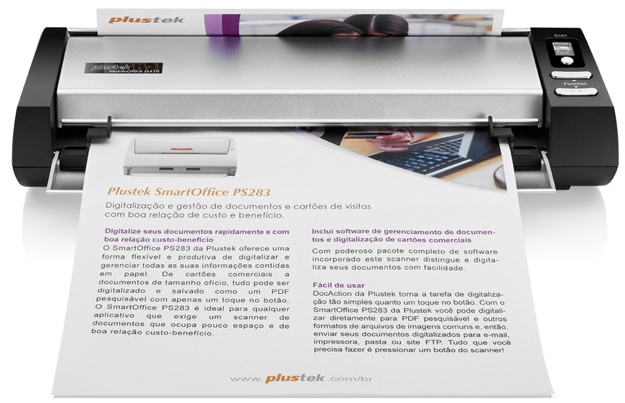


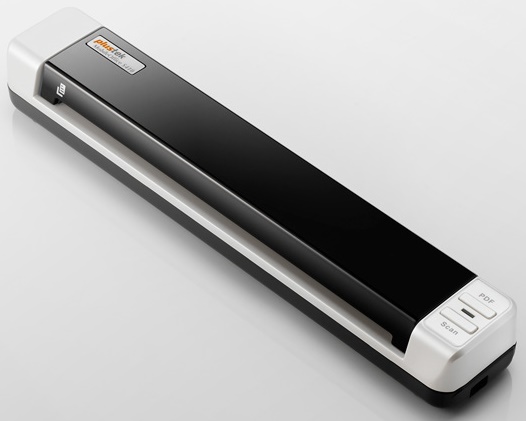
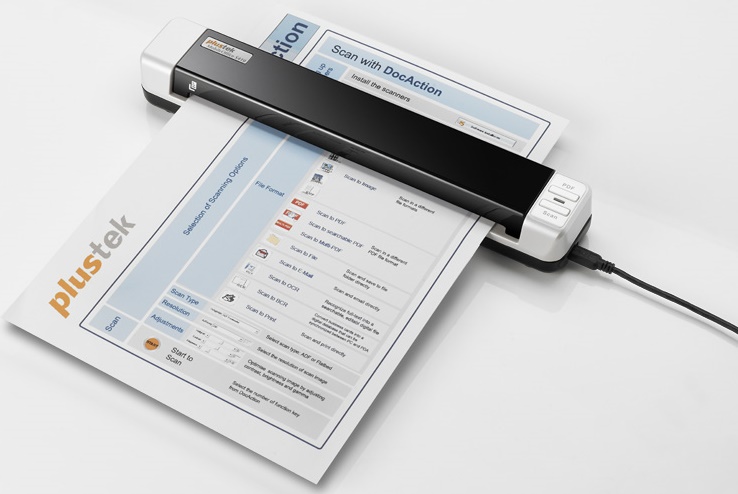

Images are for illustration purposes only and do not necessarily reflect the actual product.
Product Details
Specifications
Accessories
Reviews
Product Details
Main Features
- USB powered mobile scanner with Simplex Scanning in Color, Grayscale or B/W
- Scan to Evernote and Google Picasa
- Bundled with document management, OCR, BCR and imaging applications
- 6 ppm Scan Speed (9sec / page @ Color Mode, 300 dpi, A4)
- Support Scans to searchable PDF
- Scan rigid embossed cards such as licenses, insurance cards, membership cards, credit cards…etc
- 2 Single-touch buttons automates frequent scanning jobs
- Advanced image enhancement to automatically straighten and rotate pages, adjust brightness, and crop images to minimize file size and increase OCR / BCR accuracy.
- Software productivity suite enables PDF, Microsoft Office, JPG / TIF creation and management.
We also sell this model with inbuilt security features. please call in for more details.
Specifications
General Specifications
| Scan Sensor | Contact image sensor |
| Optical Resolution | 600 dpi |
| Hardware Resolution | 600 x 600 dpi |
| Bit Depth | Color - Input: 48-bit Color - Output: 24-bit Grayscale - Input: 16-bit Grayscale - Output: 8-bit Black & White: 1-bit |
| Scan Area | 0.5 x 0.5 to 8.5 x 36.0" (12.7 x 12.7 to 216 x 910 mm) |
| Paper Size | 2.0 x 2.0 to 8.5 x 36.0" (50.8 x 50.8 to 216 x 910 mm) |
| Media Weight | Paper: 50 to 120 g/m2 |
| Media Thickness | Embossed Plastic Card: 29.92 mil (0.76 mm) Non-Embossed Plastic Card: 48.82 mil (1.24 mm) |
| Scan Speed | 9 seconds (color, 300 dpi, A4) |
| Computer Interface | USB 2.0, TWAIN |
| OS Compatibility | Windows 7, Vista, XP, 2000 |
| System Requirements | Processor: Pentium III 1 GHz or higher Drive: CD-ROM or DVD-ROM Interface: 1 USB port Memory: 256 MB RAM (512 MB or higher recommended) Hard Drive Space: 800 MB (1GB or larger recommended) |
| Front Panel Controls | PDF, scan |
| Dimensions (WxDxH) | 11.61 x 1.97 x 1.59" (295 x 50 x 40.5 mm) |
| Weight | 14.56 oz (410 g) |
Accessories
*** ALL TONERS AND SUPPLIES ARE IN STOCK AT DISCOUNTED PRICING , CALL +18882983095
Reviews


If you're looking for a scanner, your main concern should be the balance of scan quality and ease of use - the scanners that are simplest to use tend to have the lowest quality, unfortunately.
If your scanner gives a ‘Scanner Access failed’ or a ‘Scanner not found’ message it may be because your scanner wasn't switched on before you started your computer.
If you're in a rush or don't know much about scanning, the auto mode should provide reasonably good quality and may be all you need.
MY ACCOUNT
INFO & POLICIES
SHOP EASY
PAYMENT OPTIONS



* Images are for illustration purposes only.