



 Shopping Cart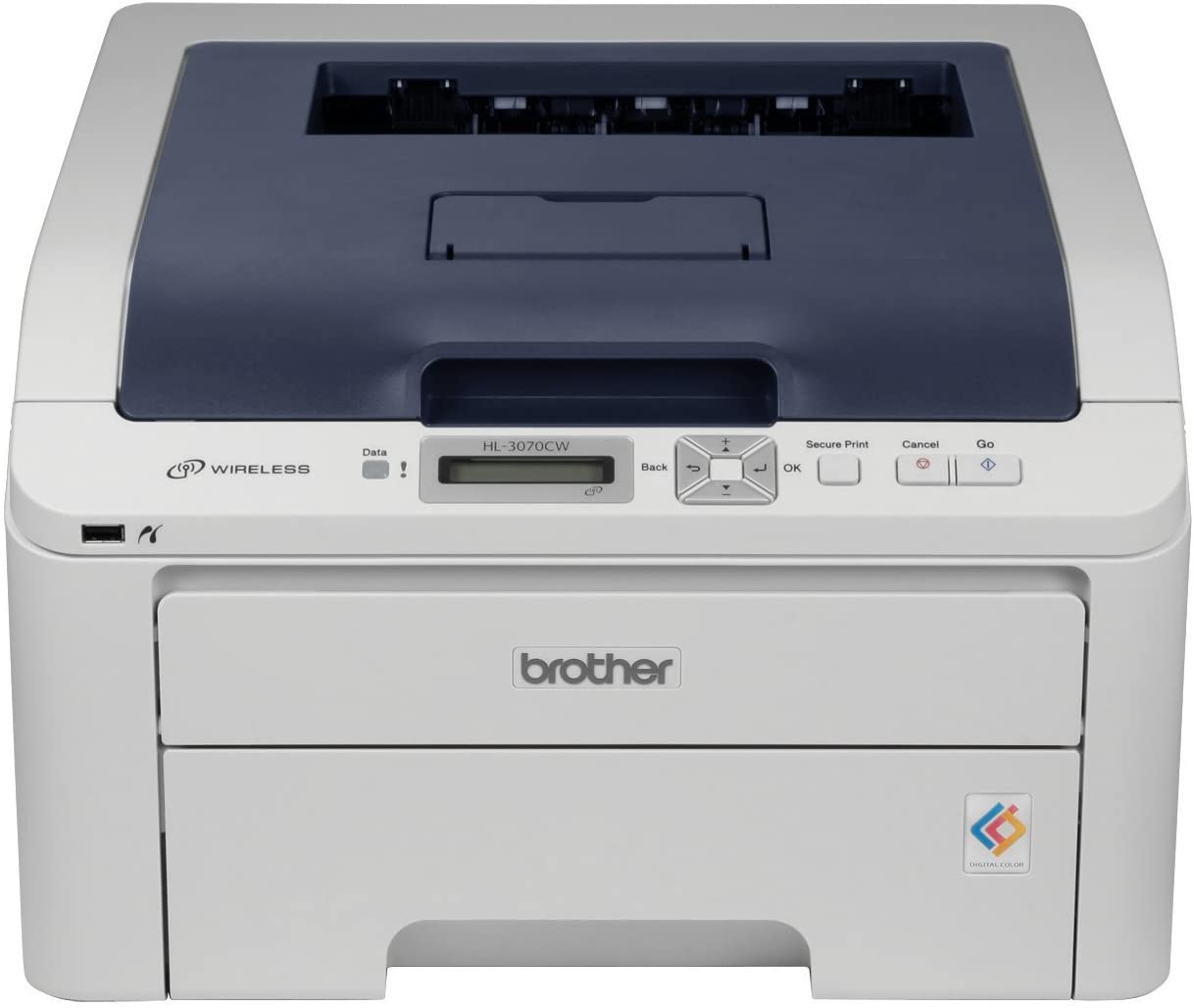



*** ALL TONERS AND SUPPLIES ARE IN STOCK AT DISCOUNTED PRICING , CALL +18882983095.
All reconditioned printers do not include supplies - toners , drums (Imaging Units) (where applicable) , printer cables , manuals , consumables, trays (where applicable). Power cables are included. Drivers can be downloaded from the manufacturers website. Please verify that drivers available are compatible with your software on the manufacturers site.
Product Details
Specifications
Accessories
Reviews
Product Details
Main Features:
- Wireless and Wired Networking
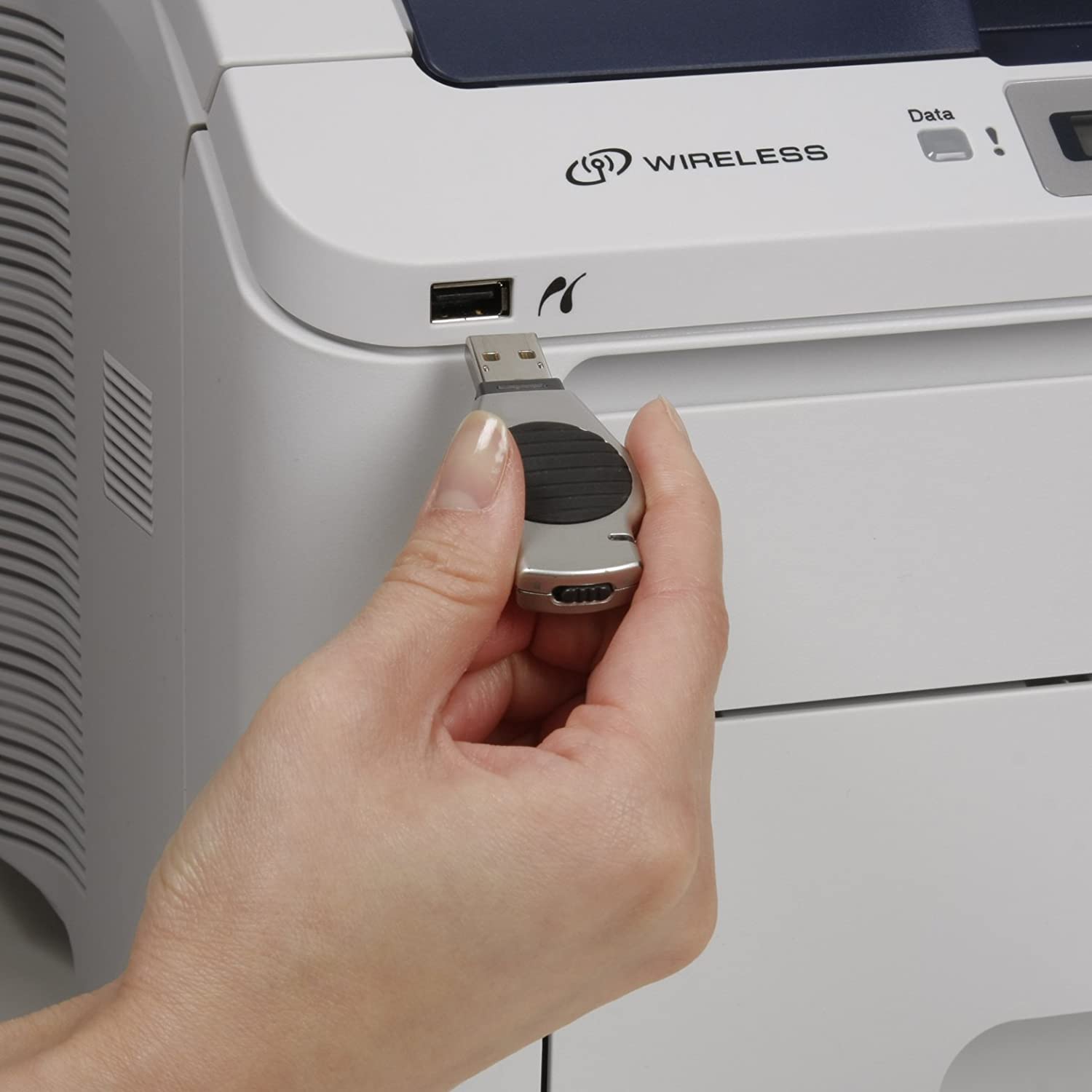
- Print Without A Computer
- Laser-Like Color LED Technology
- Fast Color Printing (Up To 17ppm)
- Up To 600 x 2400dpi Resolution
- 250-Sheet Paper Capacity
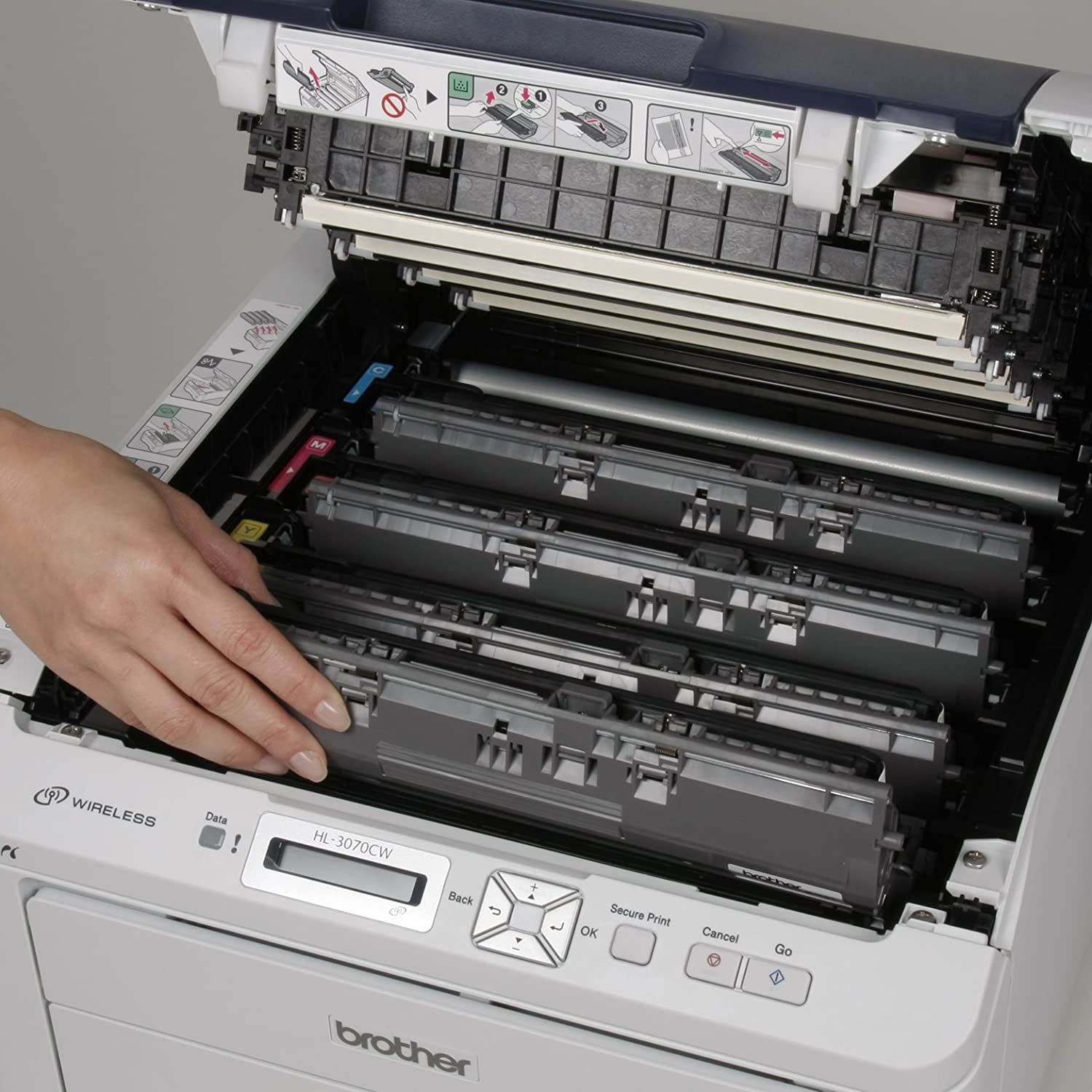
- 4 Easy-To-Replace Toner Cartridges
- For Small Offices & Small Workgroups
- Postscript Support
Specifications
General Specifications
| Model | HL-3070CW | ||
| Resolution | 600 x 600 dpi 2400 dpi (600 x 2400) quality |
||
| Speed | up to 16 ppm/ up to 17ppm | ||
| Dimensions Carton | 409(W) x 466(D) x 250(H) mm/ 16.1 (W) x 18.3 (D) x 9.8 (H) inch | ||
| Weight with Carton | 22 kg/ 48.5lb | ||
| Paper Capacity | 250 sheets | ||
| MP Tray Capacity | N/A | ||
| Optional Paper Tray Capacity | N/A | ||
| Output Paper Capacity | 100 sheets Face Down 1 sheet Face Up (straight paper path) |
||
| Media Size (Standard Tray) | A4, Letter, ISOB5, A5, A5(Long Edge), ISOB6, A6, Exective, Legal, Folio | ||
| Media Weight | Standard Tray | 60 to 105 g/m² (16 to 28lb) | |
| Memory | Standard | 64MB | |
| Option | Maximum up to 576MB using 1 slot (144pin SO-DIMM) (maximum one 512MB DIMM can be attached) | ||
| LCD | 1-line, 16 characters | ||
Accessories

Reviews


Printer not working? Be sure the paper is installed correctly and there is enough of it.
If your print settings are too dark, it could be detrimental to the life of the cartridge in the long run. It’s important that the density control of the machine be properly set to prevent the machine from pulling too much toner into itself.
Is your printer feeding in the whole paper stack rather than just one piece at a time? Fan the paper before putting it in the tray to help separate the sheets. Also, store your paper in a cool, dry place as humidity can contribute to this problem.
MY ACCOUNT
INFO & POLICIES
SHOP EASY
PAYMENT OPTIONS



