



 Shopping Cart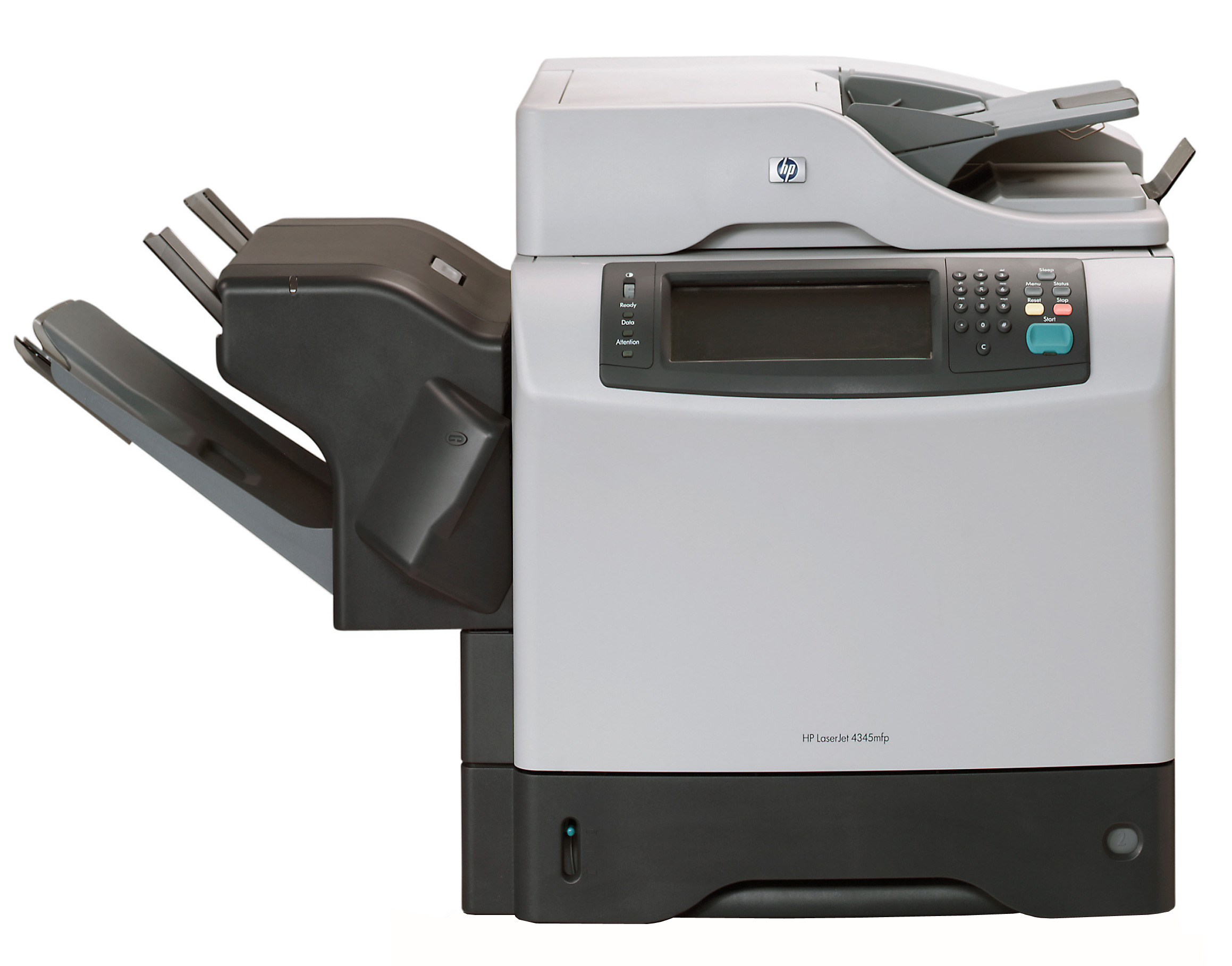

Product Details
Specifications
Accessories
Reviews
Product Details
Main Features
- Print Speed: 45 pages per minute
- Resolution: 1200 x 1200 dpi resolution
- Sheet Input Capacity: 600 sheets
- Media Sizes: Letter, Legal, A4, B5, A5, B6, A6, EXE
All our reconditioned printers are clean, tested and working.
Specifications
General Specifications
|
Manufacturer |
HP |
|
Manufacturer Part # |
Q3942A#AK2 |
|
Print / Copy Technology |
Electrophotography/Laser |
|
Print / Copy Speed Black |
45 ppm |
|
Resolution |
1200 x 1200 d pi |
|
Memory |
256 MB ( 512 MB max) |
|
Processor |
533 MHz |
|
Connectivity |
Parallel, optional Hi-Speed USB 2.0 |
|
Paper Handling |
|
|
Input |
600 Sheets |
|
Types/Sizes |
Letter, Legal, A4, B5, A5, B6, A6, EXE |
|
Copier Features |
|
|
Resolution |
600dpi Class |
|
Speed |
45cpm |
|
Zoom Range |
25% - 400% |
|
Features |
Scalability, contrast, background removal, orientation |
|
Software Features |
HP PCL 6, HP PCL 5e, HP Postscript Level 3 emulation, HP LaserJet Utility, HP Toolbox, Macintosh software, PostScript Printer Description |
|
Dimensions |
21.5" x 30 " x 19 " |
|
Weight |
113.7 lbs |
|
System Requirements |
|
|
PC |
Windows 98/98SE |
|
|
Windows ME |
|
|
Windows NT 4.0 |
|
|
Windows 2000 Pro |
|
|
Windows XP |
|
Mac |
Max OS 8.6-9.2 |
|
|
Max OS X v.10.1/10.2.1-10.3 or greater |
|
Model |
Q3942A |
Accessories

Reviews


Paper coatings are designed to control ink absorption and spread, producing brilliant, sharp images with less ink.
Most printers will beep once or twice during or after initialization. If it beeps more than that or beeps constantly, it is telling you that something is wrong. Most printers beep when out of paper or out of ink.
Your printer is not a dumping ground. Don't pile documents or other things on top of it, as they could cause damage. Your printer could overheat and this could result in malfunctioning and even a reduction in the printer's life.
MY ACCOUNT
INFO & POLICIES
SHOP EASY
PAYMENT OPTIONS



