



 Shopping Cart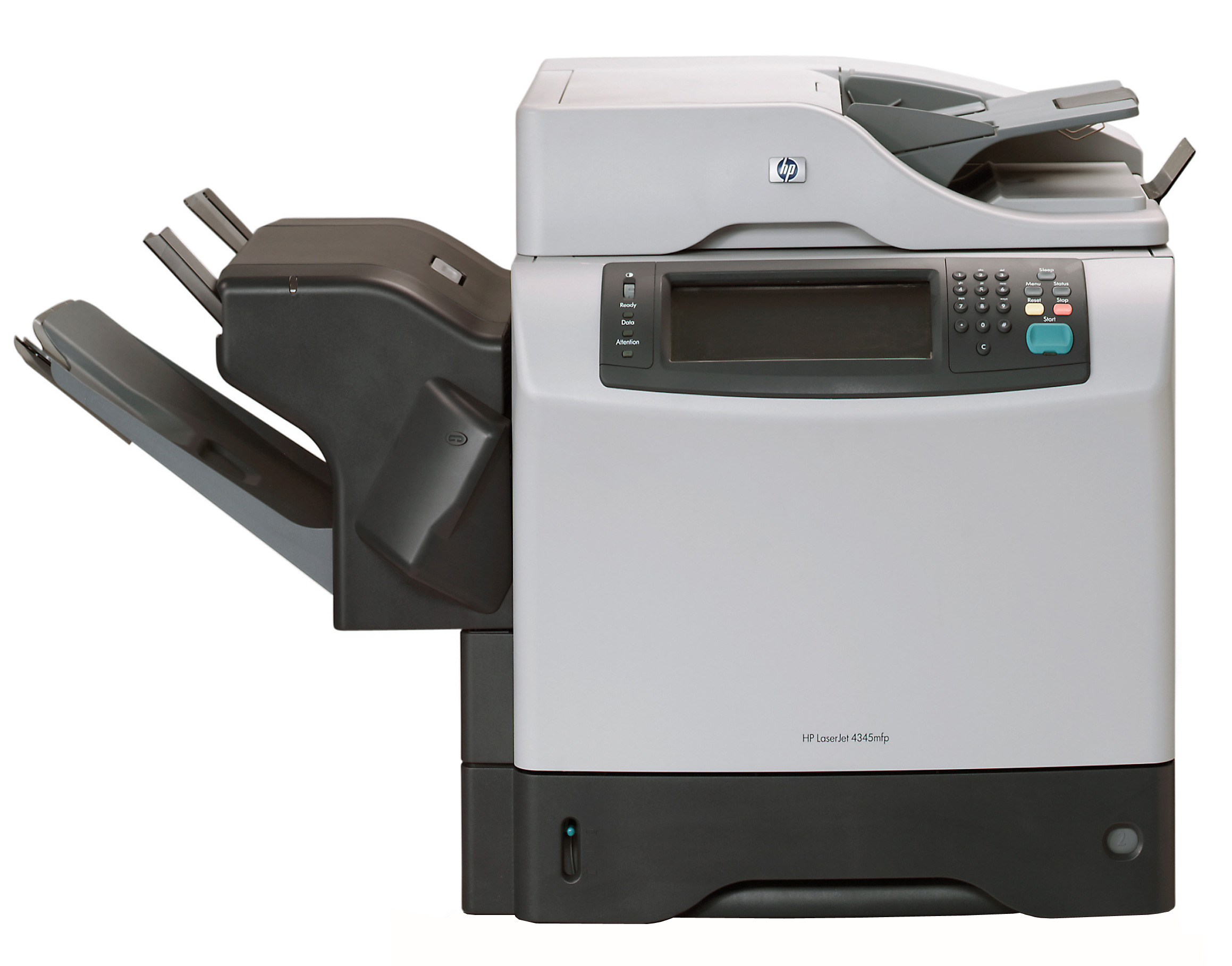

Product Details
Specifications
Accessories
Reviews
Product Details
Main Features
- Print Speed: 45 pages per minute
- Resolution: 1200 x 1200 dpi resolution
- Sheet Input Capacity: 600 sheets
- Media Sizes: Letter, Legal, A4, B5, A5, B6, A6, EXE
All our reconditioned printers are clean, tested and working.
Specifications
General Specifications
|
Manufacturer |
HP |
|
Manufacturer Part # |
Q3942A#AK2 |
|
Print / Copy Technology |
Electrophotography/Laser |
|
Print / Copy Speed Black |
45 ppm |
|
Resolution |
1200 x 1200 d pi |
|
Memory |
256 MB ( 512 MB max) |
|
Processor |
533 MHz |
|
Connectivity |
Parallel, optional Hi-Speed USB 2.0 |
|
Paper Handling |
|
|
Input |
600 Sheets |
|
Types/Sizes |
Letter, Legal, A4, B5, A5, B6, A6, EXE |
|
Copier Features |
|
|
Resolution |
600dpi Class |
|
Speed |
45cpm |
|
Zoom Range |
25% - 400% |
|
Features |
Scalability, contrast, background removal, orientation |
|
Software Features |
HP PCL 6, HP PCL 5e, HP Postscript Level 3 emulation, HP LaserJet Utility, HP Toolbox, Macintosh software, PostScript Printer Description |
|
Dimensions |
21.5" x 30 " x 19 " |
|
Weight |
113.7 lbs |
|
System Requirements |
|
|
PC |
Windows 98/98SE |
|
|
Windows ME |
|
|
Windows NT 4.0 |
|
|
Windows 2000 Pro |
|
|
Windows XP |
|
Mac |
Max OS 8.6-9.2 |
|
|
Max OS X v.10.1/10.2.1-10.3 or greater |
|
Model |
Q3942A |
Accessories

Reviews


Is your printer feeding in the whole paper stack rather than just one piece at a time? Fan the paper before putting it in the tray to help separate the sheets. Also, store your paper in a cool, dry place as humidity can contribute to this problem.
What is RAM? RAM or Buffer Memory holds the graphic information on the printer while the file is on its way to be printed. The larger the RAM, the faster the printer can print complex graphics.
Set your printer for the proper paper type and weight. Fine art papers are heavier than ordinary inkjet or bond papers so set the printer to thicker paper settings.
MY ACCOUNT
INFO & POLICIES
SHOP EASY
PAYMENT OPTIONS



