



 Shopping Cart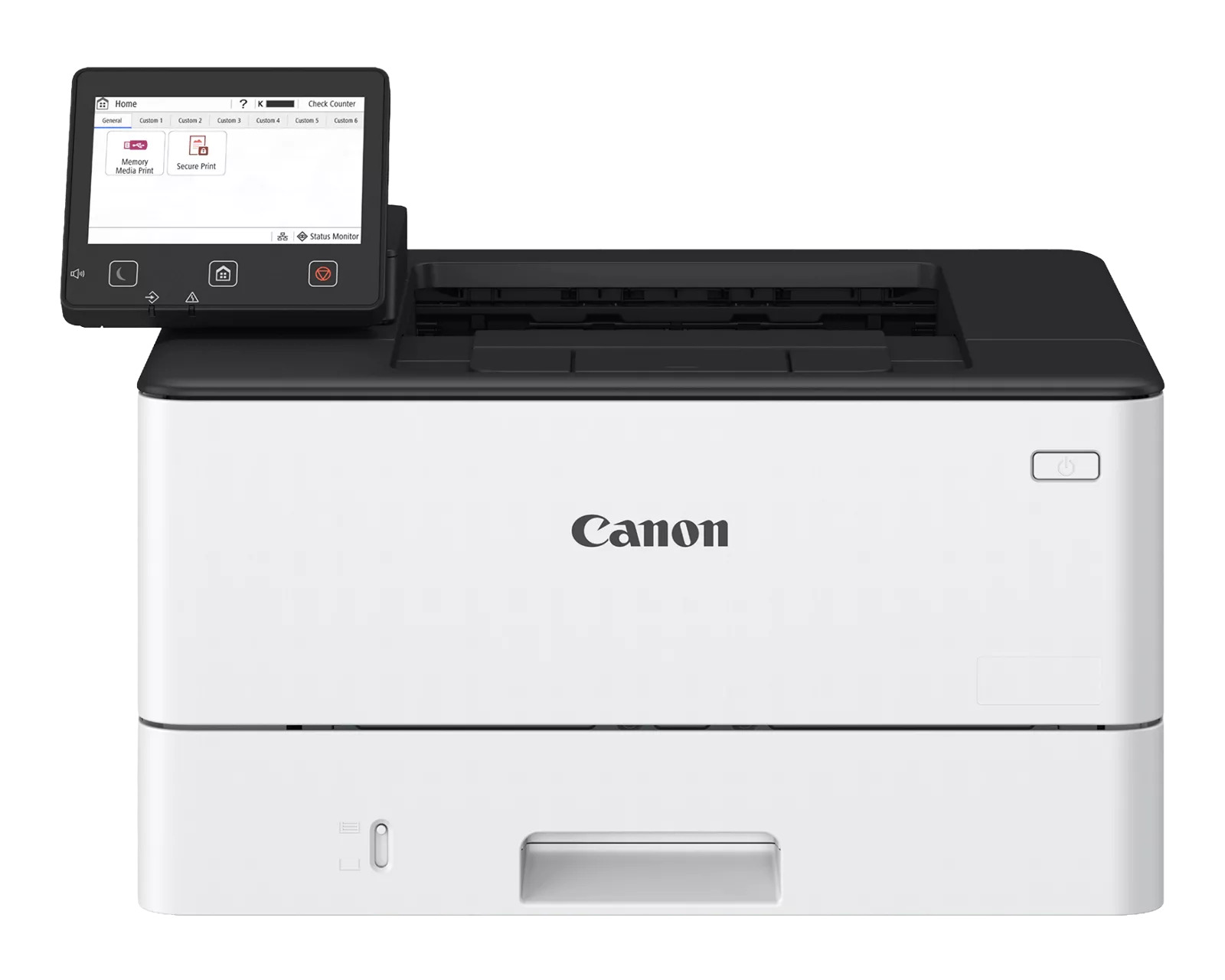



*** ALL TONERS AND SUPPLIES ARE IN STOCK AT DISCOUNTED PRICING , CALL +18882983095.
Printers do not include supplies - toners , drums (Imaging Units) (where applicable) , printer cables , manuals , consumables , trays (where applicable). Power cables are included. Drivers can be downloaded from the manufacturers website. Please verify that drivers available are compatible with your software on the manufacturers site.
Images are for illustration purposes only and do not necessarily reflect the actual product.Product Details
Specifications
Accessories
Reviews
Product Details
Main Features
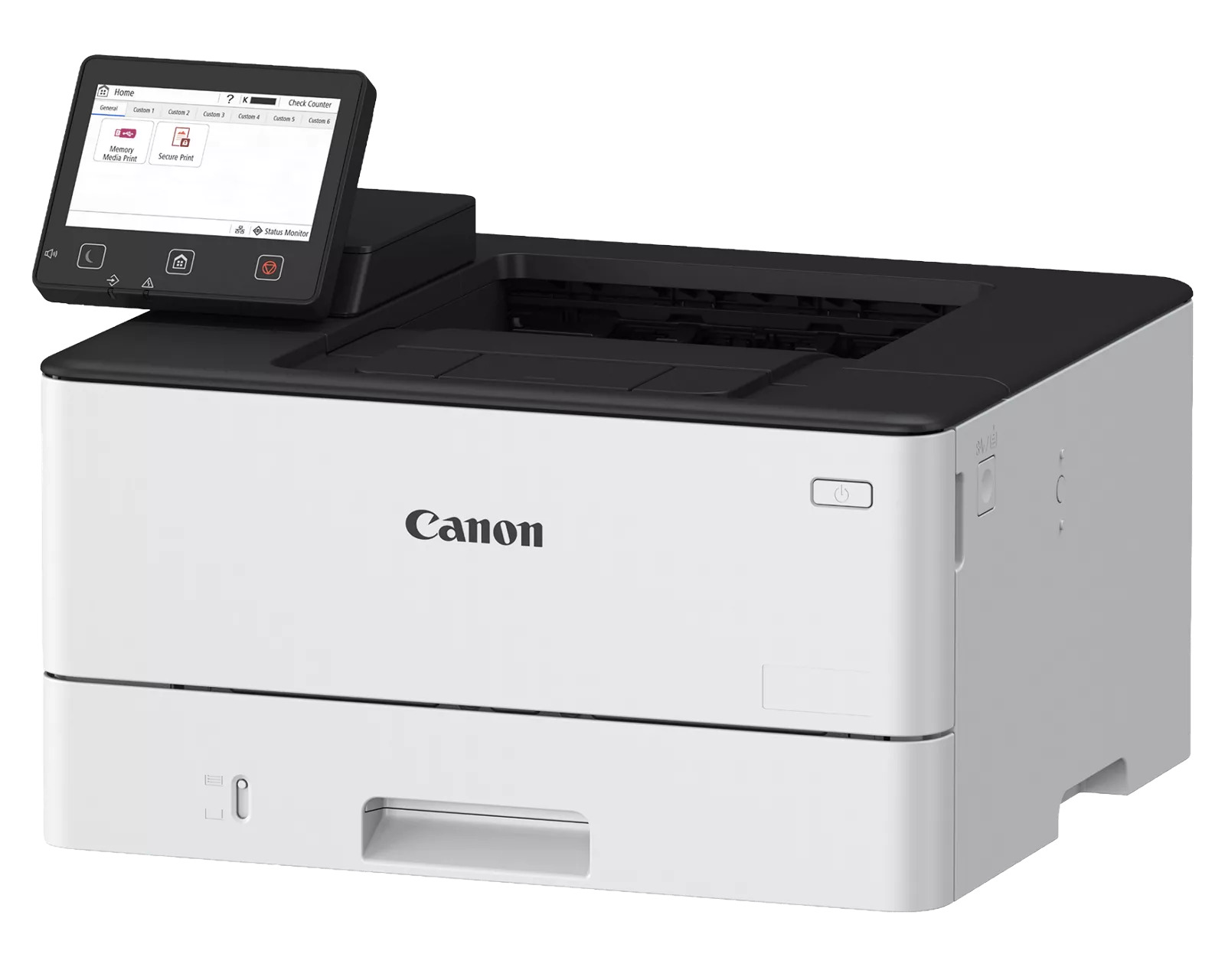
- Black-and-white Printer
- 42 ppm print speed
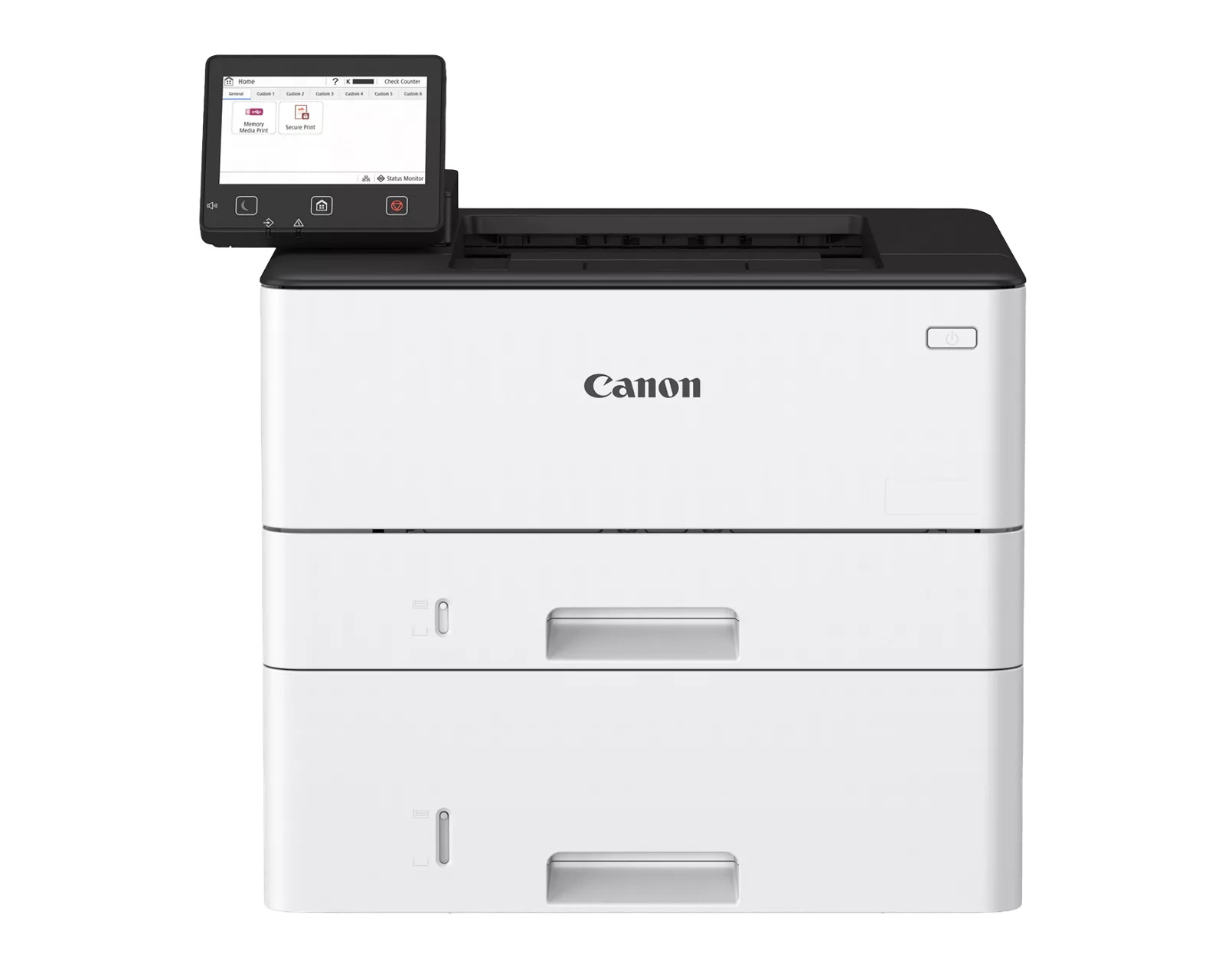
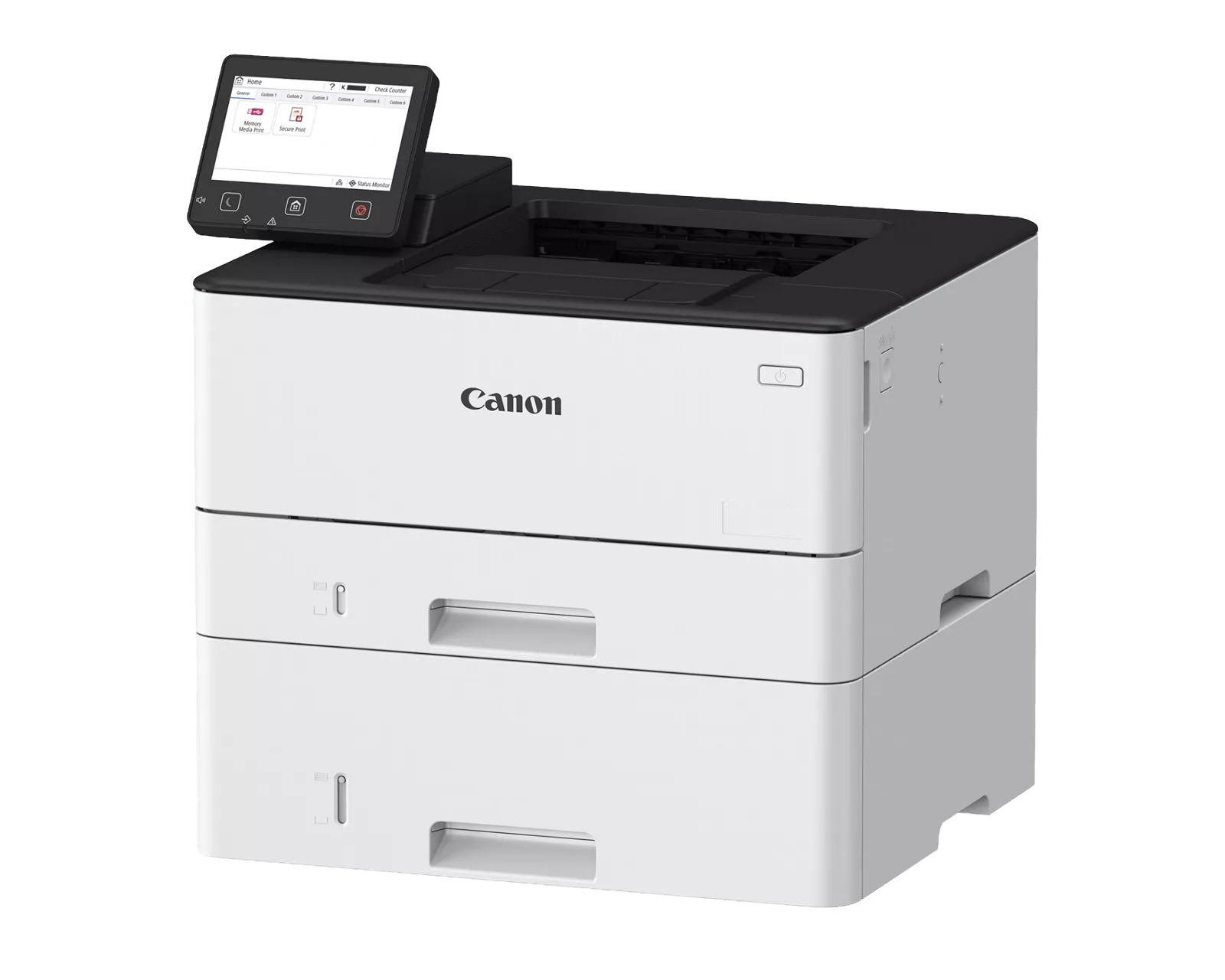
- Standard Paper Capacity: 250 Sheets
- Maximum paper capacity: 900 Sheets
- Cloud ready solutions
- Hassle-free setup and maintenance
- Simple user interface
Specifications
 Download Manufacturer Specifications
Accessories

Reviews


Handle inkjet papers like photographic papers - hold them by the edges to avoid oil deposits and fingerprints.
If you are printing on photo paper, make sure you have set the printer to this setting and have not left it on the regular printer setting.
If you are not getting the results you expect, don't give up on your printer until you manually set the driver for the paper that you are using.
MY ACCOUNT
INFO & POLICIES
SHOP EASY
PAYMENT OPTIONS



