Contact Us
FAQ |
We will match any price
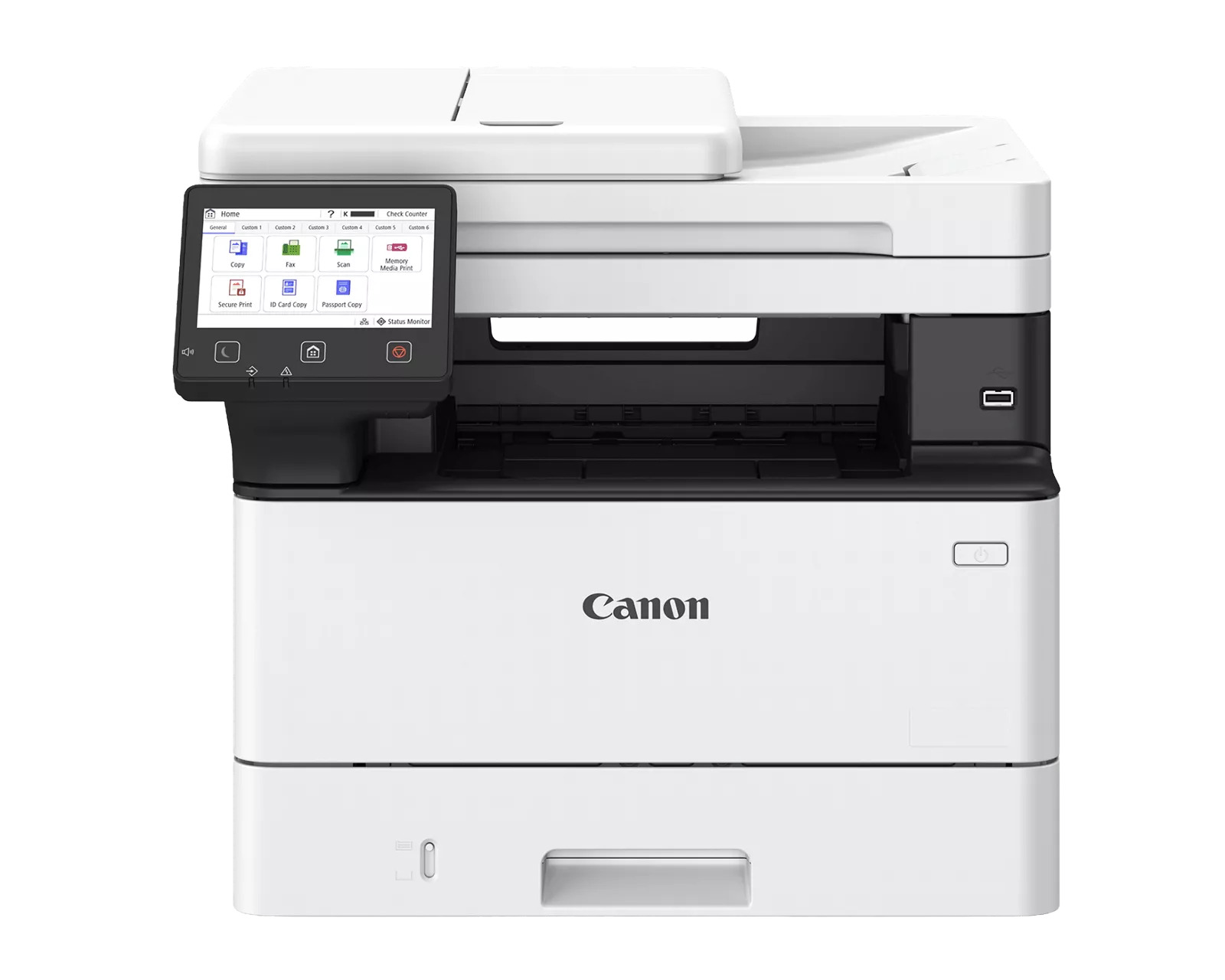
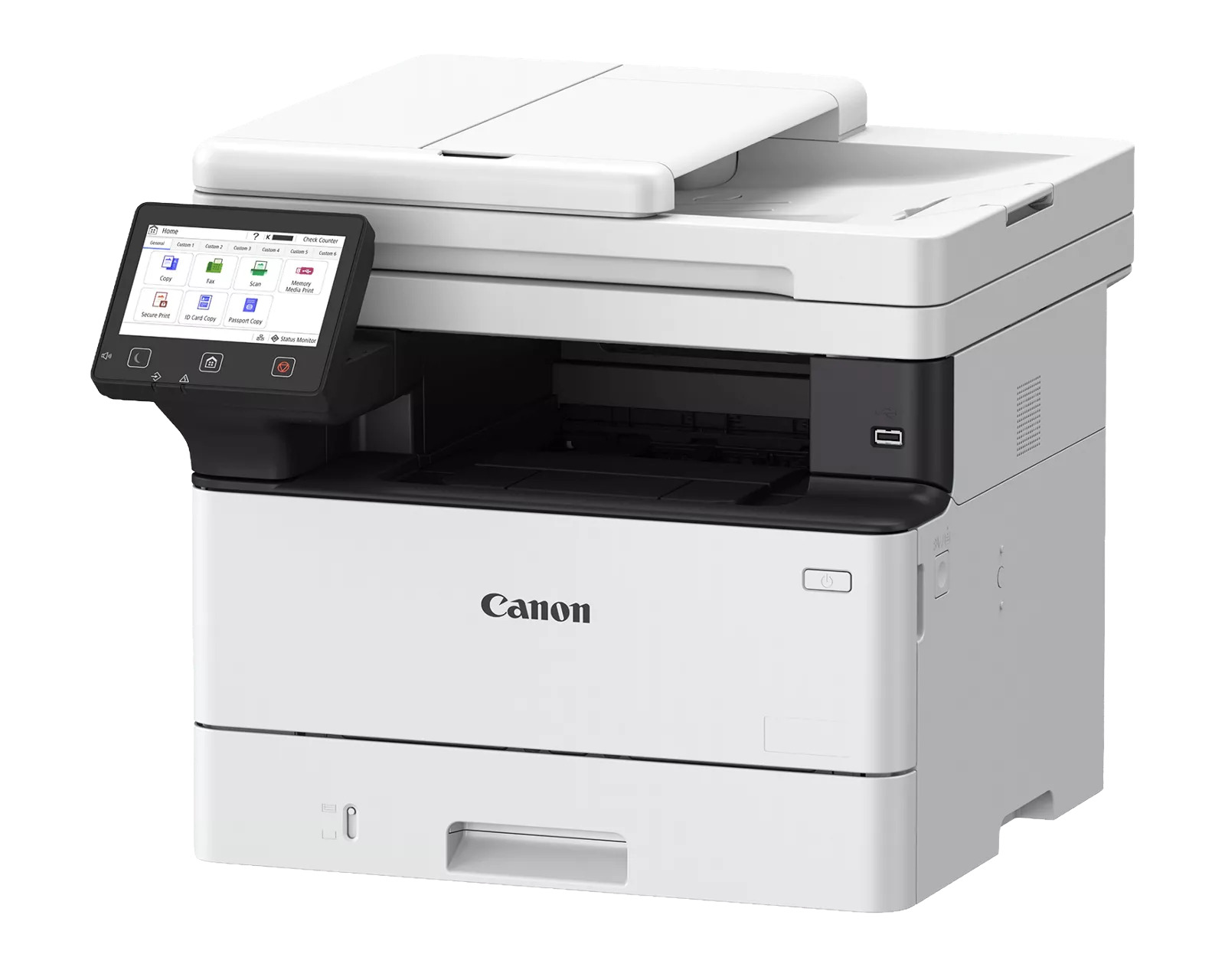
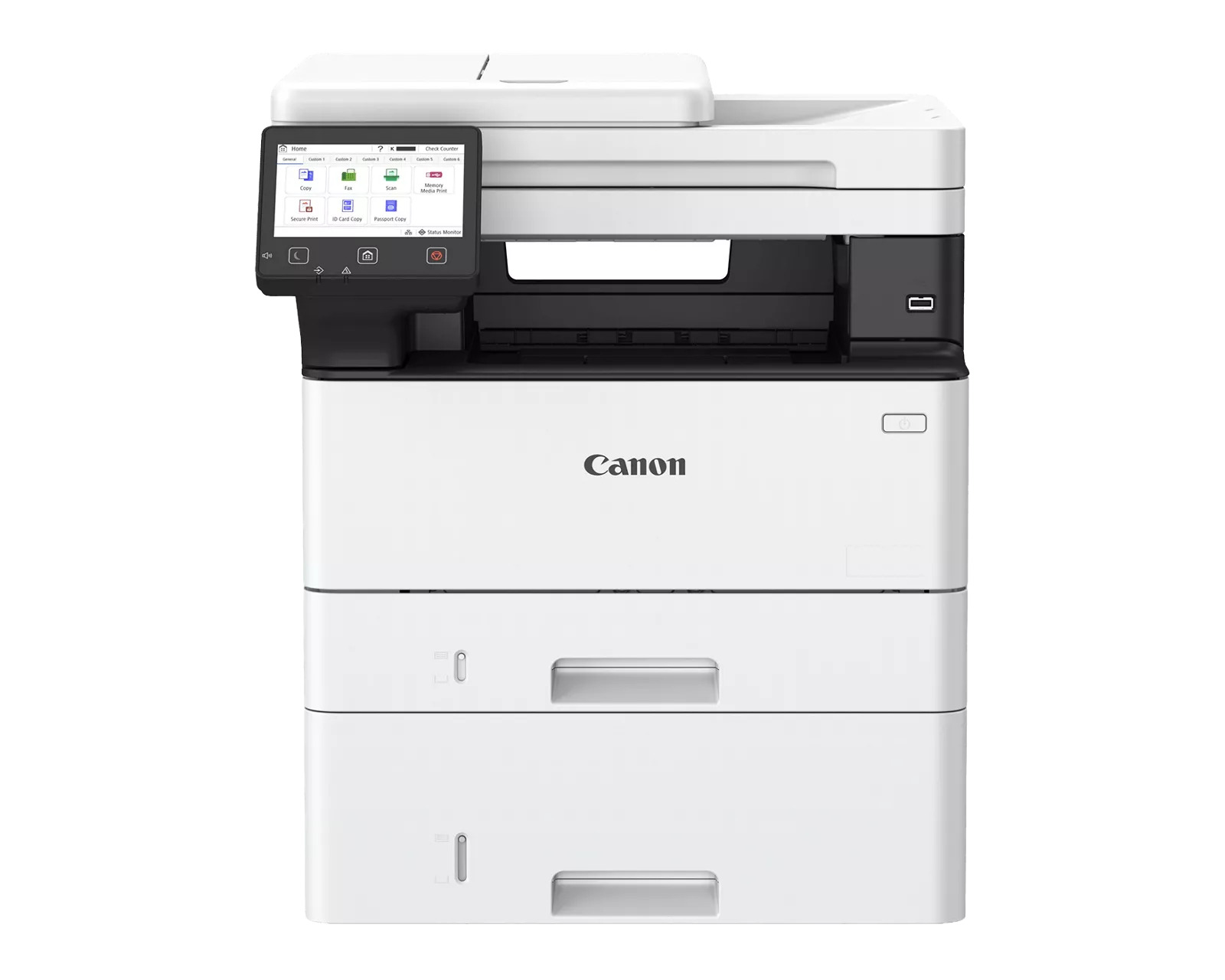
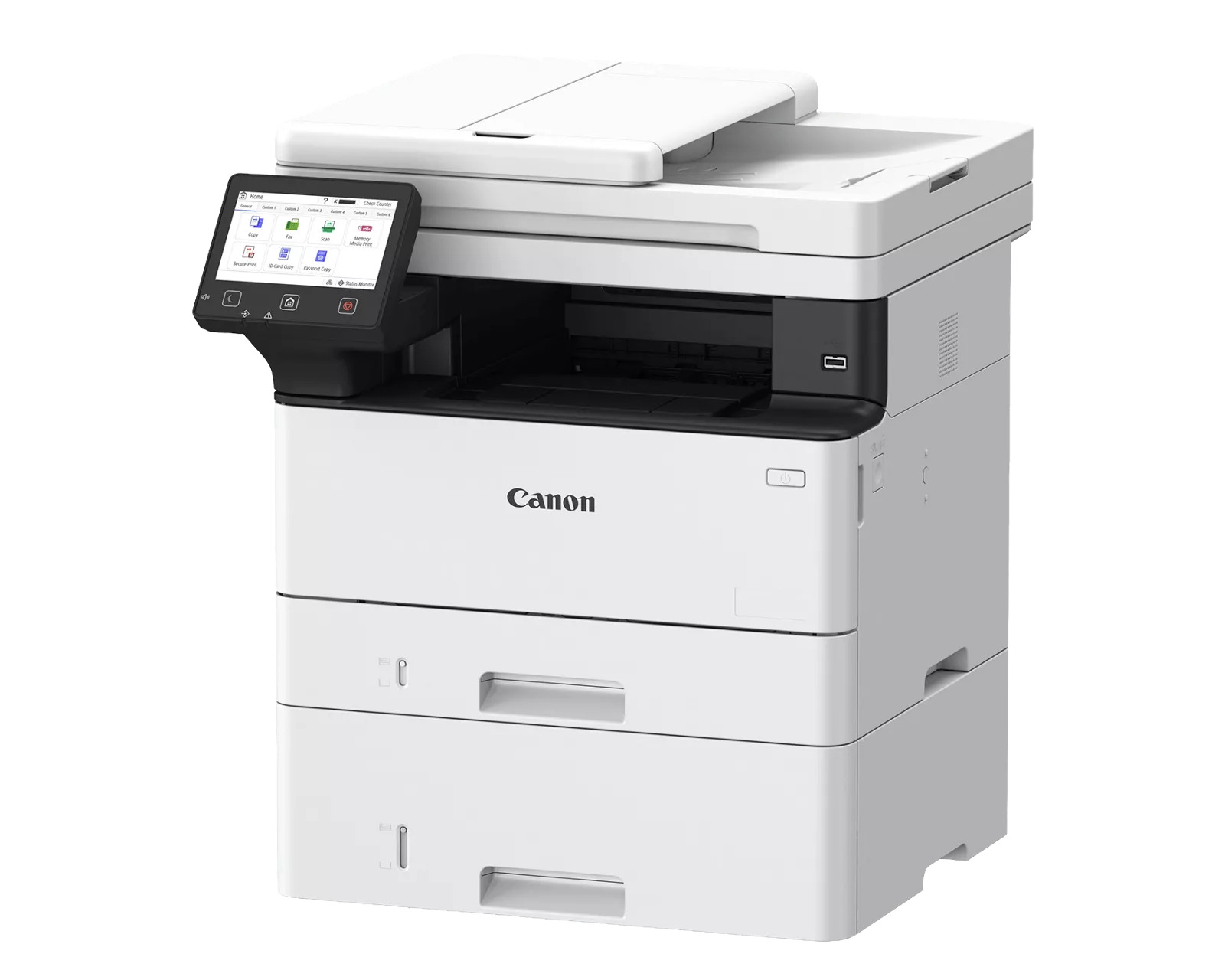
Canon imageFORCE 1440F Multifunction Printer
previous image next image
  • Canon imageFORCE 1440F Multifunction Printer
  • Canon imageFORCE 1440F Multifunction Printer
  • Canon imageFORCE 1440F Multifunction Printer
  • Canon imageFORCE 1440F Multifunction Printer
customers choose us for our low prices

Canon imageFORCE 1440F Multifunction Printer

  • Printer
  • Copier
  • Scanner
  • Fax
  • 42
  • Monochrome
  • Download Spec Sheet

Model No.:CANIF-1440f

Condition:New

Availability: In Stock

Shipping:Ask About Free Shipping!

The Canon imageFORCE 1440F Printer is a multifunction printer that combines copy, print, scan and fax functions into one compact and reliable device. The Canon imageFORCE 1440F MFP will deliver crisp black and white prints at a fast speed of 42 pages per minute with the first print out in just 4.9 seconds. With user-friendly print technology, cloud ready solutions, and versatile media handling, the ImageFORCE 1440F Printer is sure to boost productivity in any office.

$639.00

*** ALL TONERS AND SUPPLIES ARE IN STOCK AT DISCOUNTED PRICING , CALL +18882983095.

Printers do not include supplies - toners , drums (Imaging Units) (where applicable) , printer cables , manuals , consumables , trays (where applicable). Power cables are included. Drivers can be downloaded from the manufacturers website. Please verify that drivers available are compatible with your software on the manufacturers site.

Images are for illustration purposes only and do not necessarily reflect the actual product.

Product Details

Specifications

Accessories

Reviews

Product Details

Main Features

  • Black-and-white Multifunction Printer
  • 42 ppm print speed
  • Scan up to 100/80 Ipm (300 dpi) (BW/Color, duplex)
  • Prints up to 8-1/2" x 14"
  • 900- sheet maximum paper capacity
  • Cloud ready solutions
  • Hassle-free setup and maintenance 

Specifications

Accessories

Reviews

  • Media settings on your printer determine how much ink will be used. Thinly coated glossy films require less ink, while plain paper soaks in more.

  • Most printers have a built-in diagnostics program which can be very useful for troubleshooting problems and test-printing without a computer. They are usually initiated by pressing a button or two while turning on the printer.

  • Printer not working? Be sure the paper is installed correctly and there is enough of it.

* Images are for illustration purposes only.
CopyFaxes.com
Coupon Code

Enter this coupon code at checkout
to save $10:

10OFF


To get $10 off the customers have to spend a minimum of $150

Happy Shopping,

The CopyFaxes Team