



 Shopping Cart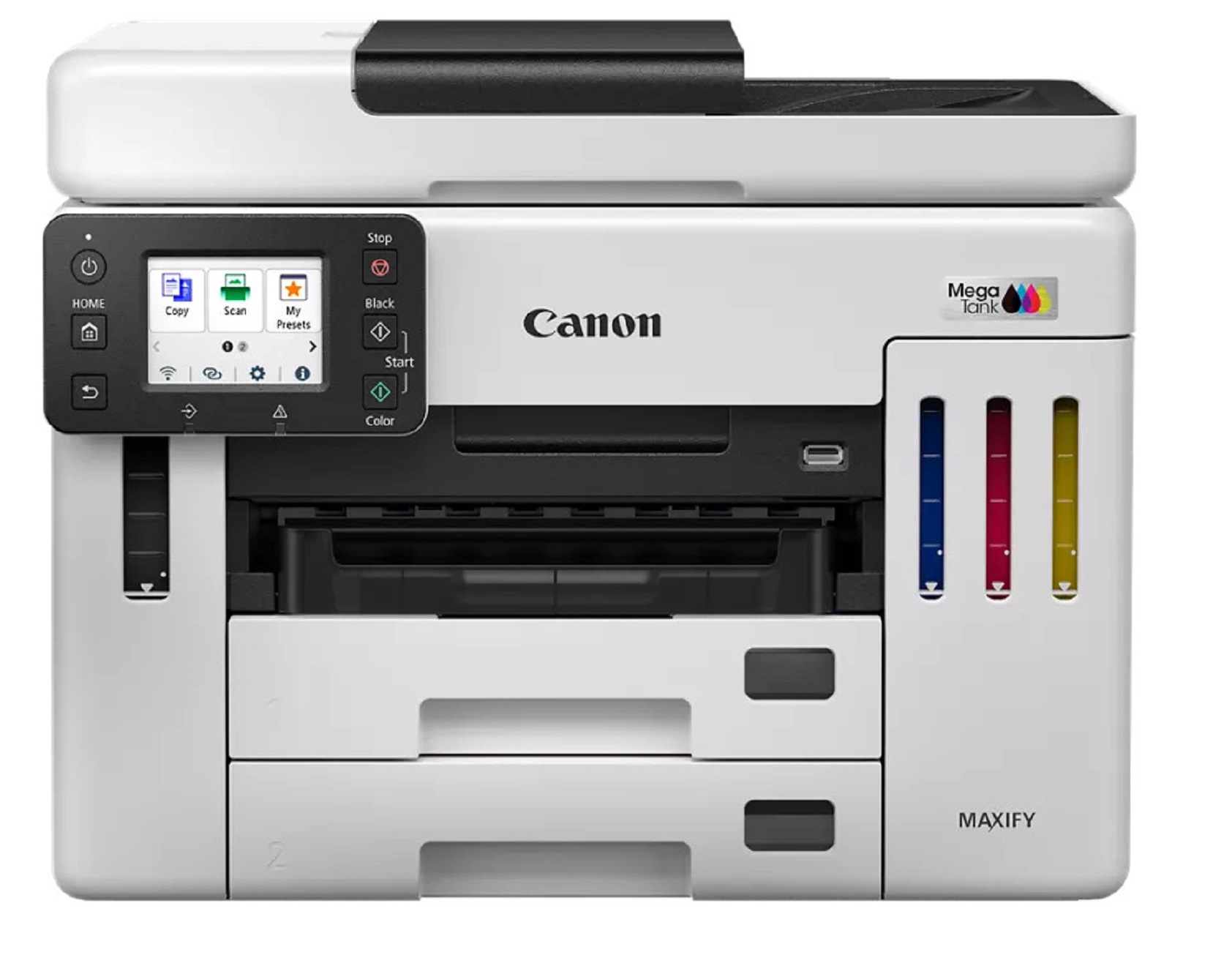



*** ALL TONERS AND SUPPLIES ARE IN STOCK AT DISCOUNTED PRICING , CALL +18882983095.
Printers do not include supplies - toners , drums (Imaging Units) (where applicable) , printer cables , manuals , consumables , trays (where applicable). Power cables are included. Drivers can be downloaded from the manufacturers website. Please verify that drivers available are compatible with your software on the manufacturers site.
Images are for illustration purposes only and do not necessarily reflect the actual product.Product Details
Specifications
Accessories
Reviews
Product Details
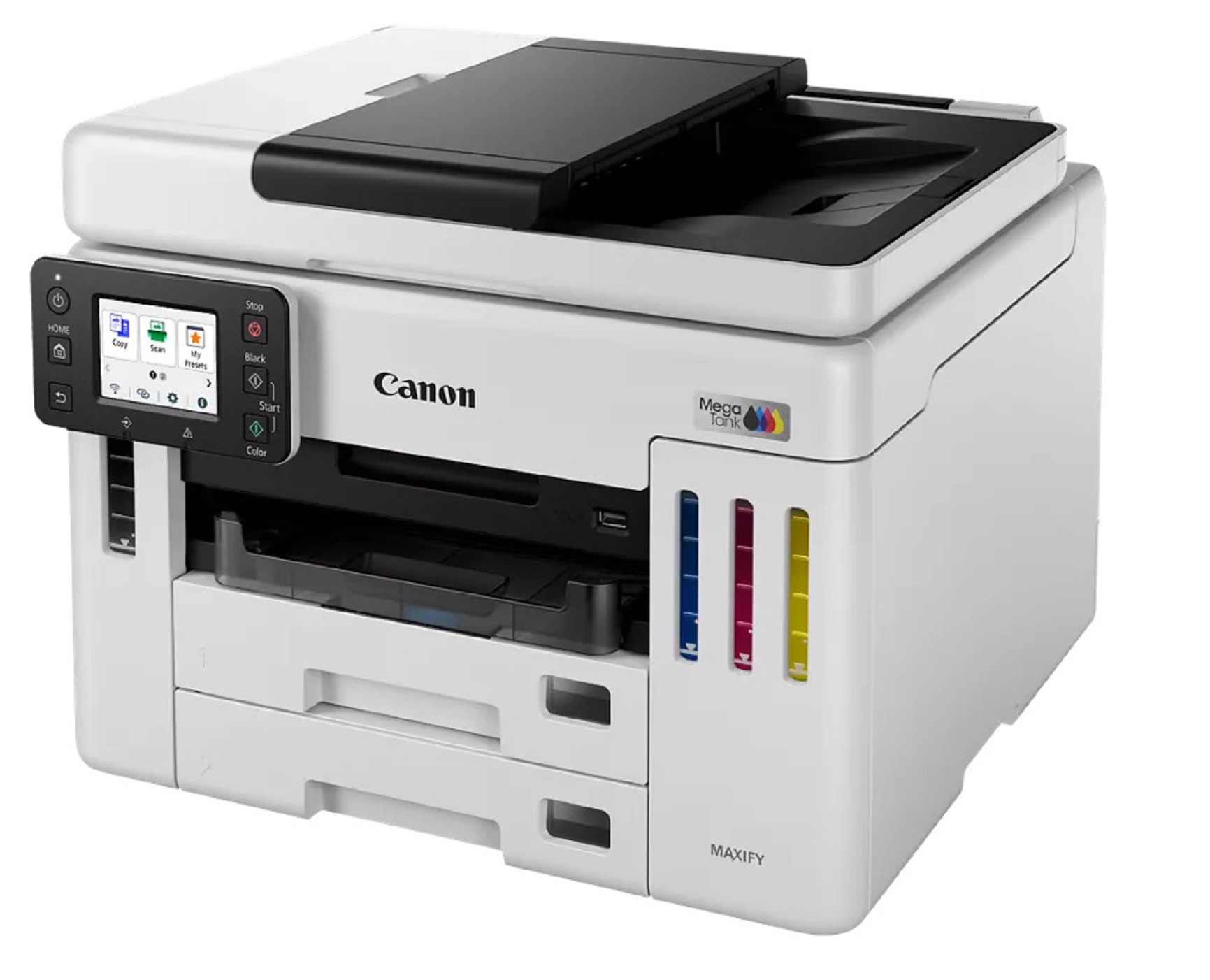
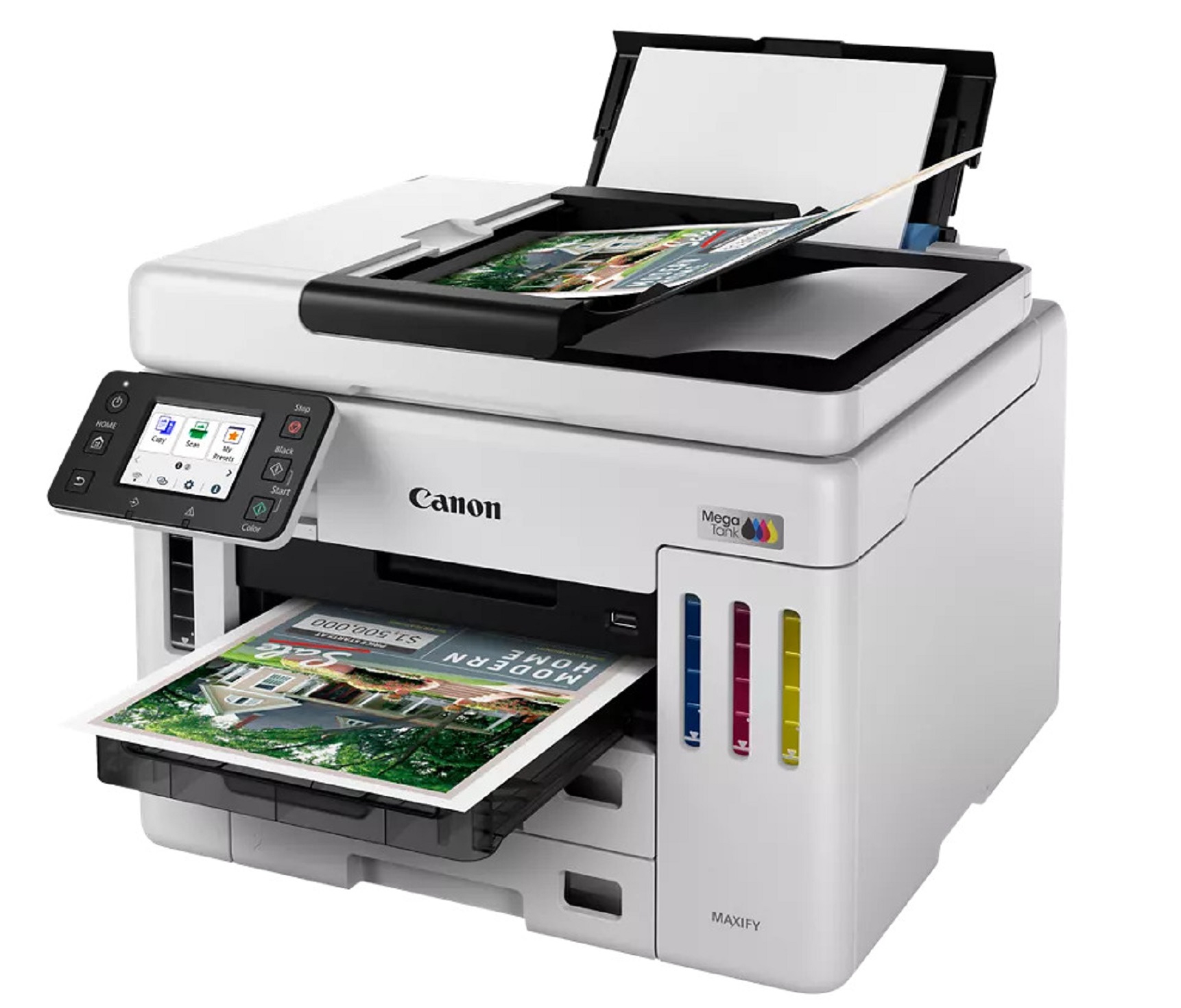
Main Features
- Print, Copy, Scan, Fax
- Print Speed: 24 ppm
- Print Resolution: 1200 x 600 dpi
- Automatic 2-sided printing
- Direct USB Print
- 50 Sheet ADF
- Wireless Printing
- Mobile printing
- 2.7" Color Touchscreen LCD
Specifications
Accessories
*** ALL TONERS AND SUPPLIES ARE IN STOCK AT DISCOUNTED PRICING , CALL +18882983095
Reviews


Flashing light on your printer? Each printer has a different reason for a blinking or orange light but in general it is due to a paper jam, an empty paper tray, a printer cartridge problem or a problem with the printer hardware.
Most printers have a paper-out detector. On most dot matrix printers it is a photo diode. If form-fed paper is not aligned correctly (usually on the left side) the diode won't see it.
Fed up of re-sorting your printouts? For those inkjets that don't have a reverse print feature in the driver, some programs offer printing in reverse order.
MY ACCOUNT
INFO & POLICIES
SHOP EASY
PAYMENT OPTIONS



