



 Shopping Cart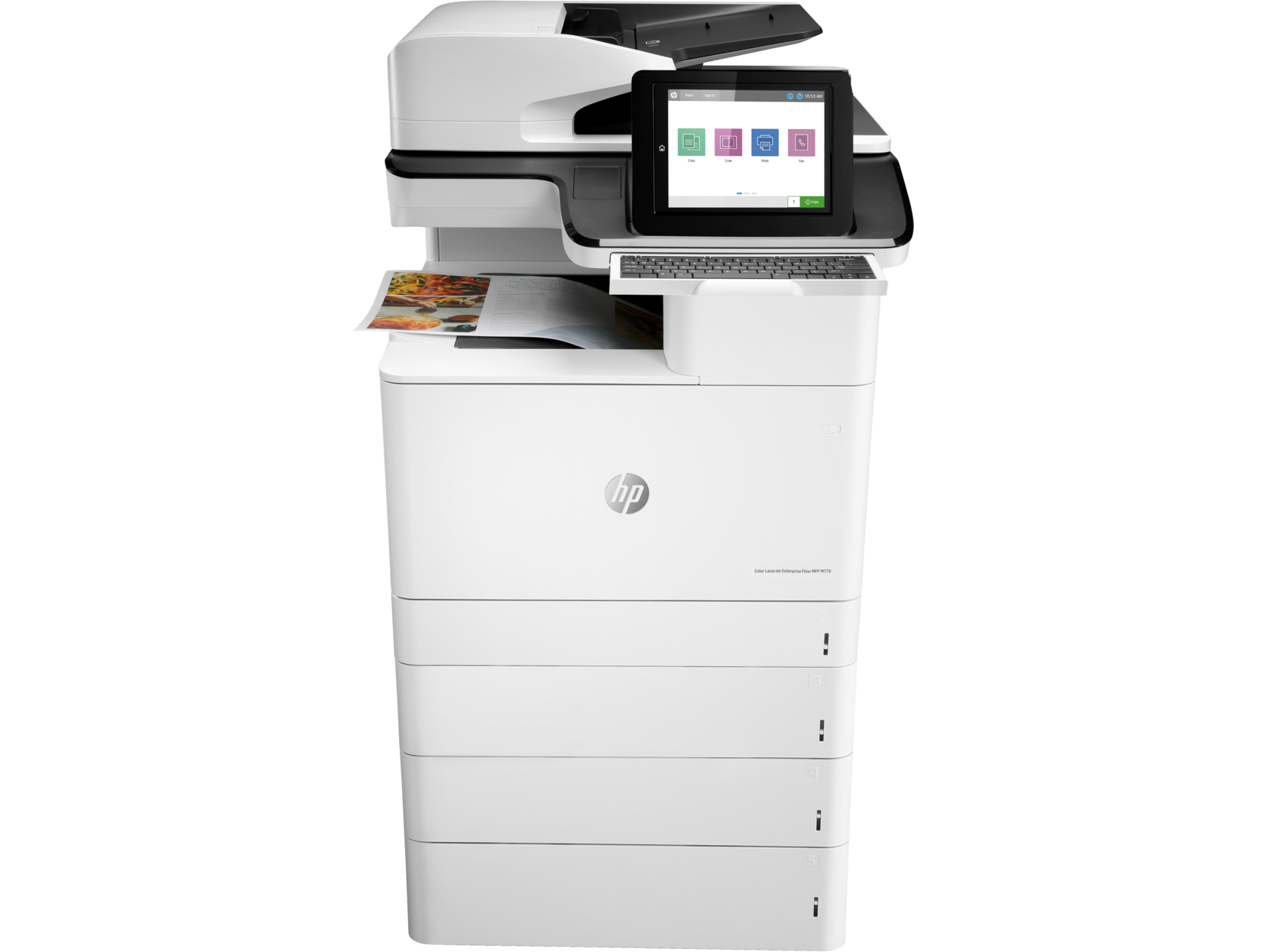



*** ALL TONERS AND SUPPLIES ARE IN STOCK AT DISCOUNTED PRICING , CALL +18882983095.
All reconditioned printers do not include supplies - toners , drums (Imaging Units) (where applicable) , printer cables , manuals , consumables, trays (where applicable). Power cables are included. Drivers can be downloaded from the manufacturers website. Please verify that drivers available are compatible with your software on the manufacturers site.
Product Details
Specifications
Accessories
Reviews
Product Details
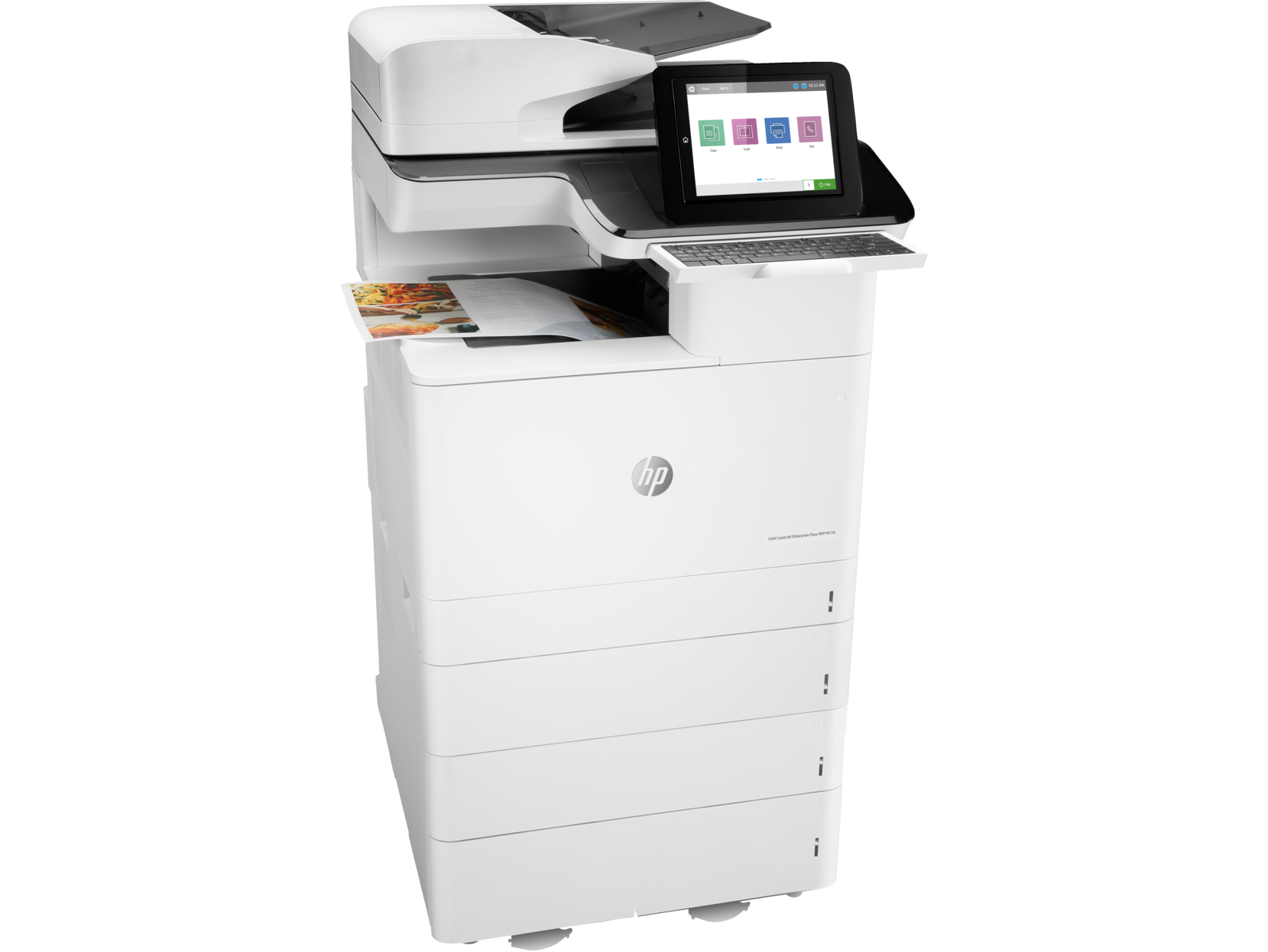
Main Features
- Print, copy, scan, fax
- Print Speed: 45 ppm black and color
- Print resolution 1200 x 1200 dpi
- Input Capacity: 2300 Sheets
- Auto duplex printing
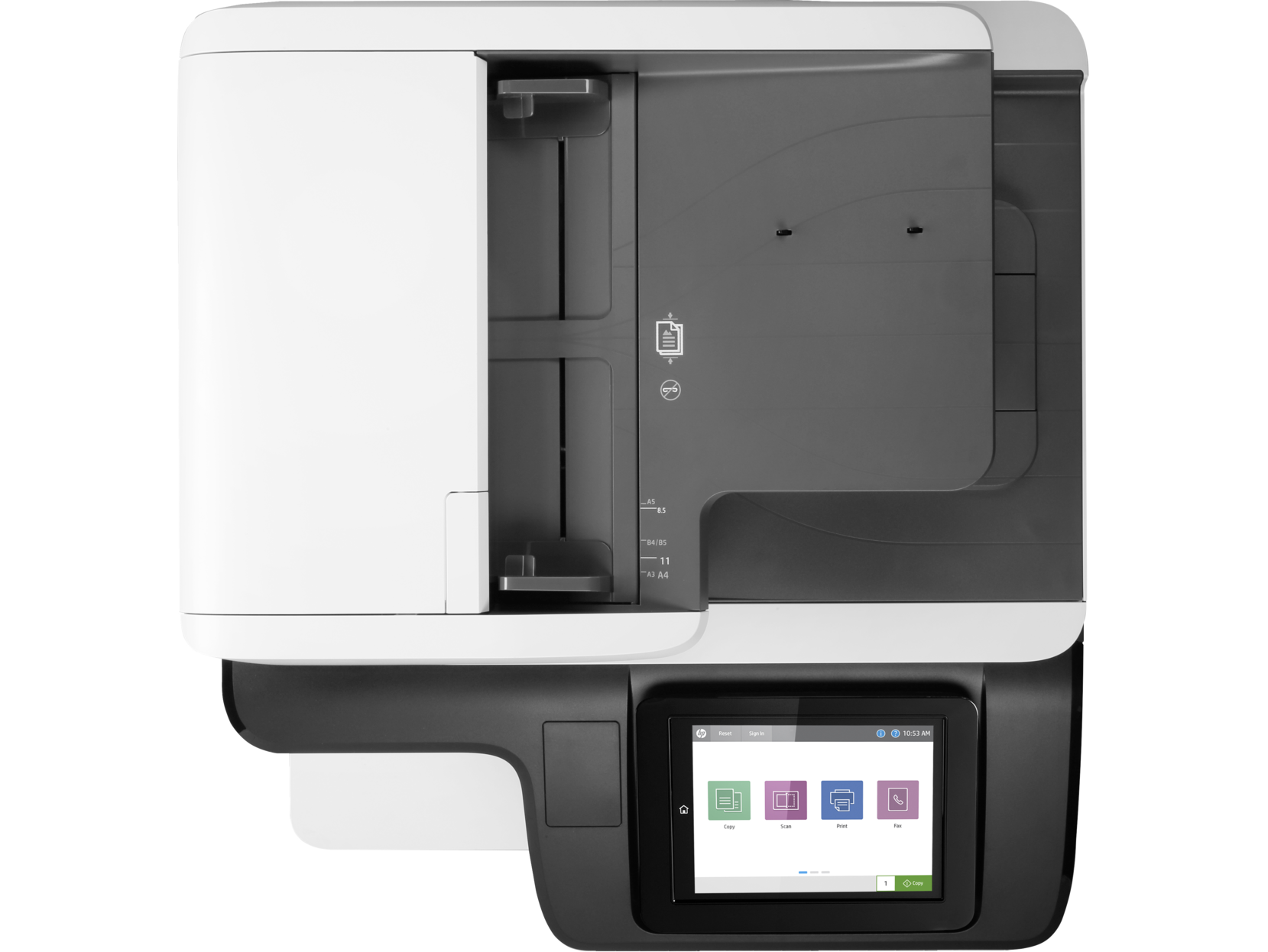
- 200-sheet ADF
- Prints up to 11x17"
- Easy access USB port
- Wireless
- 9.0-inch functional touchscreen
Specifications
 Download Manufacturer Specifications
Accessories

Reviews
-

Canon ImageClass MF644Cdw Color Multifunction Printer RECONDITIONED
$199.00
-

HP M525DN Laserjet Enterprise 500 MFP Printer RECONDITIONED
$379.00
-

Canon ImageClass MF641CW MultiFunction Color Printer RECONDITIONED
$189.00
-

Canon ImageClass MF262DW II Multifunction Monochrome Printer RECONDITIONED
$129.00
Don't be in a rush with your printer as you can easily damage a printer, or even get hurt, if you do not follow the instructions in the user manual.
Use a lightly dampened cloth to clean the outside of your laser printer. To clean the inside, use a dry, lint-free cloth to make sure that no liquid enters the inner parts of the printer.
Printing photos? Make sure that they are of print quality - meaning 300dpi. Anything lower than this will appear pixelated and lower than photo quality.
MY ACCOUNT
INFO & POLICIES
SHOP EASY
PAYMENT OPTIONS



