



 Shopping Cart
 HP M776dn Color LaserJet Enterprise MFP Printer RECONDITIONED
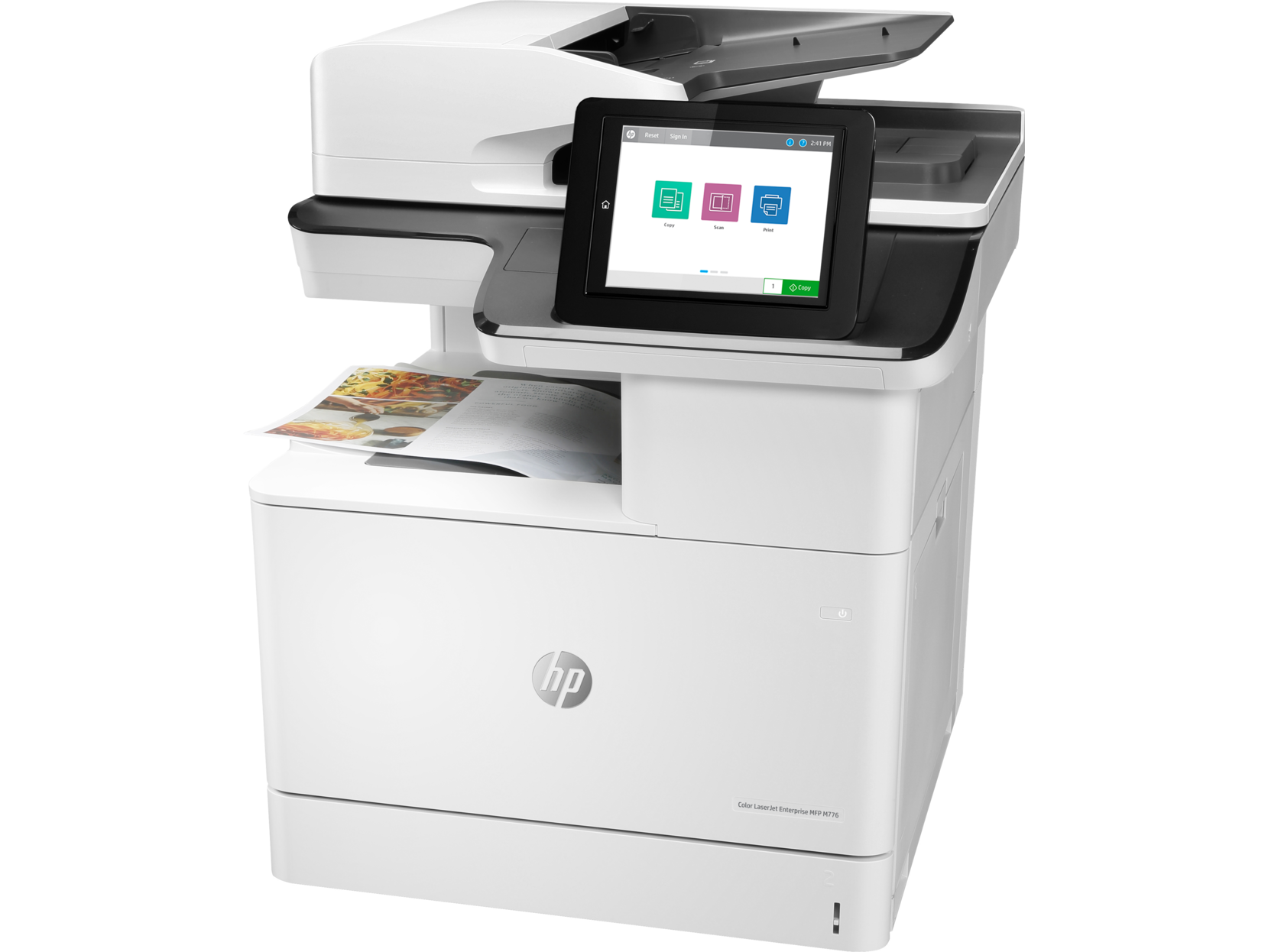


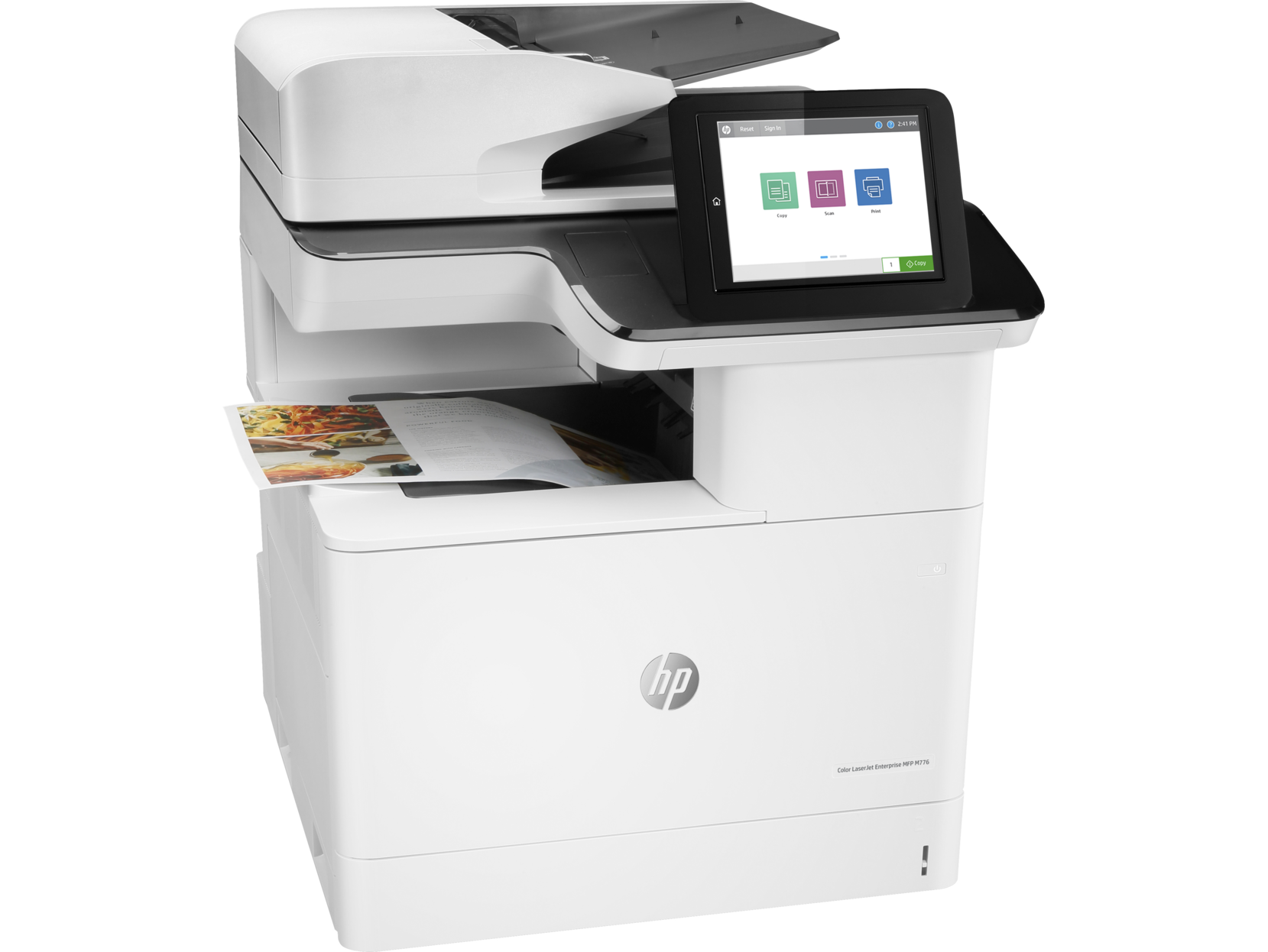
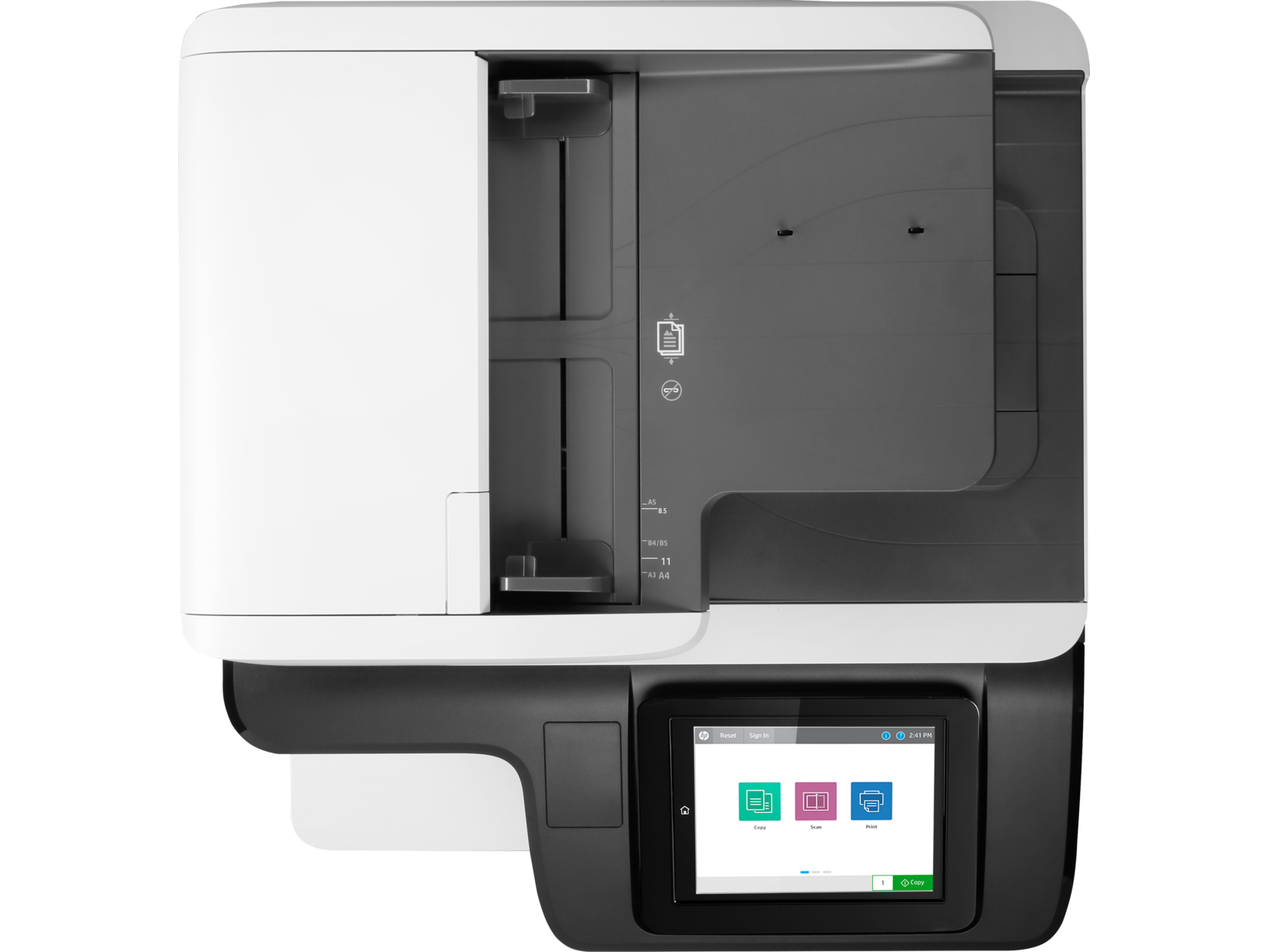

Images are for illustration purposes only and do not necessarily reflect the actual product.
Product Details
Specifications
Accessories
Reviews
Product Details
Main Features
- Print, copy, scan, digital send
- Professional color printing
- Print Speed: 45 ppm
- Auto duplex printing
- 200-sheet ADF
- Prints up to 11x17"
- Easy access USB port
- Optional Wireless
- 9.0-inch functional touchscreen
Specifications
 Download Manufacturer Specifications
Accessories

Reviews


Don't be in a rush with your printer as you can easily damage a printer, or even get hurt, if you do not follow the instructions in the user manual.
Most printers have a built-in diagnostics program which can be very useful for troubleshooting problems and test-printing without a computer. They are usually initiated by pressing a button or two while turning on the printer.
Using heavy or stiff paper? Feed the paper one sheet at a time or try placing a sheet of plain copier or bond paper behind a heavy sheet.
MY ACCOUNT
INFO & POLICIES
SHOP EASY
PAYMENT OPTIONS



* Images are for illustration purposes only.