



 Shopping Cart
 HP M776dn Color LaserJet Enterprise MFP Printer RECONDITIONED
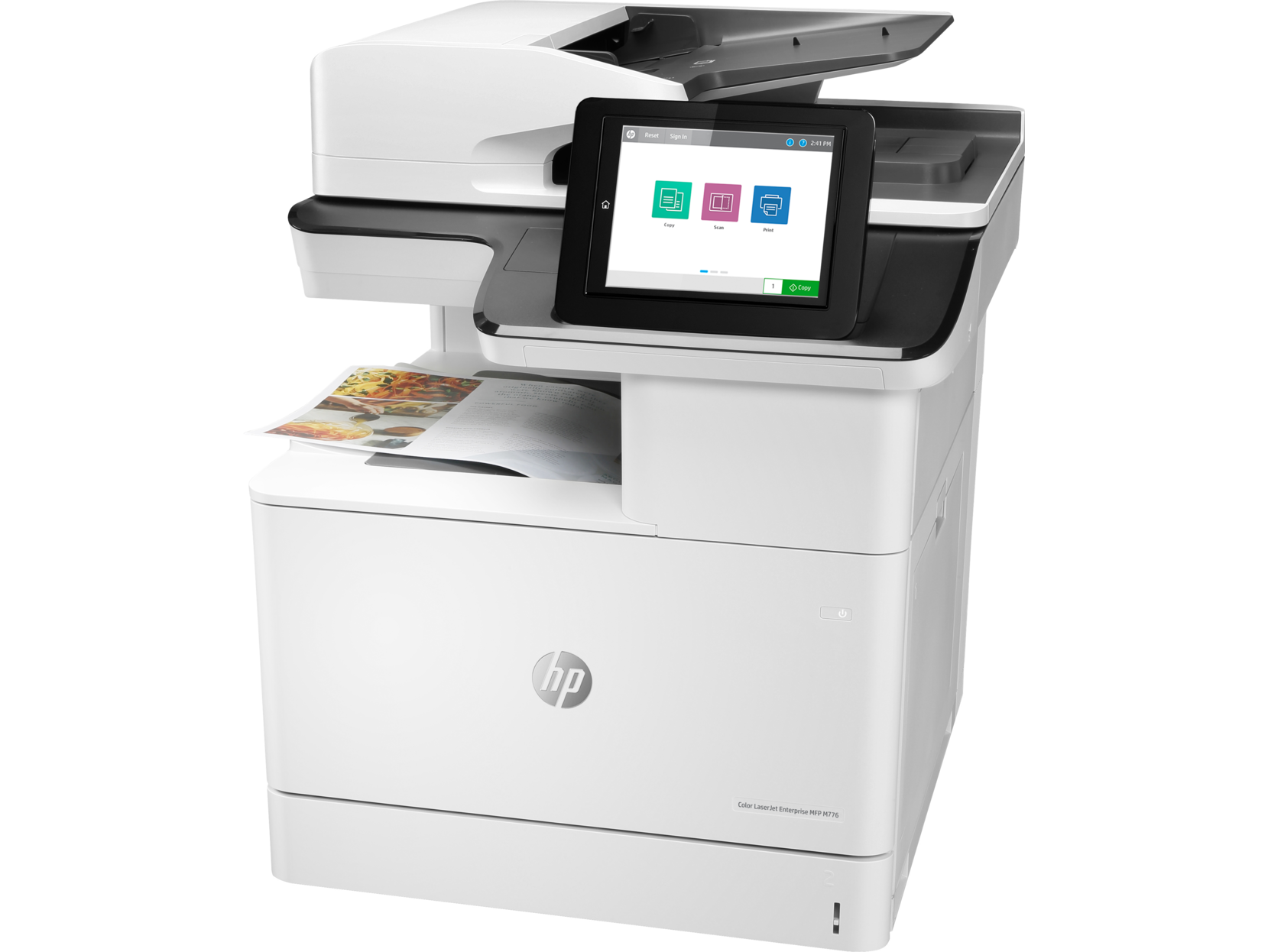


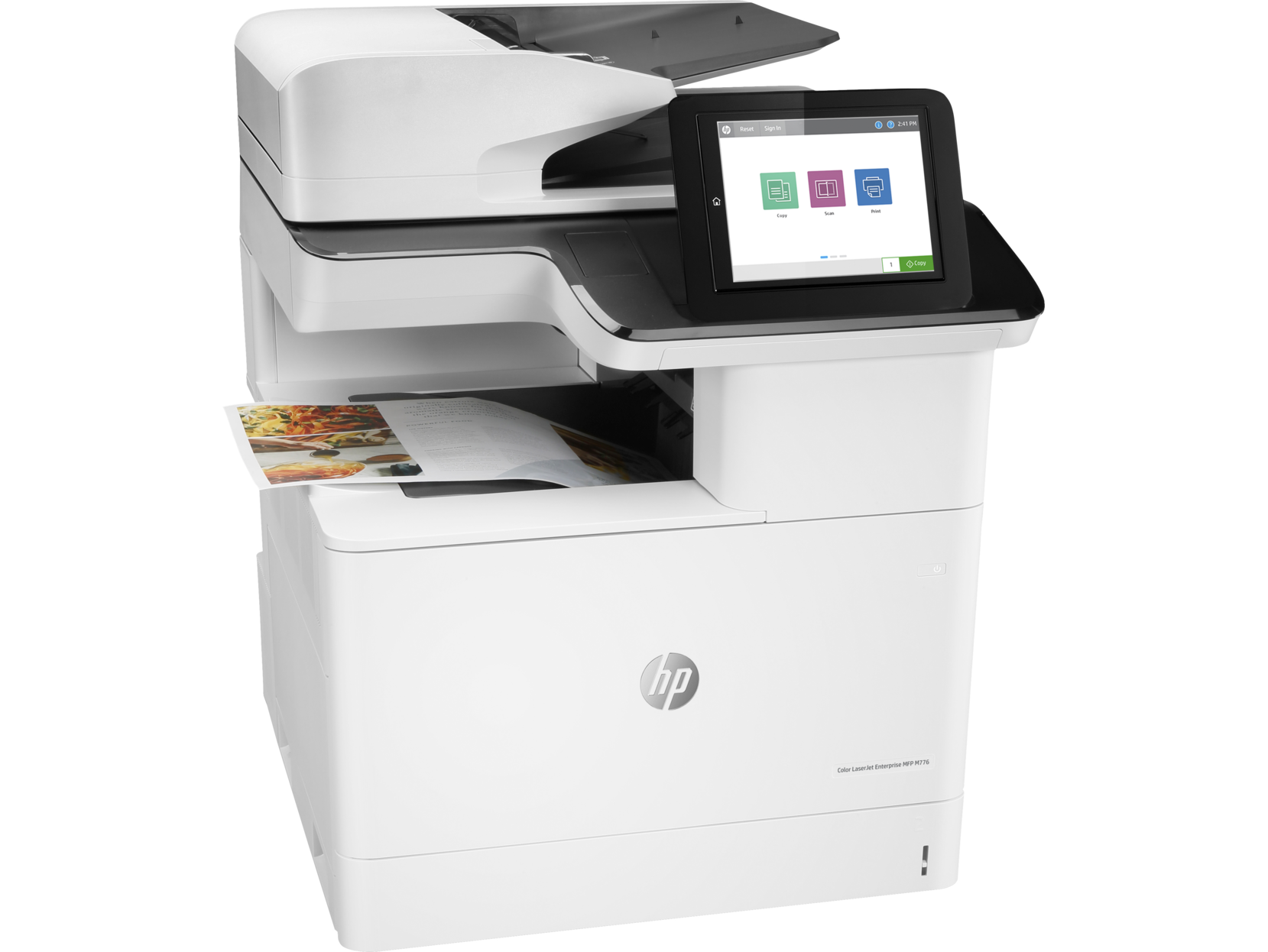
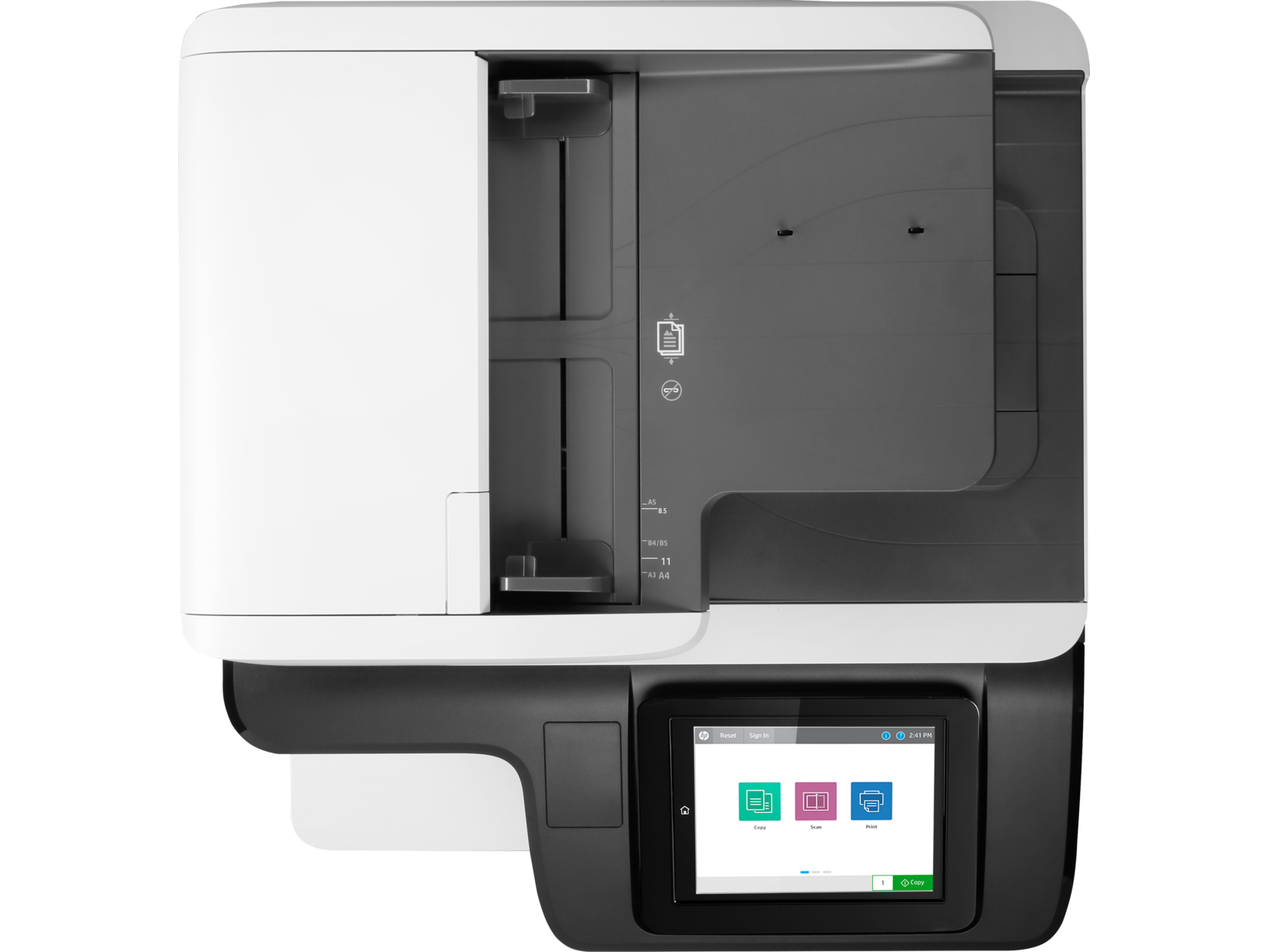

Images are for illustration purposes only and do not necessarily reflect the actual product.
Product Details
Specifications
Accessories
Reviews
Product Details
Main Features
- Print, copy, scan, digital send
- Professional color printing
- Print Speed: 45 ppm
- Auto duplex printing
- 200-sheet ADF
- Prints up to 11x17"
- Easy access USB port
- Optional Wireless
- 9.0-inch functional touchscreen
Specifications
 Download Manufacturer Specifications
Accessories

Reviews


Are you getting diminished color and print quality? If all your images start to look a bit purple, blue or orange, one of your ink wells may be running low. Replace the whole printer ink cartridge, unless you can refill the individual ink wells.
Your printer is not a dumping ground. Don't pile documents or other things on top of it, as they could cause damage. Your printer could overheat and this could result in malfunctioning and even a reduction in the printer's life.
Don't be in a rush with your printer as you can easily damage a printer, or even get hurt, if you do not follow the instructions in the user manual.
MY ACCOUNT
INFO & POLICIES
SHOP EASY
PAYMENT OPTIONS



* Images are for illustration purposes only.