



 Shopping Cart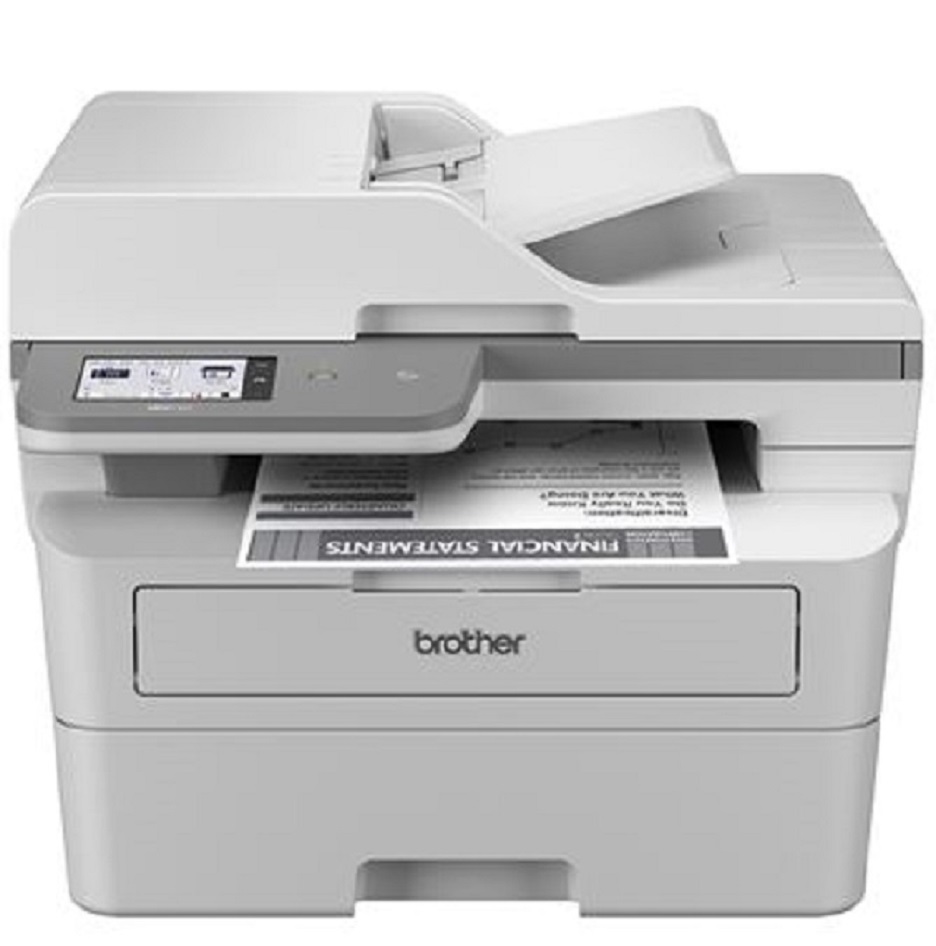

*** ALL TONERS AND SUPPLIES ARE IN STOCK AT DISCOUNTED PRICING , CALL +18882983095.
Printers do not include supplies - toners , drums (Imaging Units) (where applicable) , printer cables , manuals , consumables , trays (where applicable). Power cables are included. Drivers can be downloaded from the manufacturers website. Please verify that drivers available are compatible with your software on the manufacturers site.
Product Details
Specifications
Accessories
Reviews
Product Details
Main Features
- Black and White Multifunction Printer
- Print Speed: 36 ppm
- Duplex printing, scanning, and copying
- 50-page Auto Document Feeder
- Built-in wireless and Ethernet network interfaces
- Triple Layer Security
- 3.5" color touchscreen display
Specifications
 Download Manufacturer Specifications
Accessories

Reviews


Pages per minute (ppm) is the average print speed for black and white pages only. Actual speed may be different based on the amount of graphics on each page.
Using heavy or stiff paper? Feed the paper one sheet at a time or try placing a sheet of plain copier or bond paper behind a heavy sheet.
What is Tray Capacity? Tray Capacity or Paper Capacity is the maximum number of pages that can be stored in the printer before you have to refill it.
MY ACCOUNT
INFO & POLICIES
SHOP EASY
PAYMENT OPTIONS



