



 Shopping Cart
 Brother MFC-L8900CDW All-in-One Color Laser Printer
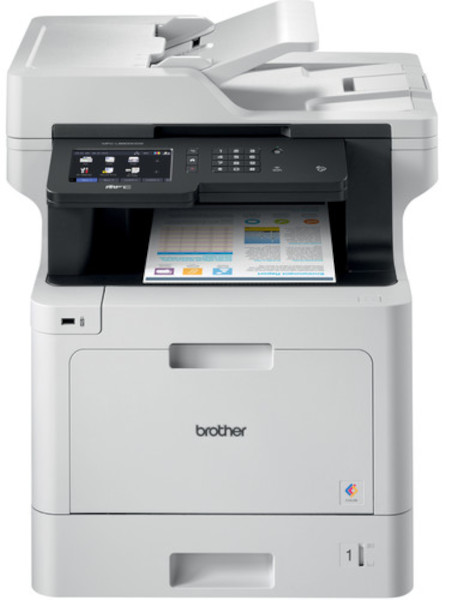


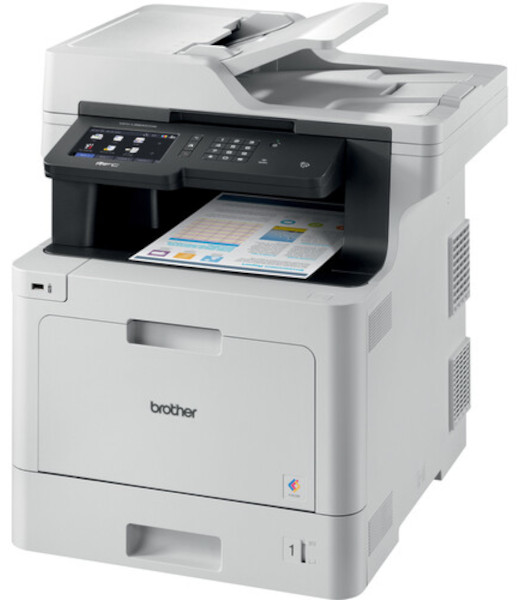
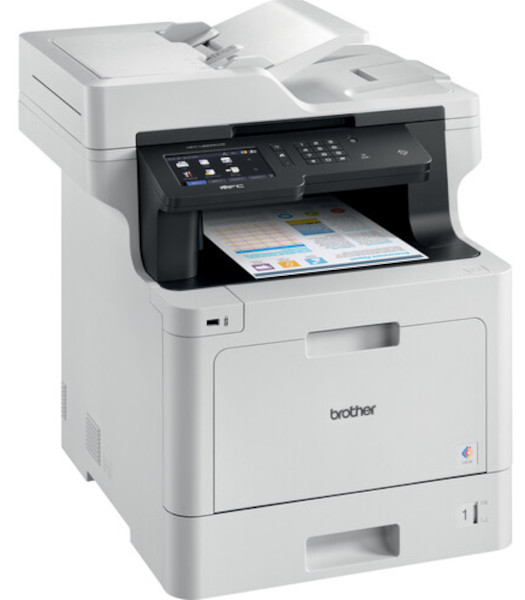

Images are for illustration purposes only and do not necessarily reflect the actual product.
Product Details
Specifications
Accessories
Reviews
Product Details
Main Features
- Print, scan, copy, and fax
- Adjustable 5” color touchscreen
- Wireless and Ethernet connectivity
- Mobile device printing
- 70 Page auto document feeder
- Print and copy speed: 33 pages per minute
- Maximum paper capacity: 1,300 sheets
- Duplex prints and copies
- Triple layer security features
- Low cost printing
Specifications
General Specifications
|
Max Print Speed (bk/color) (1)
|
33ppm / 33ppm |
|
Functions
|
Print, scan, copy, fax |
|
Input Paper Capacity (option)
|
300 / (1,300) pages |
|
Output Paper Capacity
|
150 |
|
ADF Capacity
|
70 |
|
Max. Scan Speeds (sim/duplex)
|
29 ipm / 58ipm |
|
Display
|
5" color touchscreen |
|
Standard Interfaces
|
WiFi, Gig. Ethernet, USB, NFC |
|
Rec Monthly Print Volume Pages
|
Up to 4,000 |
Accessories

Reviews


Are you getting diminished color and print quality? If all your images start to look a bit purple, blue or orange, one of your ink wells may be running low. Replace the whole printer ink cartridge, unless you can refill the individual ink wells.
Make sure to select the correct paper type for your print job. In general, for more important documents, use thicker paper.
Most printers will beep once or twice during or after initialization. If it beeps more than that or beeps constantly, it is telling you that something is wrong. Most printers beep when out of paper or out of ink.
MY ACCOUNT
INFO & POLICIES
SHOP EASY
PAYMENT OPTIONS



* Images are for illustration purposes only.