



 Shopping Cart
 Brother MFC L8905CDW MultiFunction Color Printer
*Images may show options not included in price.
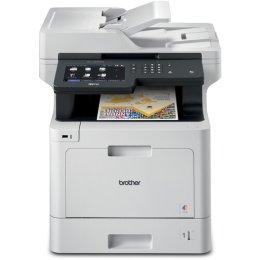

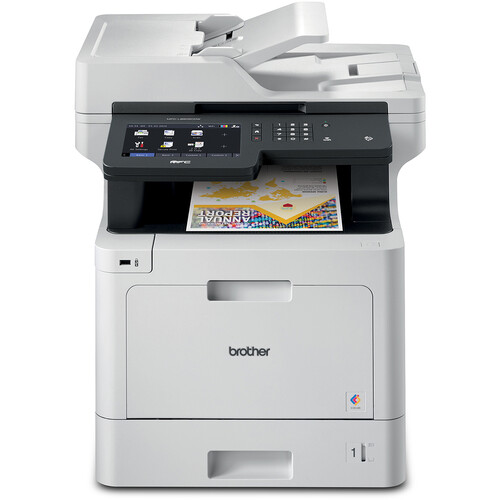
Images are for illustration purposes only and do not necessarily reflect the actual product.
Product Details
Specifications
Accessories
Reviews
Product Details
Main Features
- Print, copy, scan, and fax
- Print speed: Up to 33 pages per minute
- Maximum Resolution: 2400 × 600 dpi
- Automatic two-sided printing
- Display: 7 inch color touchscreen
- Wi-Fi, Ethernet, and USB Connectivity
- 250-sheet adjustable tray + 50-sheet multipurpose tray
- Expandable up to 1,300 sheets with optional trays
Specifications
General Specifications
| Functions | Print, Scan, Copy, Fax |
| Technology | Color Laser |
| Print Speed (max) | Up to 33 ppm (B/W & Color) |
| Print Resolution | Up to 2400 × 600 dpi |
| First Page Out | ~15 sec (B/W & Color) |
| Print Languages/Emulations | PCL5c, PCL6, BR-Script3, PDF, XPS |
Accessories

Reviews


Printer not working? The printer memory could be full and not getting prints or the prints may be stuck in the print queue. Turn-off the printer, wait a few seconds and turn it back on.
Don't move a print head unless the instructions direct it. You can damage the belt or other parts.
Printing photos? Make sure that they are of print quality - meaning 300dpi. Anything lower than this will appear pixelated and lower than photo quality.
MY ACCOUNT
INFO & POLICIES
SHOP EASY
PAYMENT OPTIONS



* Images are for illustration purposes only.