



 Shopping Cart
 Brother MFC-L8900CDW All-in-One Color Laser Printer
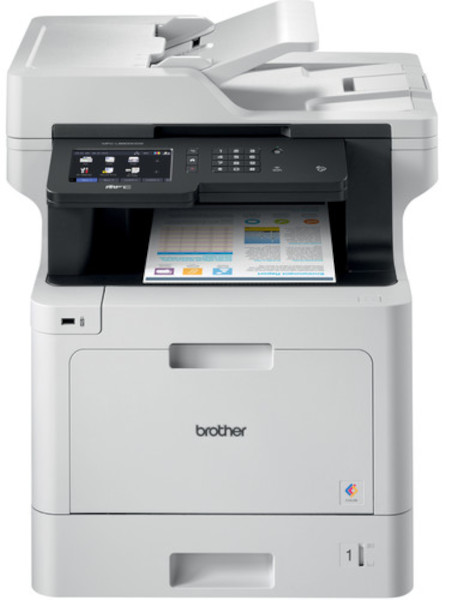


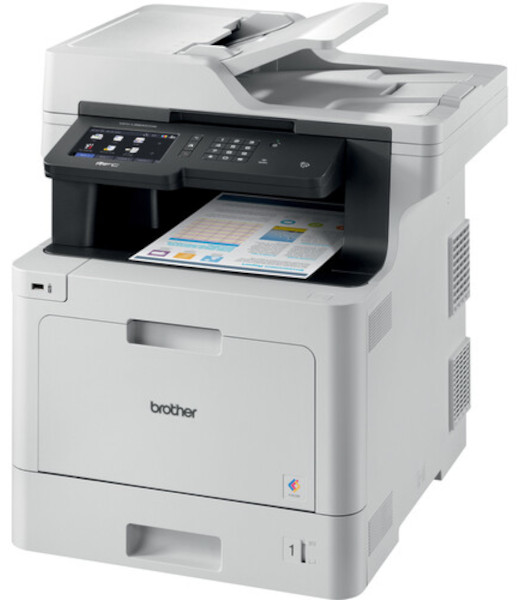
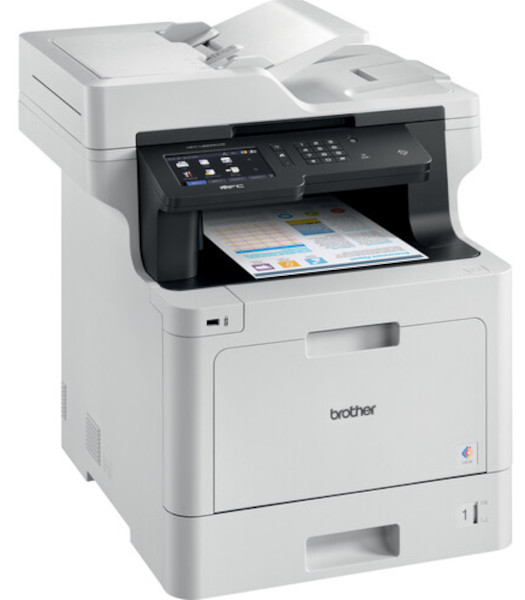

Images are for illustration purposes only and do not necessarily reflect the actual product.
Product Details
Specifications
Accessories
Reviews
Product Details
Main Features
- Print, scan, copy, and fax
- Adjustable 5” color touchscreen
- Wireless and Ethernet connectivity
- Mobile device printing
- 70 Page auto document feeder
- Print and copy speed: 33 pages per minute
- Maximum paper capacity: 1,300 sheets
- Duplex prints and copies
- Triple layer security features
- Low cost printing
Specifications
General Specifications
|
Max Print Speed (bk/color) (1)
|
33ppm / 33ppm |
|
Functions
|
Print, scan, copy, fax |
|
Input Paper Capacity (option)
|
300 / (1,300) pages |
|
Output Paper Capacity
|
150 |
|
ADF Capacity
|
70 |
|
Max. Scan Speeds (sim/duplex)
|
29 ipm / 58ipm |
|
Display
|
5" color touchscreen |
|
Standard Interfaces
|
WiFi, Gig. Ethernet, USB, NFC |
|
Rec Monthly Print Volume Pages
|
Up to 4,000 |
Accessories

Reviews


Be sure that you are printing on the 'right' side of the paper - that is - the coated side.
After installing a printer, go to the Windows dialog box and check the settings, so you won't be surprised by what happens the first time you print.
Store your laser printer in a properly ventilated area where temperature and humidity do not change frequently. Avoid areas with heavy dust buildup.
MY ACCOUNT
INFO & POLICIES
SHOP EASY
PAYMENT OPTIONS



* Images are for illustration purposes only.